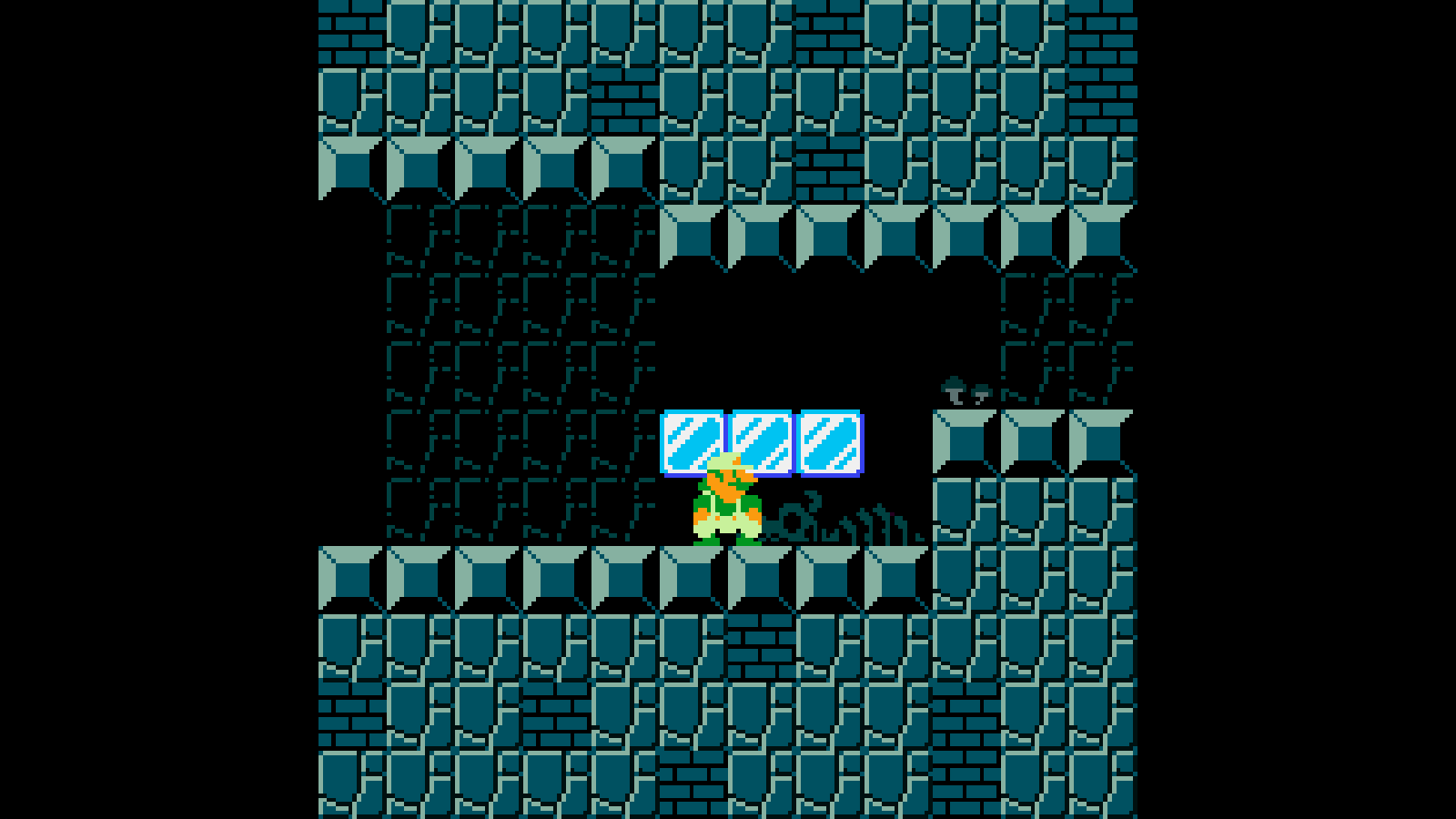
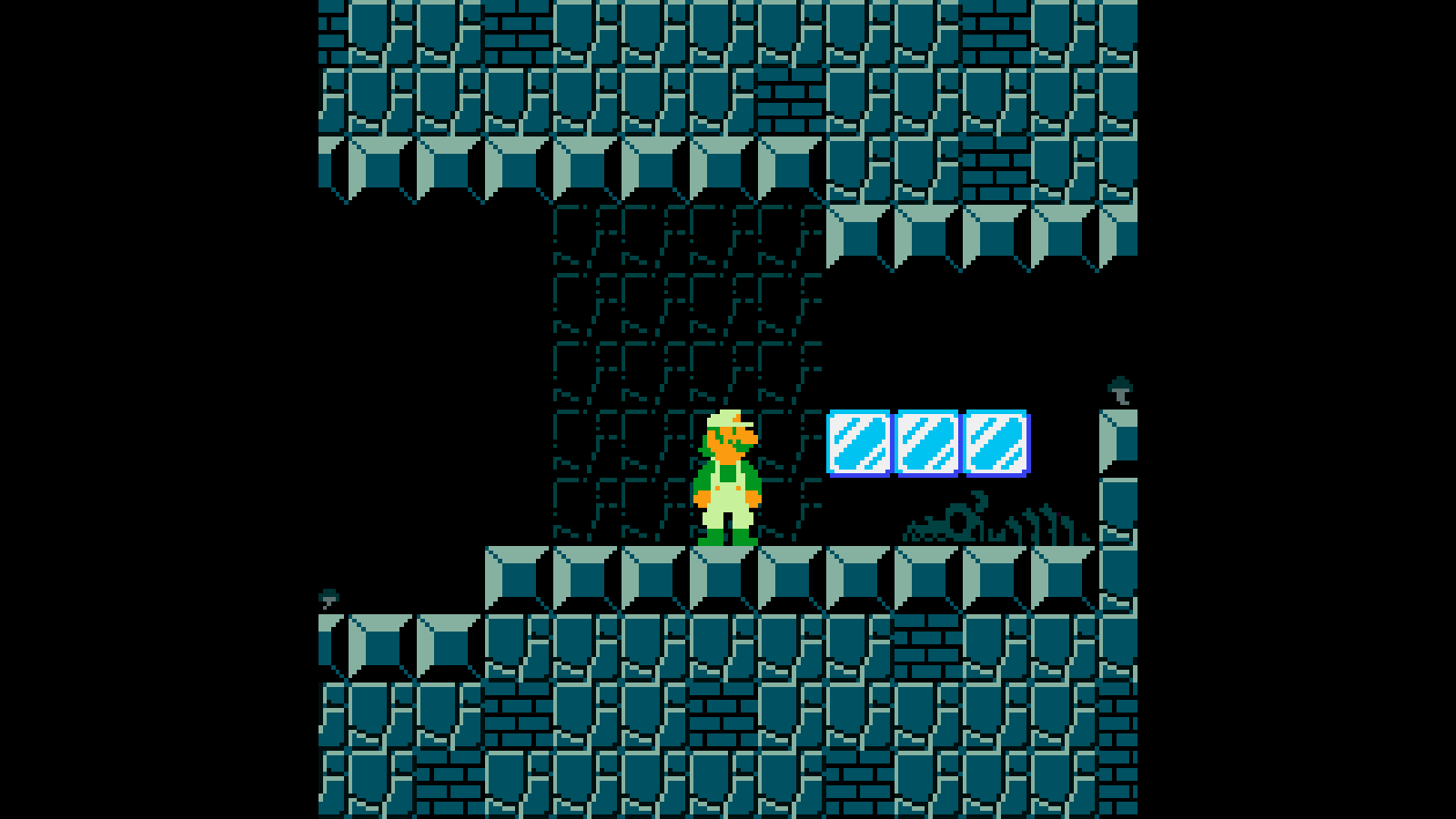
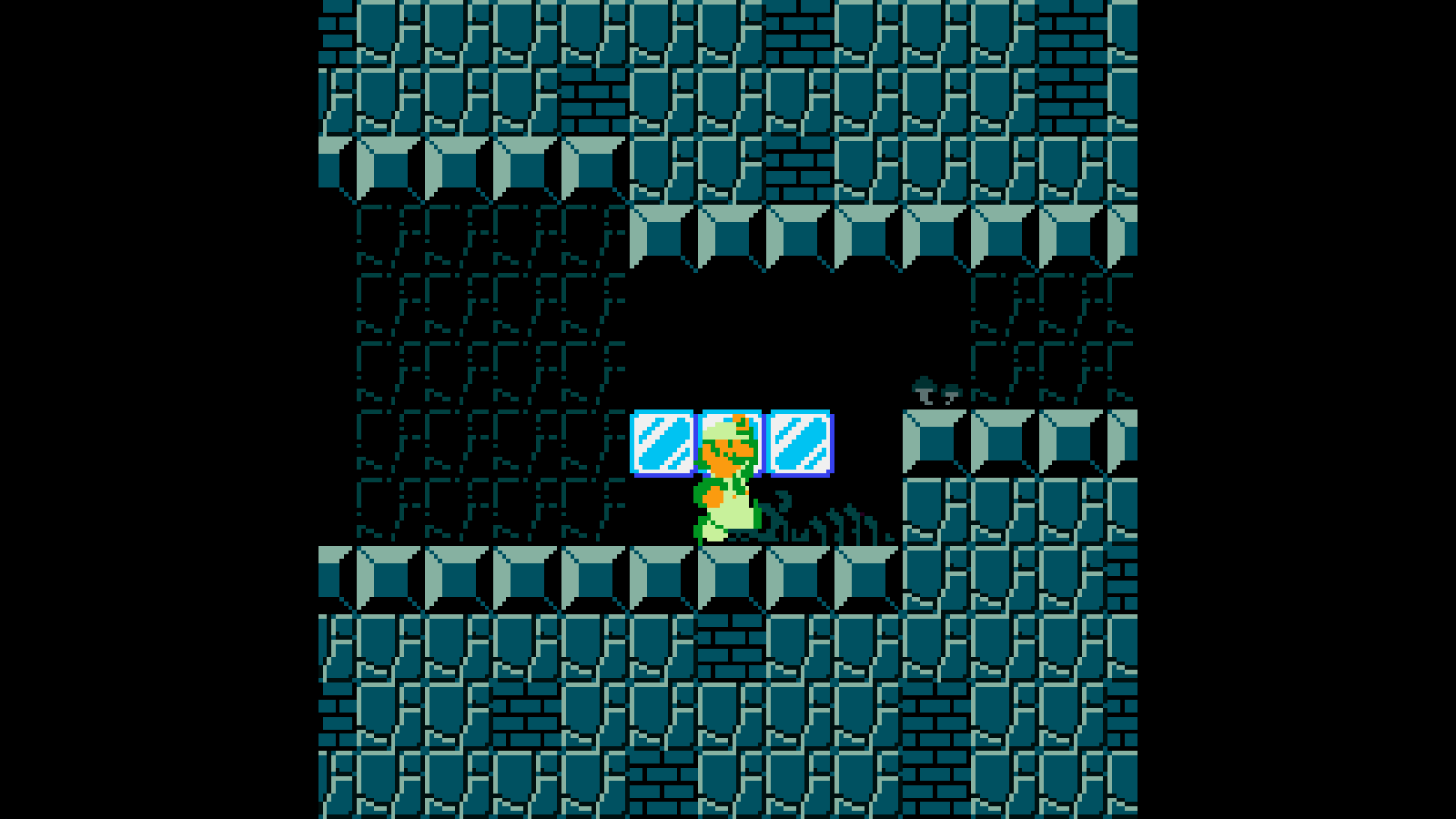
Please i need help for my Smb1 fangame i am trying to implement the game mechanics as accurate as possible and on problem i ran into that i couldn’t fix is the crouching mechanic, i have tried old forums and i couldn’t get it to work
so here is what i want in the crouch mechanic:
/ when the player is holding down the “s” key the player starts the crouching animation that has it own collision mask (done)
/ the player is 32 pixels high and 16 pixels in width so the player can’t go through 16x16 block gaps but when the user presses down the “s” key and he is in 16x16 block gap he stay crouched even if the “s” key is not pressed the player stay crouched because if the user release the “s” key while in a 16x16 block gap the player starts jittering
Help me please 
Hi @uncap64!
Test my game “Rick Dangerous”
Of course, i have had to solve this problem.
Your character shakes when he gets up because he is blocked by the platform-type blocks above him.
I spent some time to solve this problem which is not that simple.
I’ll help you but before, test my game and we’ll talk about it again.
A+
Xierra
I tested the game and i think the style of the game match the ol console style
I’ll contact you tomorrow on this forum.
Xierra
I don’t know how you implemented that mechanic, but thinking quickly, what I would do is emit a raycast from the player upwards and implement collision detection of this raycast with any obstacle above the character as a condition in the state control responsible for changing the character standing position. In this way, the character would only change from the “crouched” state to the “standing” state if no solid object or obstacle was colliding with the raycast.
I would have 2 separate sprite objects, one for small/crouched characters, and one for big/fire characters. But there are so many ways you could go about this, I’m picking the simplest, albeit resource heavy option.
You are right all. The MRCVTRZ’s method is the simpliest to implement but i choose the IsaiahDevv’s method.
I used 2 different sprites but for the block above the player when he crouched down.
Xierra
I will see and test this, Thanks for your help Mr. MRCTVTRZ
I will test this if MRCVTRZ method don’t work, Thanks
Regards
Jacob
You would need two different sprites anyway to represent the crouching character, so the situation doesn’t change much.
Nowadays, in fact, the best practices for this type of situation are to have two separate objects: One hidden object that represents the “physical” body of your character and will be responsible for all aspects involving collision with the environment, other objects, etc. It is in this object that you apply all your validations and state controls, for example. The other object serves only for the visual aspect. This decouples the mechanical layer from the presentation layer of your game and allows you to work with the internal rules without worrying too much about how your character’s visuals look before all the movement mechanics are working, in addition to allowing you to have a collision box independent of the sprite you are using.
Now that GDevelop has the ability to create custom objects (prefabs or composite objects, as we call them in Godot), this has made things much easier.
Can i use points insted of raycasting
I suppose so, but since points are just… points, this could cause collision checking problems with objects that, for example, are smaller or are above or below the point in question. The difference is that a raycast is a line that allows you to test the collision at a specific X position but at an infinite Y position, for example.
Depending on the width of your sprite, you could define two or three points and use them as origin points for this raycast to have a more precise collision. If you emit a raycast from the center of the sprite and it is wider than a certain obstacle above your character, you may end up with a situation where the raycast is not colliding with an object but half of the character’s sprite is still in contact with it.
Therefore, perhaps creating a composite object might be more useful in this case, placing a generic box on top of your character to serve as a hitbox just for you to check if the character is “safe” to stand.
Unless GDevelop allows you to define a specific width for a raycast (like in Godot), this could be another alternative.