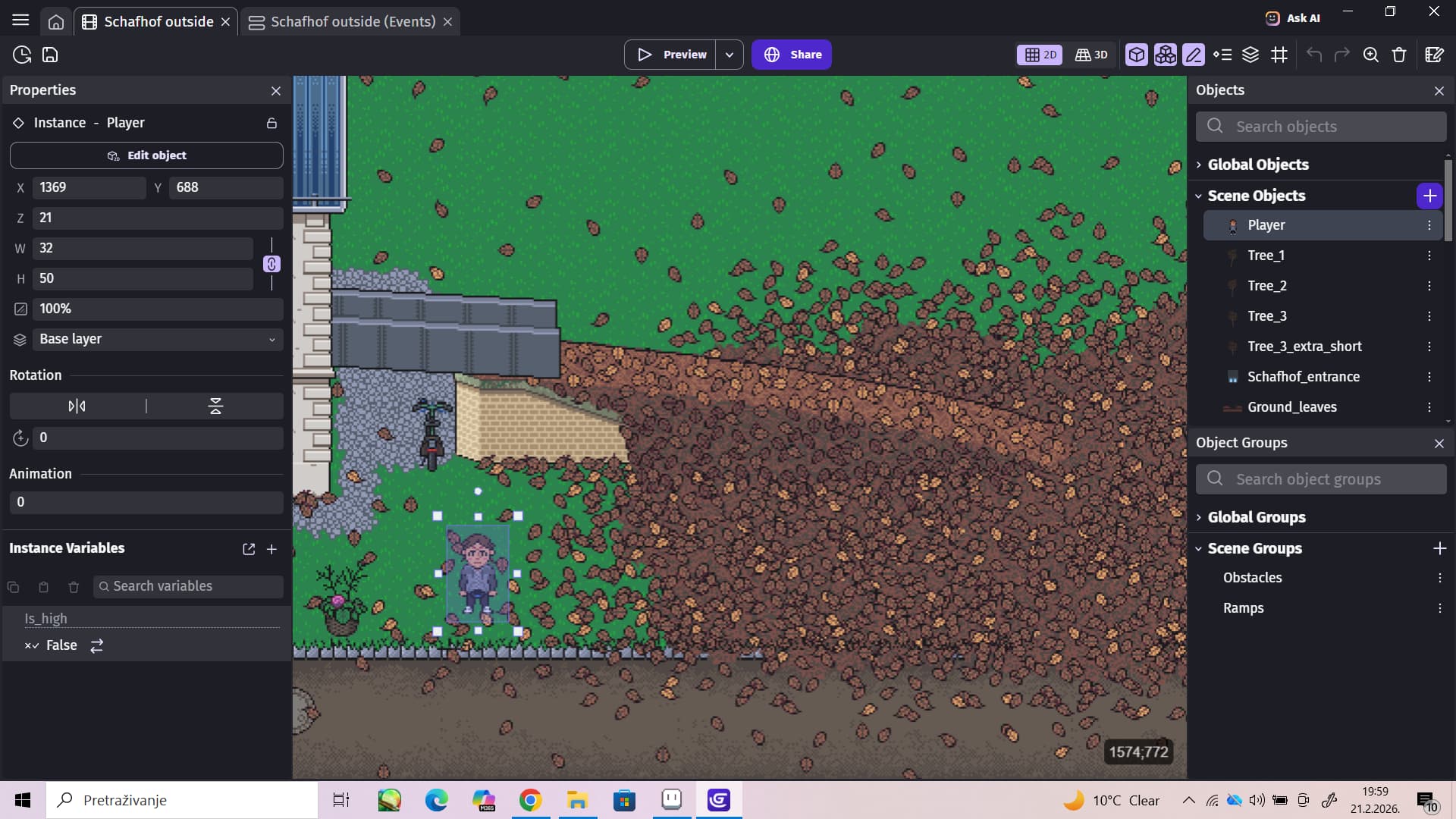
How do I fake the effect of walking up a ramp/slope in topdown movement, while also being able to walk in front and behind the ramp.
What is the expected result
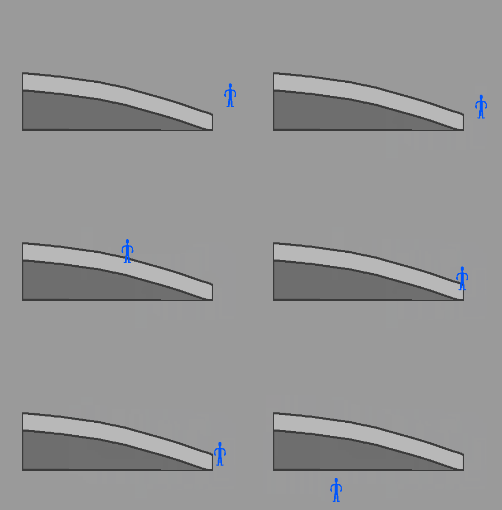
The Player should be able to walk up the ramp. When they cross the edge of the upper part of the ramp, they should look like they’re falling back to the ground. So I would like to create the impression that they are falling from a higher position to a lower one. And they should also still be able to walk in front and behind the ramp
What is the actual result
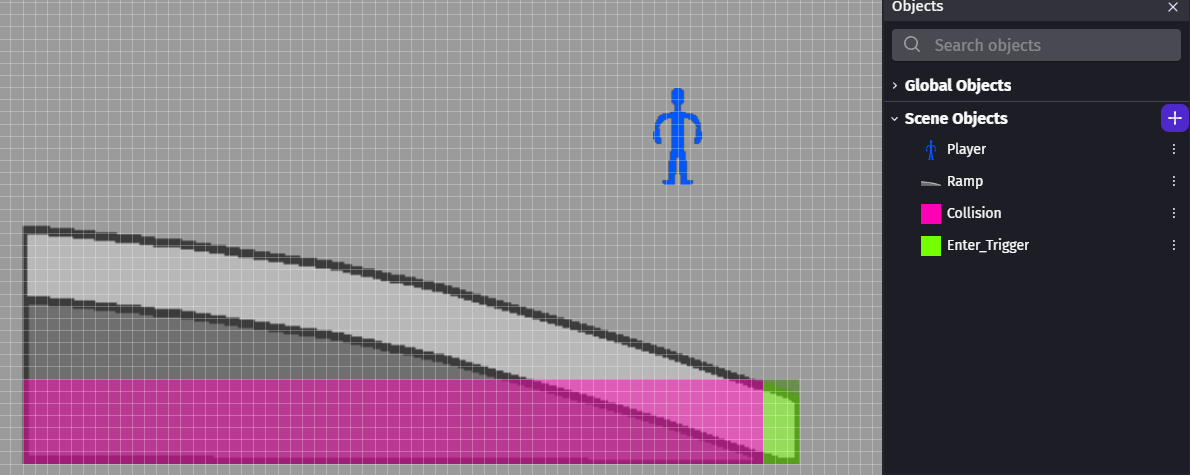
The Ramp sprite is placed in a Scene Group named Obstacles. In the events, its logic is set up as follows:
Move Player away from Obstacles (only Player will move)
Change the Z-order of Player: set to Player.Y()
Change the Z-order of Obstacles: set to Obstacles.Y()
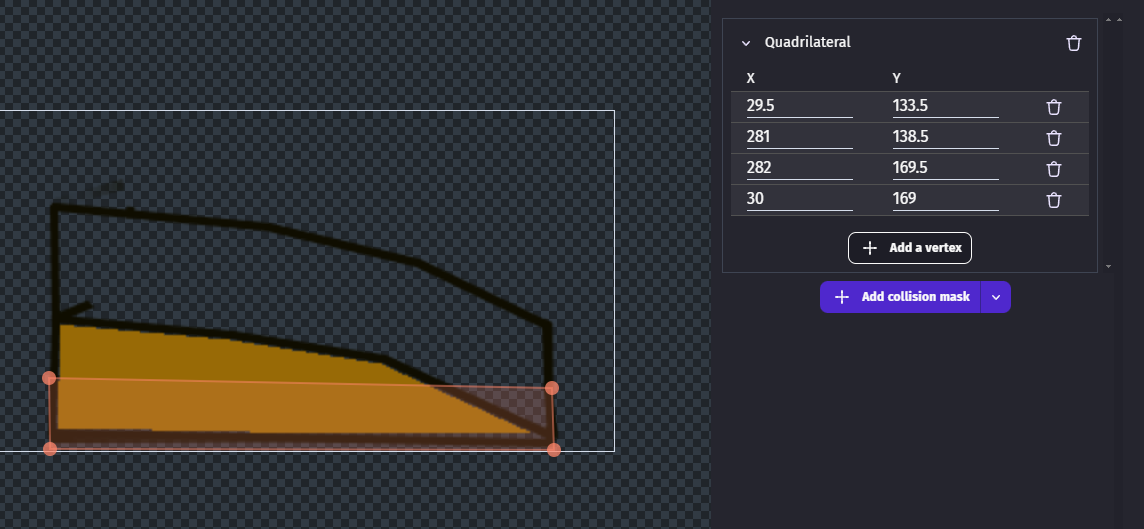
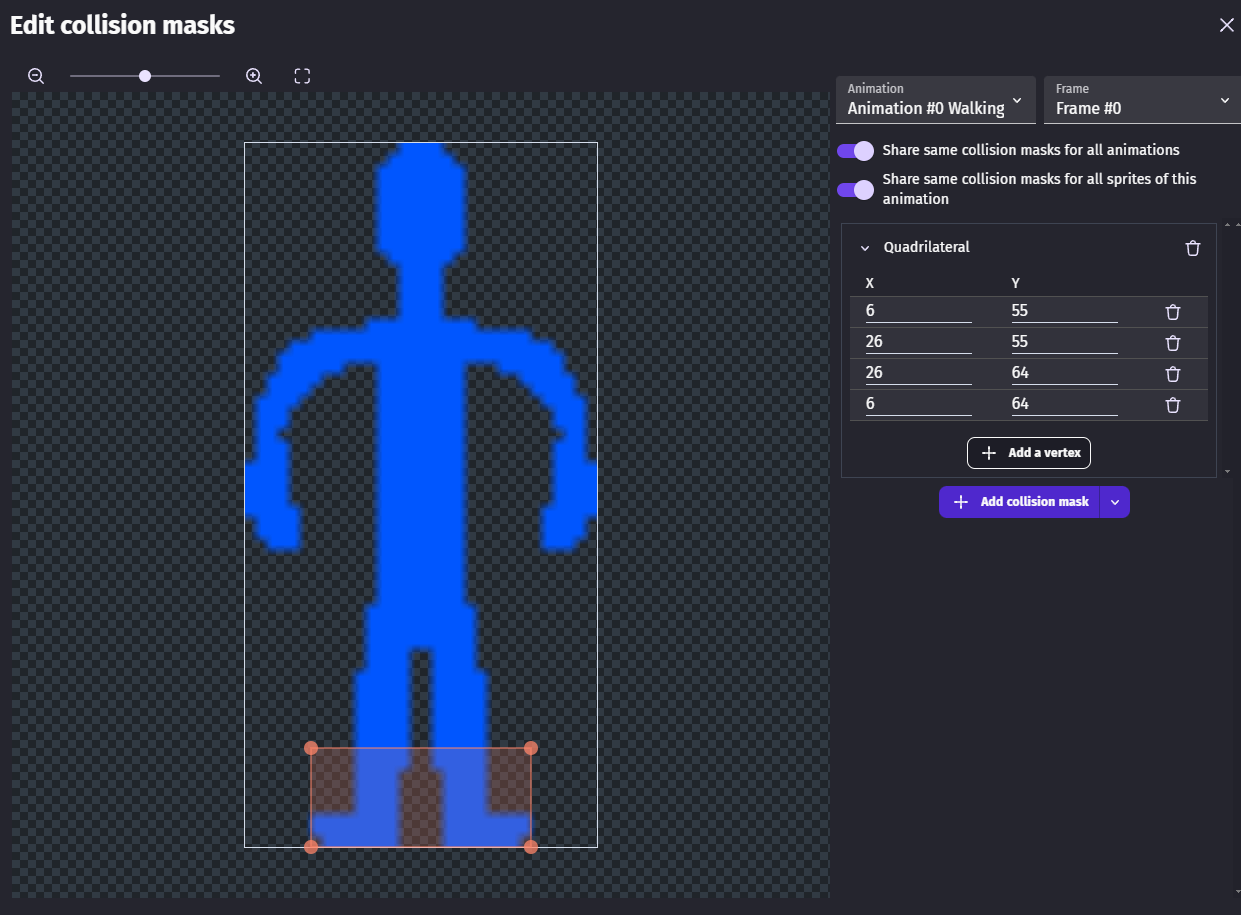
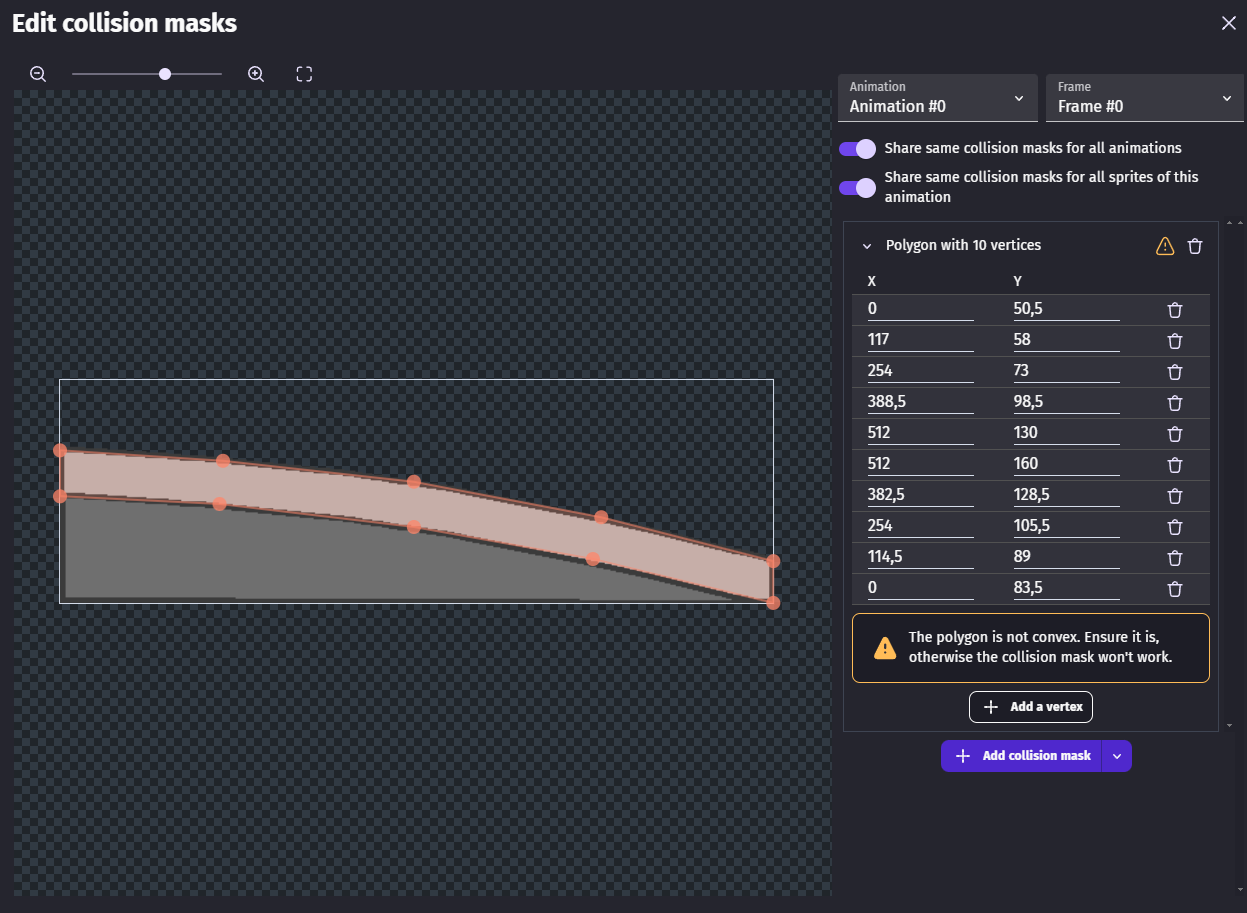
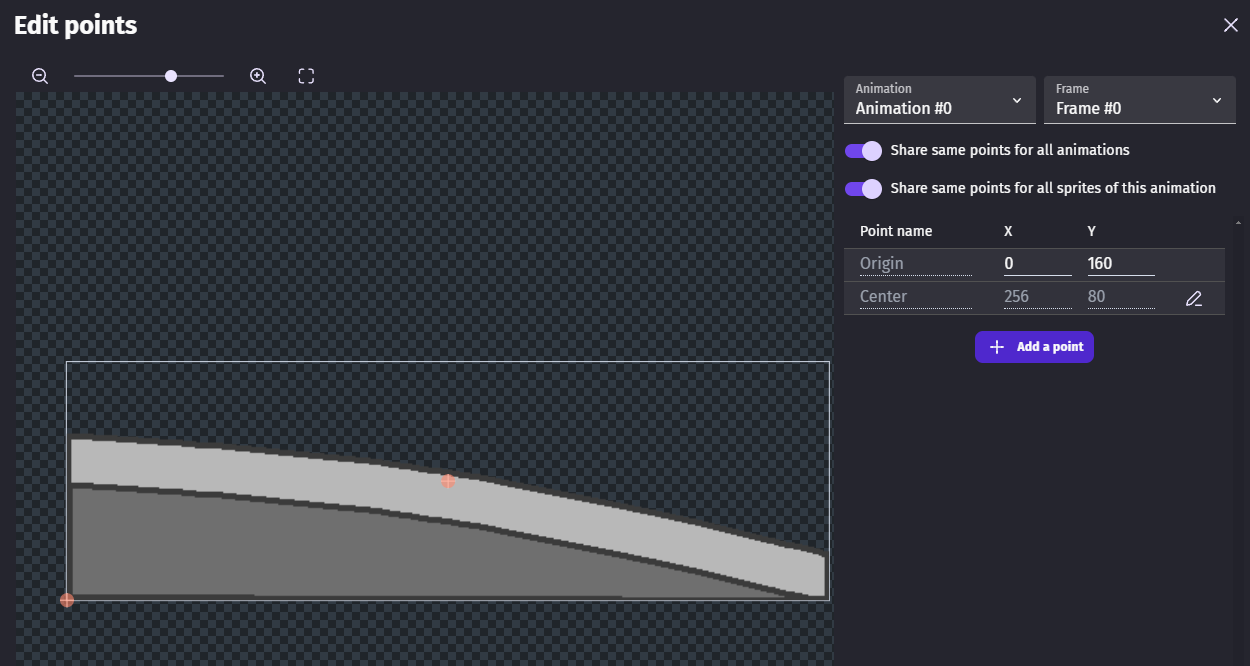
The collision mask is positioned at the bottom of the sprite to create a 3D effect, allowing the Player to walk in front and behind it. You can walk around the ramp, but not ‘‘up it’’.
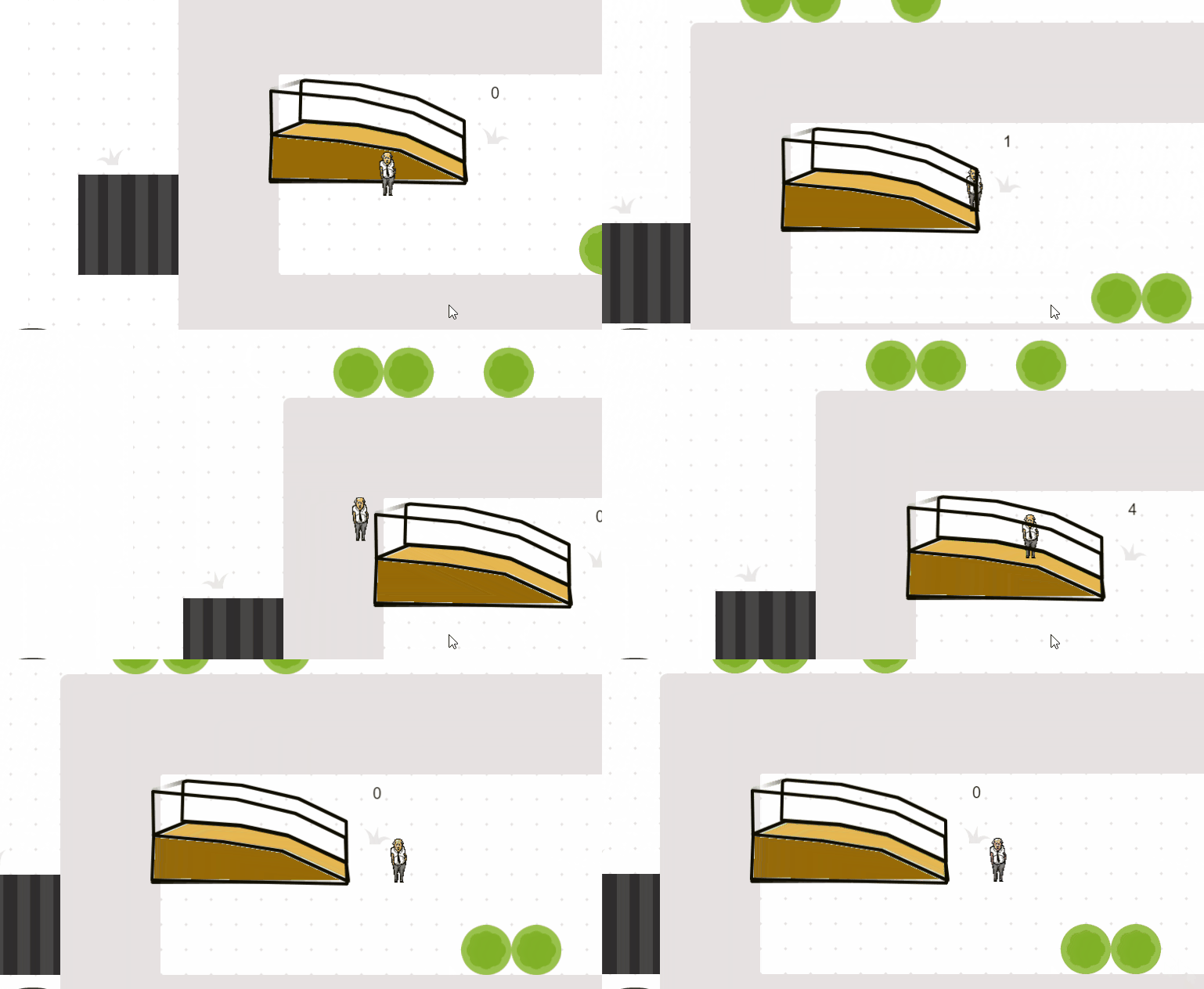
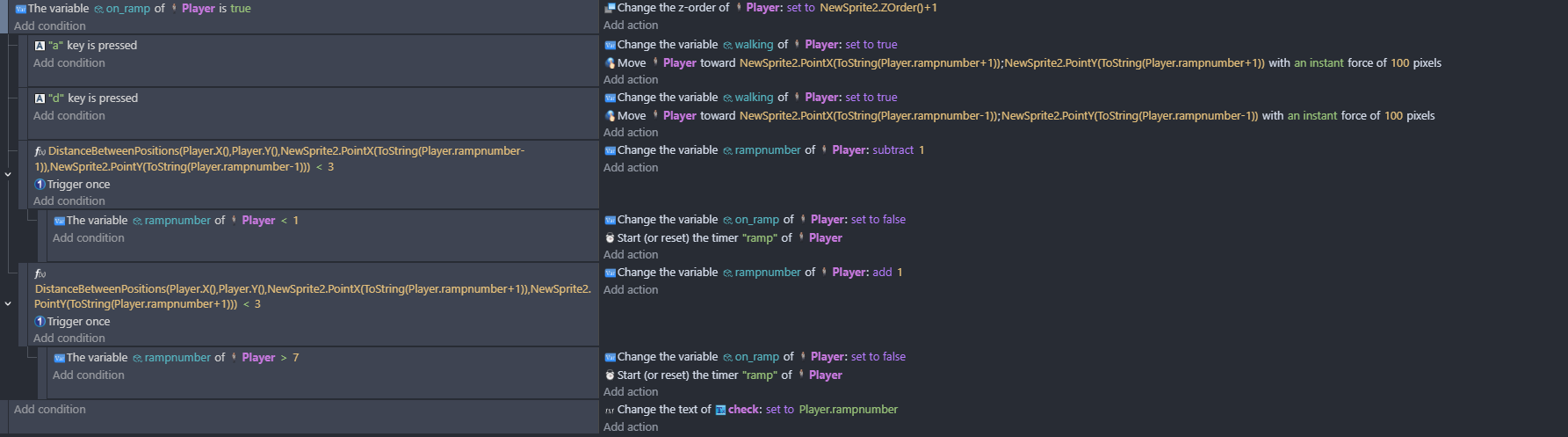
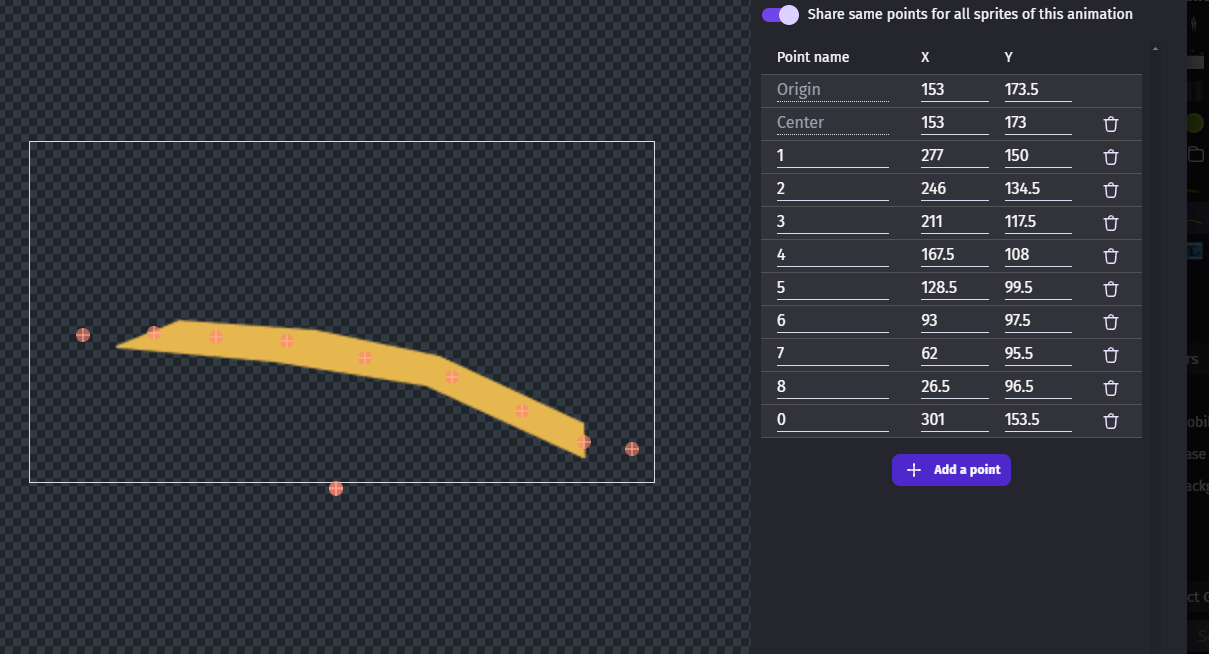
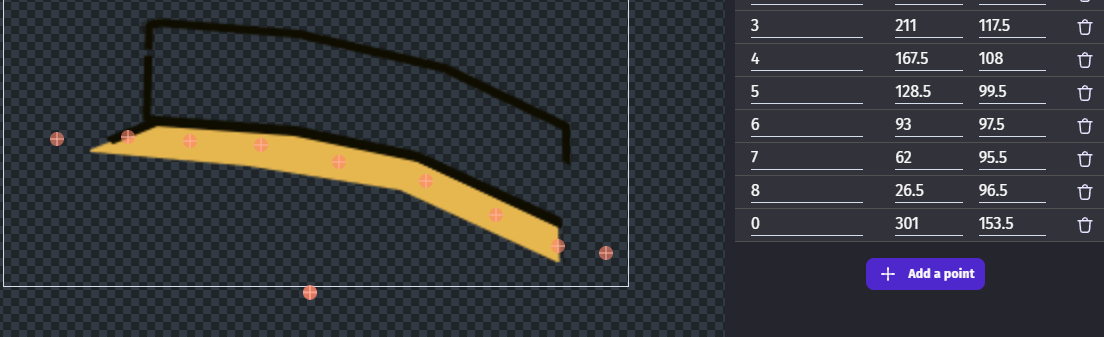
I had a play with this this morning as I thought mmmm that’s tricky. I needed to treat the ramp as a specific case - see vid and events. When on ramp is true you move between points on the ramp.
Nice solution, petlimpet. Its absolutely reasonable to stick to points, if you can only move left and right on your ramp anyways.
I did the same as you and sat down for a bit to experiment. I am not finishing this yet, but before I move on to my own project tho, here is my idea of doing it:
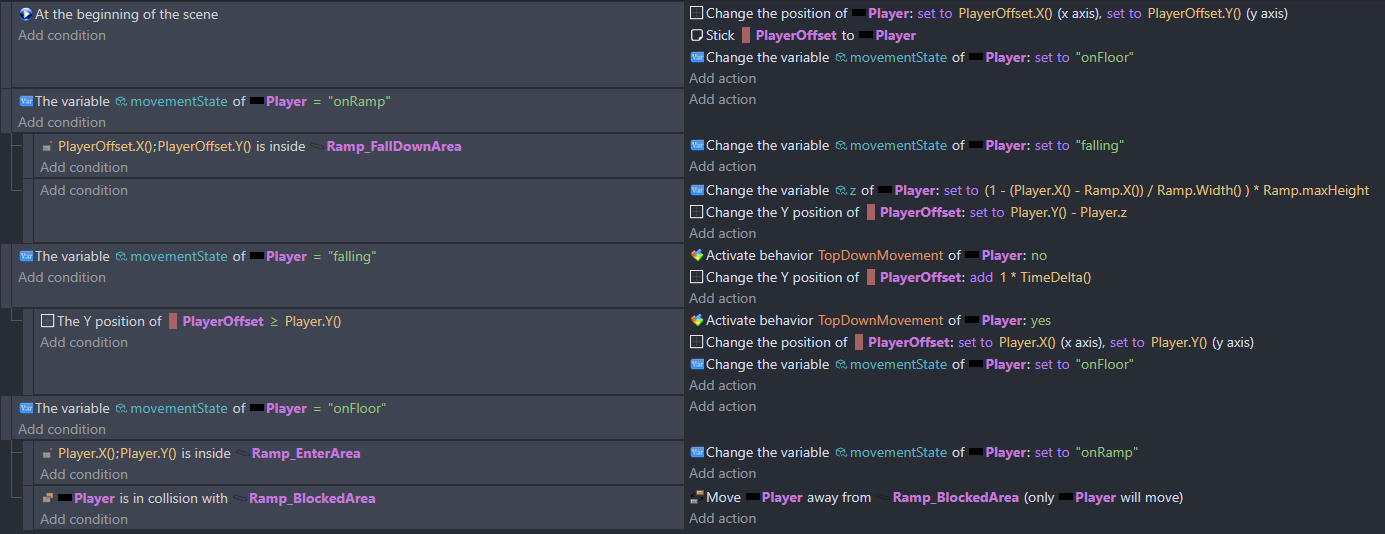
Create PlayerCollider (inherits game logic and top-down-movement, but stays hidden) and PlayerOffset (displays your Sprite) . Have a variable for movementState (onFloor, falling, onRamp) and another one for currentHeight.
Then create seperate collision masks for Ramp_EnterArea, Ramp_FallDownArea, Ramp_BlockedArea.
The calculation for the current height is made for a ramp going up from right to left. If you need the other direction simply include another variable in the calculation, that accounts for this.
EDIT:
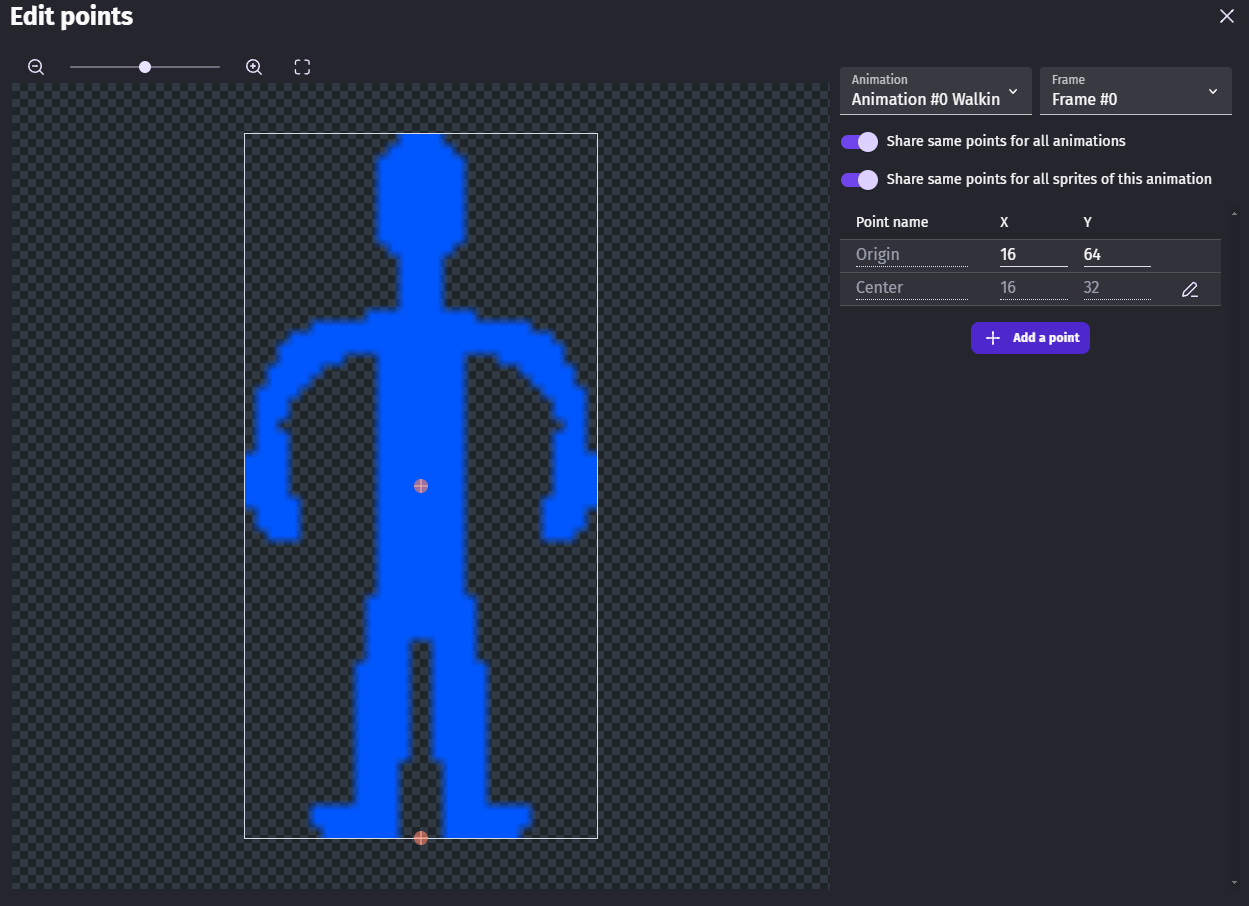
Added a screenshot for my approach. It works fine, but needs refinement. Just two things to note from my side: Falling distance needs to be tweaked to feel reasonable. Secondly, there is different ways of creating colliders here - I just duplicated my RampObject, put them on top of each other and edited their collision mask (out of lazyness - this is not the performance optimized approach)… Ah and thirdly the OriginPoints of the PlayerObjects are set to the bottom-center.
Also to explain what I do here: The PlayerCollider is supposet to stay on tha plain floor without elevation, and collides with an elevation trigger. The PlayerOffset accounts for it and displays this visually, while the Collider stays on the ground to keep track of the plain coordinates… I hope this makes sense.
I had thought about using a NOTraycast up from playerX(), rampY()+ramp.height to find the ramp height …if you set up a set of polygon collision masks … which could work for your method or mine…I went with points in the end
this seems like it’s going to be an ideal solution for what I need. I can live withouth jumping off the sides.
I’ve heard that you can post any problem you have on GDevelop forums and eventually some wizard will appear and solve your problem. That sure has proven to be true.
I only have one question: what does ‘‘seperate from’’ in your logic refer to? I assume that NewSprite2 refers to the actual ramp sprite, but I’m not sure about ‘‘seperate from’’. Is that the lower ‘‘dark orange’’ part of the ramp that you don’t make contact with?
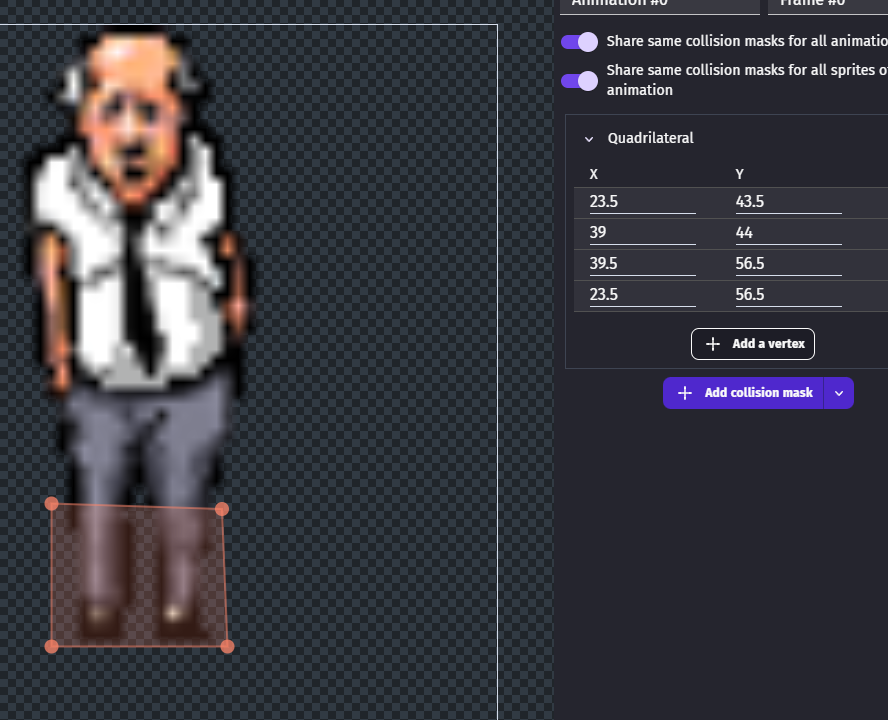
Thanks …hope that it works well. There’s two ramp objects and separate from refers to the one that has the base of the ramp as a collision. I’ll post shots of the collisions in a bit as what I did was have the player collision mask as a small box at his feet so that he can can behind and in front but not through objects. To detect collisions for the full body you’ll need to attach another object called say playercoll to it and hide it.
The ramp surface object with points on doesn’t actually need a collision mask…just the line of points. The players points are at his feet
or try the above!
here’s how i set up things - i moved the back rail to the ramp surface object so that its behind the character. btw - The character is the pub landlord from the first game i made.
You can also try to do it in a similar way (a bit buggy, you’ll probably need to tweak it a bit, depending on the specific shape of your ramp, its position, shape and scale of its collisions, location of the points, etc.) :