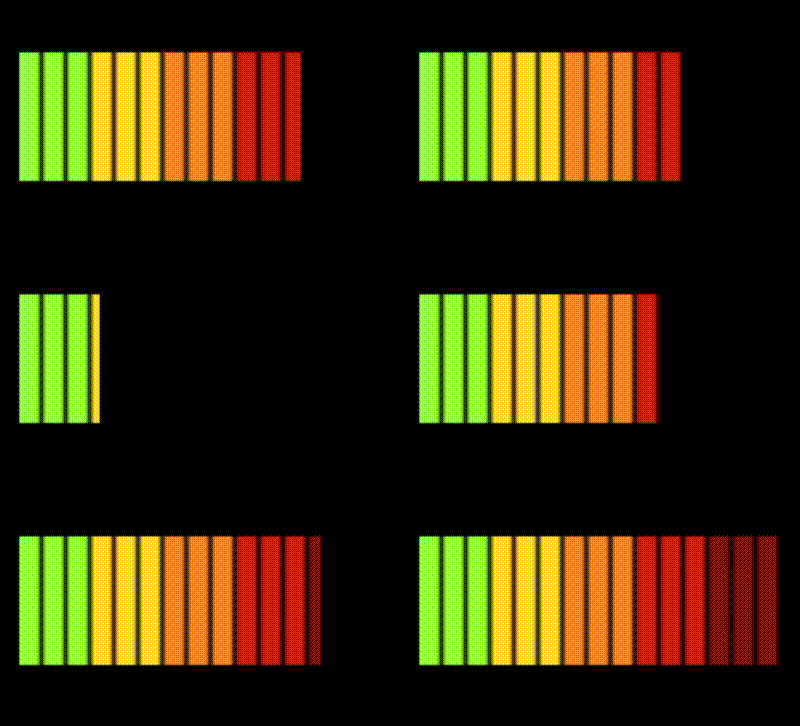
Hi. I’m trying to make the power indicator from fnaf. To you know how to make one? I already know how to make the doors close.
I’m not familiar with the game.
You can create a sprite with different animations and set the animation to a number variable.
You could modify the images of a resource bar.
You could use a tiled sprite
set its width to (value/maxValue) * sprite max width
I need more people to see this. Could you share this to anyone else please?
Are you still after an answer?
If so, consider using sprite masking (the extension). As you already have the power bar object, add a completely white sprite and use that as the masking sprite for the power bar. By changing the width of the masking sprite, you’ll hide and show parts of the power bar.
I’m trying to make the power indicator from fnaf 1. You see, me and my step dad have been struggling to make it for a really REALLY long time. Do you know anyone who can make that happen? Someone I can talk too?