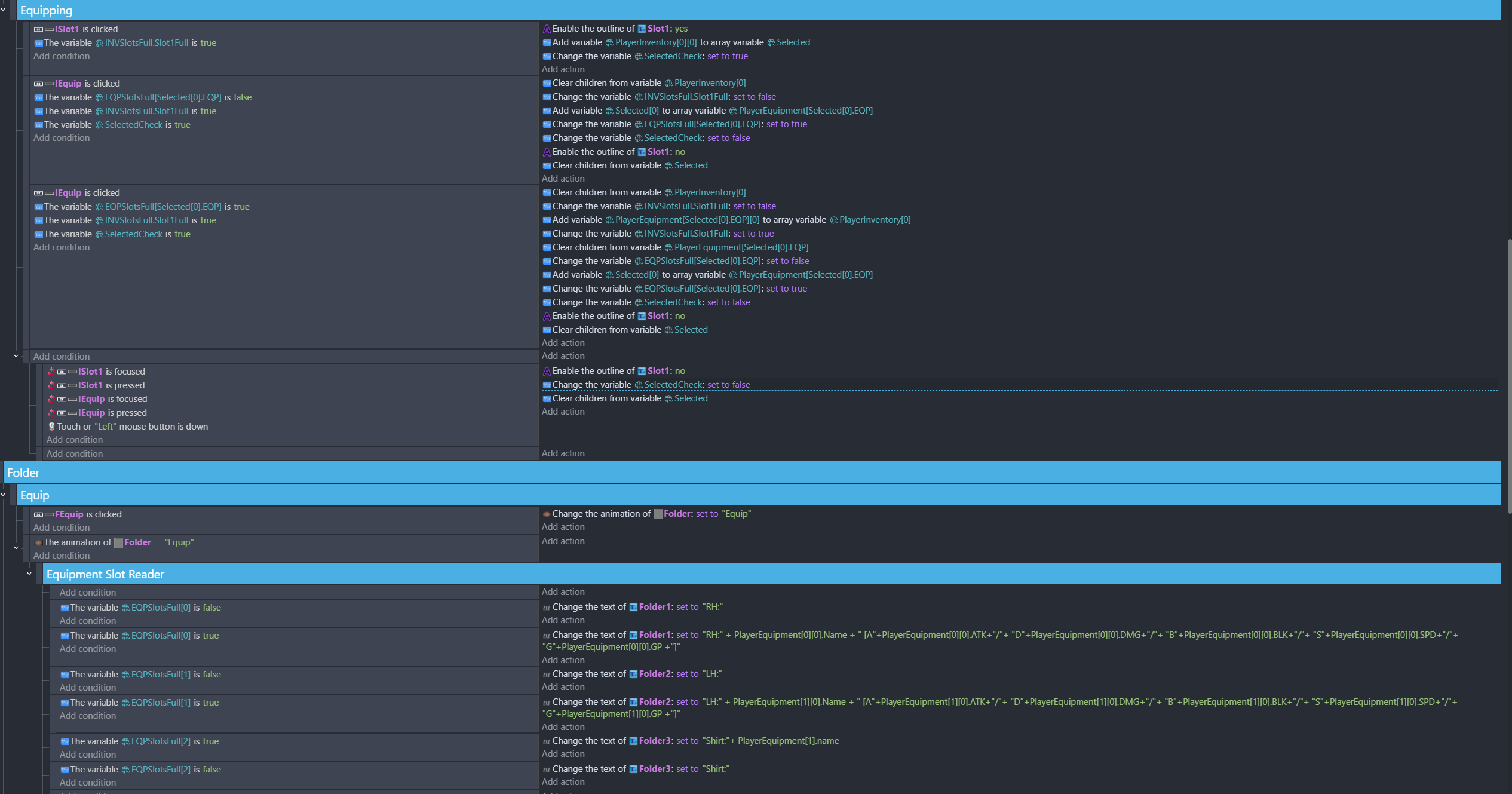
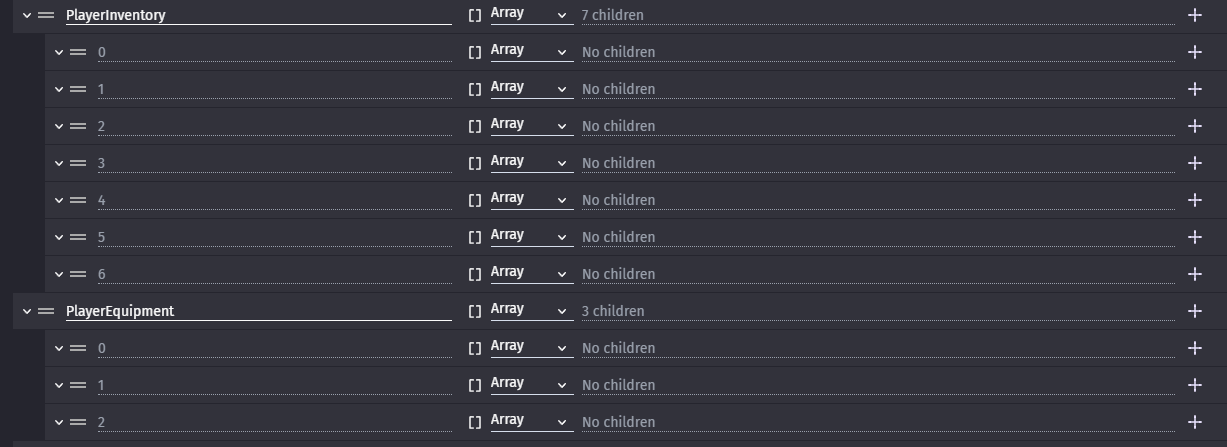
I have two arrays, playerinventory and playerequipment. The goal is to move the child variable (item) from the inventory to equipment when its slot is selected and the equip button is pressed. This is working fine, but if there is already an item equipped, I want it to swap places with the item in the inventory slot when equip is pressed.
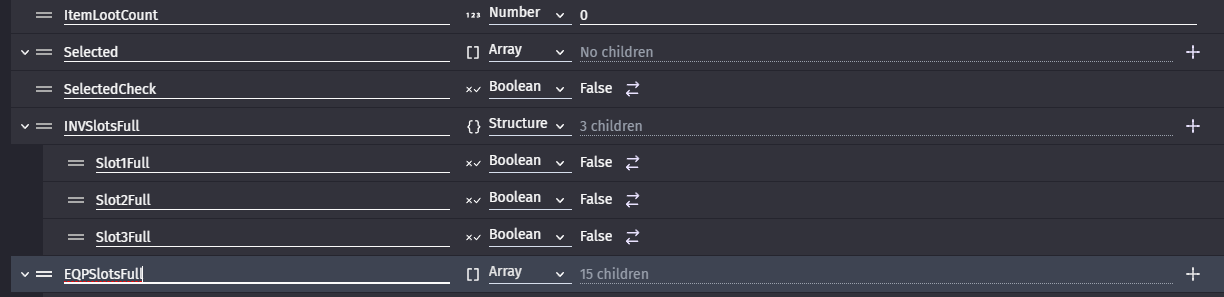
I’m using a third array variable, selected, to store the inventory item. The item is then deleted from the inventory and replaced by the equipped item, then the equipped item is deleted and its place is taken by the selected item.
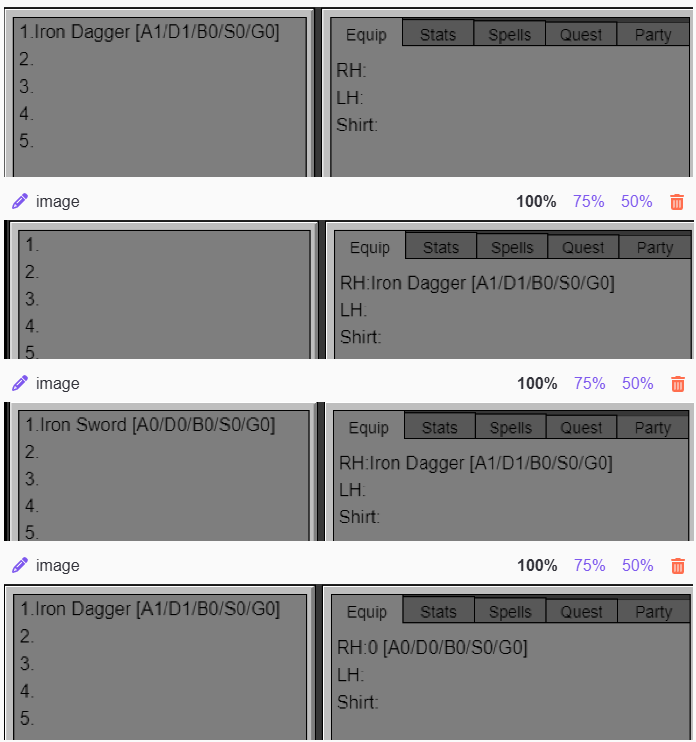
When I test this in-game, the equipped item returns to inventory just fine, but the inventory item gets deleted in the process and arrives in equipment as an empty/nonexistent variable. This only happens the first time you try to swap the items. After that, the item and the empty variable swap just fine, with the second item staying intact. This process was working just fine before I changed the equipment from a structure to an array so that I could use indexes. I looked over all of the pointers several times, and they seem to be correct. I also rewrote the entire event from scratch in case there was a typo that I couldn’t find. I feel like there is an issue with the contents of the selected variable being lost somewhere in the process, which didn’t happen when the item was only being moved to equipment. I am utterly baffled. Any help would be greatly appreciated.
If it’s only happening the first time then. Maybe it’s the way the temp variables are defined. Are they set as arrays without any elements? If they have a empty element then maybe that’s the issue. If you want an element then you could clear the temp array before the other events just to make sure it’s empty. I know sometimes it helps to define a variable so you can use it with the autocomplete.
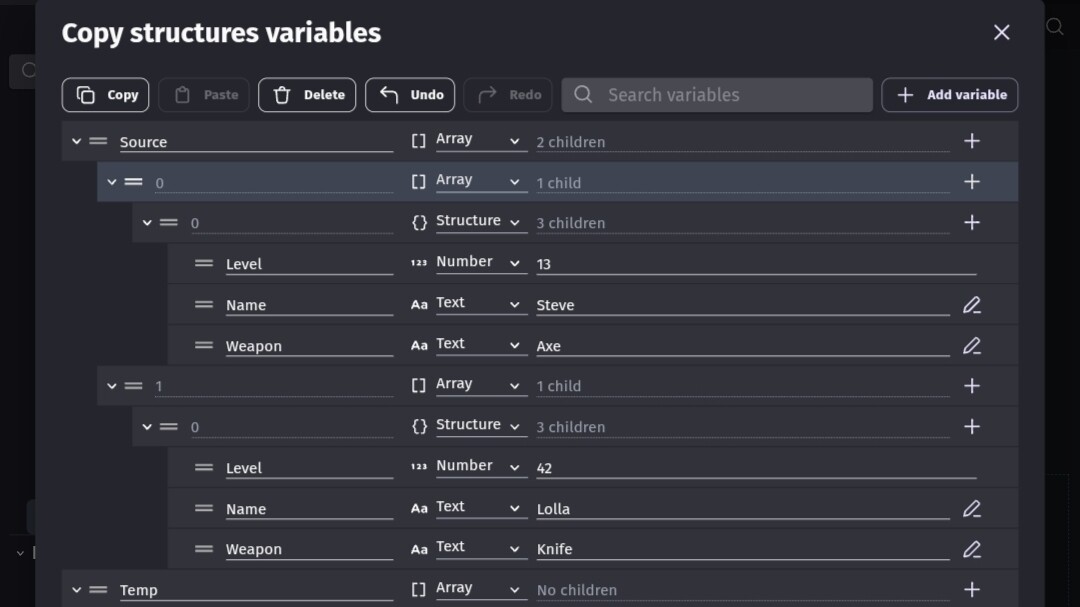
I tried to recreate what you’re doing. I believe you have an array of arrays with a structure. My test was just to swap index 0 and 1. I’m still unclear what you’re swapping.
Sorry for the lack of clarity. There are two separate arrays, and the items themselves are structures added onto empty arrays, so I guess it would be two arrays of structures. Unfortunately, the event I’m using is functionally identical to your example, with the only difference being that the Temp variable is defined when an inventory slot is clicked on, getting the variable from that slot. This doesn’t seem to be the issue, as defining it this way works just fine when I am simply moving an item from the inventory array to the equipment array. I did make sure to clear children before attempting to add a variable to the array and the temp variable has no children by default. As I mentioned before, this was perfectly functional when the equipment variable was a structure rather than an array. I spent an hour or so reading and re-reading to make sure the logic was sound, now I’m wondering if I didn’t make an accidental change somewhere that broke everything? I really appreciate your help, and I’m sorry if I’m not explaining this properly.
I found a solution that seems to work, but adds redundancy. Clearing the temp variable AGAIN (it is already cleared after each event) before the event and then getting a new value from playerinventory[0][0] (which it should already have) works.


 Thank you for all of your time! Sorry if it was somewhat wasted.