So I was wondering sense GDevelop is all I know and I’d rather not switch to another game engine because I LOVE GDevelop is it possible to develop a huge 2d game? What are the limits of GDevelop? Will I be able to make a big game or get stuck in the middle of development because the engine can’t handle it? And will there be a bunch of bugs or lags and crashes? I’d love to know because I want to make something big but I’m not sure if I will be able to with GDevelop.
bugs will most of the time be on you, crashes either never or on you, but…lag? thats not where gdevelop shines. depending on the scale and structure of the game you will need to profusely optimize
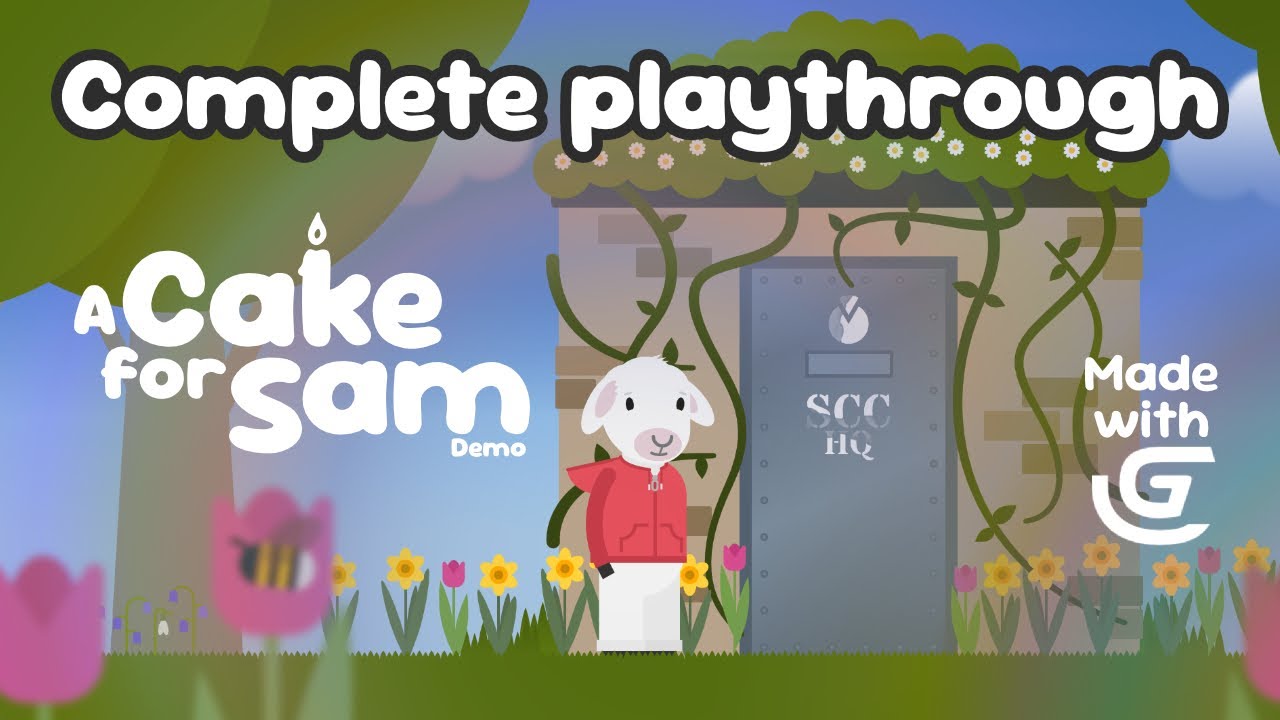
What sort of game are you planning on making? If it’s a metroidvania, you could check out The InBetween Demo on Steam for some reassurance. It’s a large 2D metroidvania being made in GDevelop. I’m working on a fairly large 2D game too, a gentle adventure game with puzzles. I have a demo on Itch and a playthrough video. There are lots of areas (scenes), characters, bespoke artwork etc. And Astro Burn is a fast 2D game with lots of movement. There’s a demo available. I’m sure there are other examples of large 2D games.
As long as you plan well and optimise your events and assets, a larger game with lots of artwork can run well.
Download the demo for ‘A Cake for Sam’ on Itch:
https://worriedpixels.itch.io/a-cake-for-sam
Yes, it is possible and I did once try this before, but the game got discarded because the story and morale got shifted away. Some things I learnt:
-
Do not use collisions and physics at scale. These would kill your framerate. Always disable physics behavior on most offscreen object. What I did in my game was to replace physics movement and some other stuff with simple maths, when the object is offscreen it doesn’t move and when it return to the screen it’s where it is supposed to be. But don’t worry about this if you only have like 5 objects in the screen.
-
Organize your events. I put major events inside events and folders. This would save you from thousand events in one place.
-
Give assets distinct name. Do not name assets the same even if there are in the same folder. I had an issue where some assets were overwritten in the web build because there had the same name.
-
Give variable proper and memorable name. Do not use something like PlayerM but PlayerCurrency/PlayerMoney. Use this rule of the thumb, if you come back to the project after a 5-year break would you still know what this variable is use for? Another tip is to put variables inside structures for better management and grouping.
-
Plan reusable features inside custom extensions and behaviors.
It’s not a must you follow all of these. But these are what made the game go very far and prevent burnouts. If I ever plan to start another large game and all these all would really help.
Hi all!
Agree with AnselGames.
Also, i use to give a particular name to my variables! ex. VG_variable (global variable), VS_variable (scene variable), etc.
It’s not mandatory but it can help.
A+
Xierra