Before proceeding, please use the forum search feature at the top of the page to check if your question has already been answered.
How do I…
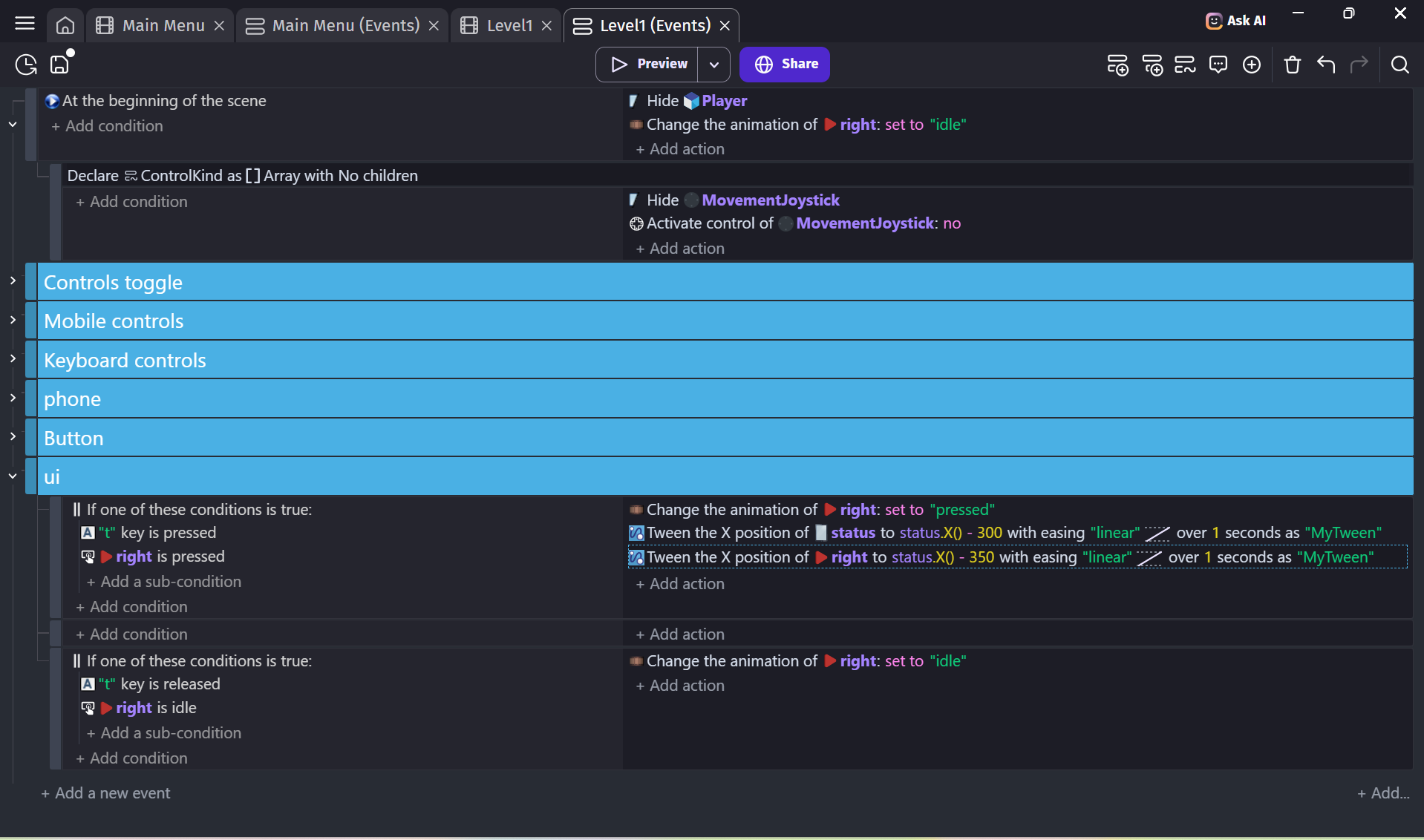
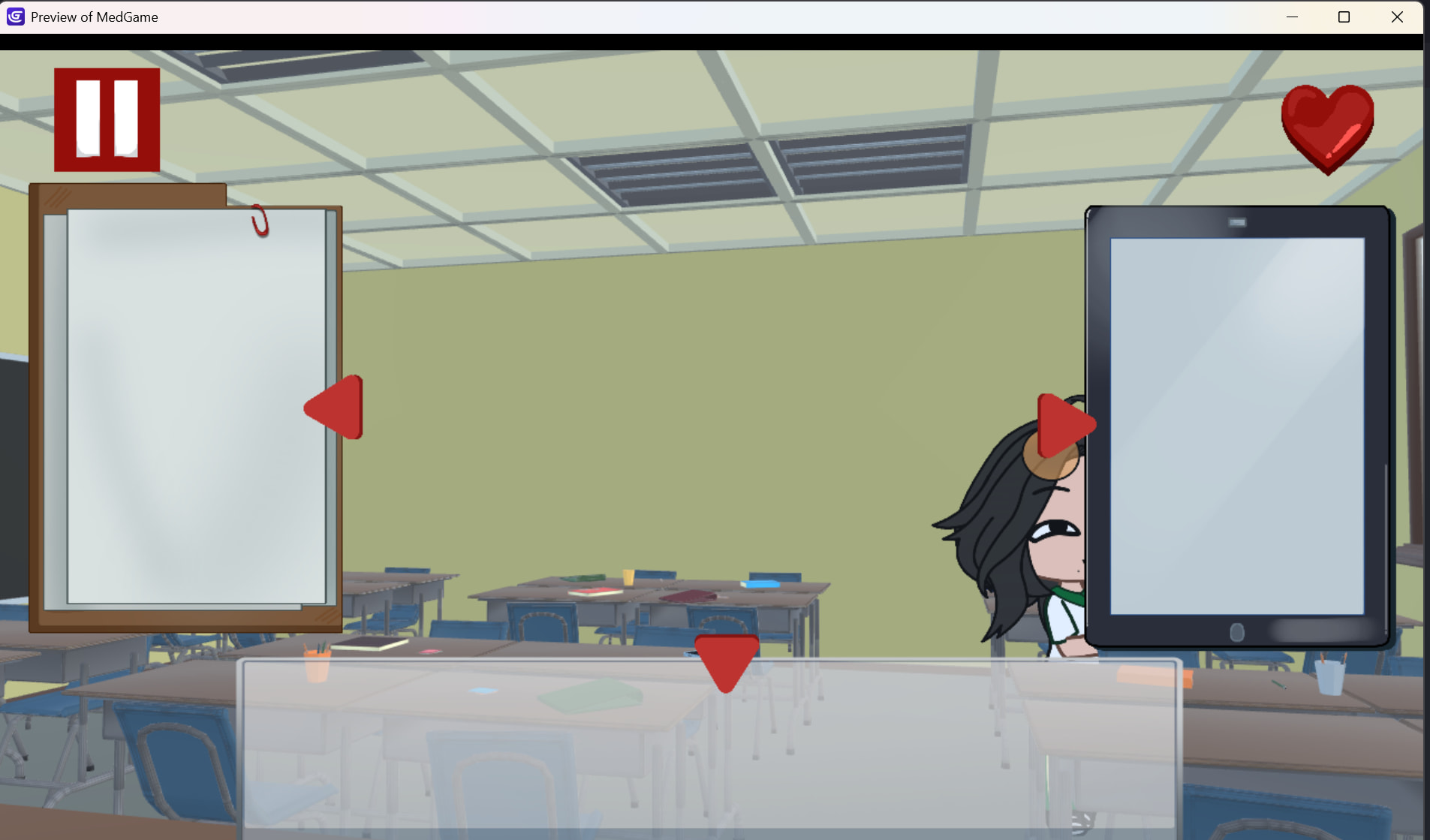
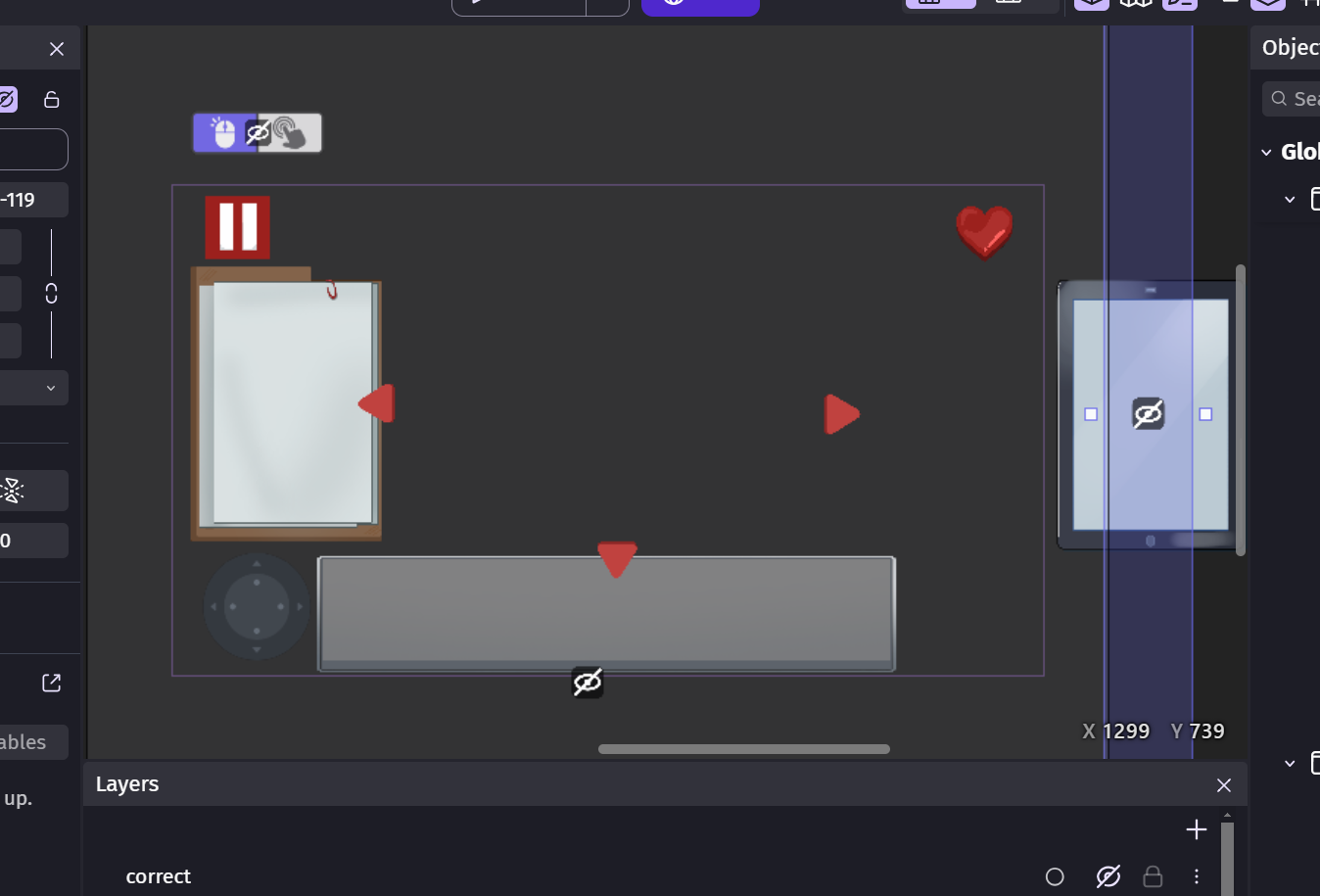
how do i make it so that when u press a key once, it has a different function to when u press it twice. like “t” key in this case, it tweens the tablet and the right arrow in screen when pressed once, and when pressed twice, it goes back to its position. and when u press it again it tweens the tablet and the arrow in screen again, and so on. sorry if my english is bad.
You need variable to keep track of what just happened
Gdevelop read stuff from top to bottom
So normally you are doing this
1 - If light switch if off turn it on
2 - If its on then turn it off
This will work only if light switch was on
Cause gdevelop reads 1st #1 and its not true so it moves to #2 which is true so it executes it
If light switch would be off then in chronological order this is what happens
1 - Light switch is off so let’s turn it on
2 - NOW light switch is on so let’s turn it off
And you don’t even see that happen cause it happens on same frame
What screenshot below is doing is like
1 - Just change state of variable
2 - if that variable is True then do this
3 - if that variable is False then do that
As you see you are just changing state on variable and below depending on sate of it you are doing something