I’m hoping to release my game with multiple languages (at least English and Finnish) and distribute it via Google Play.
In the game code, it’s easy to make the variable defining the language. First time when you start the game, you choose the language, and accodring to the variable value the menu texts, dialog texts etc. are changed. There is even an extension for getting the language information of the phone. Check!
In Google Play, it’s (relatively) easy to make the language versions of the game name and descriptions. Check!
But the application name! When the player has downloaded the game from the app store, and the game icon appears to the screen of the device, under the icon there is the game name, which has been defined in the “Properties & Icons” section in GDevelop. I haven’t found any way to define different names, which would appear according to the language settings of the phone.
That might be a bit confusing for the player, if the game has had a certain localized name in Google Play, but after the installation the name of the game is different.
Do you have found any workaround for this? Or is it just so that the game should have just one name?
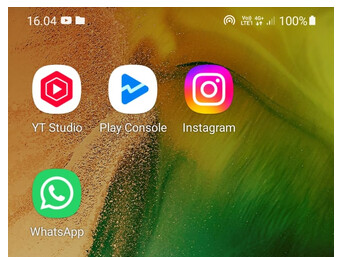
Well, the icon itself is not the problem, but the application name below the icon, e.g. YT Studio, Play Console etc. In GDevelop that is defined in Properties & Icons as “Game name”.
One option is to create separate versions for each language, having different “Game name”, and also keep them separated in Google Play. However, my question is whether this can be avoided, and depending on the language of the phone, the application name would be different.
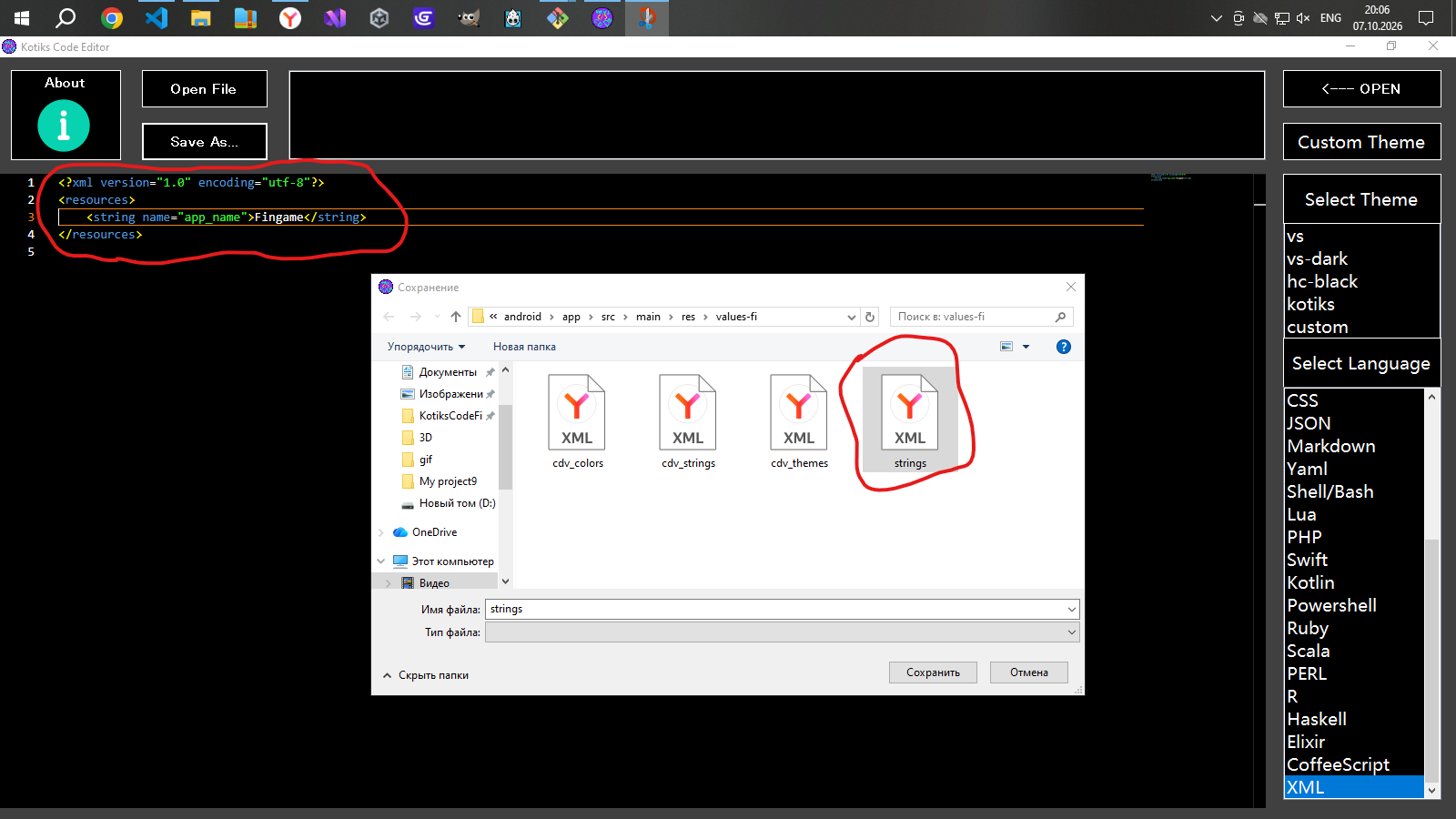
<?xml version="1.0" encoding="utf-8"?>
<resources>
    <string name="app_name">Your Game name</string>
</resources>
Then copy the “values” folder and paste it next to it, renaming it to “values-fi”.
In the “values-fi” folder, in the strings.xml file, in the line <string name="app_name">Your Game name</string>, replace “Your Game name” with the Finnish name of your game.
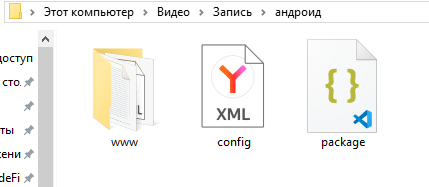
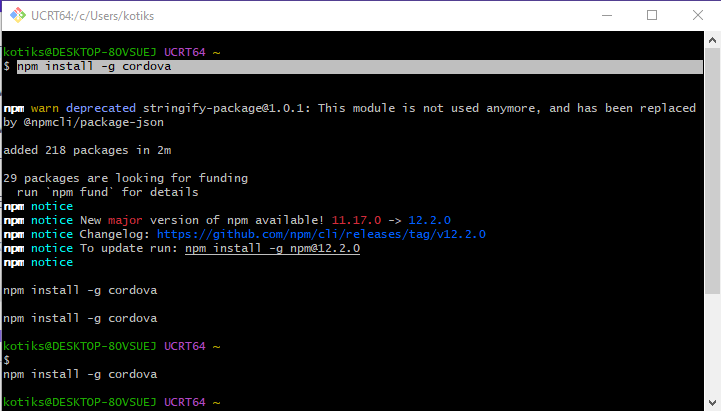
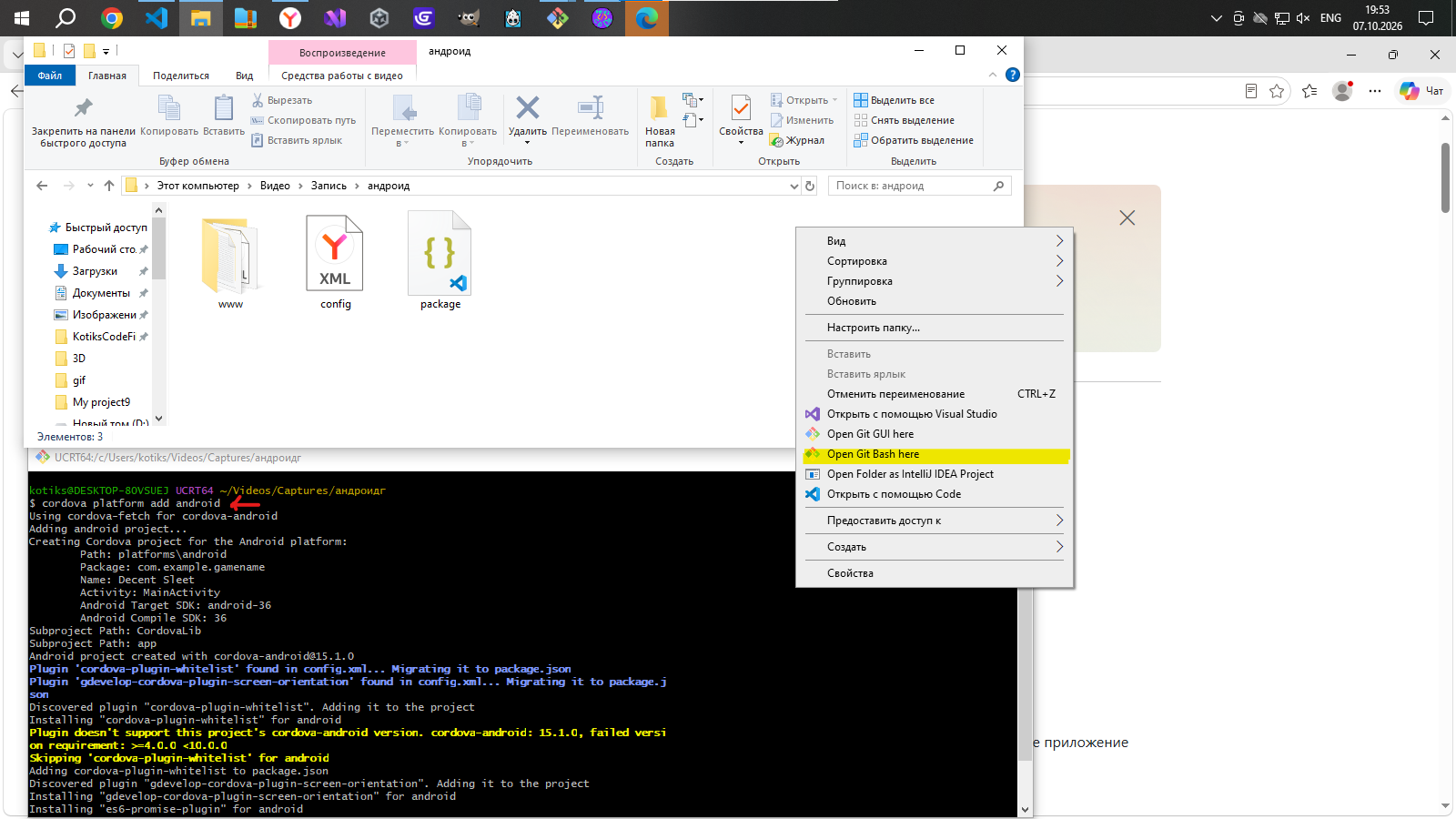
Then you need to assemble the folder with the game using Cordova. I don’t know how to do this, but you can search online.