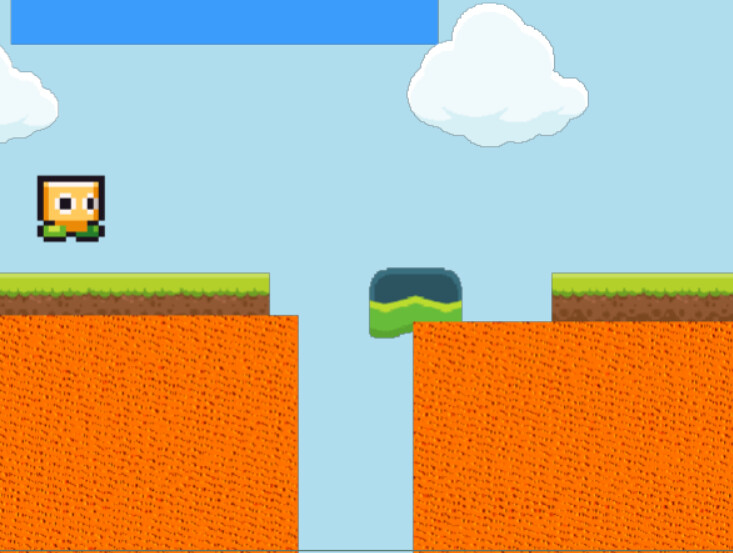
I’m trying an experiment with the build in reflection example. I’d like to mask the reflection of the character to the water (Switched out for a lava sprite from the asset store). Basically, I want the reflection to only be visible when the character is above a liquid, and hidden when they’re not
An object can only have 1 masking object associated with it, and it’ll be the last masking object specified. Note that the masking object is invisible and won’t seen on screen.
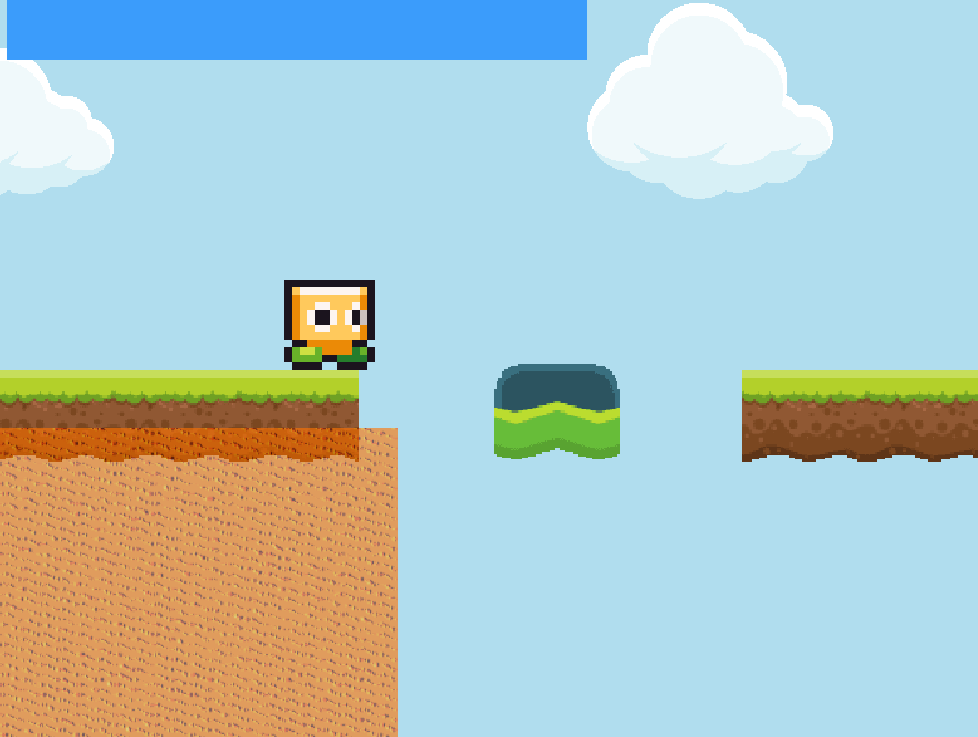
What if you move the mask object to the current platform? The reflection is masked by the mask. So, it doesn’t matter where the lava is. You could move and resize the mask. I added/subtracted 64 for a buffer.
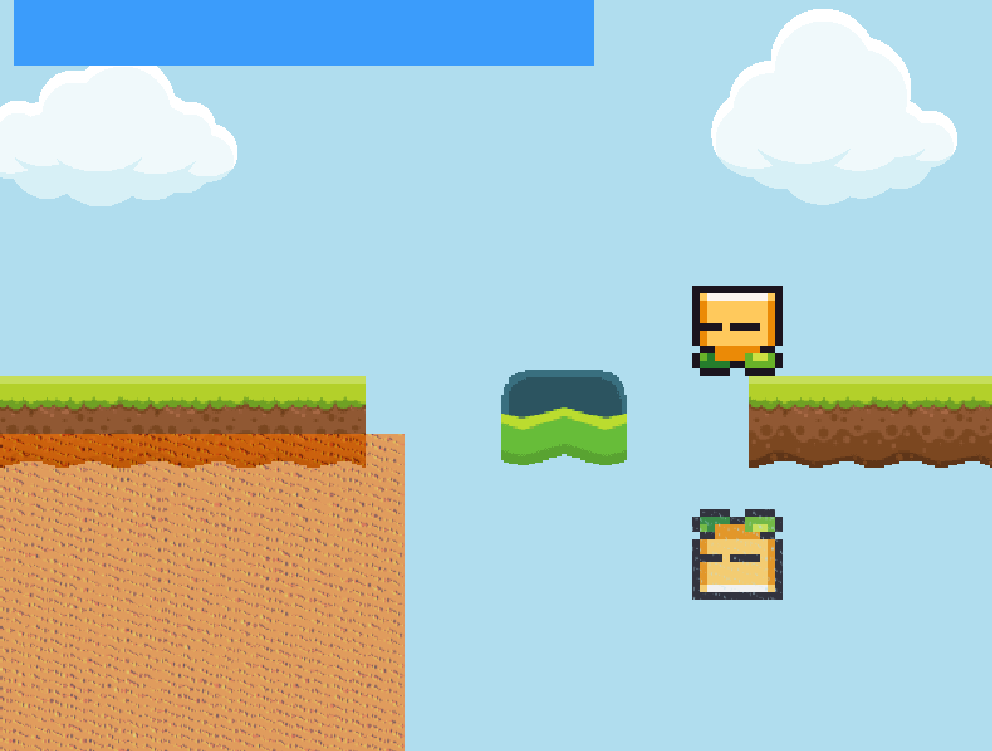
Here’s the result. We have SOMETHING happening, but it’s kind of buggy right now. You can see when the character moves to the right into the gap, the reflection doesn’t disappear, and only masks properly once he’s over the next liquid
Likewise, if he moves back to the left, the reflection just doesn’t appear at all until it just pops back into existence once he’s far in enough
Note that the LavaMask object has been placed in the scene
We have a good start. Is there more we can do to fine-tune this?
Not that I’m aware of. Why have you split the lava into 2 separate spite instances with a gap between them?
I did it to test the masking effect on liquids, and to see if masking works with every instance of an object rather than just one. If I’m over land, I want the reflection to not be there
Ignore the lava disappearing when I’m over it, I know that the mask is doing that. I can fix that by just adding a sprite beneath
Since there’s an action to turn off a mask, I decided if might be ideal to CHANGE the mask being used depending on which one the character is currently over
I even used the code you provided where it checks the X position of the character. The only issue now is fine tuning it to make it mask seamlessly. I tried editing it a bit, but with no luck
Also, this doesn’t work with multiple instances of an object, even with a “For each” attached. Let’s say I want a bunch of enemies to cast reflections in the water. This code will only cast the reflection of 1 enemy. Can I make this work for multiple instances of the same object too?
i got an idea that is terrible but ill say it anyway.
if you combine many objects into a custom object, maybe you can make your mask event treat all lava like one object. maybe? (in a perfect world, it would allow you to mask an object using many instances of an object)
if its possible to do without javascript, ill be pleased to make an extension for that
will many instances of lava touch to one another to create bigger lava lakes?
if thats the case… you could make your lava objects overlaps one another, so that when your object picking switch from one lava tile to another, the transition becomes seemless (no cutting edge)
That’s actually the point tho. I want the cutting edge. And no, they won’t merge into a single liquid
(I chose lava from he asset store in this case because I’m using the webapp for this experiment without saving to cloud, so I can’t use Piskel to make water)
Making all the liquids a custom object so they all technically count as one object might work…? But it might bring up other complications, like if liquids are at different levels of elevation and the reflection isn’t positioned properly
If your game scrolls up and down (and not just left/right), you could hide the bits of the mask effect you didn’t want the player to see by putting a tile or sprite on top.
i’m just saying… if you want to make different and weird shapes of lava in the future by combining simple tiles, then you can’t put them side by side, you’ll have to overlap them.