I have some question regarding mega man style gameplay in gdevelop, answer one or multiple :
ladder movement, im gonna be honest i havent really figured out ladders at all, so first how do you do ladders, second how do you do them moreso like in megaman
slide, i really wanna do a slide like in the later megaman games so how would i do that
damage, i want to have a hurt animation like megaman, i dont need the flashing or whatever just like the switch to the hurt animation and he stops for a second or whatever
You can use the “Platformer character” behavior on the player character to do ladder movement
the ladders would need to be their own object with the platform behavior and set to “ladder”
The Slide would either be a Force set to the direction your character is facing or with the “platformer character” making the character move in the direction the character is facing faster then walking and turning on the Slide sprite and making the hitbox smaller
Hurt animation can be when you get hit by a bullet/enemy it disables your movement,plays the hurt animation,applies a force back then give you back movement.
I hope i could answer your questions and id suggest looking into “Platformer tutorials” to get hands on with it.
Generally we try to avoid recommending Sparckman content because a lot of bad behaviors in the past, so I can’t speak to that template specifically.
However, there’s quite a few built in templates that have different pieces of what you are discussing here.
If you take a look at Not-A-Vania, I have a dash (which could behave the same as a slide if you switch to an animation with a smaller hitbox) and a knockback.
There’s also a few ladders in different platformer templates/example, including the tilemap platformer example.
When i was new here
Silver-Streak warned me about Sparckman
And turned out Silver was totally right
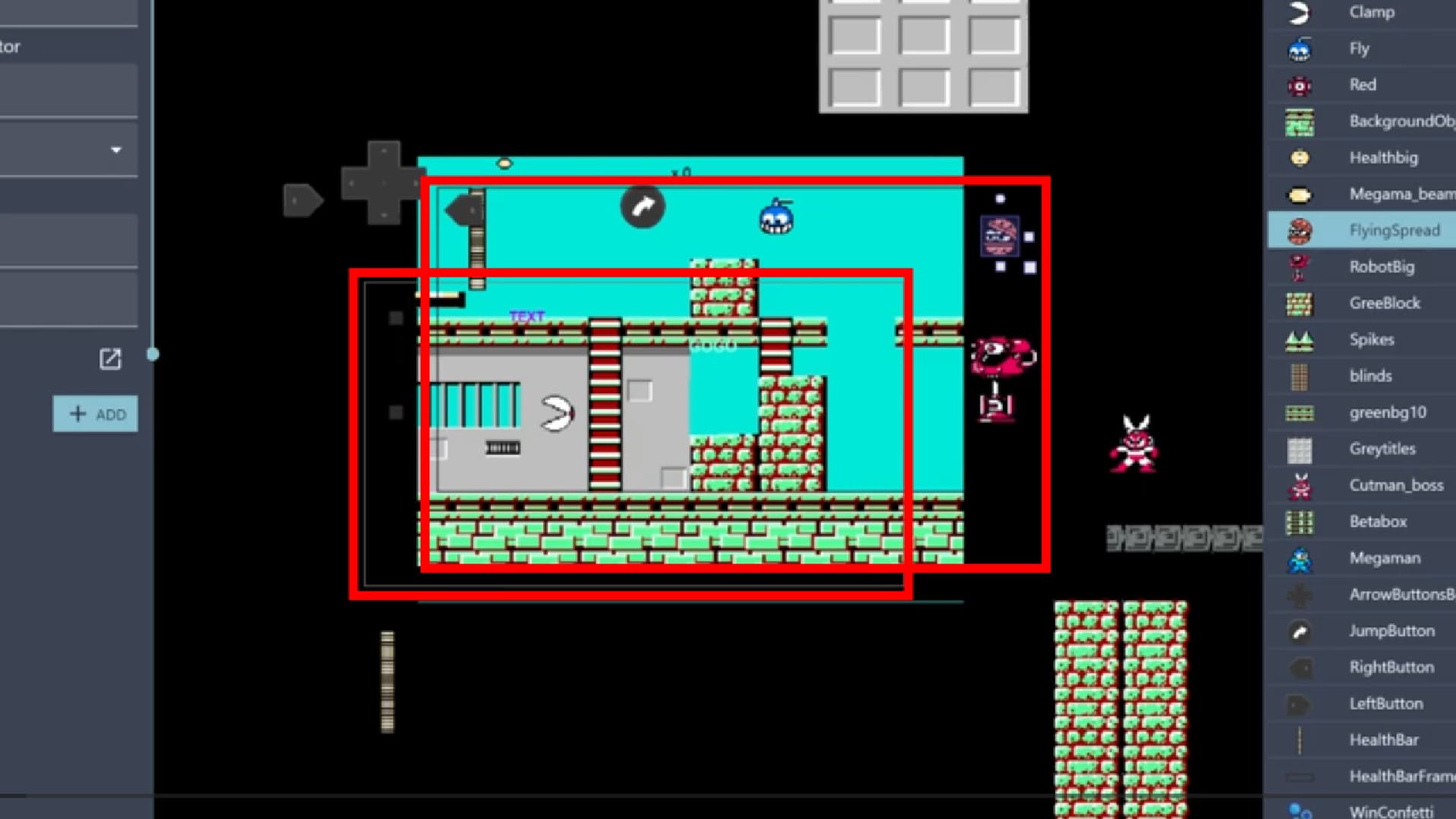
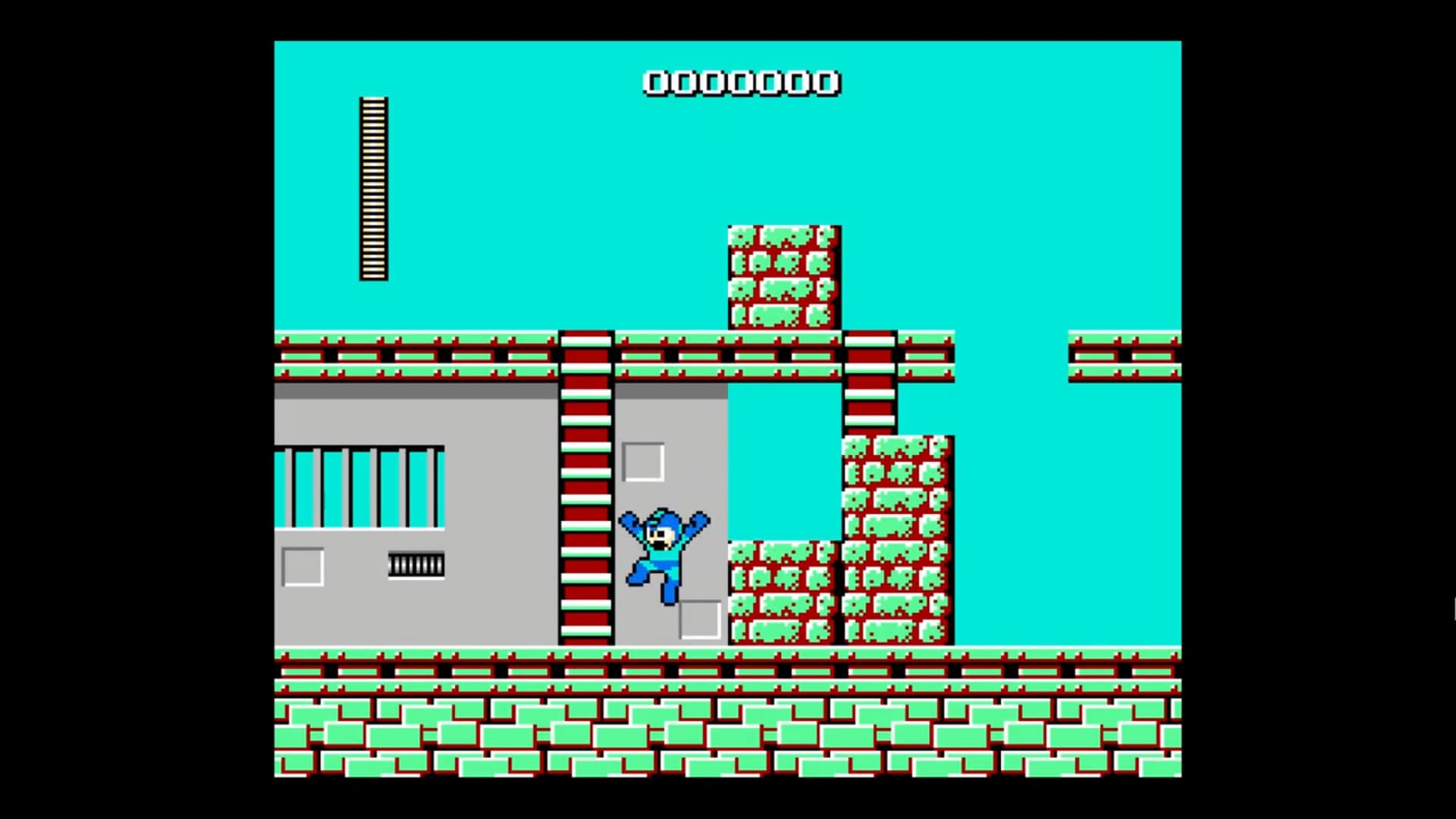
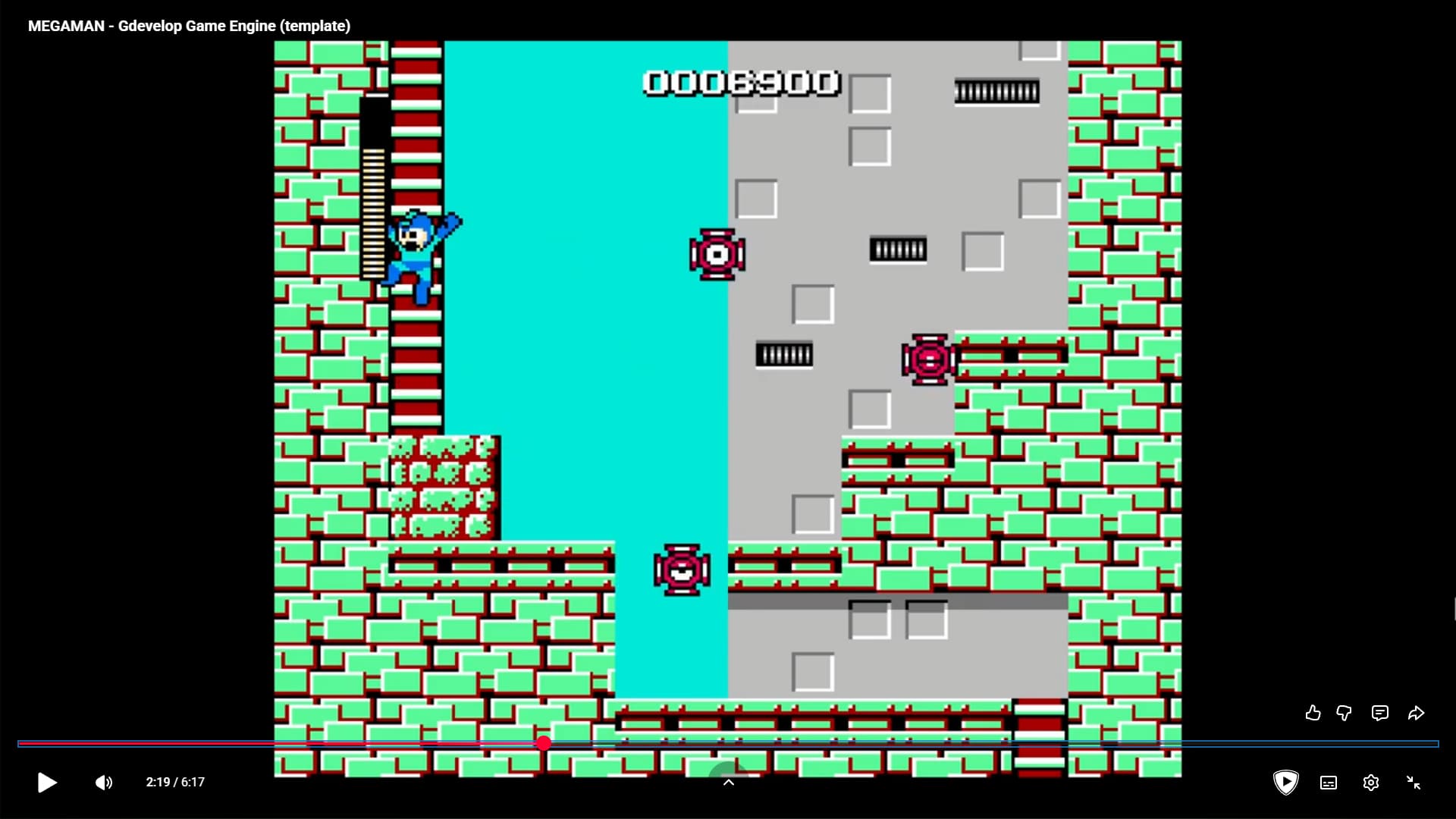
Sparckman will record game being played on emulator
And will claim he recreated it in gdevelop
Or take someones template and claim he made it
Where it was publicly available template
He is someone who just try to sound/look smart
Where in reality most likely he lack even most basic knowledge
There is built in ladder functionality to platformer behavior
Slid is matter of changing animation and adding speed
Maybe using variable to lock player into slide mode
Damage is matter of hanging animation with timer after object was damaged
Or even as simple as using wait action
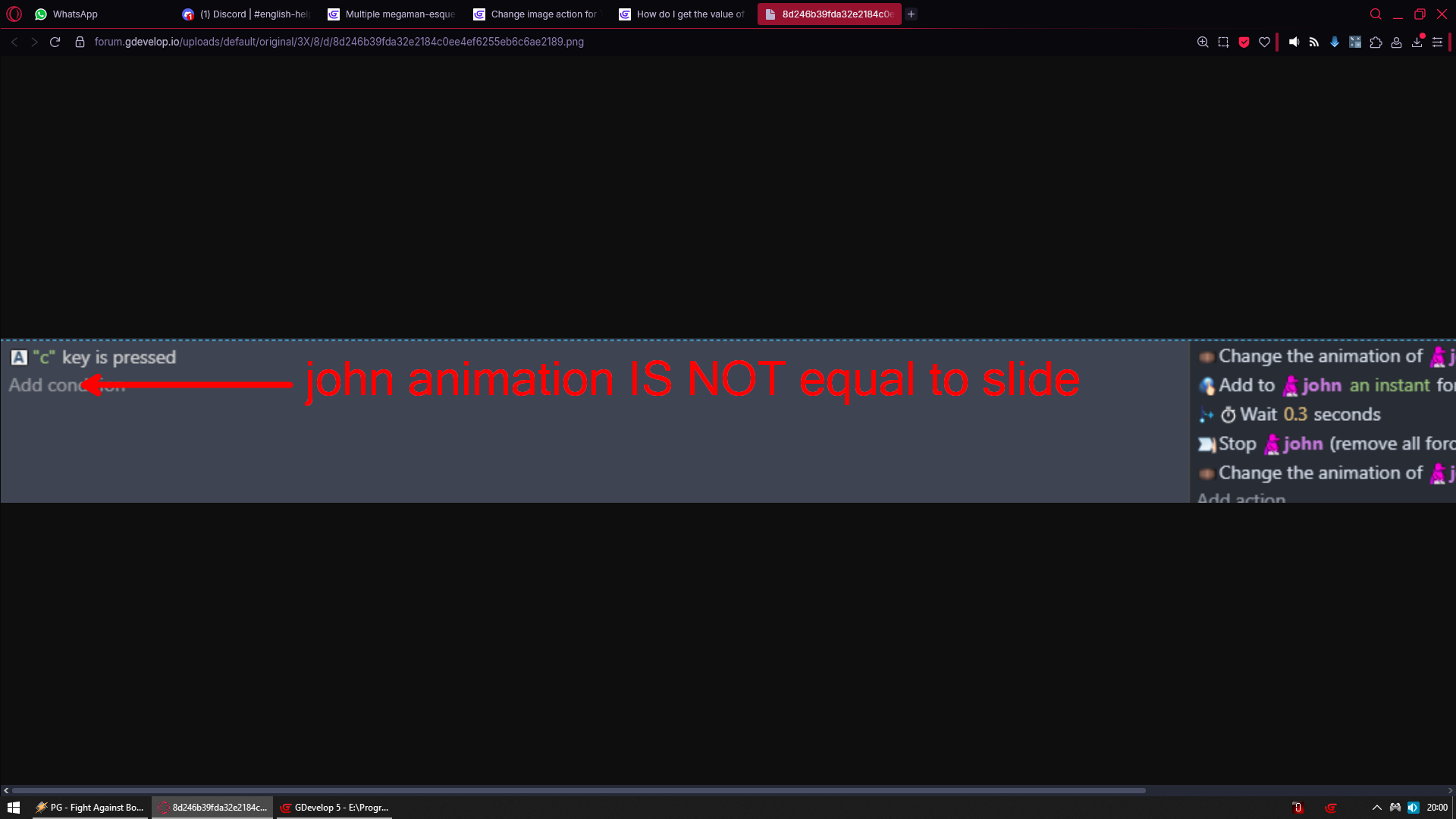
Enemy animation IS NOT hurt
Enemy is in collision with bullet
Change enemy animation to hurt
Wait 1 sec
Change enemy animation to idle
Cause you don’t need to be advanced in gdevelop to know that is NOT how much of his game we should see right now
Something is not right here
How about 0:14 to 0:15
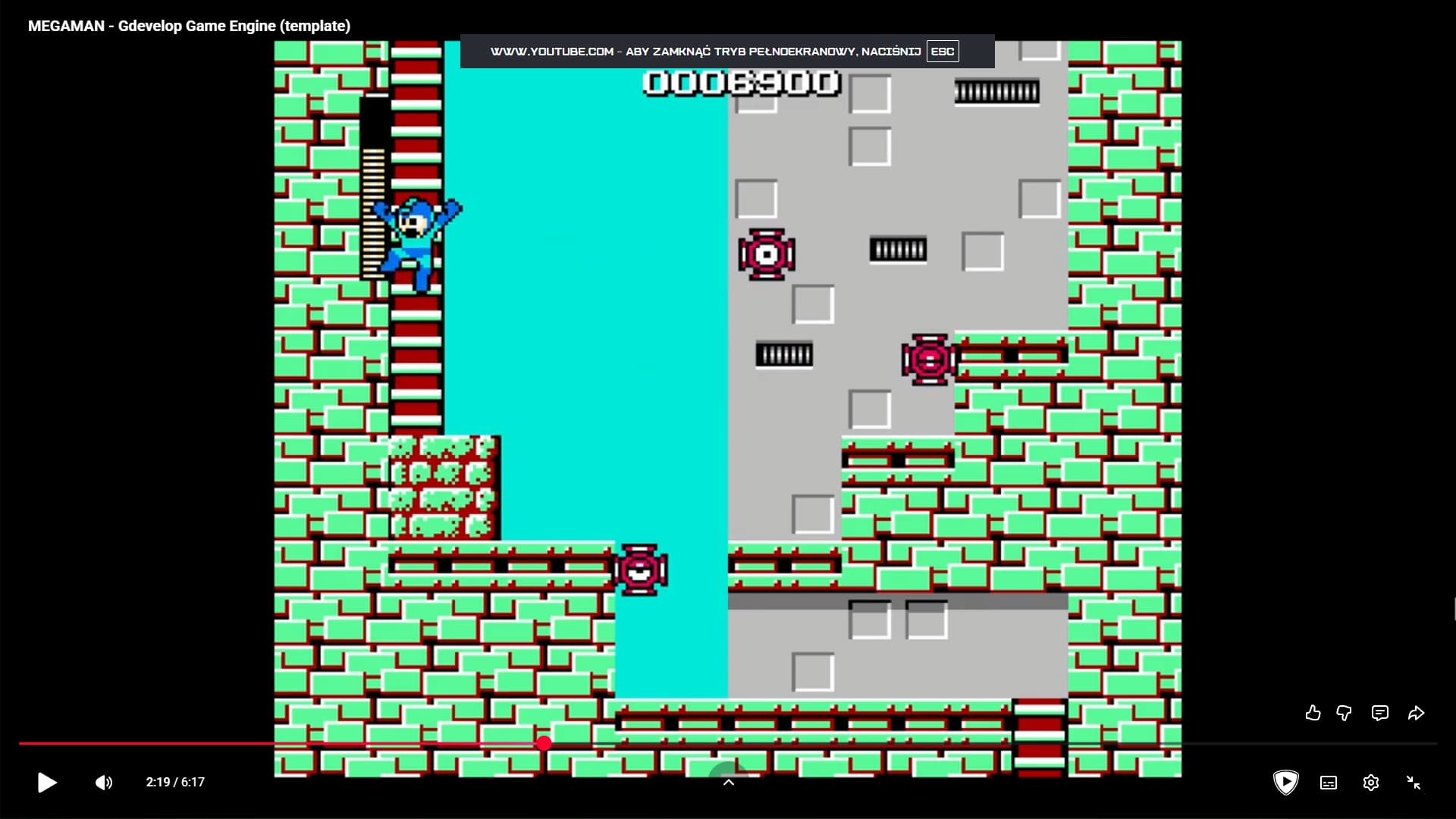
Aside from the fact that is NOT how turning into full screen looks in gdevelop
Where did touch controls go?
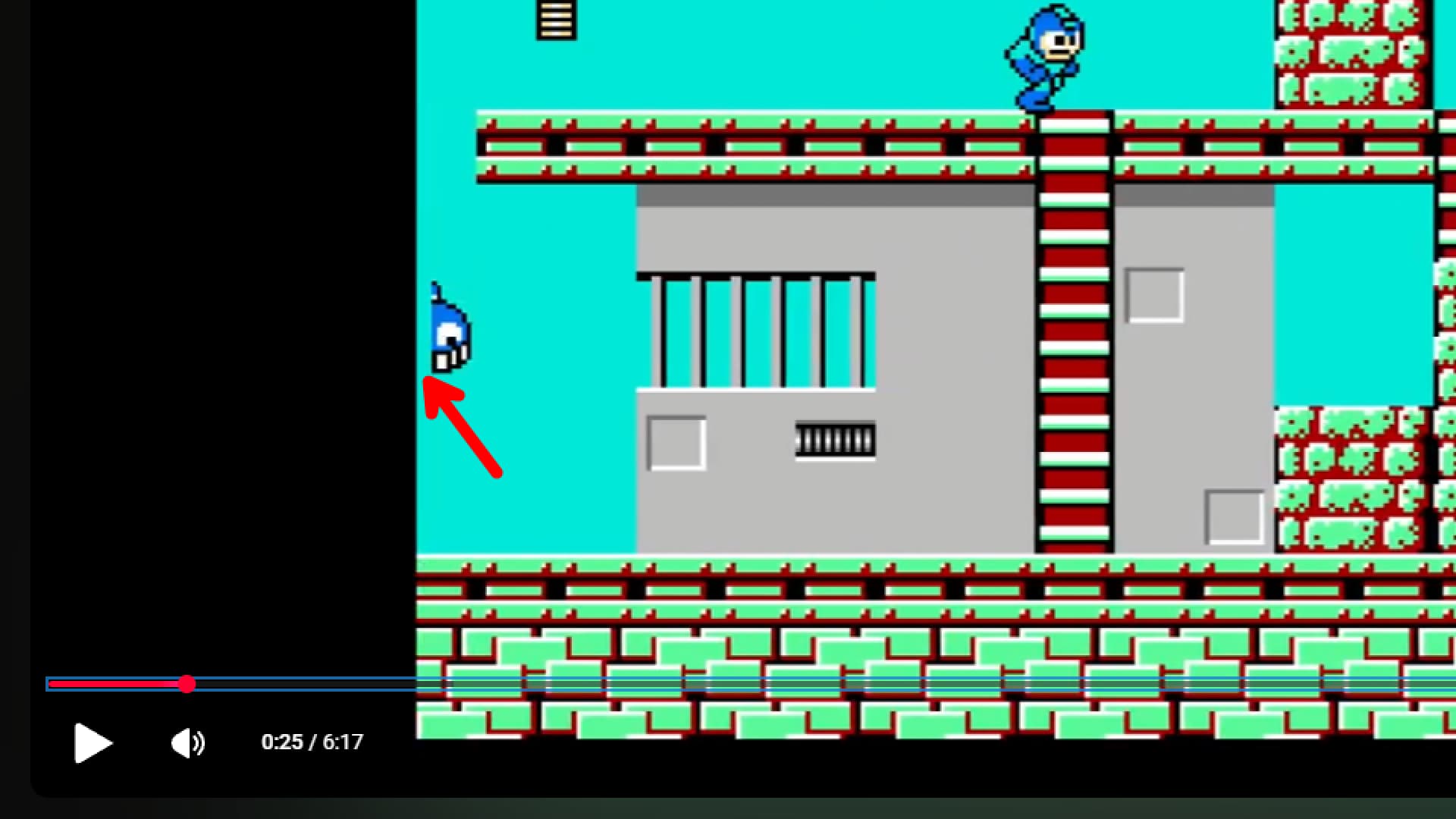
And you can clearly see its another video from emulator
And not gdevelop
I mean kudos to Sparckman if he pulled that off
Cause that is something you would only see on actual nes game
Due sprite limit and they fight for the right for which should be on top
I appreciate the heads up, but not really the focus on the thread (and it involves sharing more Sparckman content, which we shouldn’t unless we have confirmed hed has changed his ways)
For the OP, check out those in-engine examples we mentioned above and give us an all an update here if it helps answer your questions.
And now you gonna learn that you cannot just allow animation to play
You also need to restrict it from playing when you don’t need it
When you are walking your walk and hurt animations try to play
You need to make event to change animation to walk if player animation is not hurt
And when its hurt you should also disable controls for player and enable them back once hurt period is over