Hello Guys,
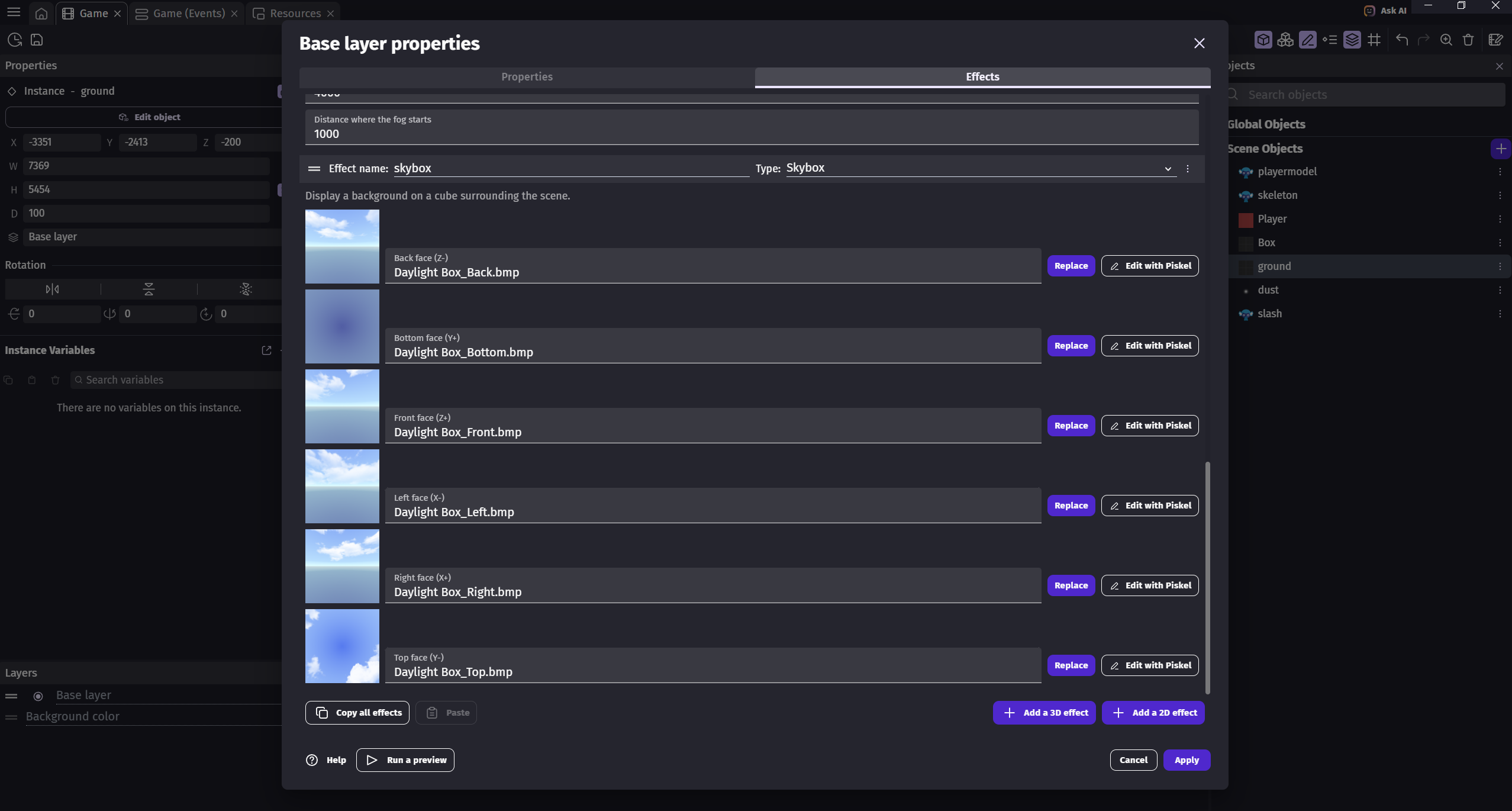
I added Skybox effect in the 3D for my game testing, I added all the skybox 6 image parts as shown in the screenshot attached below.
screenshot showing the Skybox effect editor
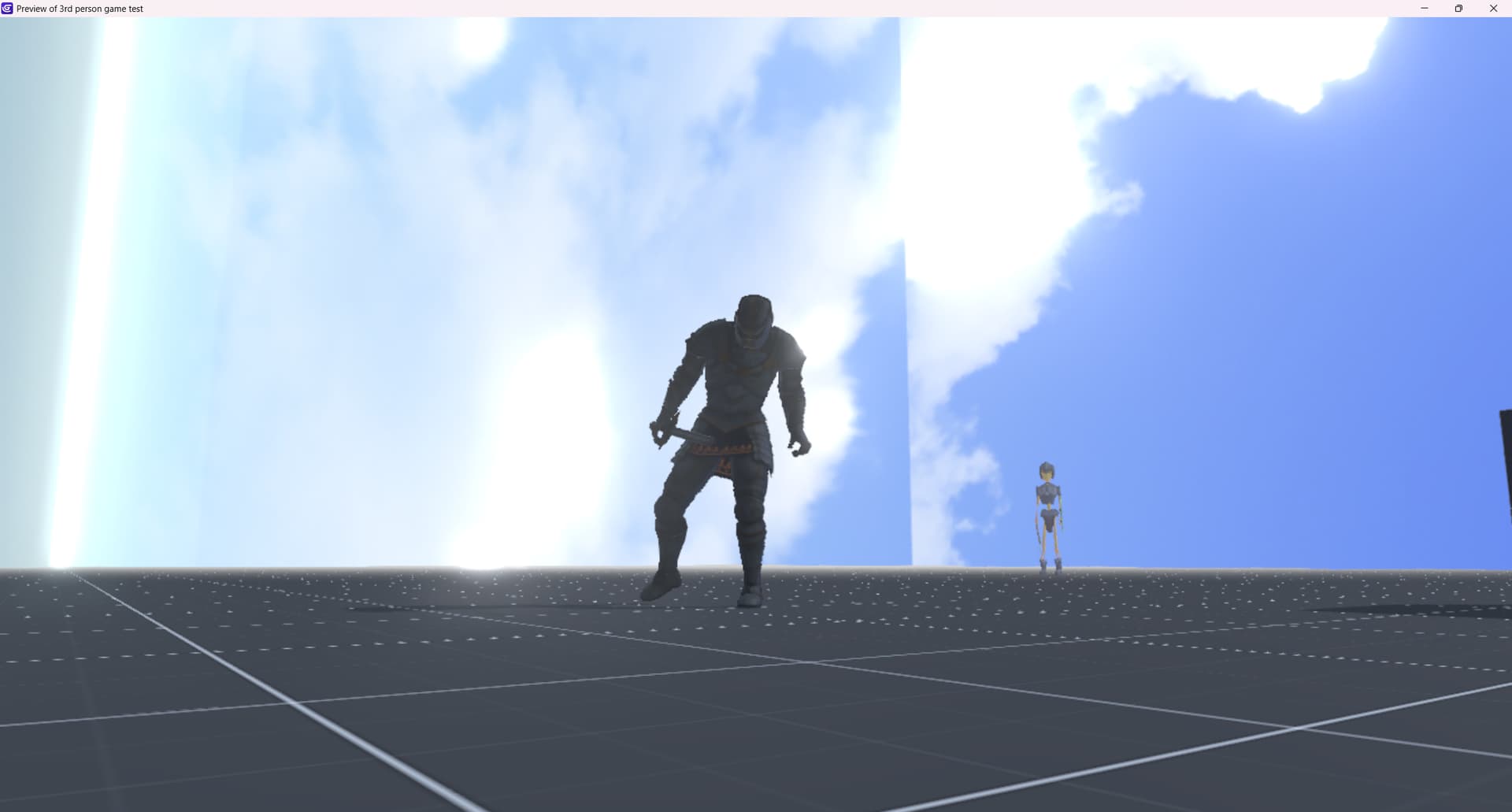
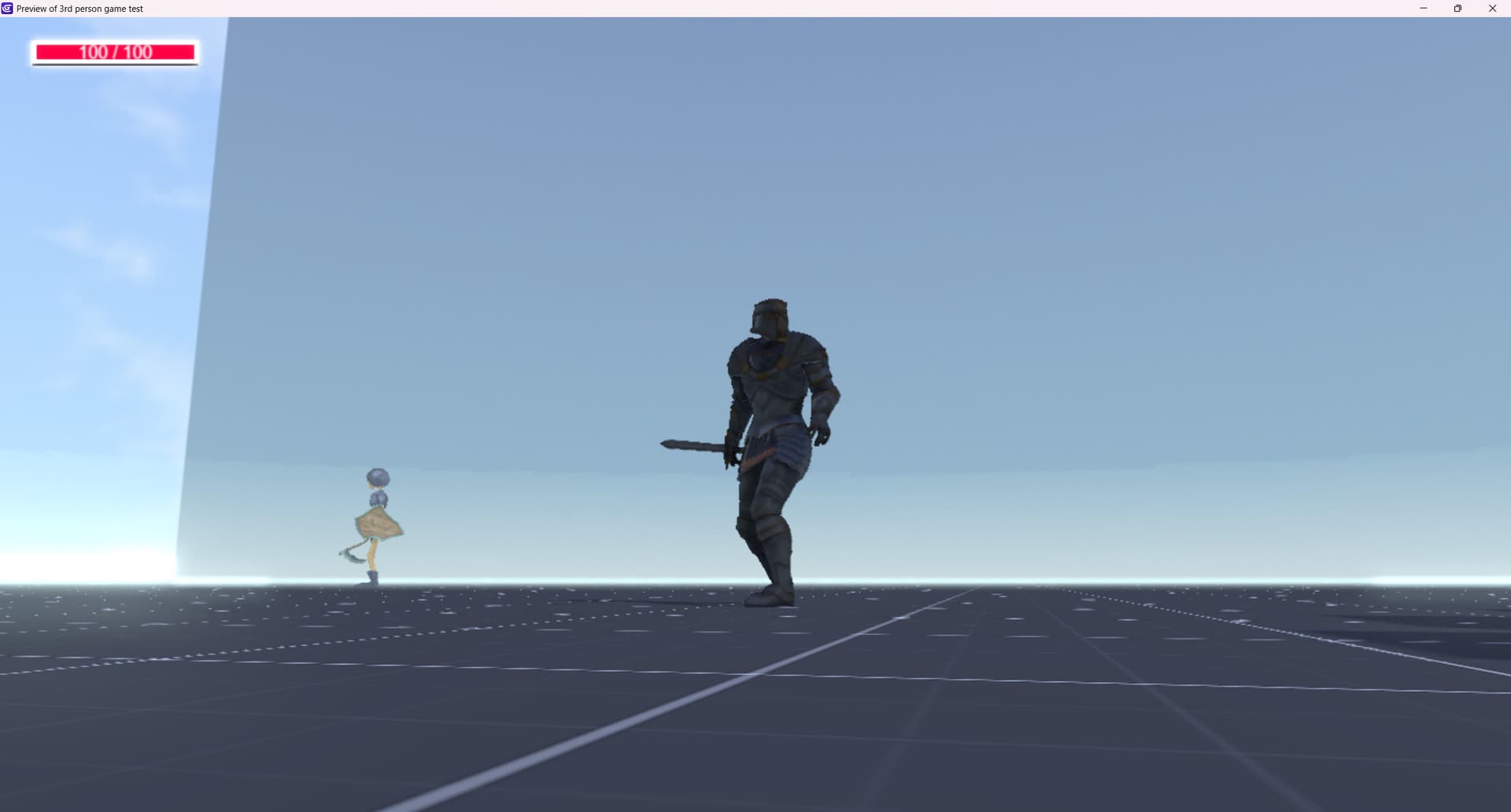
but, if you see the game preview screenshot below, the skybox seems to be appears not quite correctly, it seems orientation rotated.
screenshot showing the game preview, skybox orientation
Can anyone help me, with this? is there anything i missed? or any additional setup needs to be done in order to show the skybox correctly?
@Bouh If anyone can help me in this, would be appreciated. If just want know if there is some additional settings for the Skybox to work…
davy
3
Up is Z+ in GDevelop so you need to rotate the faces.
This template has a skybox if it helps:
(please, don’t ping people out of the blue)
Hello, Thank you for the response… yah this template might help to understand the orientation. will go through this…
Okay! Got it… will take care of that…
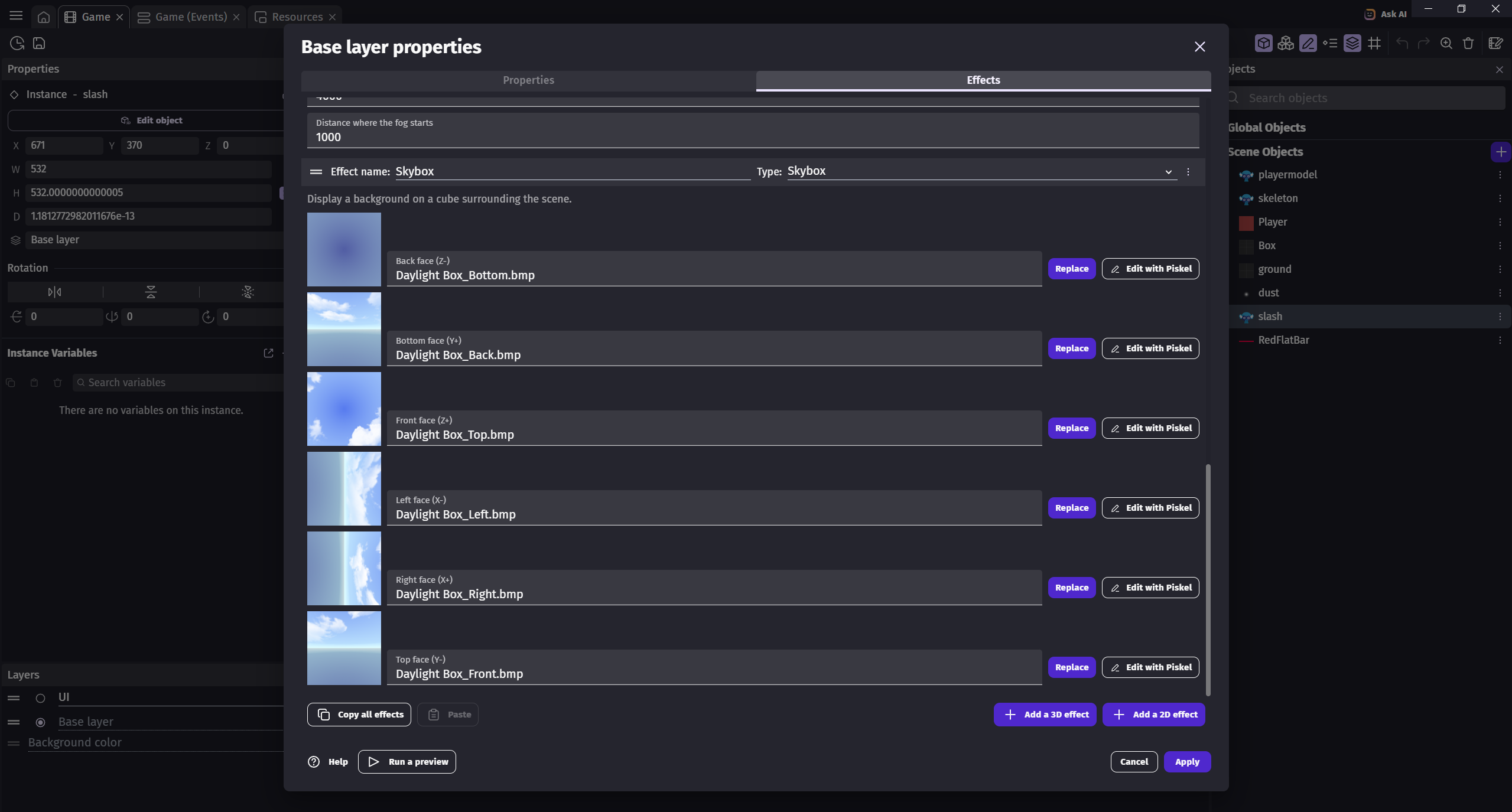
I tried to rotate the faces of the Skybox image pieces, and previewed the game…
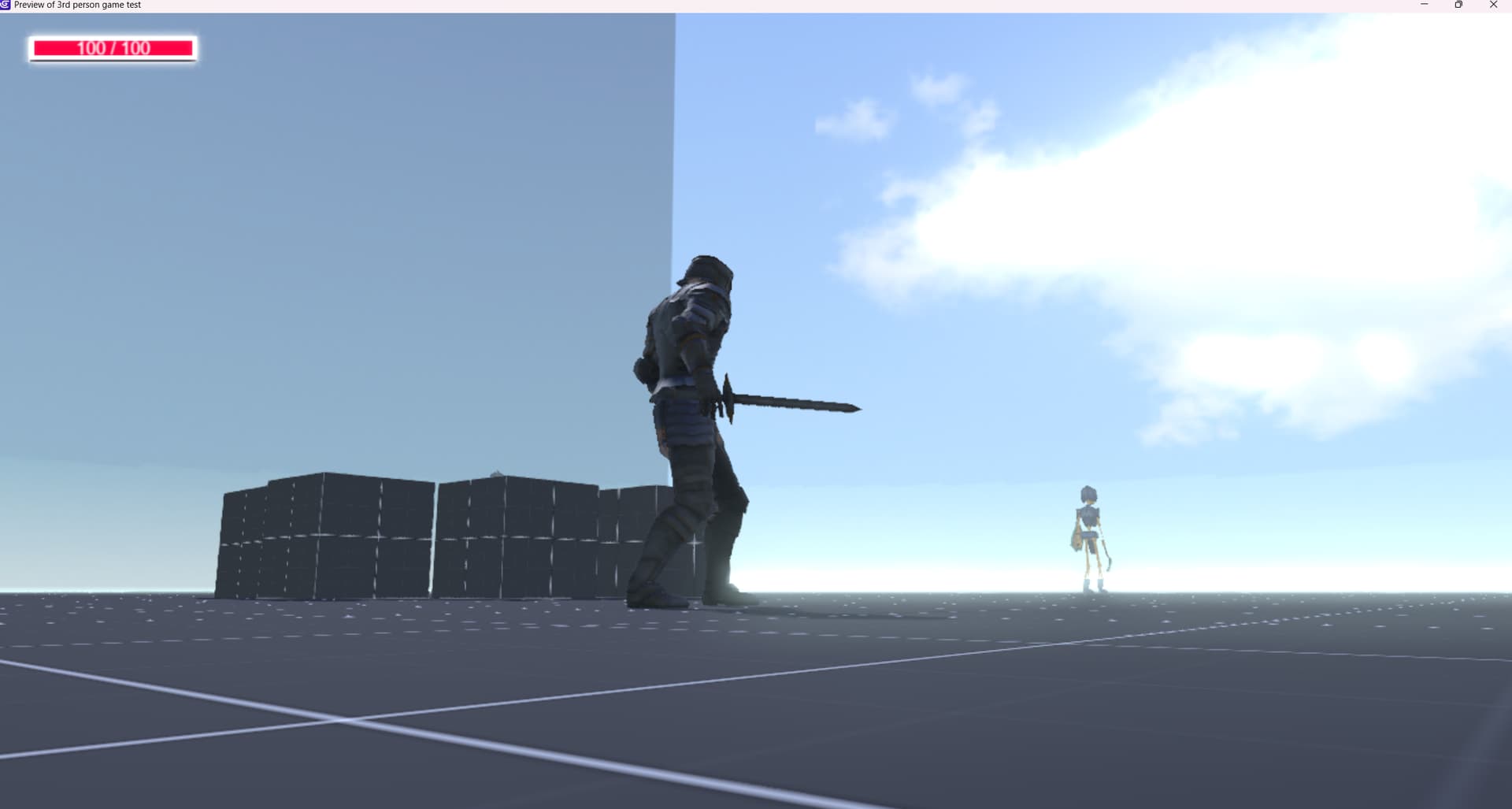
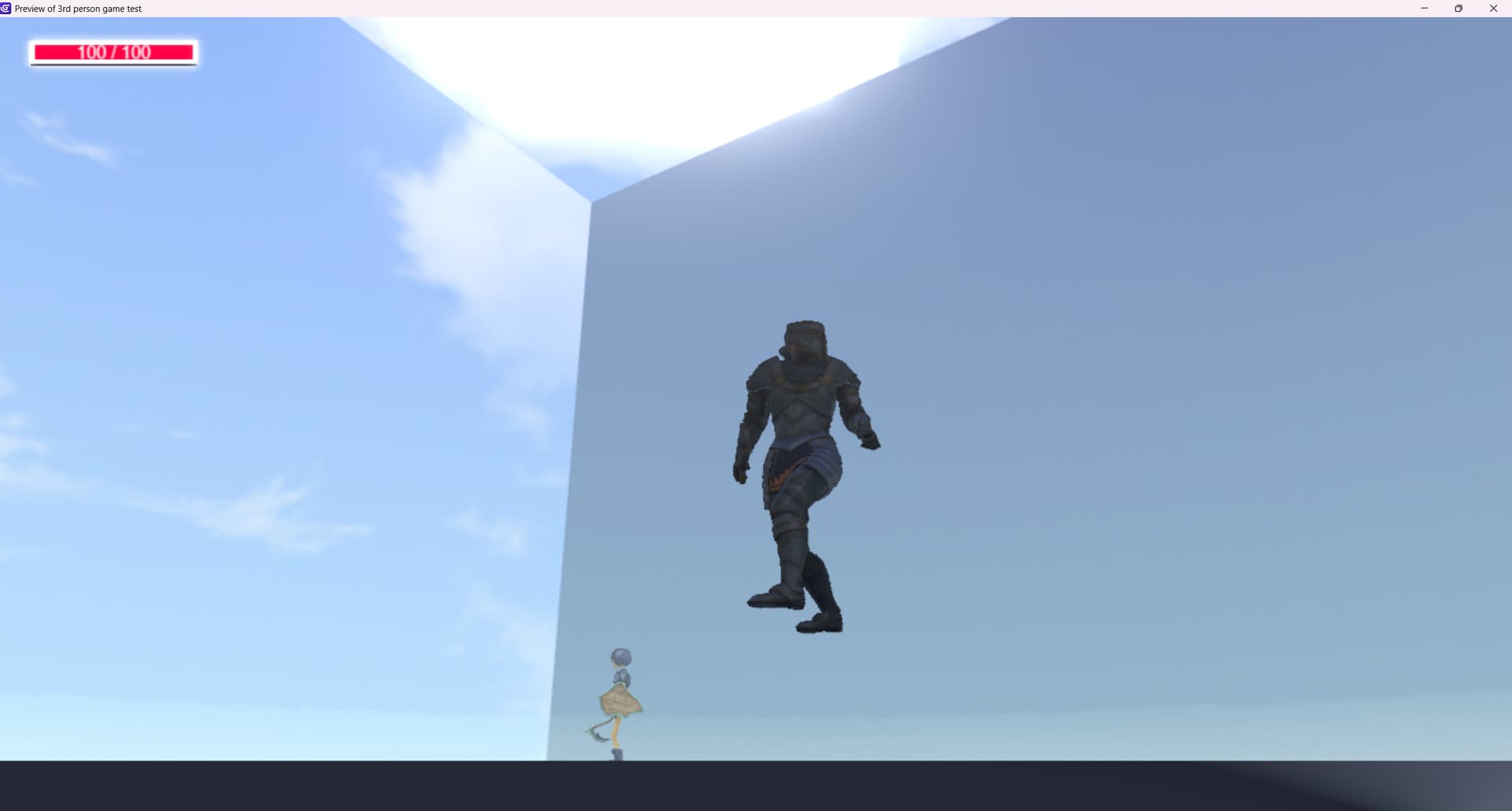
Now it looks like this.
Screenshot of Setup below
Game preview screenshot below
It stills looks not quite right…