My main question:
What’s your suggested best practices/method(s) to calling up your pop up screens (pause, settings, quit, about, etc) in any scene and any point of the game?
I cannot seem to figure out a working method to have each of these screens “pop up” in my game/other scenes.
To know
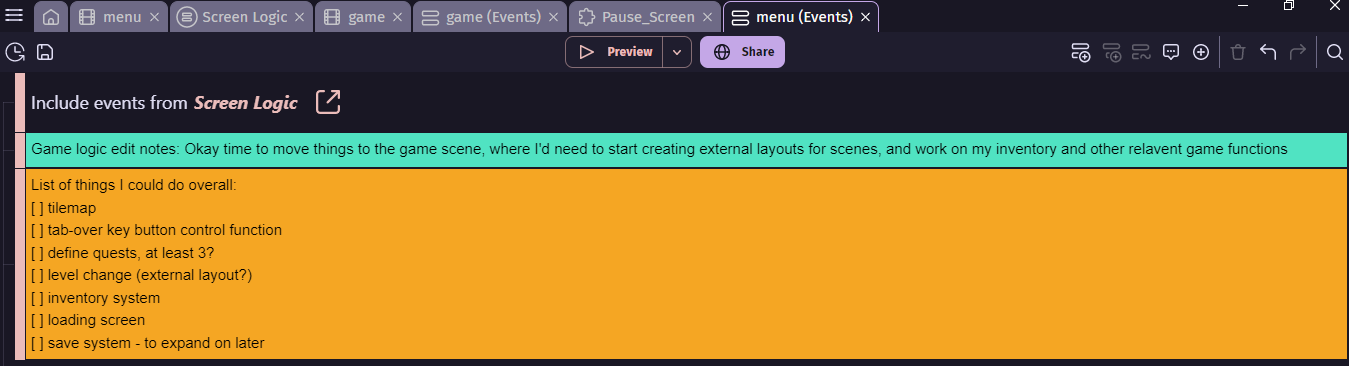
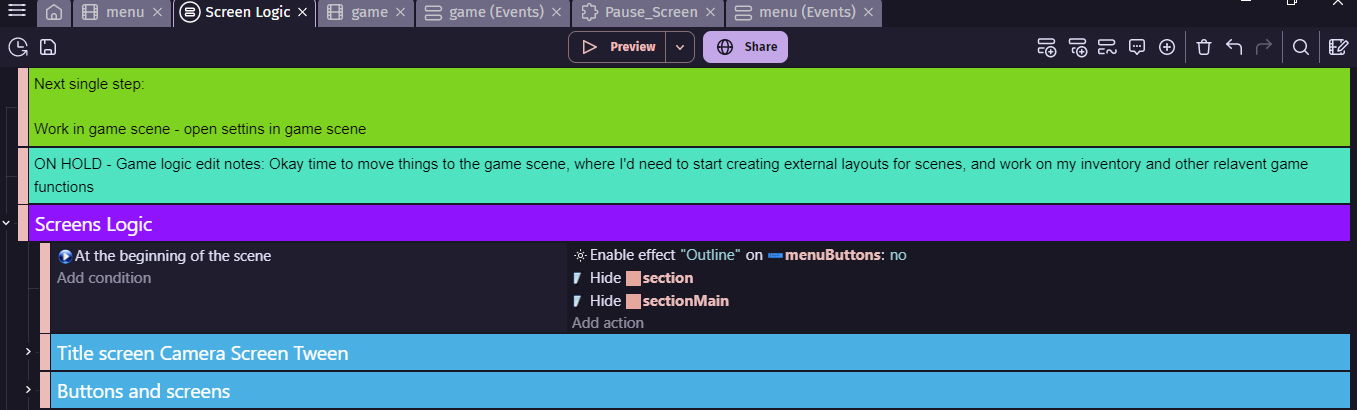
- All of my game logic for my menu and pop up screens are inside an External Event called “Screen Logic”, which is connected to my main Menu scene
- I an using external layouts to create my game levels
- I am trying to get my pop ups, that I made in my main Menu scene, to show and work in the Game/other scenes.
The setup
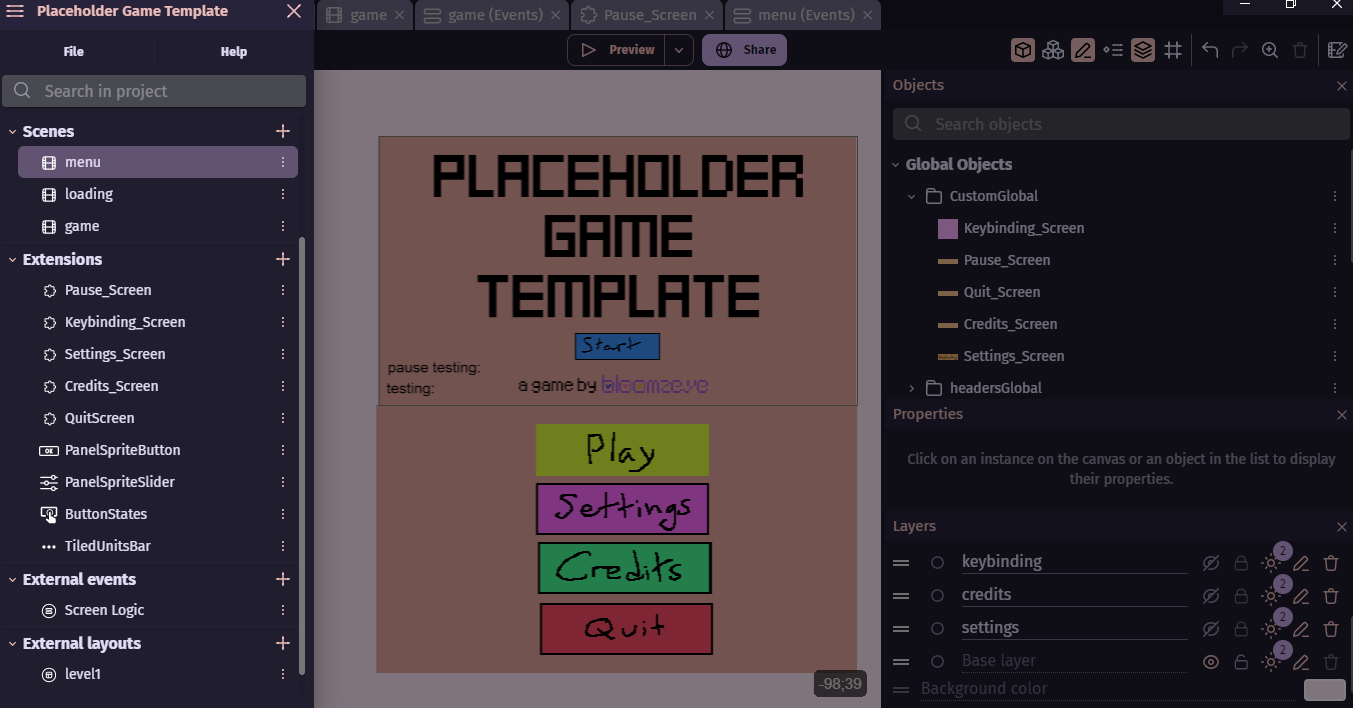
In my Menu scene, I have made all of my screens; settings, credits, quit, pause, as layers.
Now, I turned each screen–within their designated layers–into a custom object, and then turned that custom object into a global object.
The screens themselves work fine in their code logic (I mean, my code looks and acts kinda wacky, but it’s working for now!).
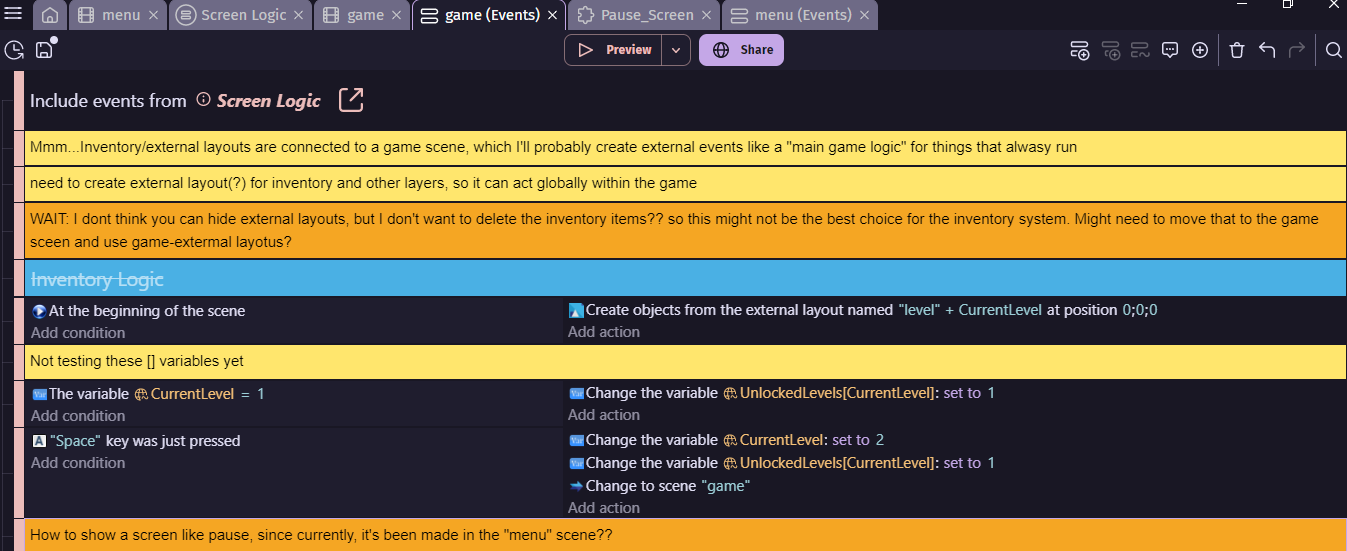
In the main Menu scene, I press “p” to show my pause layer and custom pause screen. But trying to do “press p for pause screen” in the Game scene…does not work.
Expanded questions for solutions:
- Do I need my other scenes to have the same layering as my menu scene, so each screens pops up, similar to where it was originally created in the menu scene?
- Or in the game scene, should I create a single “Screen” layer, and call each pop screen to that layer?
- Should I create each of my screens in an external layout instead? - Tried this, again, just now: did not work
Project files
Wait, I’ve forgotten how to import project files here…