So every example I have found about parallax backgrounds are on 1 axes (the x axes)
You can check this one for example
(it only changes horizontally but not vertically and If I moved the objects in the scene from the camera bounds in the scene, everything just disappear when in preview. I want the camera to change to the player where he is and make every layer follow accordingly.
I want to create the following:
1- parallax background with multiple layers
2- it changes based on X and Y axis
3- The camera follows the player where ever he is but the camera has limits
Waiting for any help on this
Thank you
Ok so I managed to make work on X and Y

but the Issue I have now is that :
1- I put the sprite in the scene where I need it
2- I made the events
3- I then preview
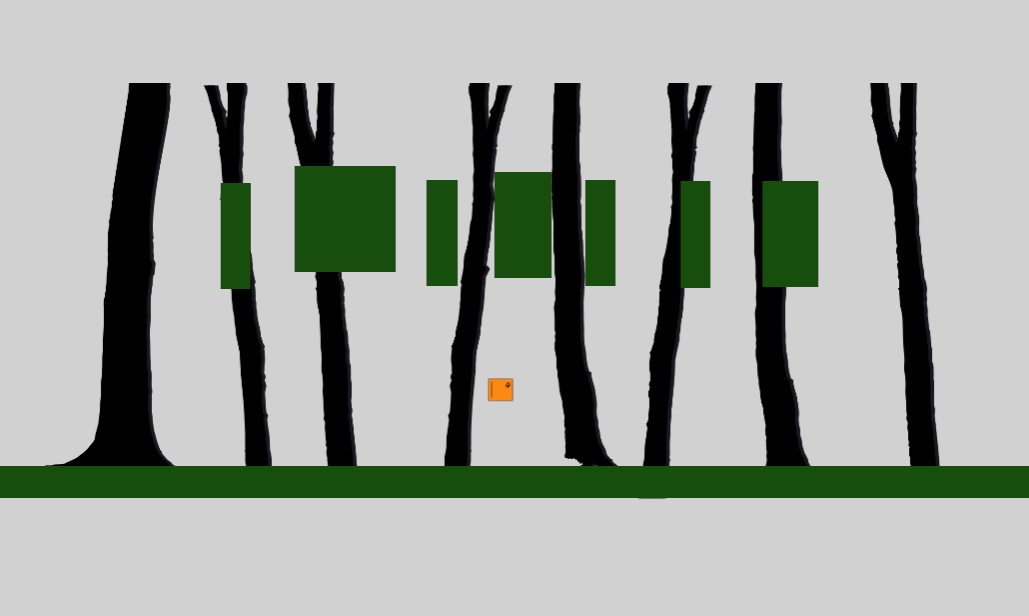
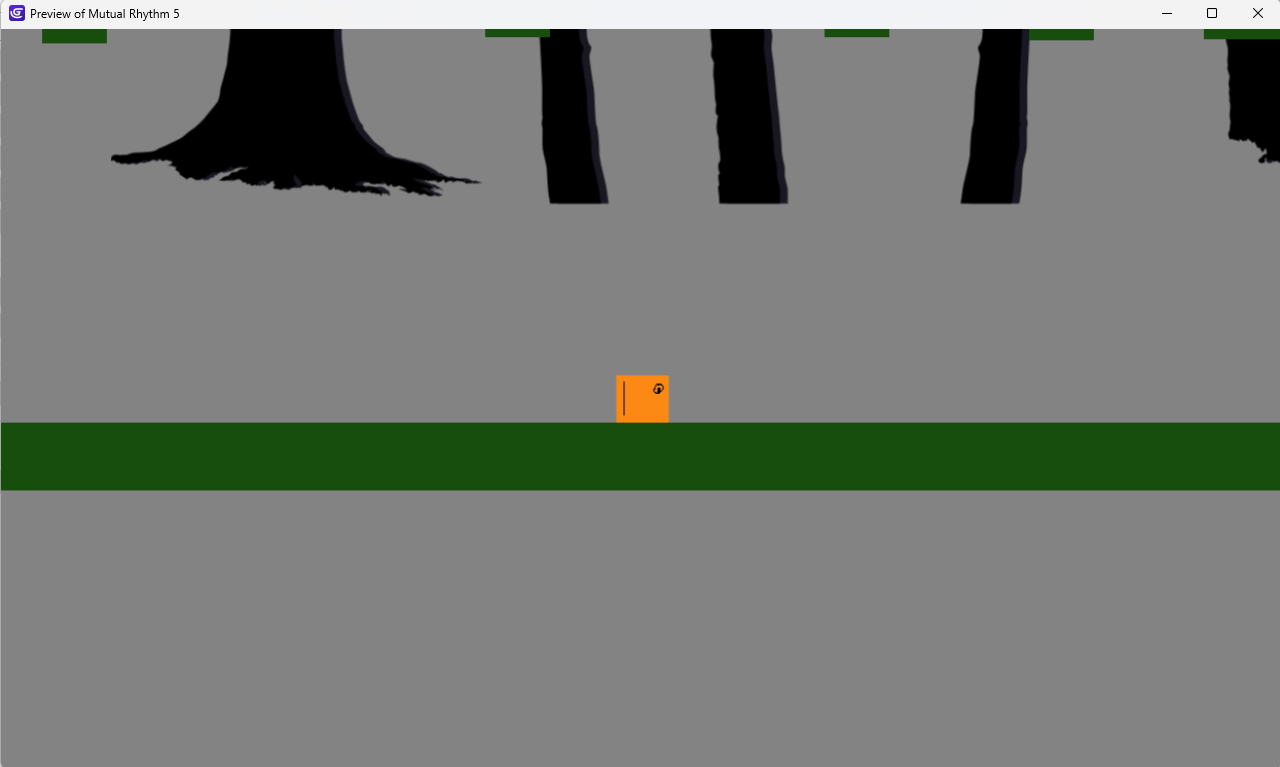
4- The starting point on the sprite changes and the parallax effect work, but why it changes it’s position I have in the scene editor?
I want it to start from the position I have it in the editor.
How is that possible?
in the editor
in the preview
How to fix that?
Thank you
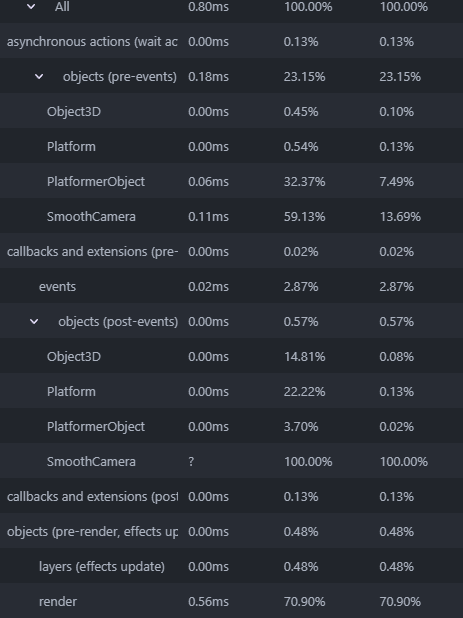
it is a pain doing y parallax that way - you need to move it lower in the editor- as an experiment i just tried doing it in 3d like they do for things like hollow knight etc. i used 3d boxes that are tiled and have transparency. I used 4 images of 1280 by 720. The background images don’t need to be that high res but i wanted to see how it was in the profiler.

the render is .56ms - there’s a warning about transparency impacting performance which has put me off doing this b4.
but that actually seems ok to me.
the forground 3d boxes need to be on another layer for some reason.
1 Like
@petlimpet Thanks a lot for helping, I forgot to update here.
Actually yesterday I fixed this issue by using the 3D editor like you said, I added the sprite 3d extension and it’s perfect, I added in a picture in the 3d editor, adjusted it’s position (far or close) without any code, all just by moving layers around.
I find this way 10 times faster, easier and a lot more detailed and perfect and as you said, this is the way it was done in games like Hollow Knight and almost all big games in the industry, so glad that GDevelop added 3D … such a big thing for adding parallax in projects.
I always had a hard time adding parallax but with this, it’s such a cool way doing it.
I will mark this as Solved.
2 Likes