Before proceeding, please use the forum search feature at the top of the page to check if your question has already been answered.
edit:
i have three workarounds in mind:
1: as proposed by keith, i could simply “iterate through every instance” individually for each of my objects in the group instead of one loop for the whole group. this is the simplest approach and a good one if the object group is small and you would call the function a lot of times.
2: (also proposed by keith), i could make another extension function, that i would run after the previous one (in main event sheet). this is a very good option if the object group has more objects than the amount of time that this function will be called.
3: (my idea), i could create my other object with the “create object from its name” and specify which object i want. on top of being longer to write, it seems like this action doesn’t leave a picked object (a picking list with only the object created) like a normal “create” would.
original post --------------
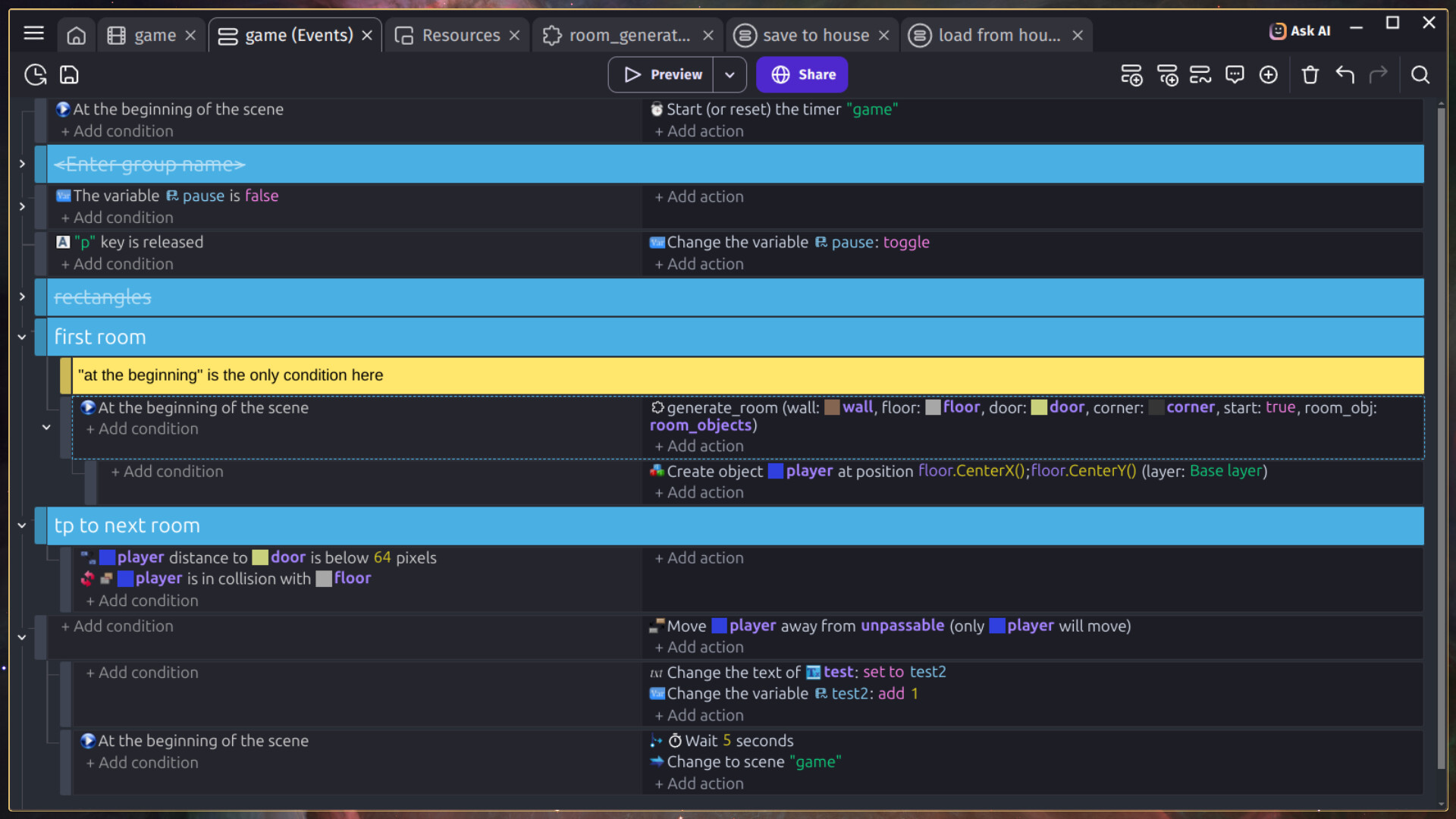
i struggle to pass an object group inside an extension. normally you would just put the group where you would put an object like so: (room_obj is the group)
(this is in the main event sheet)
a group should be passed.
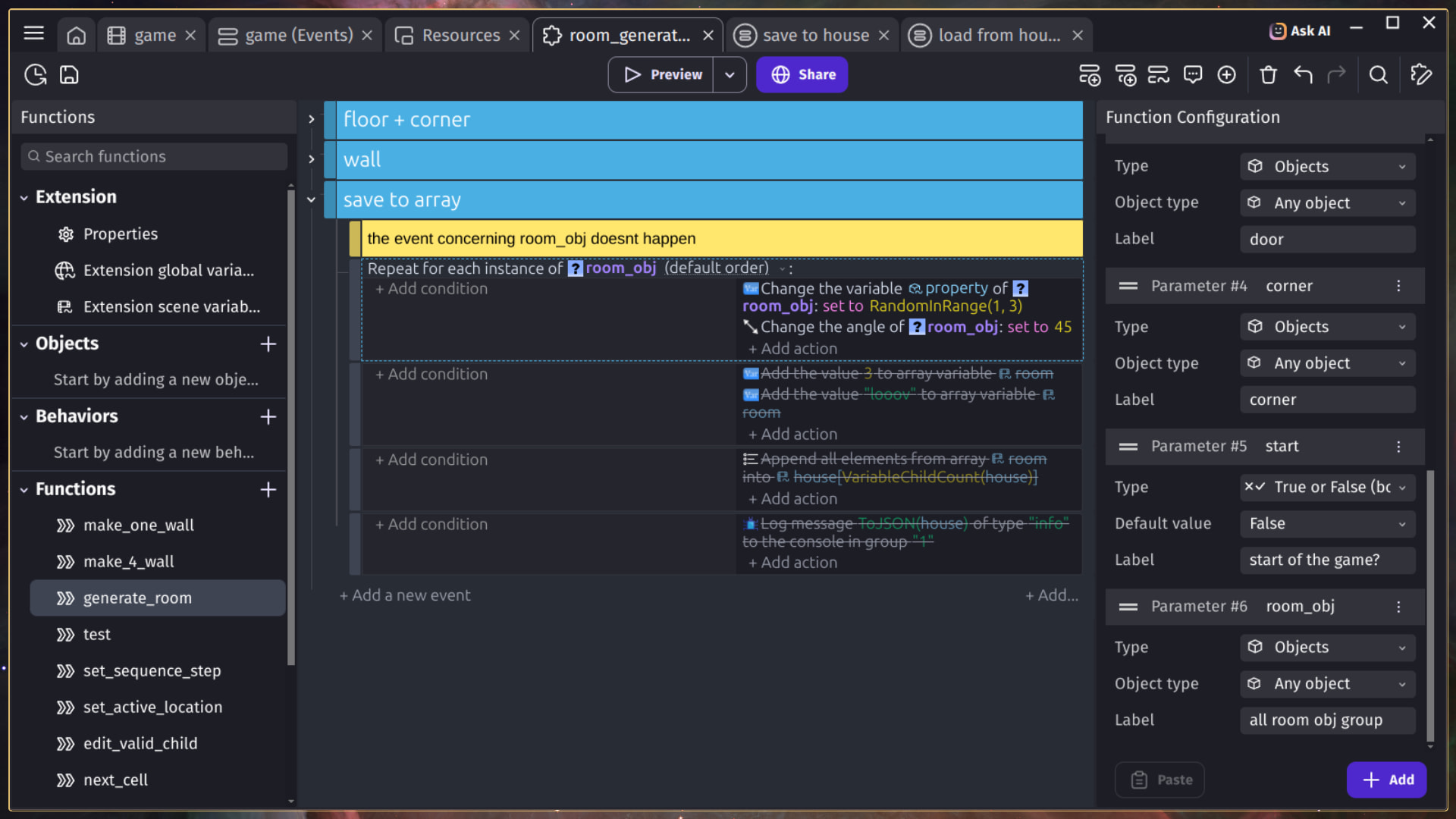
but the event here (in the extension) doesnt work:
you imply that iterating through an object group makes it so that you can only change that object (aka. the scope is limited to the picked object). never is that the point of iterating through an object group. you should be able to do any action. (you can do that in the main event sheet)
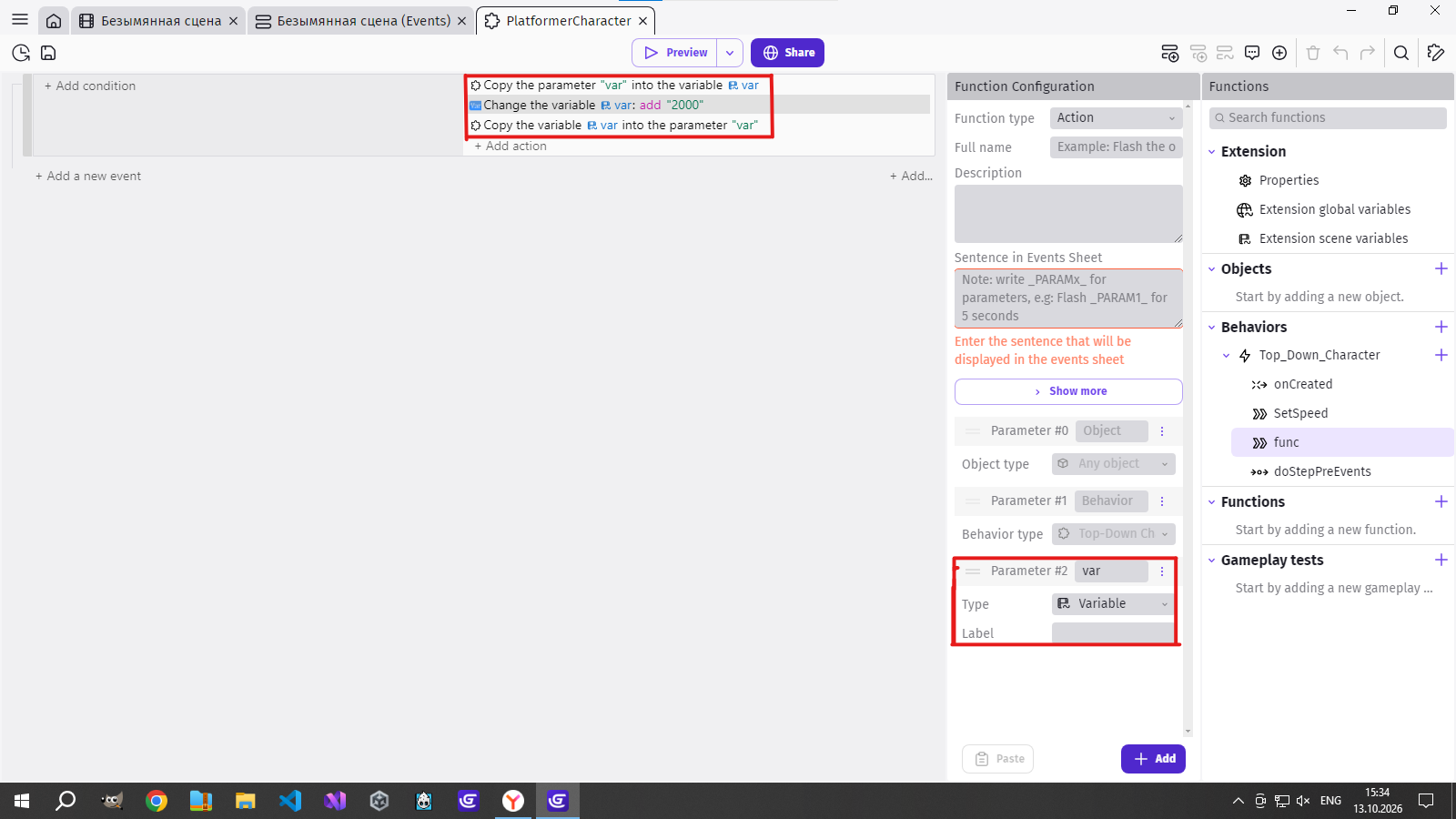
this is so helpful! i have always wondered how to use variable parameter!
it doesnt fix my problem tho, because my original event changed an extension scene variable (when im in the extension), normally it should work. my problem was not passing a variable (though thanks for the insight) but an object group.
Are you using any conditions in the extension with the for each object. If so, can you post a snapshot of them.
I tried several different events in an extension and groups behaved as they should. I was able to use for each object in an extension with a group to do all sorts of things.
i have new info. Not only does the event work if i change it for a normal object, it also work for another group: i made another test group with two test objects and it works when i do that. not only that, but if i change it to another object that is already passed as another parameter, it doesnt work!
this leads me to think that we cannot pass twice the same object. is it true? what would be the best alternative? in my custom function generate_room , the group room_objects contains wall, floor, door, and corner. those ojects are already passed in other parameters (param 0-3)
(i do have to sleep now so ill check back tomorrow)
When a group or an object is passed to a function as an object parameter, it is seen as a new object (a new list of object instances). For instance, if you pass the exact same object twice in parameters MyObject and MySameObject, applying a condition on MyObject only filters instances in MyObject and not the ones in MySameObject even though the 2 objects share the same instances to begin with.
In your case, creating new instances of door won’t add it to room_obj because room_obj is not a group from the point of view of your function.
Just to check. You’re saying that if walls or doors are being created in the extension before the final for each object that uses the objects from the scene group then it’s only going to use the objects that were in the object list when the function was called? Because inside the extension, it’s not considered a group, it’s just a regular picklist. That makes sense. I would’ve not figuited that one out. I was only testing the final events.
If there are zero doors, walls, etc … when the scene starts and the function is called then the final parameter would have zero objects. Since objects aren’t created under that parameter name than it remains empty.
Unfortunately, if extensions can’t include an internal group list than the answer seems to be use seperate for each objects events. Maybe the object variable can be set in the events that create the objects instead of with seperate for each objects at the end.
 (this is in the main event sheet)