This is my erm…‘mega’ thread …featuring all things pet and limpet!
so…spindly…let me know what you think…
platformer with shape painter animations…
I took a bit of a break from spindly and worked on some other stuff …but i went back to it yesterday and attempted to remove some of the more irritating elements.
The general direction is - find sword, find shield, kill spider, can climb walls, kill dragonfly, can fly, find archerfish, can shoot water, that’s as far as i have got thus far …next return to Lloyd and upgrade weapons
it’s a very complicated game and i won’t run well on all devices as a browser game due to the repeat events used to generate shape painter shapes…sorry about this!
Hi PetLimpet, I watched the whole video but for me, it was not enough information for me to be able to apply the cos wobble in my own game as it wasn’t clear to me what the principles of it are. I tried to apply what you had for the coconut wobble and it just changed to an angle and stayed there. Is it meant to go from side to side? I put something like Boolean is true, change angle of object to cos(object.Y() * 4
Thanks for watching @Bubble…sorry …Its probably Im not great at explaining things…behaps I need to redo the vid or bin it.
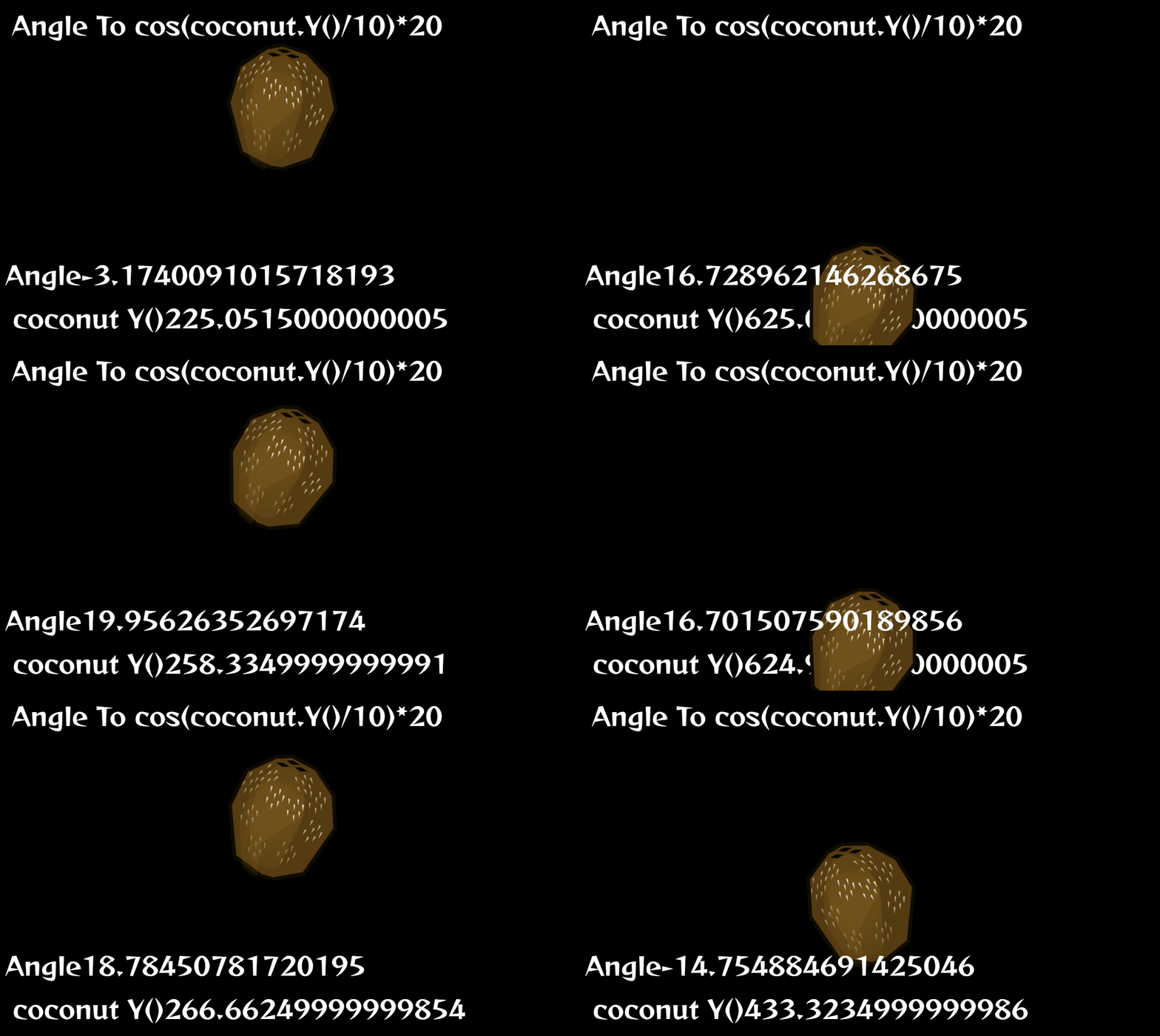
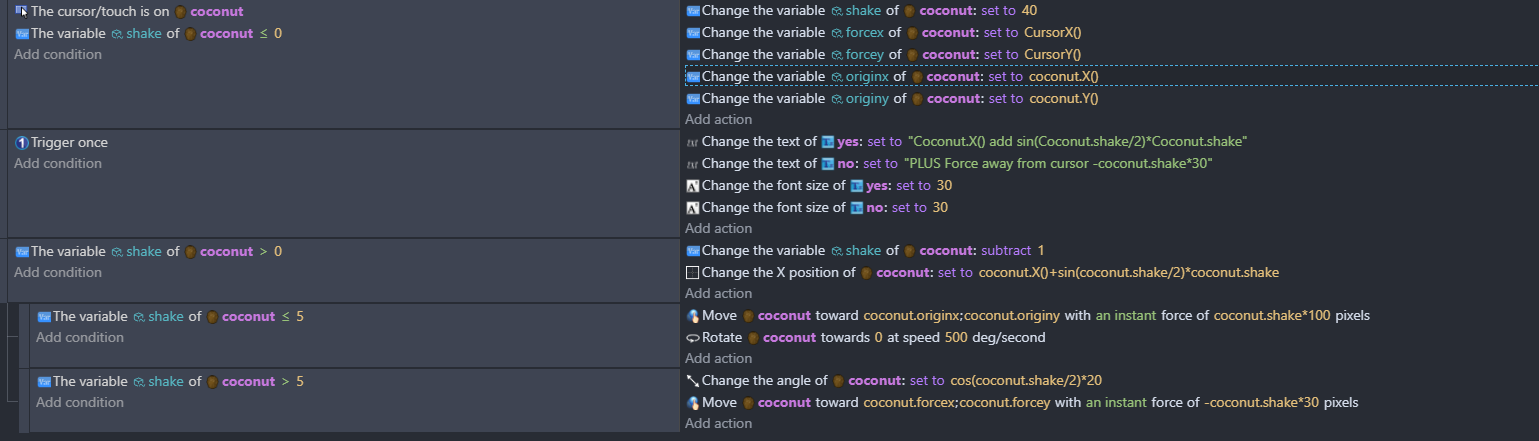
When the Y is changing as the coconut falls the cos(coconut.y) occilates between -1 and 1 and so you can times it by the angle that you want it to wobble to
The the fish has a variable ‘recovery’ which when you hit it is set to 30
It counts down to 0 and so when it does this I add cos(fish.recovery)*fish.recovery
I probably lost subscribers after this rather than gained any!
When you tried it, was it moving? As the variable inside the brackets cos (var) needs to change and then then be multiplied by something.
Ohhhh, I completely missed the point. I just tried it on a draggable object, I LOVE it! How does it change to oscillating though, as in how does the negative value happen if the multiplier is always positive? Update, well I just did a quick search, apparently it’s a thing and the value changes from positive to negative, I don’t get it, but it’s magical.
Another update, okay so for example cos 440 is +0.17, cos 450 is zero and cos 460 is -0.17. Amazing use of cos! Yet another update, I’m obsessed with cos now, these values are based on degrees instead of radians, so they are incorrect. But the principle hold true, a small variation in number changes the sign of the cos value.
Also, because the coconut is mostly round, so angles don’t show up very well. In your video I didn’'t actually see the coconut and fish eye oscillating.
ahh - i think im going to redo the vid! - In retrospect I don’t think that I thought it through properly! - 6 views though - so the damage to my reputation is limited! lol
I’m really interested in other uses for this but I don’t know what yet. As in using other properties of an object for the multiplier. For example, I had to drag in a vertical direction to get the wobble. Or other things besides angle that would be interesting with an oscillating positive and negative value. Remember the creative uses of tweens thread, well now cos is another thing to think about.
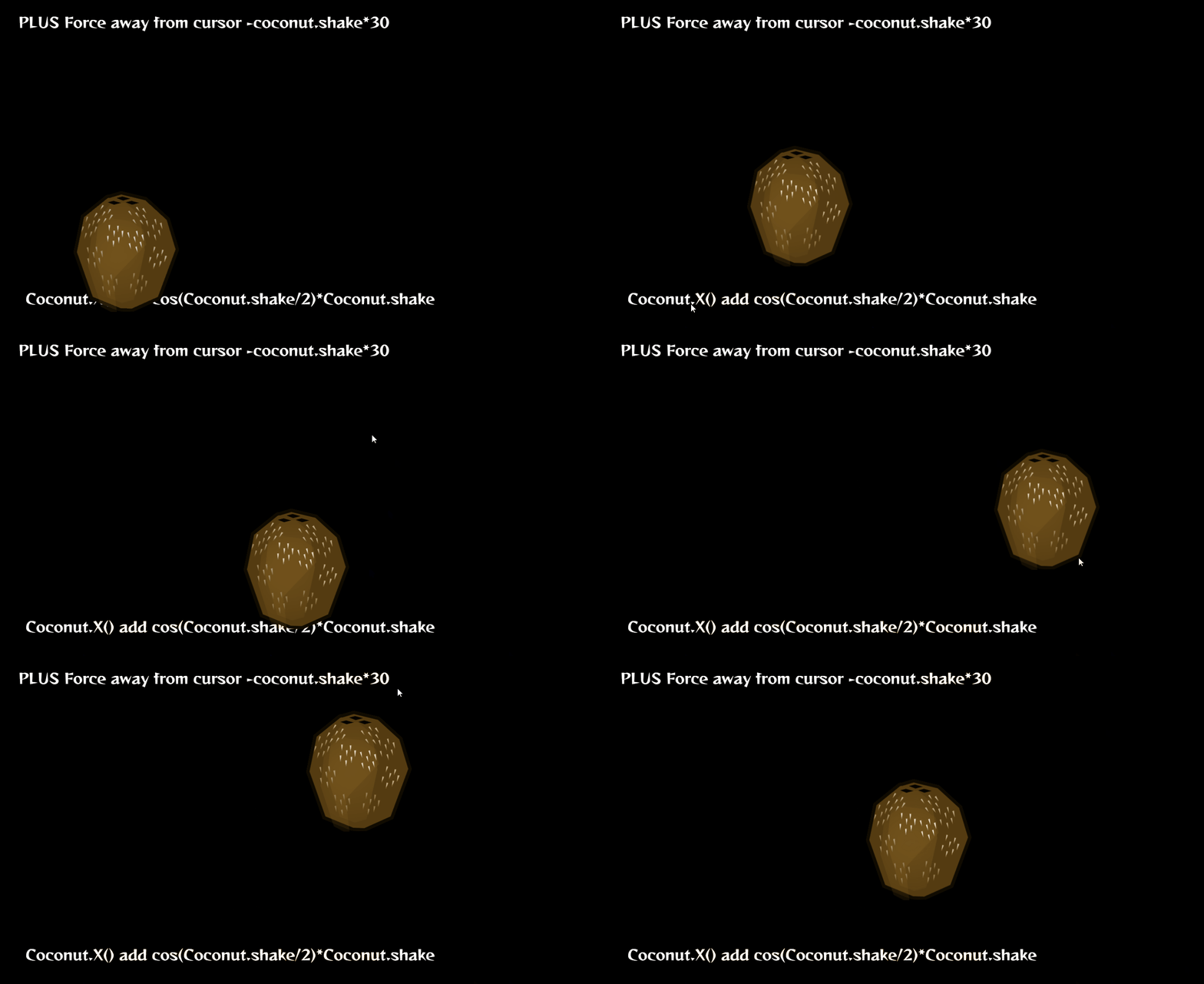
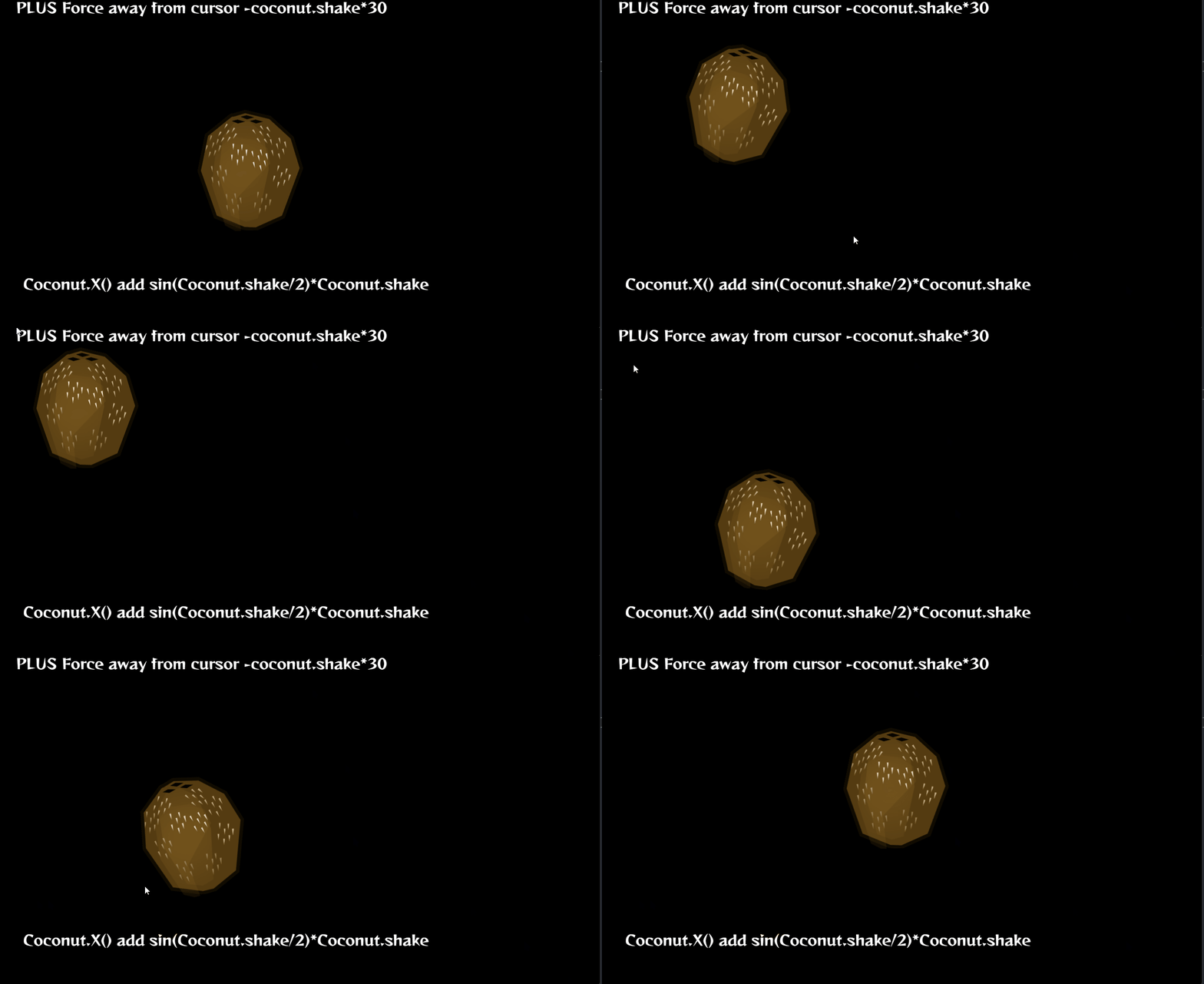
It’s probably used by loads of people and I come to this thinking ive done something wonderful! When moving it rather than changing angle after conducting some experiments its better to use sin!
but im perhaps starting to overcomplicate things now - see code!
It is wonderful and you did it, so you did something wonderful.
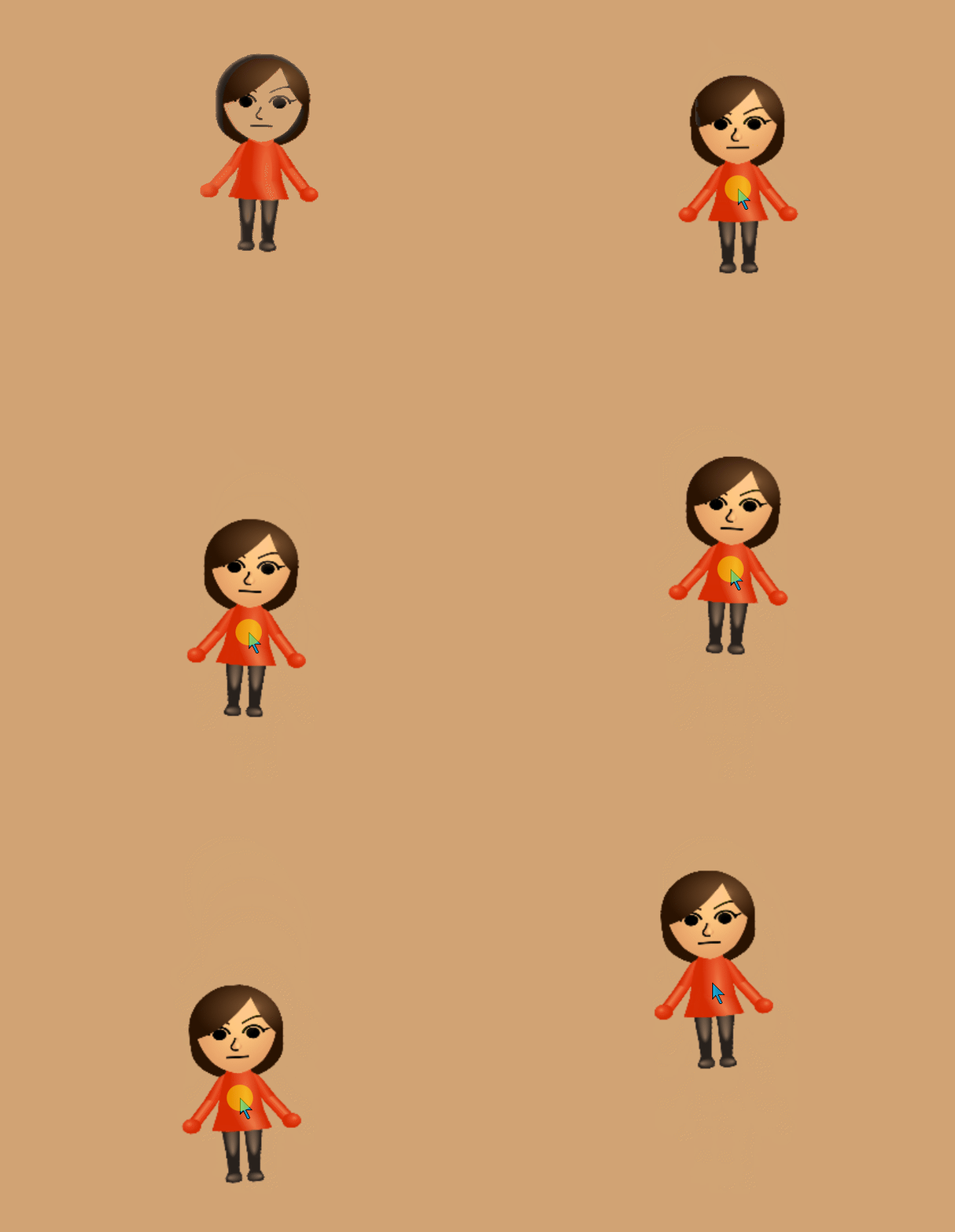
This is probably wildly ridiculous but anyway, I used it for scaling. And if anyone knows why all of a sudden Screen2Gif is making my gifs orange, please let me know.
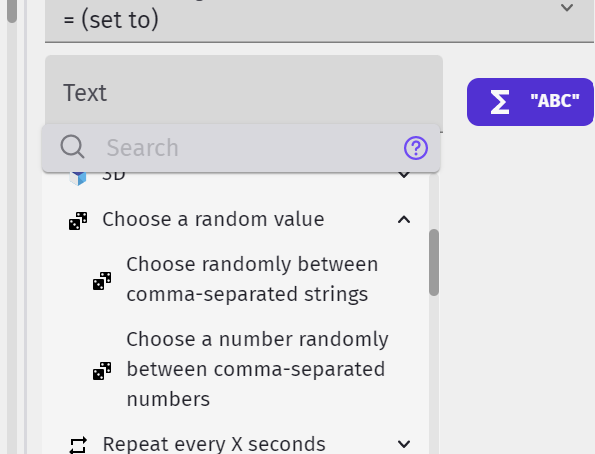
Cool…I can’t tell you why it’s gone orange! Perhaps screen to giff thought it would look nice! There’s another expression that I’ve never used …choose random number!
Actually, you’ll be disappointed to know that the Choose thing is an extension. It’s been around for a long time but was then deprecated by the Array Tools extension but has now made a comeback in the unofficial extensions list. Now that I think about it though, as I was only using two numbers, I could have just used random in range
Yes, exactly that. It also has an option to choose random comma separated text too. I love it and was disappointed when they took it away but was lucky I still had a copy from an old project.
Yes …have go at it…I can picture the events . But I’m embarrassed to say that I’ve never created a function…there’s the new trick that I really need to learn!