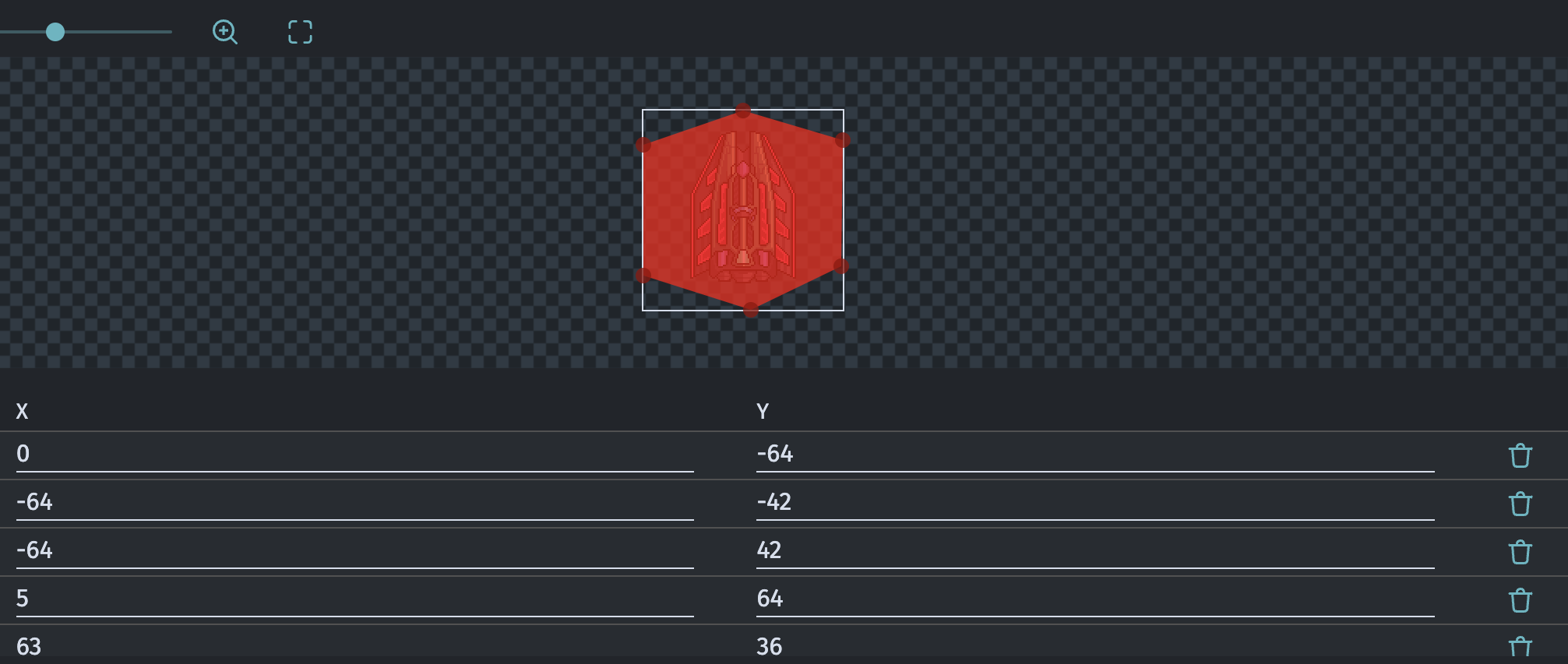
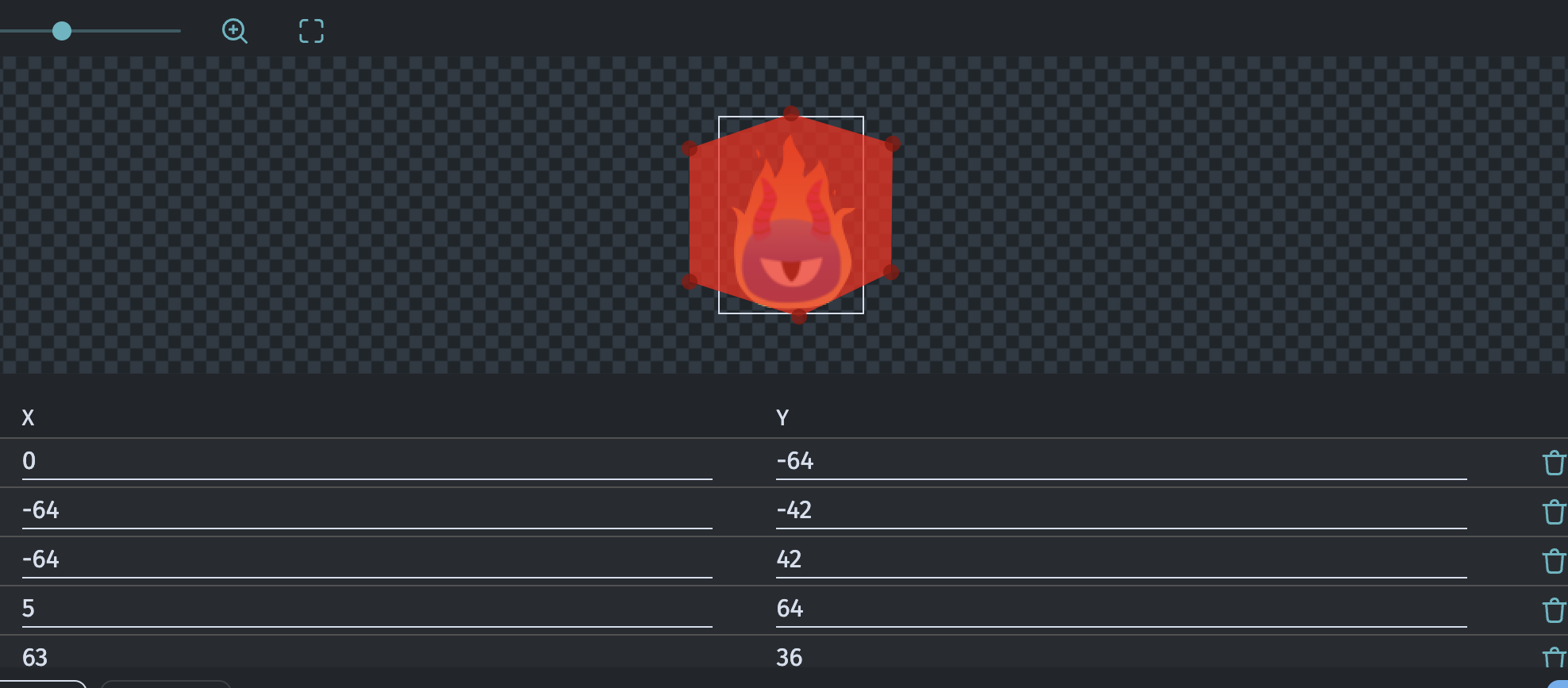
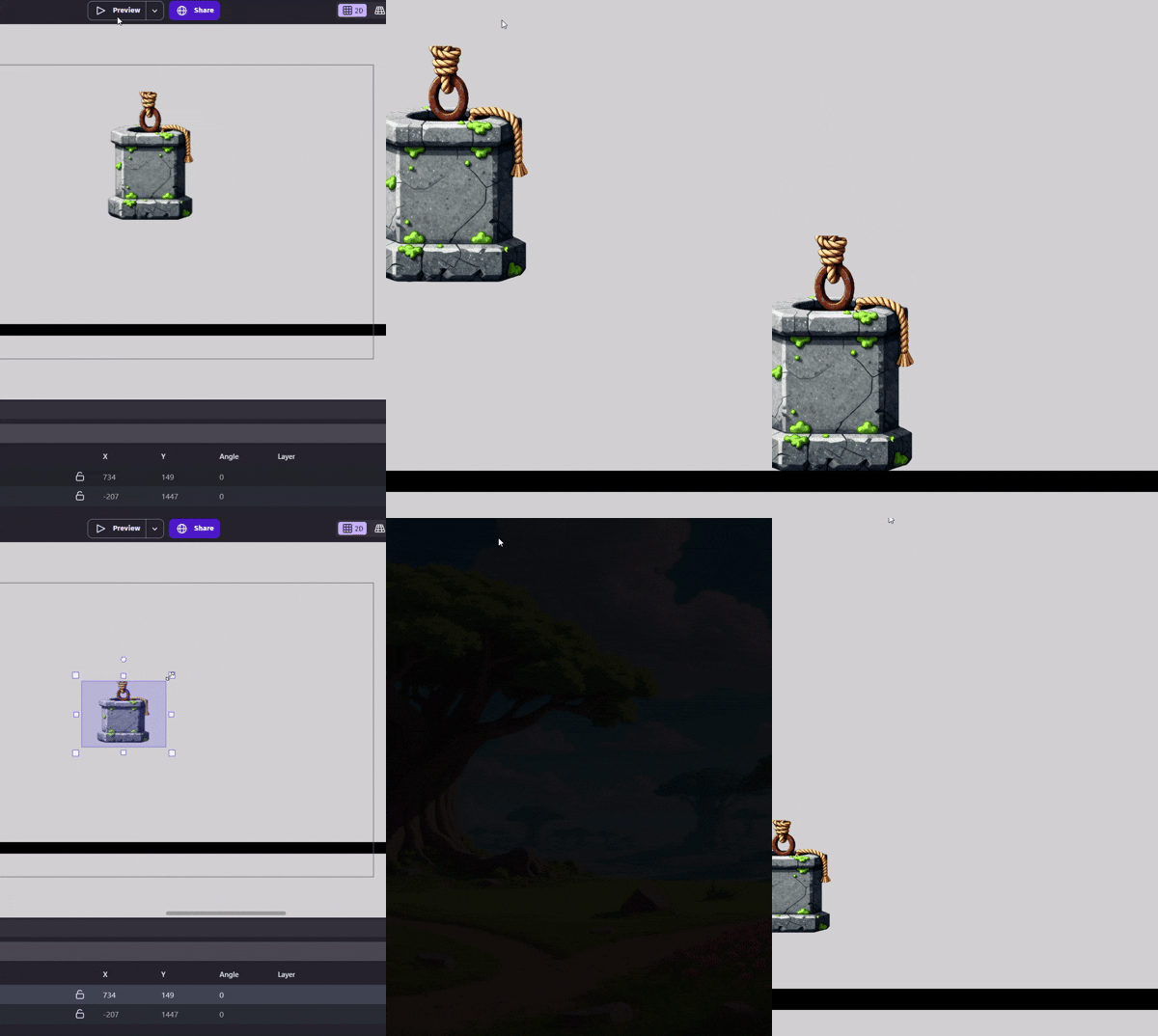
The shapes in the Physics engine do not Stretch with the Object scale (except the Box shape, I think). So if I create a Polygon Shape, scaling the Objects sprites width does not scale the Polygon Shapes width making the physics objects sprites overlap.
Maybe the Polygon shape should scale with the objects bounding boxes, like the objects collision mask;
Or an addition Shape using the Objects Collision Mask;
Or using expression like “boundingboxright” inside the Behavior Tab where you can type in the Polygons dimensions.
The collision mask (of any kind) is scaled when the object dimension are changed with the scene editor or by events.
When you configure a polygon in the object configuration, you see the points you set. If you choose another image for the object, you need to change the polygon too.
@davy That doesn’t seem to be the case - I have an object in my scene I set up the physics collision box to match the object, but when I scaled the object using drag in the scene setup - the Physics collision doesn’t scale correctly
Ok, in this case, you probably need to use the Shape scale action to follow the object scale, but it looks like it will only work if you keep the aspect ration.