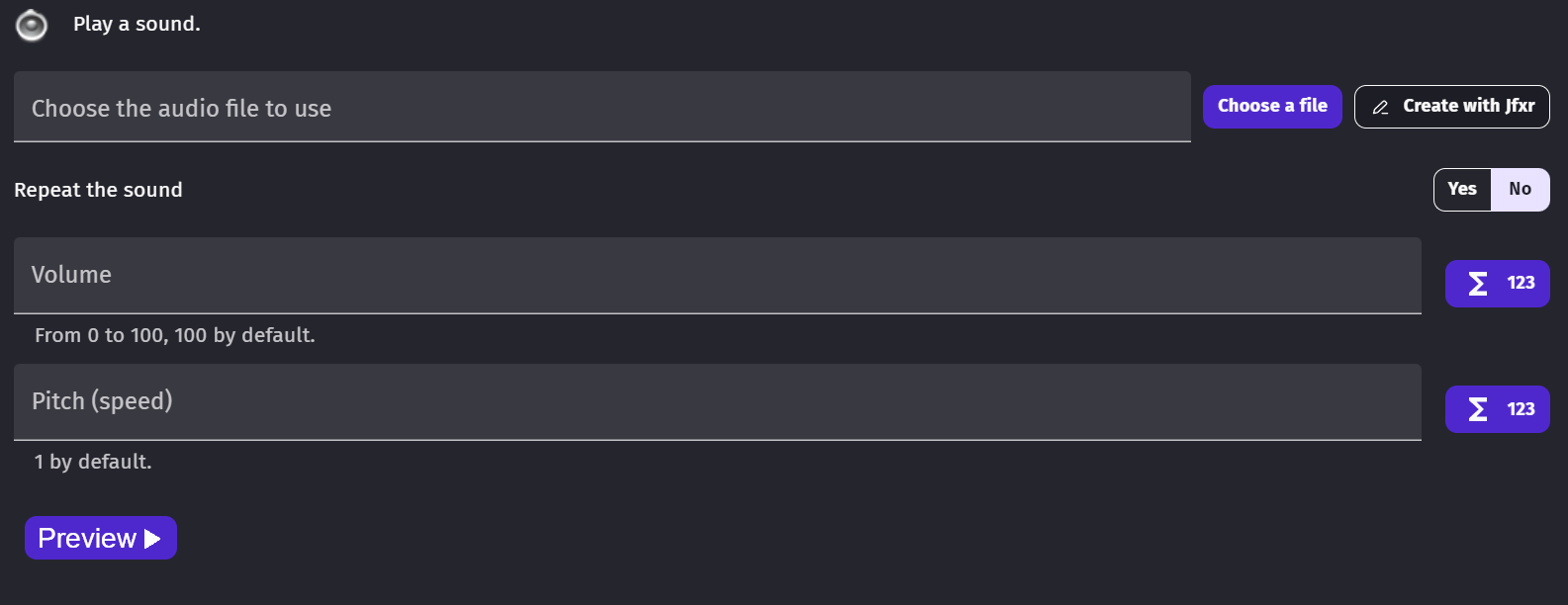
If the preview applies the pitch and the volume specified in the parameters, it would be much more effective way to quickly tune a sound.
It’s often more effective to identify a sound with an audio preview than by filename, especially for medium/large projects or projects with several developers.
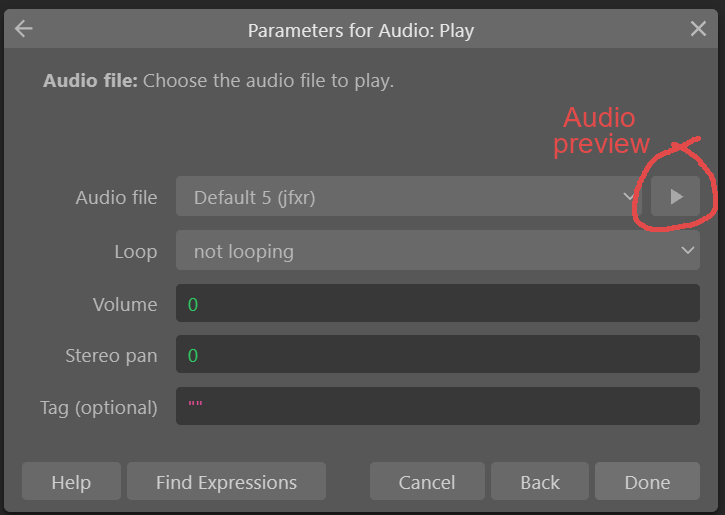
Sound preview is available in Construct3 and it does apply the volume parameter specified in the dialogue box :
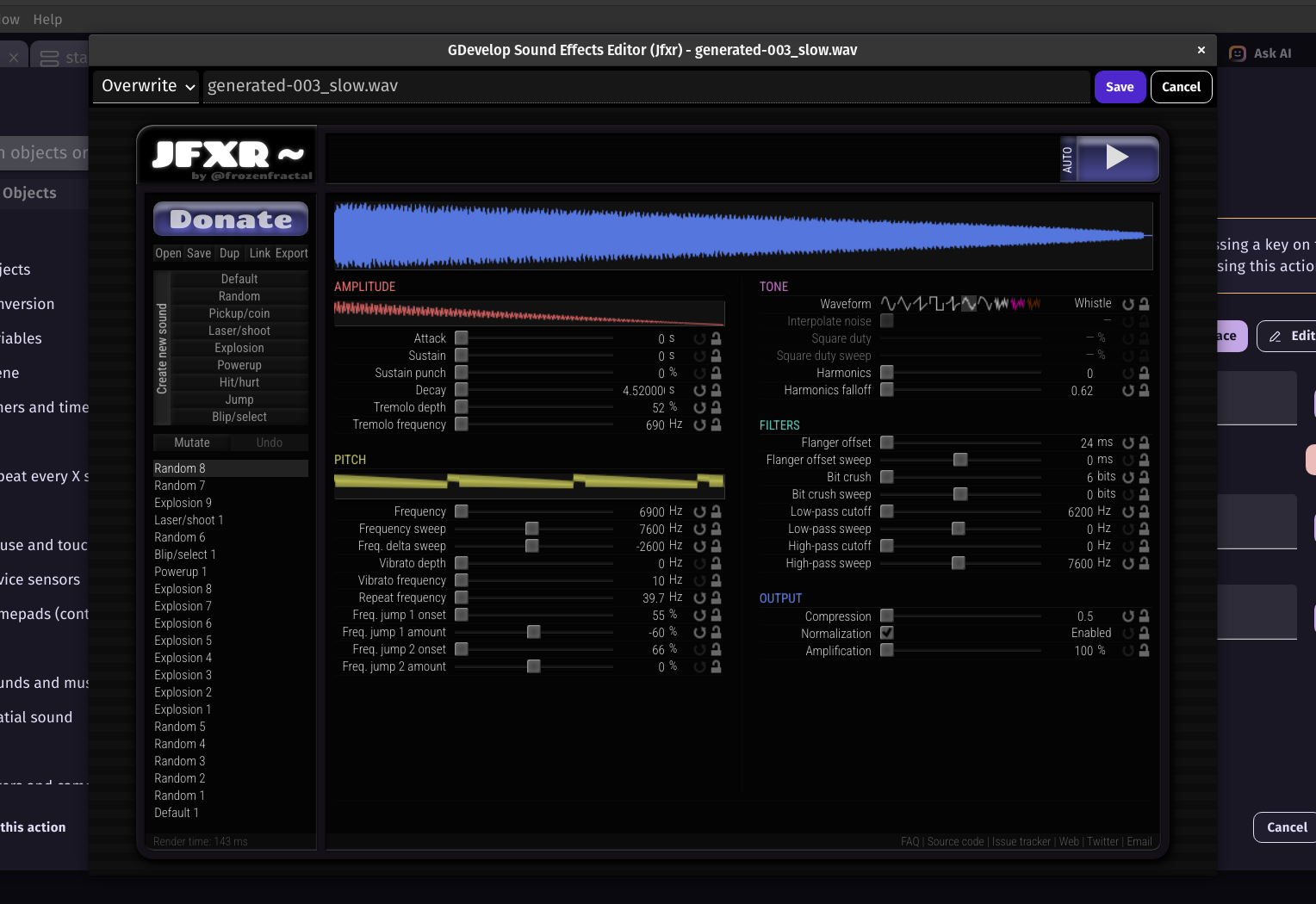
I did try to use jfxr since there is a “edit with jfxr” button that appears when you import an audio file to see if it can work for preview. But as far as I’m aware this app only displays sounds saved within Jfxr itself. And the “open” button within the app doesn’t work either. At least it didn’t work with .wav files, but I suppose it’s only for .jfxr files made with the application as well.
 if you think this feature is important