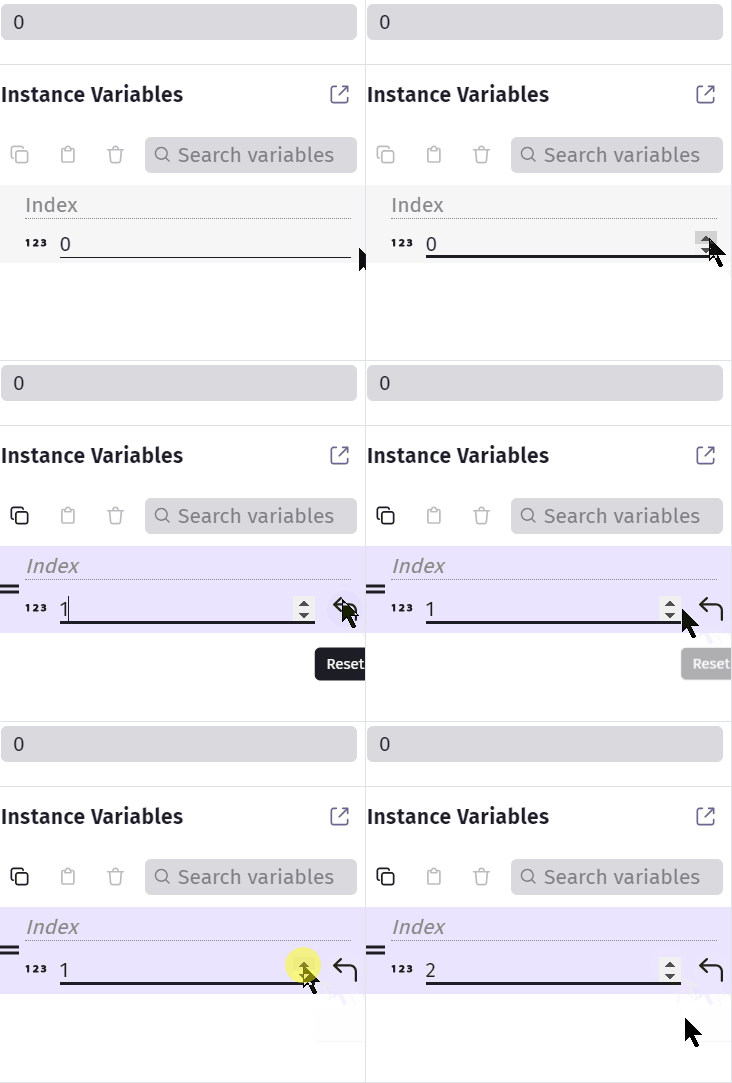
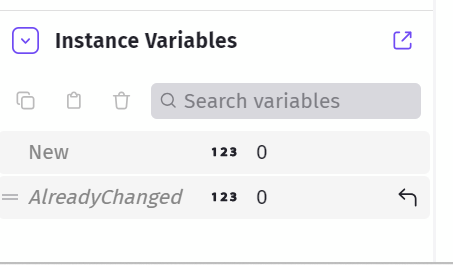
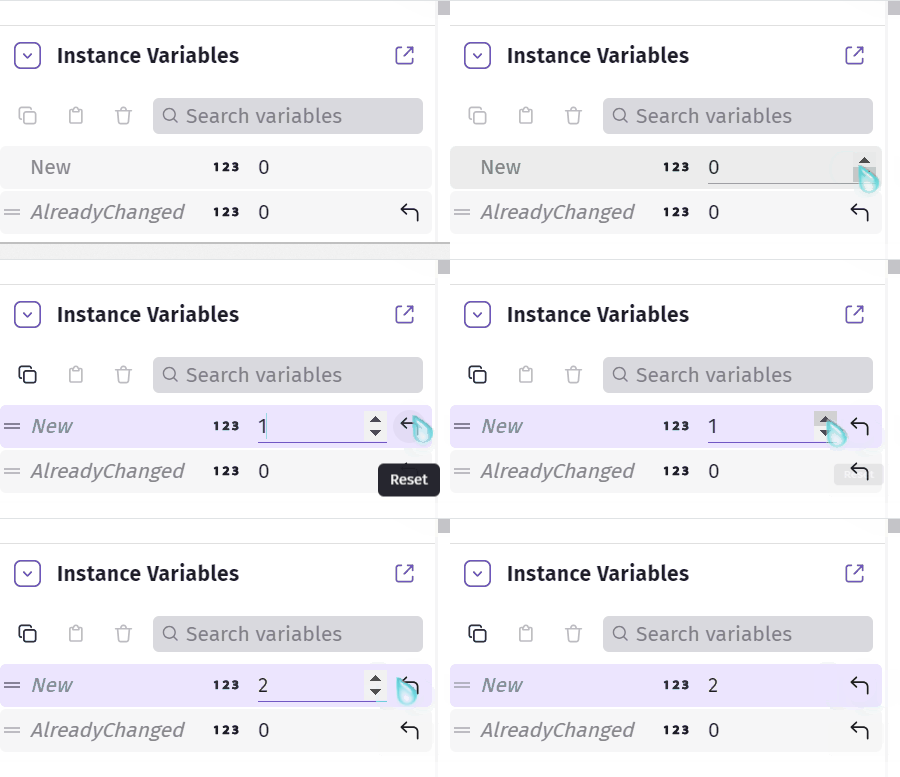
Problem happens when you change an instance variable of an object in the properties panel with the arrows. The first click on an arrow then displays a reset button. But the reset button appears where the arrows just were. So then you have to move the cursor to the left to click on an arrow again. And if you’re doing things quickly and don’t notice, you think you’re pressing the arrows, but have actually reset value back to 0.
If the arrows were to the left to begin with, there would already be space for the reset button.