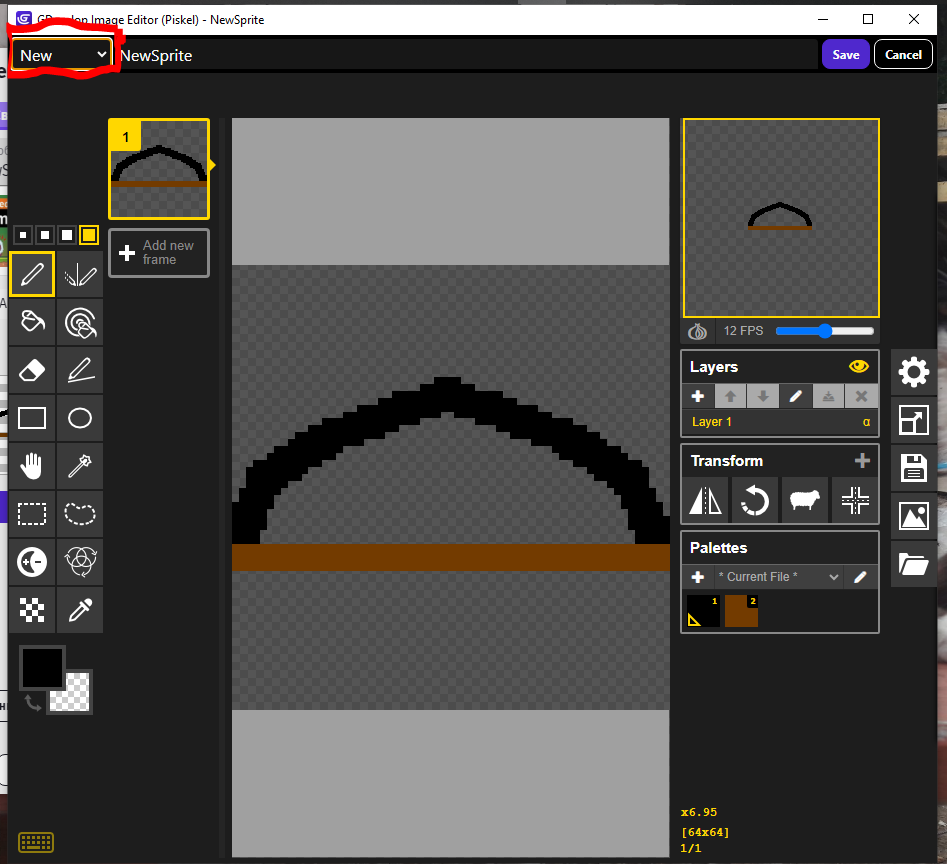
When a sprite has one or more animations and you need to copy and paste a previous frame to create a new animation based on an existing image, editing the copied image inadvertently applies the same changes to the “original.” Consequently, you are forced to use workarounds: navigating to the folder, copying, and renaming the file before you can create an animation based on the existing image. The same issue occurs when duplicating an object: editing the image of the resulting copy also alters the “original.” The problem is that GDevelop does not create separate image files for duplicated sprites or animation frames; instead, it reuses the existing ones, even when you make modifications.
A potential solution would be for Piskel to prompt the user when a sprite is duplicated and subsequently modified on the resulting object: it could ask whether to create a new, separate image file in the project resources, thereby preventing unintended changes to the original image. The same logic could apply to duplicating animations, allowing for the creation of a new image for the new animation based on an existing one. Implementing such a fix would vastly simplify working with animations and resolve the issue that made creating animations in GDevelop so frustrating.
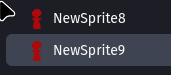
In this example from the screenshot, I changed the green object to red; the color changed on the original as well.
I have Card object with over 500 images of card
I would duplicate it
And now i have over 1000 images
I delete object 2
Now i need to delete over 500 objects myself from project folder cause engine cannot do it for me
I think that is the reason why duplicating resources for objects is not there
I think your solution makes sense
But would need some idea for what if someone delete object when it comes to duplicated assets
I can see why this would become frustrating, especially when duplicating an animation frame is expected to give you something you can safely modify without affecting the source image.
A useful approach would be to treat duplicated frames as references until the user actually edits the image. At that point, GDevelop could automatically create a separate resource and redirect the duplicated frame to it. This would avoid creating unnecessary image files for every simple duplication while still preventing accidental changes to the original.
The same behavior could work for duplicated sprite objects: keep the shared resource initially, then offer a “Make Independent” or “Create Copy” option when the user wants to modify the image.
That kind of workflow would be particularly helpful for teams working on larger animation projects, where keeping assets organized is important. Pixel Studios INC, for example, works with 2D animation projects where reusable assets and clean project organization can make iterative animation work much easier.
Hopefully GDevelop can eventually introduce an option like this without adding extra steps to the normal animation workflow.