Hi guys, just a tip for anyone using this extension…what should I add to radius?

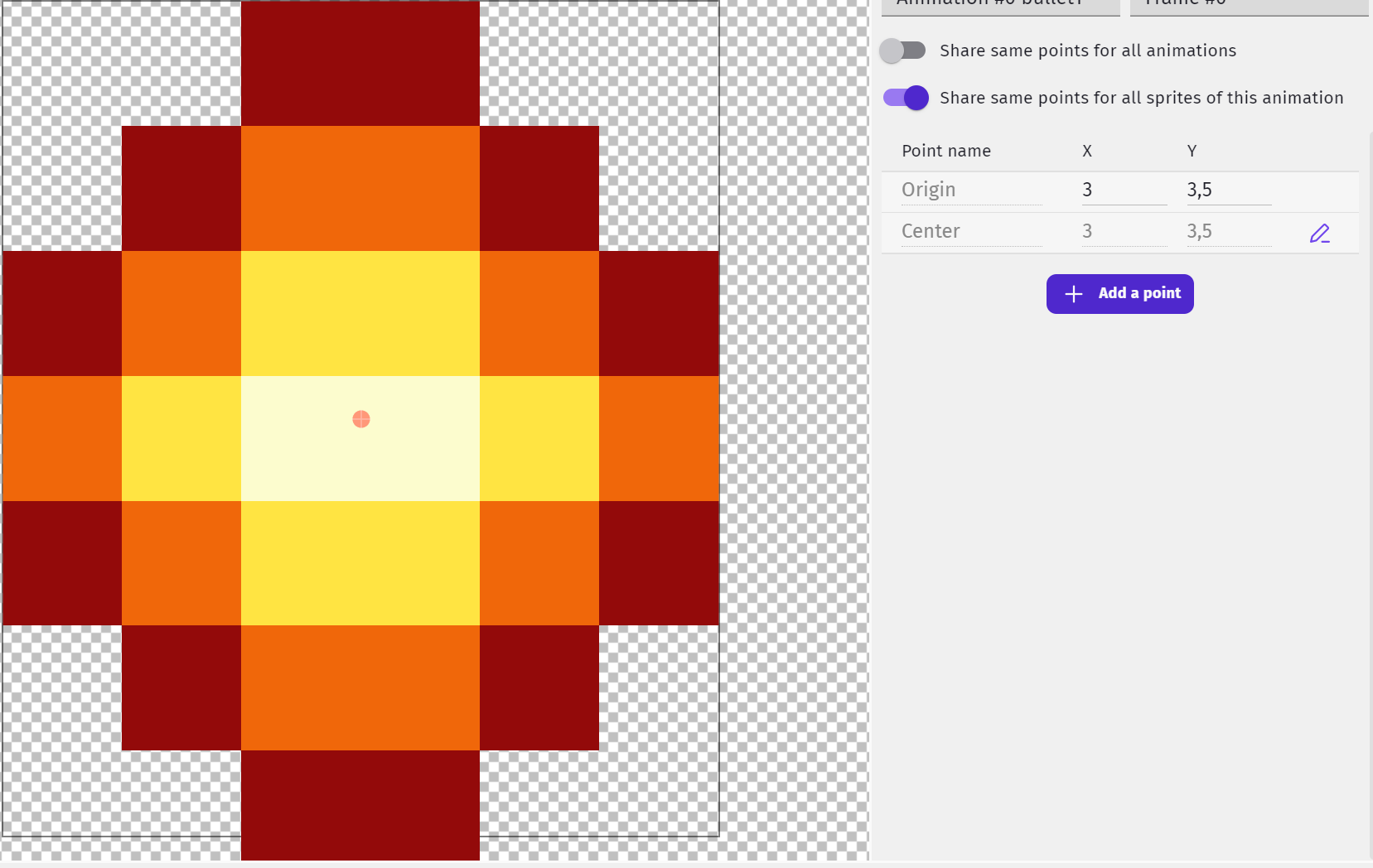

3 - the radius is the distance from the centre to the outside (though ideally your bullet1 is the same height as length). You’d have part of the the top and bottom row of pixels of the bullet not colliding, but it’s better than making the radius 3.5 and having the air beside the bullet cause the collision.
Alternatively you could add 2 circular collisions, both with radius 3, one with the centre at 3,3, the other at 3,4.
Or you could use the standard collision box and make 3 boxes for the collision detection; one from 2,0 to 4,7, the next from 1,1 to 5,5 and the last one from 0,2 to 6,5
Thanks for the explanations but how can I add two collisions?
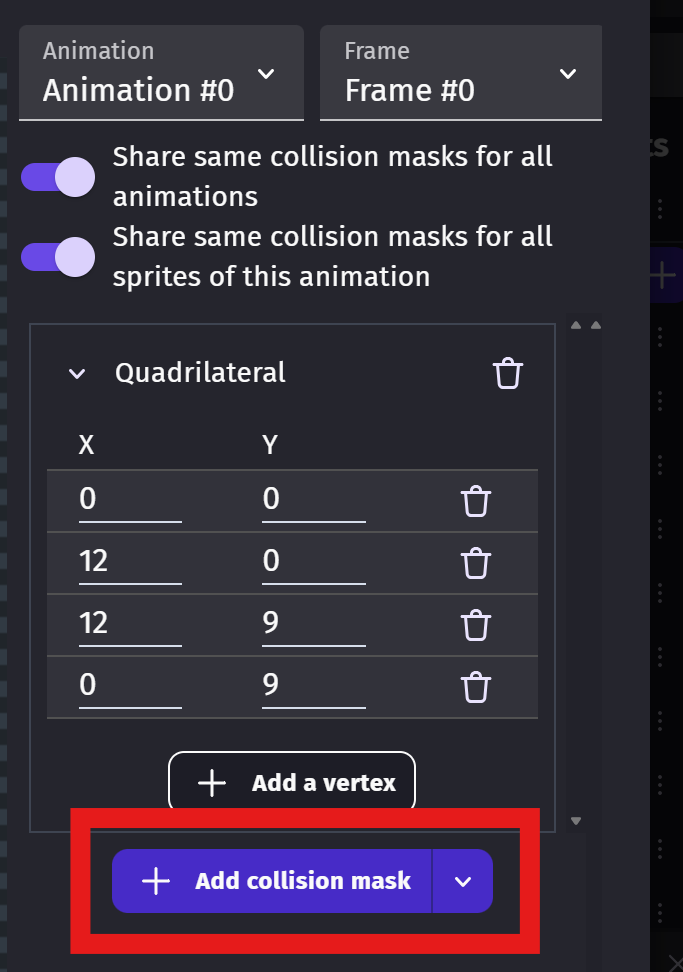
Oh, okay, I understand. I was already using collision masks.
So I just have to set the radius to be the distance from the center of the object to the edge.
For example, if an object is 4x4, the radius should be set to 2. Is that correct?
One last question about enemies that have continuous animations. How should I set them in this case?
Yes, that is correct.
As a separate collision box for each frame?
Sorry for the delay in responding… the answer to the second question is yes.
I was also wondering if using this extension is really necessary for my game, where enemy waves are created, but not in huge numbers.
Probably not as it may not have any noticeable performance improvement if there are average number of enemies. I’m assuming the collision extension checks the distance between 2 objects, rather than aabb (axis aligned bounding box) collision detection, in which case it may be slightly quicker for a great number of enemies.
In the game scene, there can be no more than 40-50 enemies in each wave. Do you think the extension is necessary for this? Enemies, like the player, are all small 16x16 objects, but each has a custom collision mask for each frame.
No, I don’t think you’d need the collision extension. I don’t think it would make any detectable impact.