Good evening,
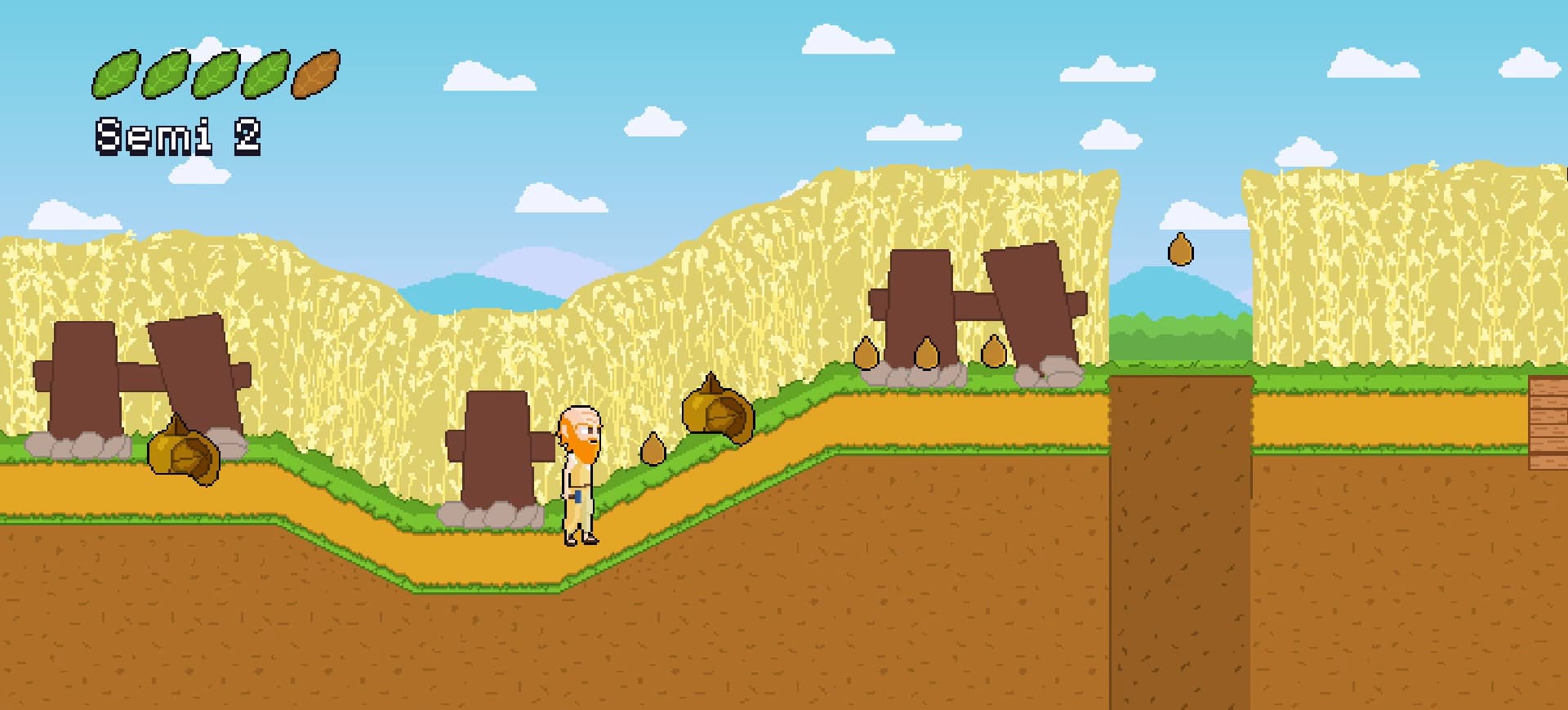
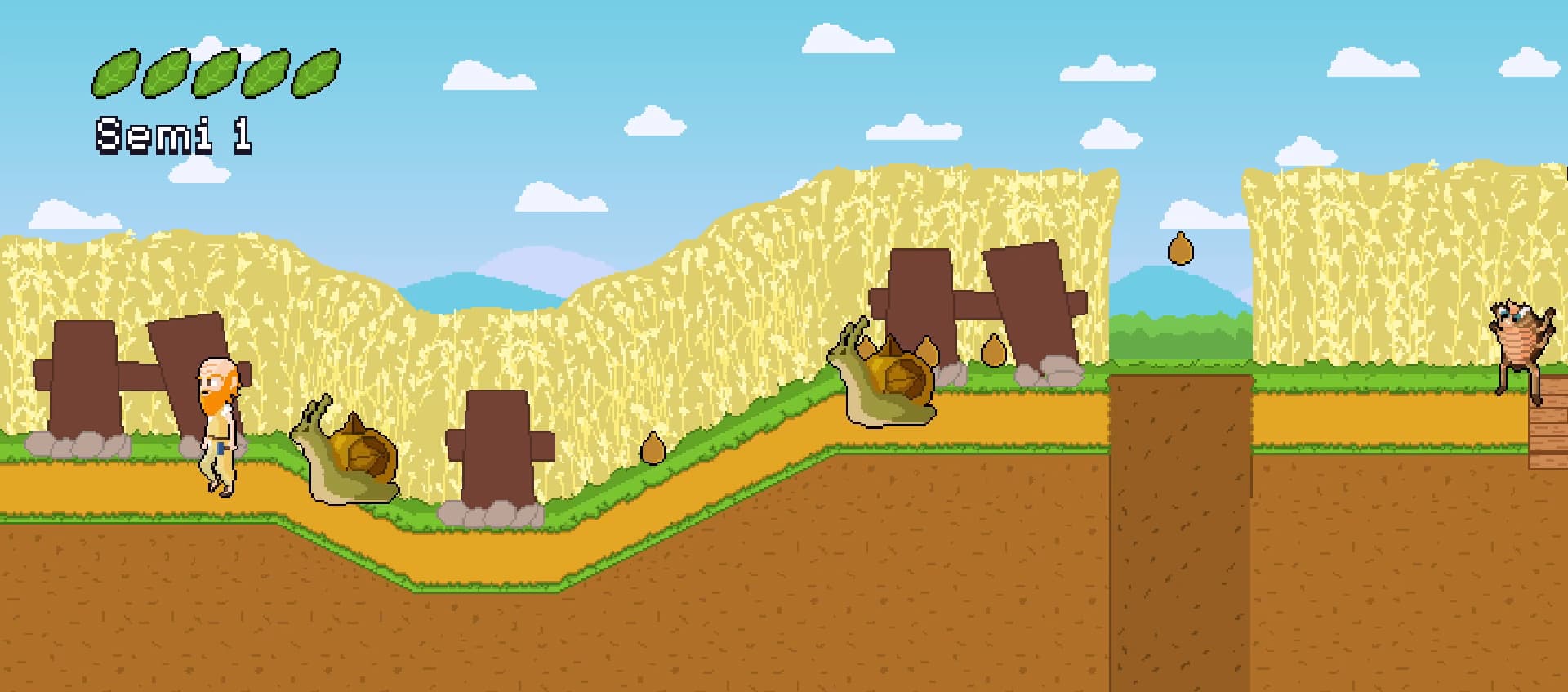
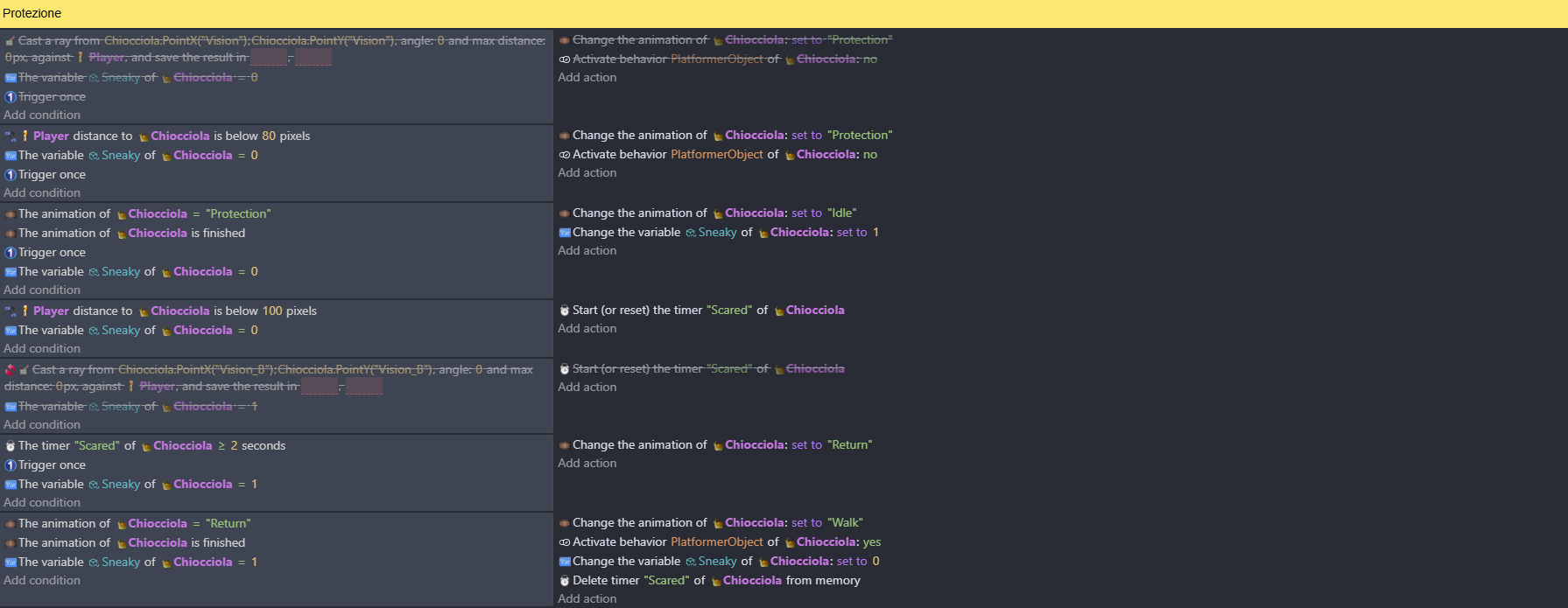
This is an example with one enemy. Why does the first one not work and the second one also closes the first one? If possible, can you post a visual tutorial thanks you 
(I don’t know if this counts as a bug or a “how do I…?” but I’ll post it here.)
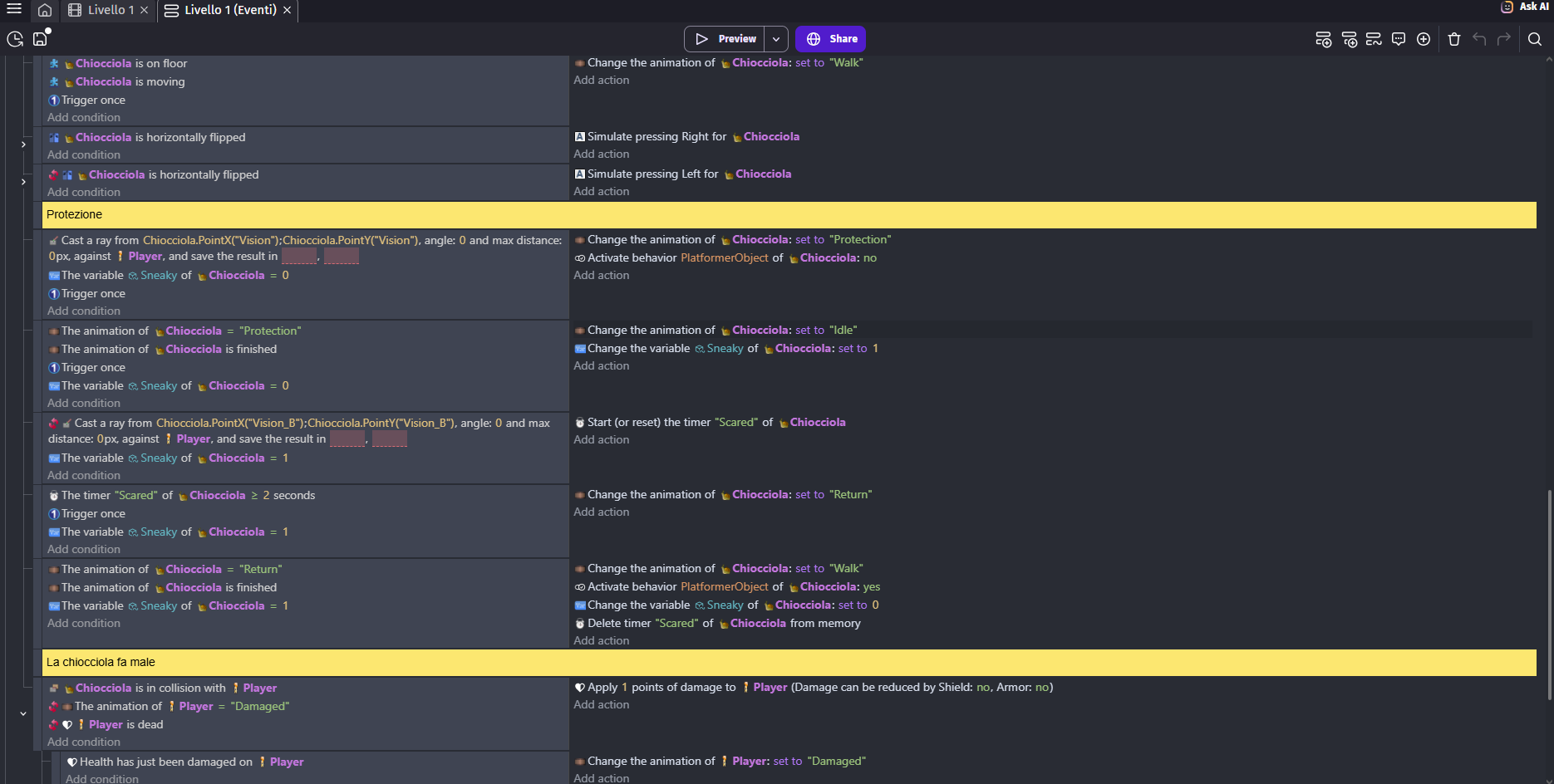
I don’t know what you’re trying to do but the raycast is using a maximum distance of 0 and an angle of 0. 0 degrees is towards the right.
Also, just in case you didn’t know, inverting a raycast will pick the farthest object and again the max distance is 0.
I’m trying to say that when the player is in the exact spot, the enemy hides inside the shell in the bottom one it works but it also hides the first snail, instead the first snail doesn’t
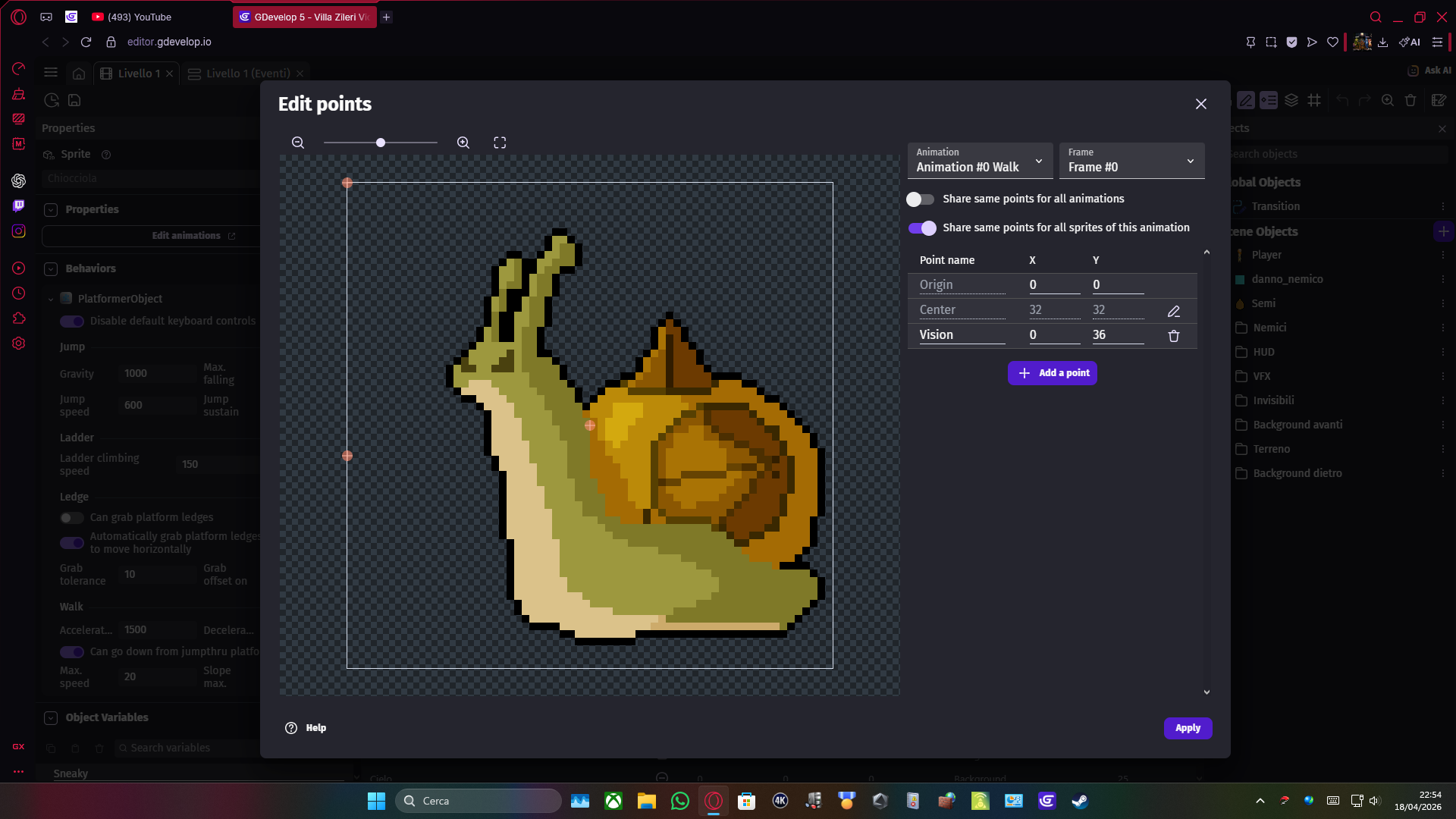
From what I can tell, you’re using the sneaky object variable like an ID. If you were to check the variable first before the raycast then it would probably work.
When there are multiple objects the raycast doesn’t know which object to use, so it uses the oldest object as the starting point. Checking the variable before would choose which object to use.
Using a repeat for each object would also work and you wouldn’t need the variable.
A distance check between the objects might also work. If the ground is uneven then the raycast might be cast above or below the object.
Again, I’m not totally sure of your intentions.
“A distance check between the objects might also work.” Is working!! 
One last question, how do I make it work only if the player is to the left of the enemy?
You could compare the object’s x positions. If one object’s x is less than the other than it’s towards the left. It’s perspectives. It depends on which object is being compared. Either greater or less than.
Could you please provide a visual example?
The top-left corner is 0,0. The X and Y both increase. If the player is at 100 and the enemy is at 200 then the enemy is to the right. The player is on the left.
X position of Player is < enemy. X()
Add your distance check and any other needed conditions.
Distance between player and enemy < 100
X position of Player is < enemy.X()
It works well!
Another question, this is another enemy. When I get close, it should pop out. Why did the second one pop out? 
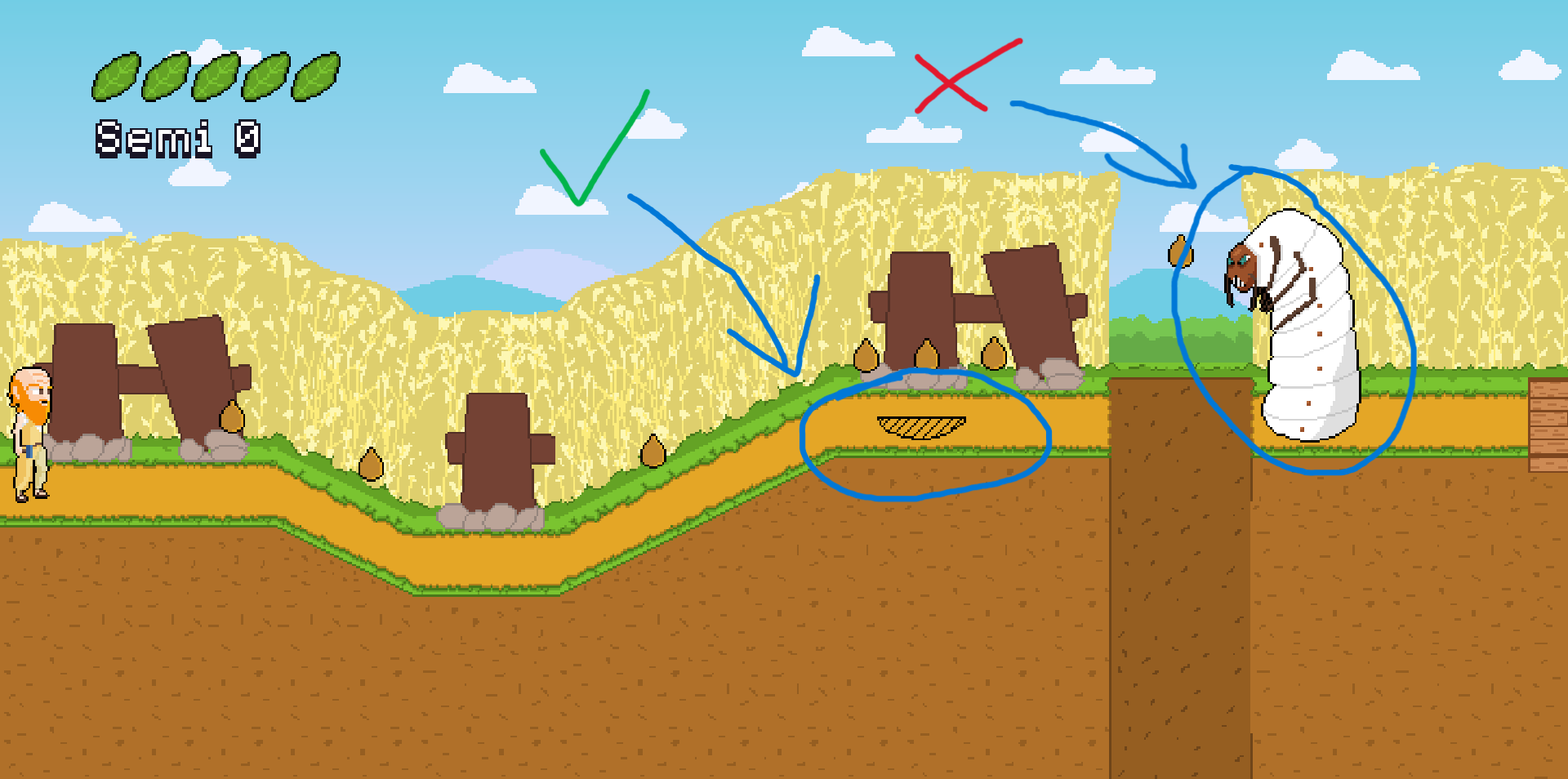

It looks like you used the compare 2 numbers condition. You might need the position condition instead.
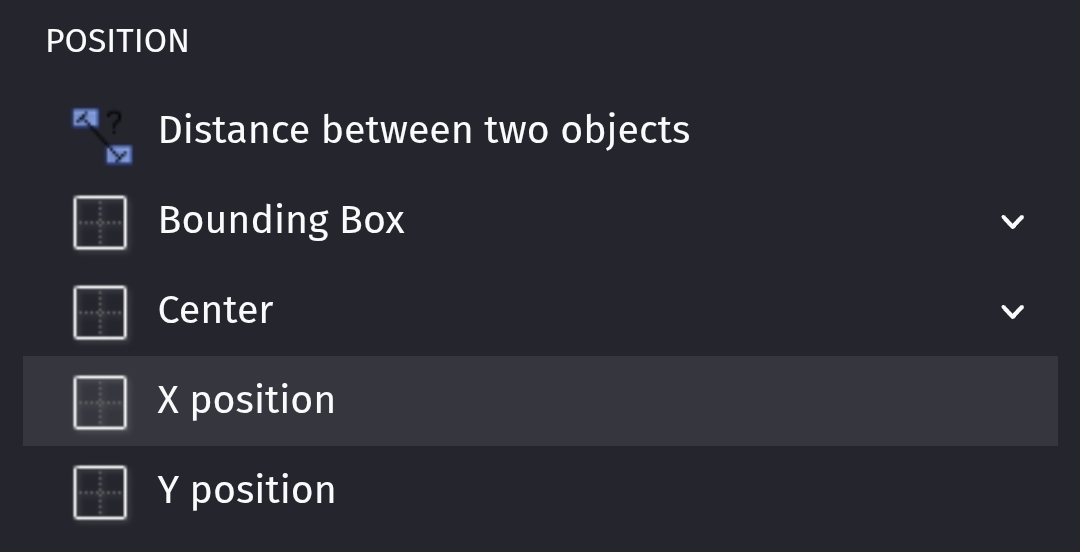
The compare 2 numbers doesn’t pick the objects. So, anything referring to the object would use all of the instances.

Same problem
I also tried to reverse to “Player less than Verme_Maggiolino.X()” but nothing
But if it can be useful, the cce command I showed you before. When I start the game, after a lot of times it works normally, then after restarting it, it doesn’t work anymore
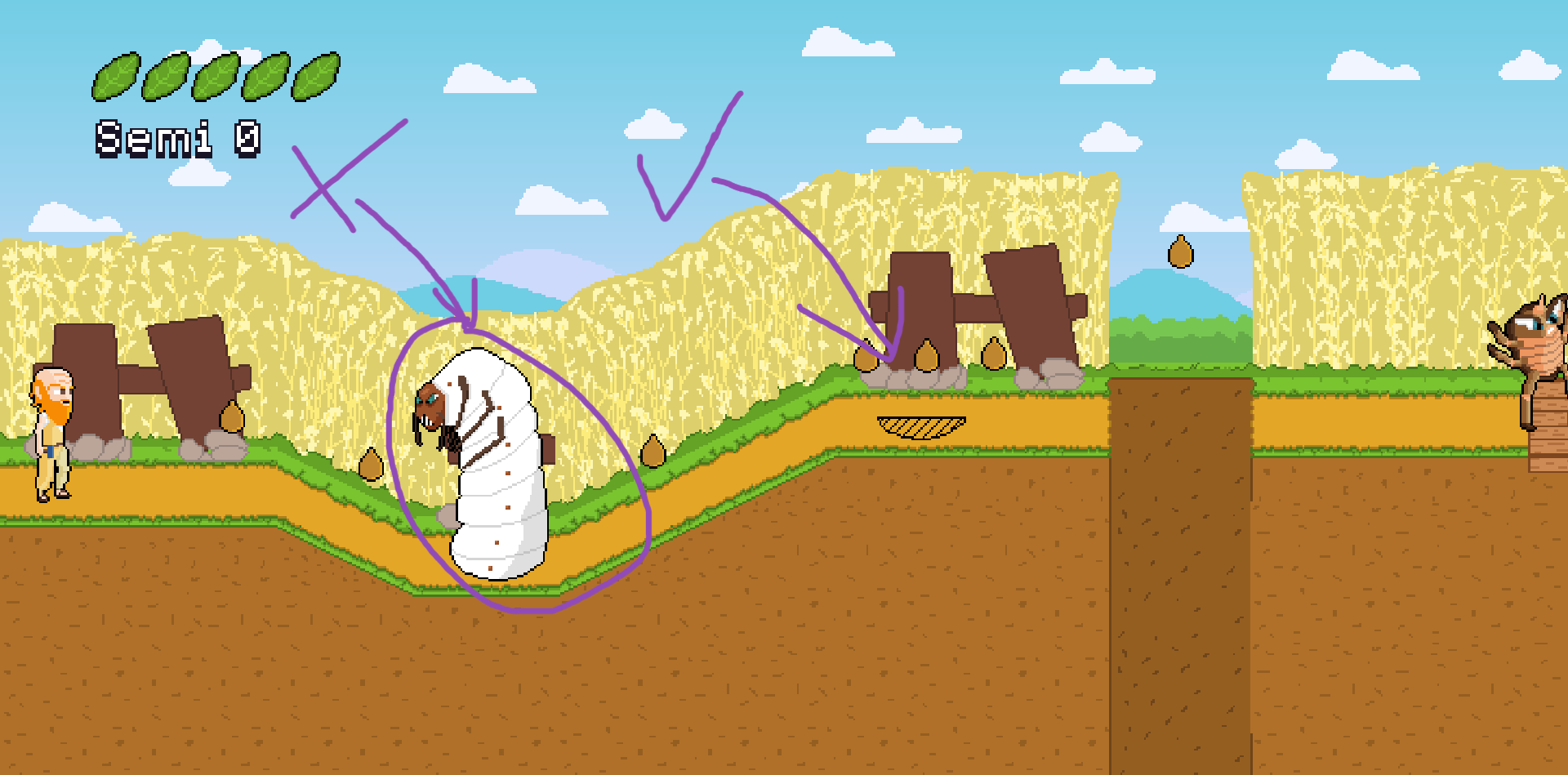
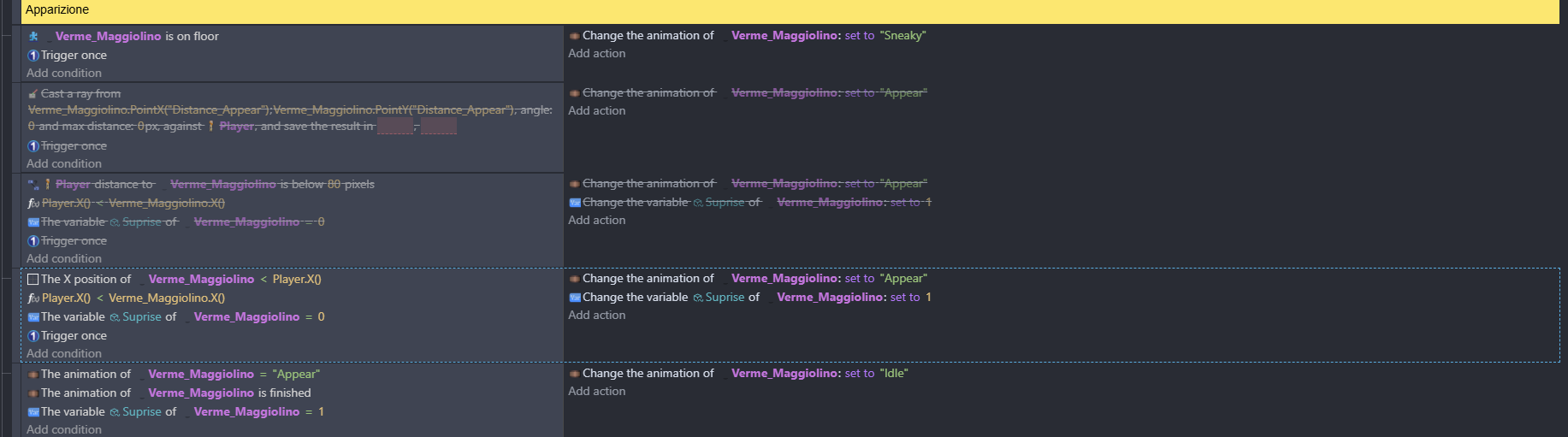

I’m still not sure what is supposed to happen. Can you explain further?
Did you change the condition from compare 2 numbers to the object’s position condition like I mentioned in my previous post ?
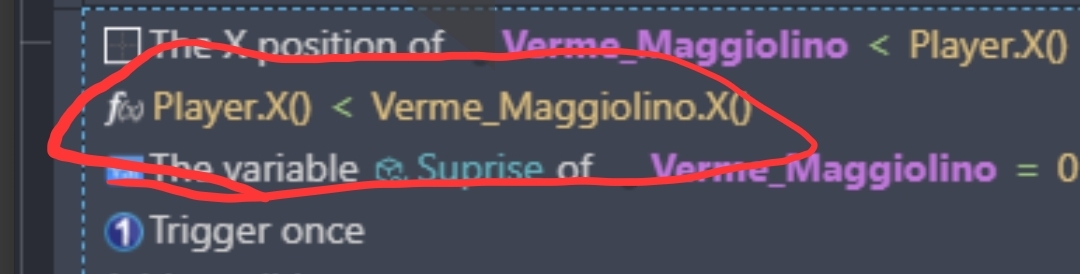
I just noticed your first condition is the correct 1 although I think it should be greater than. I don’t think you need the circled compare 2 numbers
In short, I’d like the animation to change when the player approaches (from hidden, which is the one marked with OK, to surprise, at a certain distance the enemy comes out, which is the one with the X sign) and “2 numbers appear” is supposed to only say to the left.
It works perfectly with the one with the OK sign, but I don’t know why the first one (the one with the X sign) does this to me and then it gets wrong when I get close because then it does the attack animation.
When I start the game, after a lot of times it works normally, then after restarting it, it doesn’t work anymore
Hi, maybe I managed to solve it, in a few words I had to put it not in the air even if the object has gravity but on the ground even if it goes underground
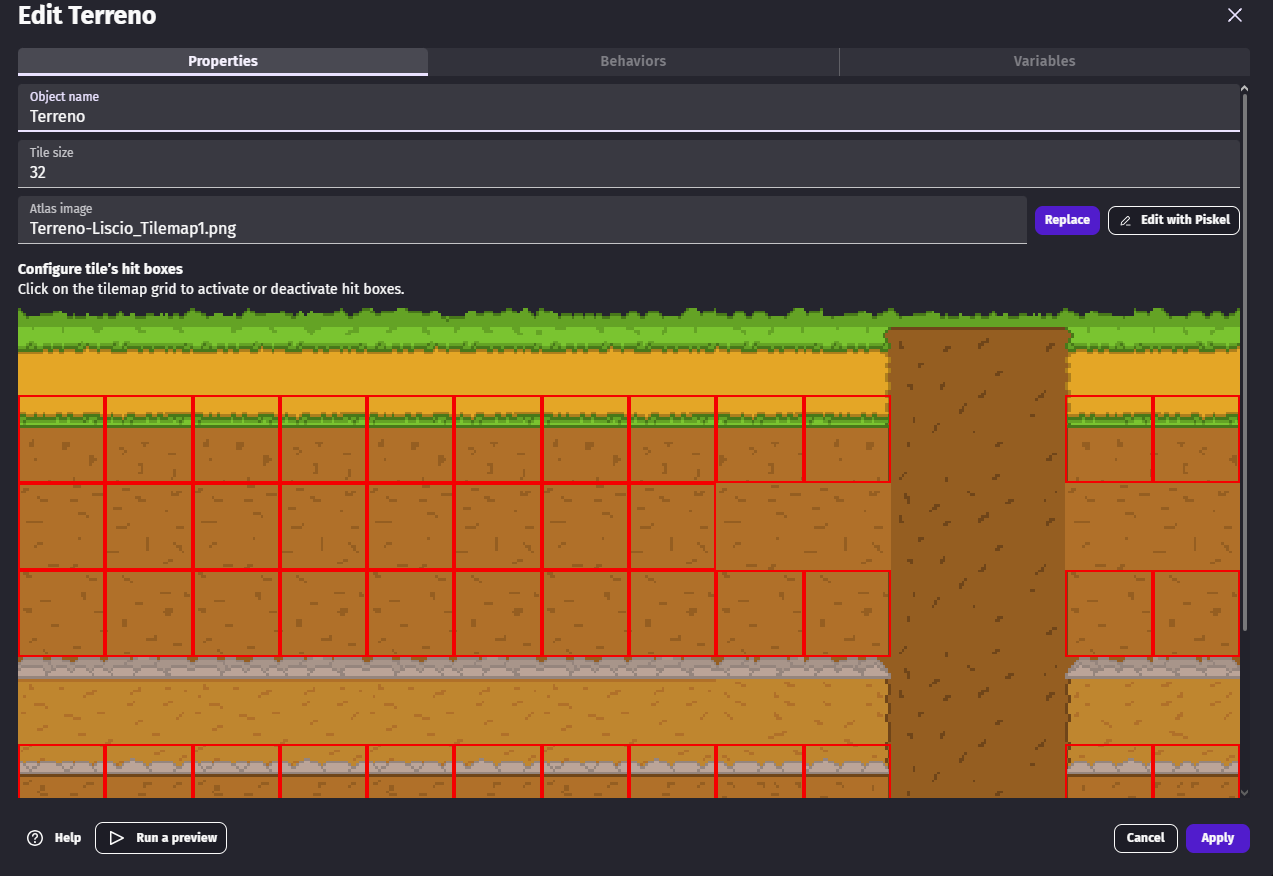
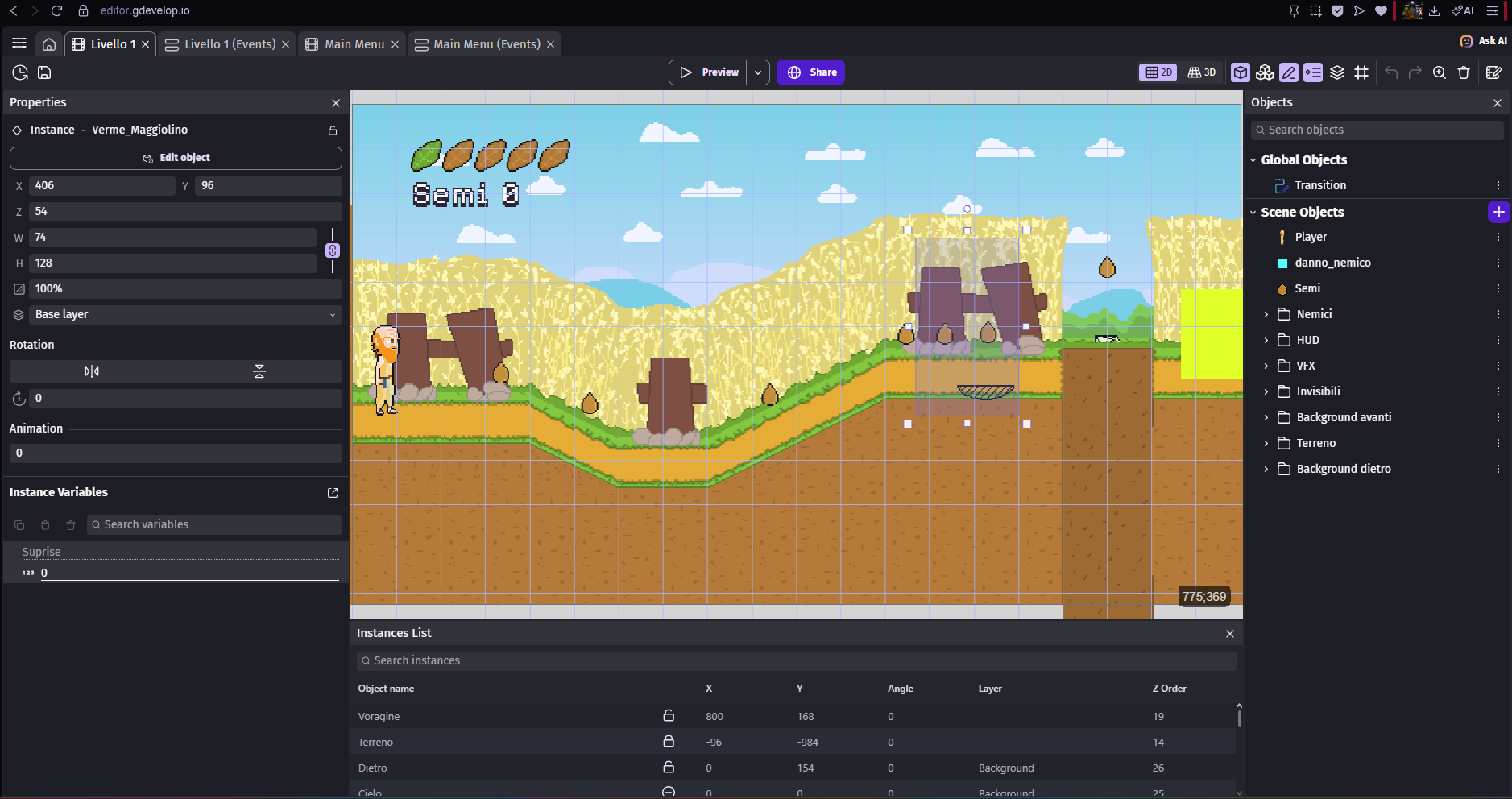
The problem seems to have been solved. For anyone looking at this tutorial here (In the twomp part): https://www.youtube.com/watch?v=0aGBYsrGwm0&t=182s, I recommend you also try this topic if you want to make enemies like “Met” from Mega Man.
1 Like