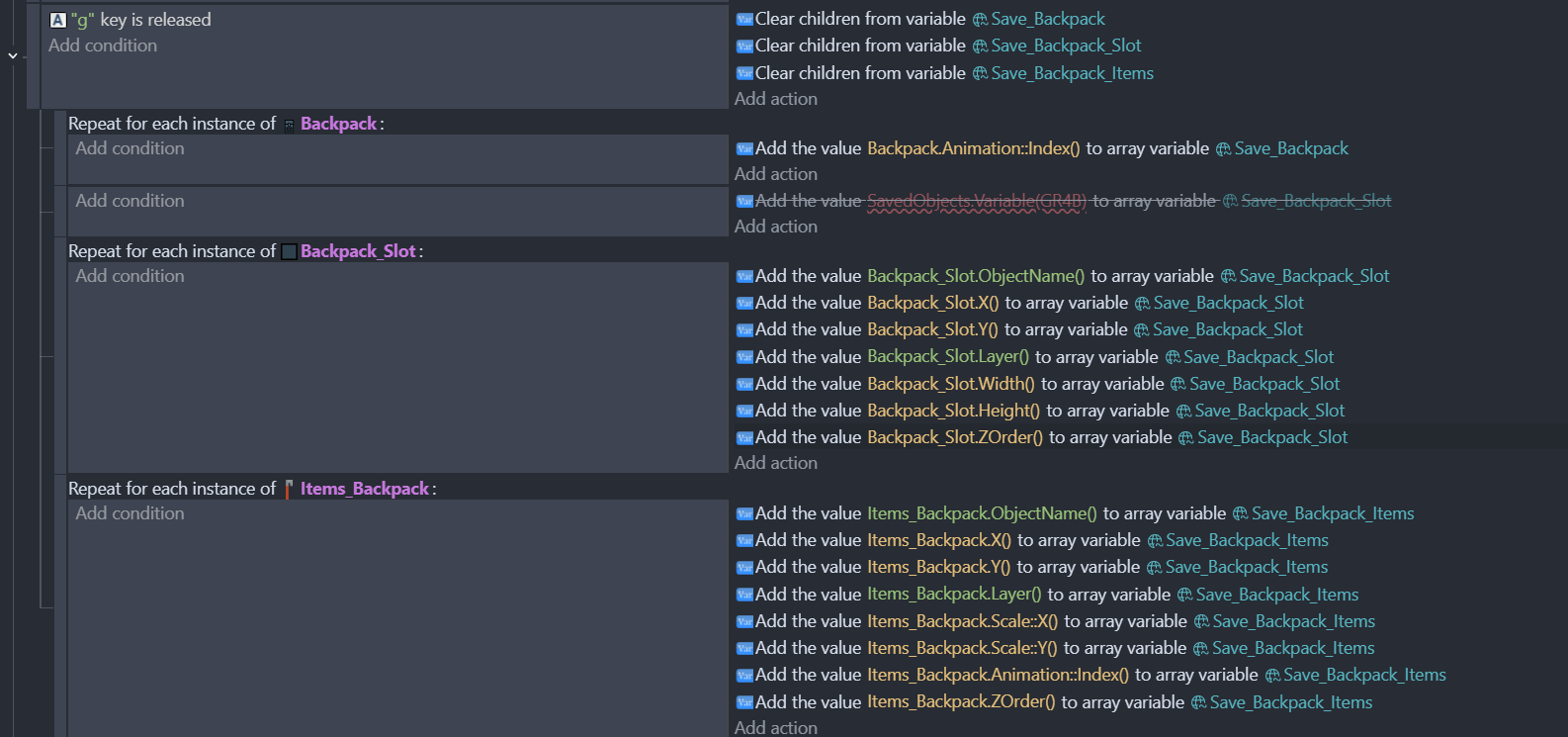
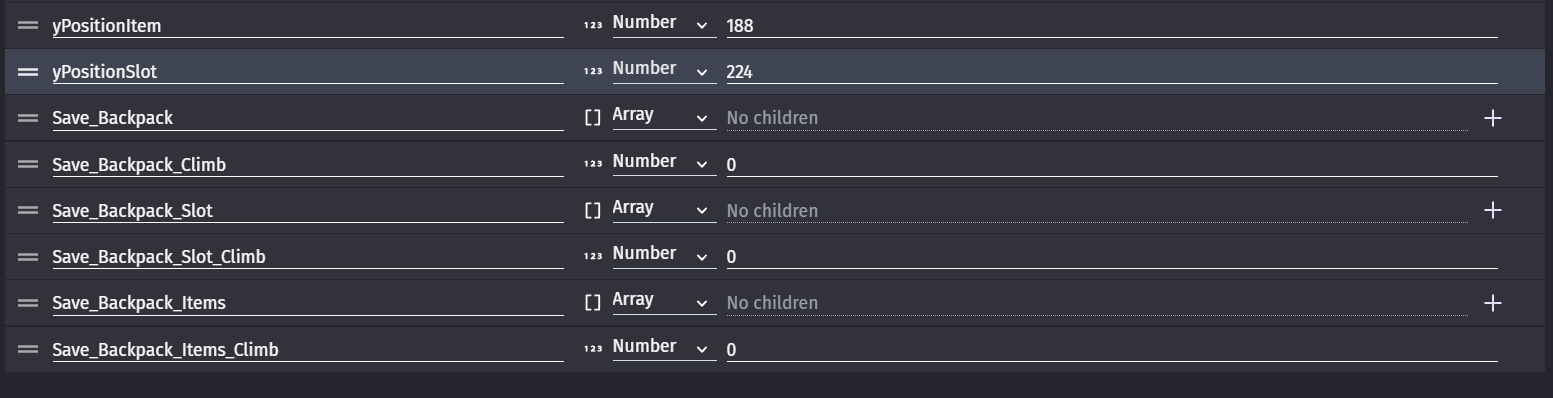
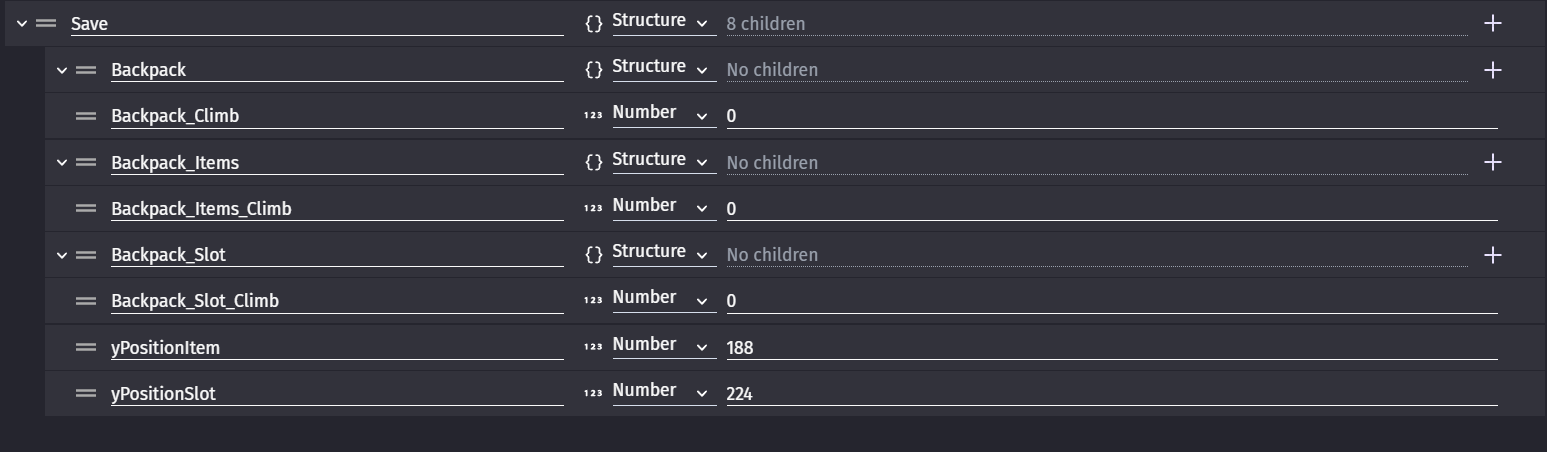
But then i wanted to go for the next step and save it to a file instead of in-game. Which in order to save everything in a file i had to combine all the variables into one. But for some reason when i do that it doesn’t write the values inside the variables.
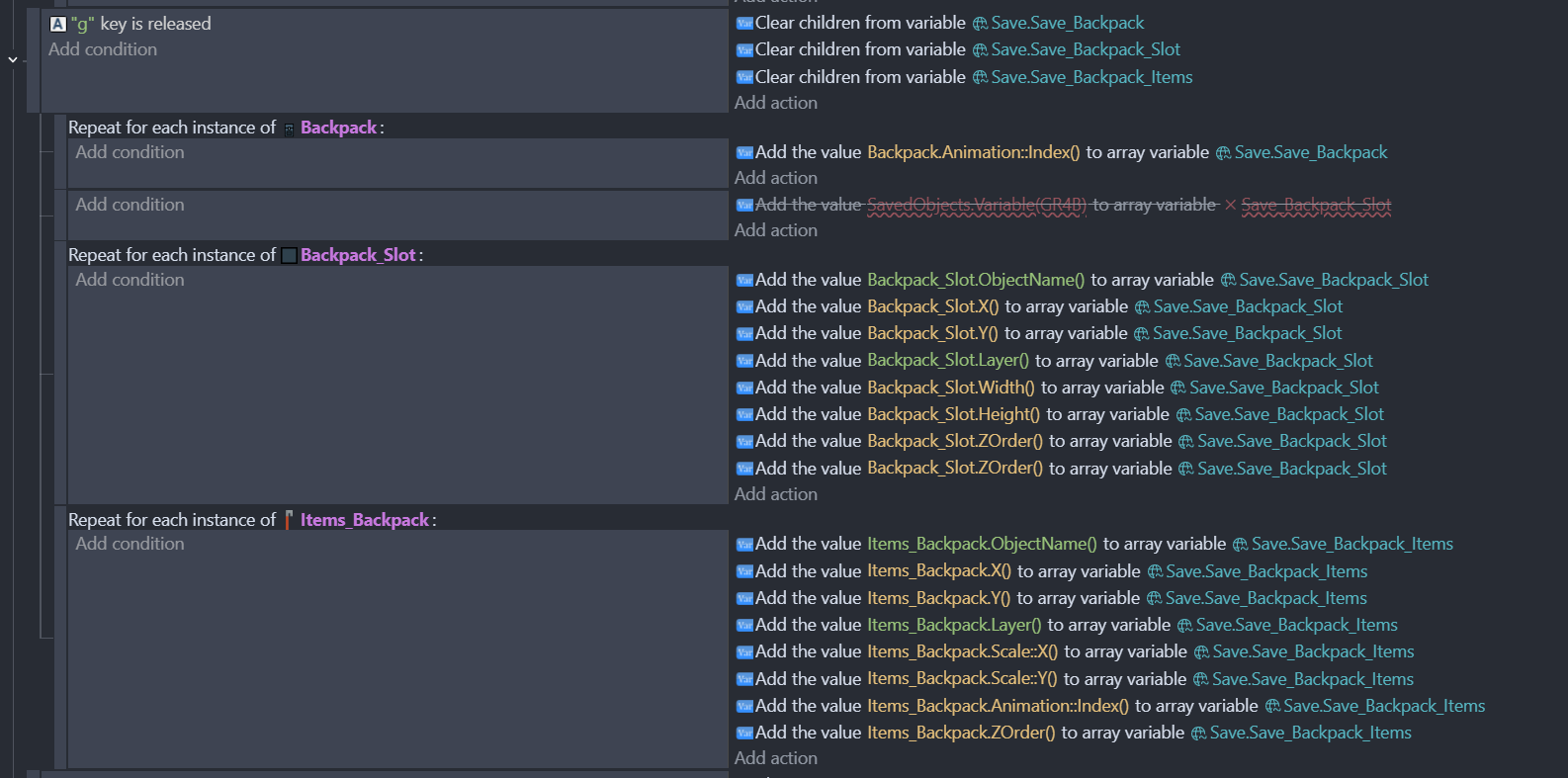
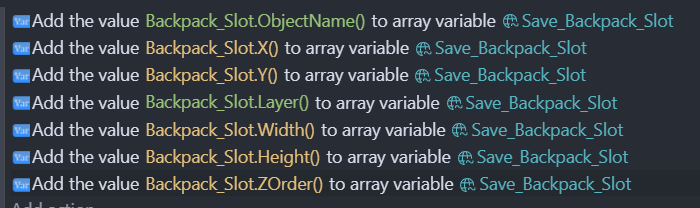
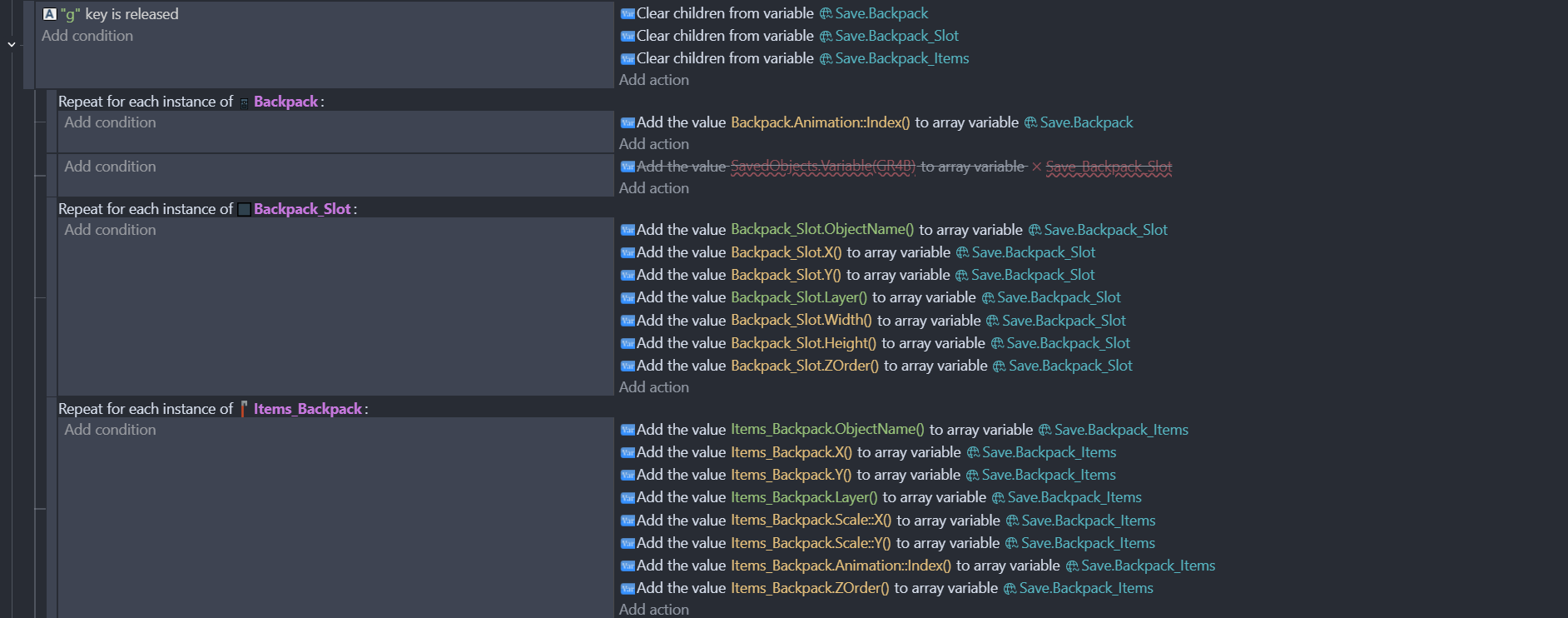
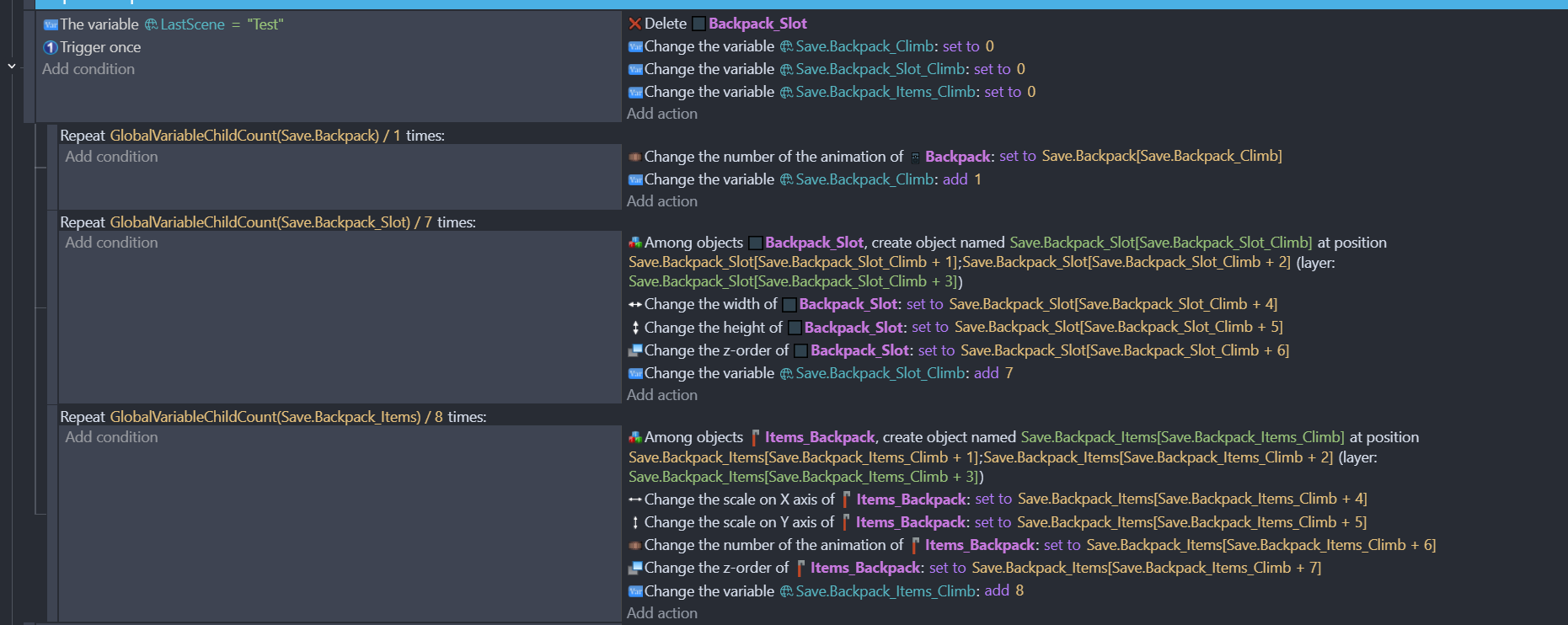
Here is the problematic code (not including the loading part again. also haven’t implemented writing to a file yet because i wanted to test it first) :
What could be the problem here? On the surface level it looks like it should work but on the debugger it just doesn’t write the values into the variables.
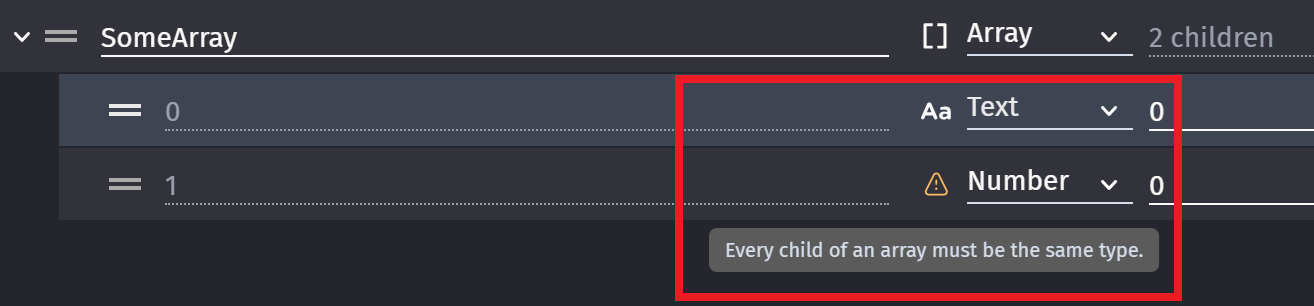
What Amigo54 is saying is that you are mixing text and numbers as the array elements. You cannot do that. All array children need to be of the same type. It’s one or the other, but not a mixture of them.
If you want to save different values in a list type variable, use a structure. Better still, make the object name the key value, and child an array of the numerical values.
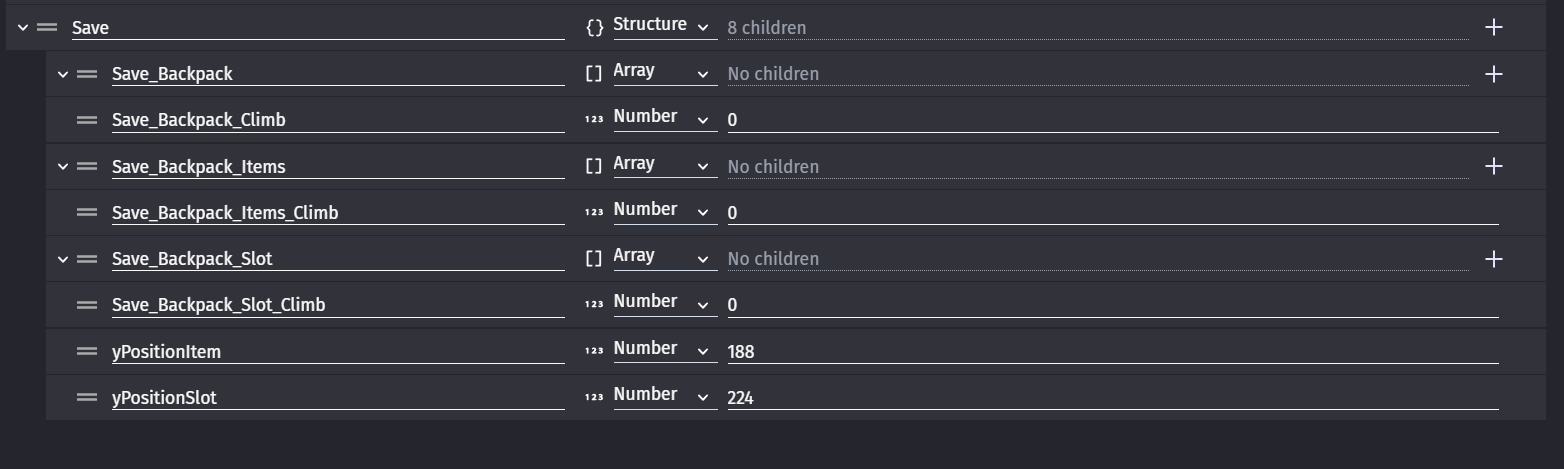
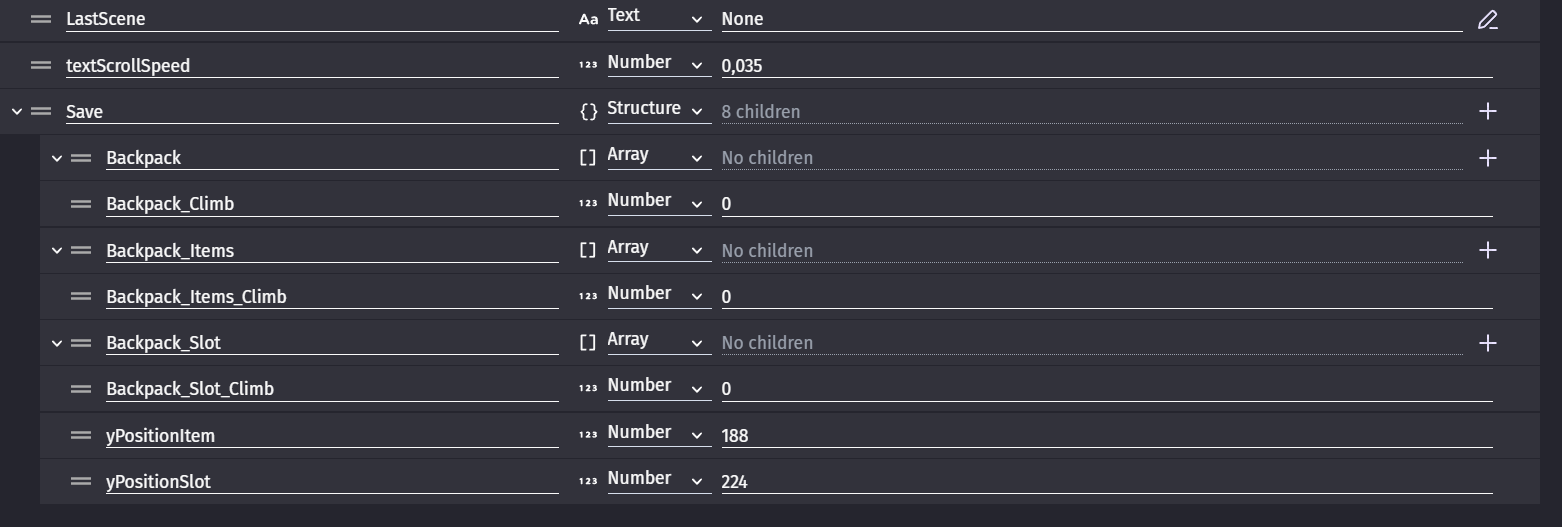
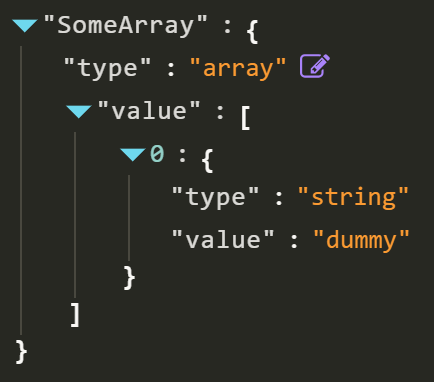
It also doesn’t work if i use a structure (the screenshot above) It only works when using an array AND i can mix text and numbers in an array as seen on the working version :
You can pretty much see green ones being text… And again i’m reposting the screenshots on the original post here.
What’s happening is that the actions i’ve set are not working. It’s pretty much the same thing that was working before but i’ve put Save. in front of it (which is the structure name)
You might say that the commands say array variable but :
There is no structure variable in the actions list
The engine seems to think it’s ok (no red lines)
I’ve used the same code in the non structure seperate version
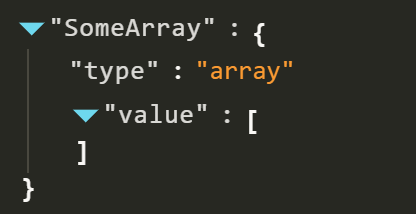
Which makes me think that doing it this way is not supported maybe? I have no idea. It just doesn’t create any children on the array variables inside the structure variable as it should. It does update the number variables like yPosition ones i believe though.
A little bit of an update. It seems to work now. I seem to made a typo while writing the code. Tidying up the names and shortening them made it easier to “see”.
Here is the working code for anyone wondering. Maybe it’ll be help to someone in the future :
It is likely that using multiple types in an array will just get the array data ignored by event conditions and actions that support only one type (which could lead to other issues down the road.). The variable editor probably shouldn’t allow you to do mixed types at all, but that doesn’t change the above.
Edit: Glad to see you got it working.
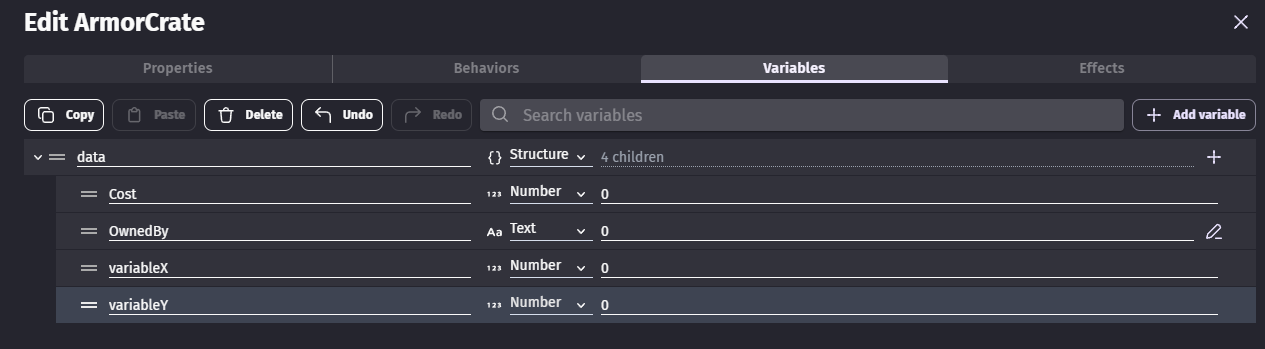
As a heads up, you can make your process even easier by sticking your backpack slot variables as children of a “data” (or named whatever you want) structure variable in the object (or in the object group), then you only have to copy over the data structure in a single event action per object, and it’ll save it even if you have different variables per object.
Oh yeah i’m working on that one still. It was quite the head scratcher on seeing where the saves are actually stored. I’m more or less trying to find a multiplatform storage system for that since i’m planning to release on as many platforms as possible. Which type of storage i should use to store the saves? Also :
Is there a way to find the exact save data (for cloud saves on steam etc.)
Can i save it in a seperate folder instead of appdata?
I was kinda worried that it was gonna be bunch of variables in a text file rather than being “encrypted” but GD seems to have just doing that itself. Just gotta figure out which storage system to use and if i can save it to a different directory now.
In any cases, congratulations to you for your work and your tenacity to solve the problems you encounter.
It was all the more commendable as you work hard to make the fruit of this work enjoy.
For the first one, no not really. What I do is check if the device has an accessible filesystem (it isn’t accessible on web or mobile) and then save to a file. If there isn’t an accessible filesystem, I save to localstorage.
You are mixing the datatypes of the array children/elements. This is causing a conflict within GDevelop, and resulting in the issue you are experiencing.
The actions you have are fine by themselves, but combined they cause the issue.
Heh, so it does. I’ve just tested a structure of arrays, and the elements of that array can be mixed. I’m not sure whether that’s a feature or a bug because it makes arrays inconsistent in their behaviour.
Oh yeah i just tried manually adding it and it gave me an error. I guess it’s fine as long as you’re adding it in the code? lol
Though i’m not sure if the code will work if made it a structure haven’t really tried it. Just thought having the “name” of the variable anything other than a number would break it so sticked with the array.
I guess the error is there for manual stuff.
If it’s a bug i hope it’s not fixed since it just works lol
You could modify it, so it still works now and if they ever change the way GDevelop handles a structure of arrays.
For example, Save.Backpack_Items could be a structure of structures, with the object name as the key, and the details as children. So it would look like:
Save
  Backpack_item
    [object name]
      X : 100
      Y : 50
      Layer : "UI"
      ...
    [object name]
      X : 150
      Y : 50
      Layer : "UI"
      ...
It would make the save more flexible, won’t fail if the array usage bug is fixed and you then wouldn’t be limited to a set number of backpack slots and items. Also, when you load you could just iterate over each child of Save.Backpack_item, meaning the number of items saved could be varied.
Yep did that just now. I was just playing it safe just in case it didnt work but it does seem to work. I thought the children names not being numbers would mess it up but it didn’t. Thanks for the heads up