Hello Devs,
I’m a noob looking for help - so thank you in advance.
I’ve searched YT for solution and haven’t found exactly what I want.
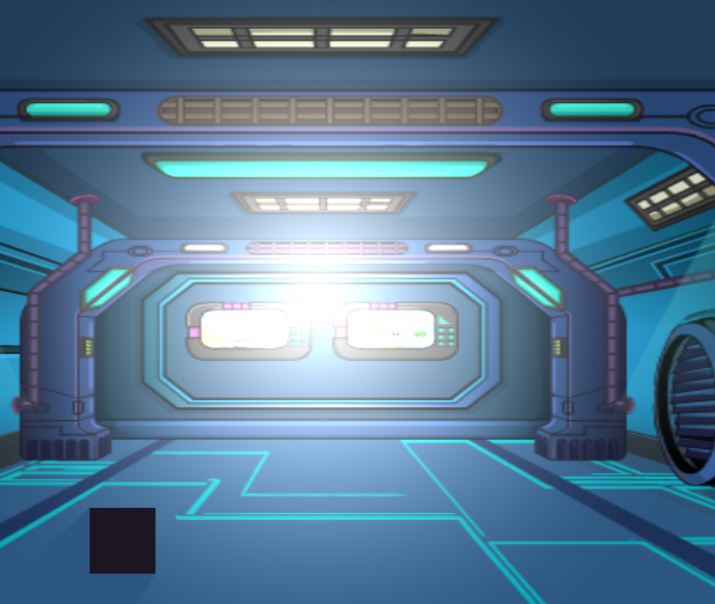
- I have a scene with a Light that follows cursor movement. (on a light layer)
- I have a picture on Base Layer.
- I changed the color of background to Black and can’t see torch effect.
I only want to see background image through the opacity of the torch light.
I tried to add effects to the image but nothing is working.
Hope this helps.
Hi - There’s a mask extension. Search for that. Mask the background image object with a circle created with shape painter and set the position of the shape painter object to cursor. You can try a blur effect on the image object
or you could create a black rectangle png with a round hole in it and set that to cursor and add a blur to that
2 Likes
Thanks @petlimpet. That worked perfectly.
1 Like
Hi - I thought afterwards and if you’re masking, it’ll only mask the background and not any additional objects that are added. I don’t know if there’s a limit to how many objects you can mask with the same shape. a black rectangle with a hole would mask everything and the blur would only blur the edges of the hole. The rectangle doesn’t need to be a huge image - it can be stretched to scenewindowwidthx2 plus hole width.