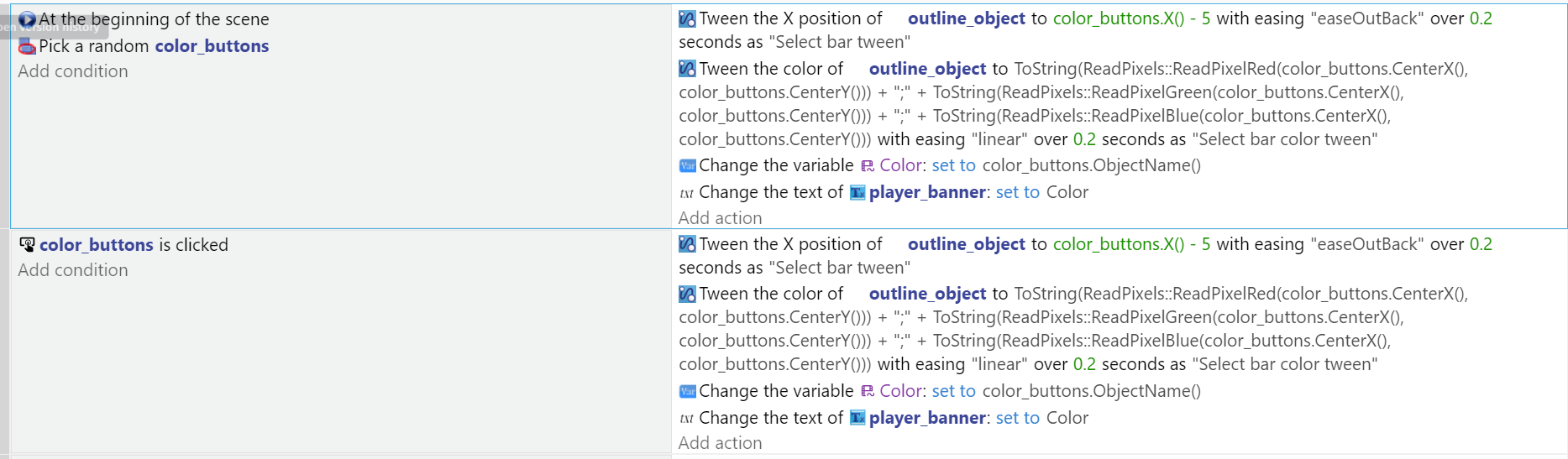
Describe the bug
In one place I have an event that moves this outline object to a button when you click on it with a tween and colors it to that buttons color with a tween. It workis when I use the one that triggers on button click. The event is not working at the start of my code though.
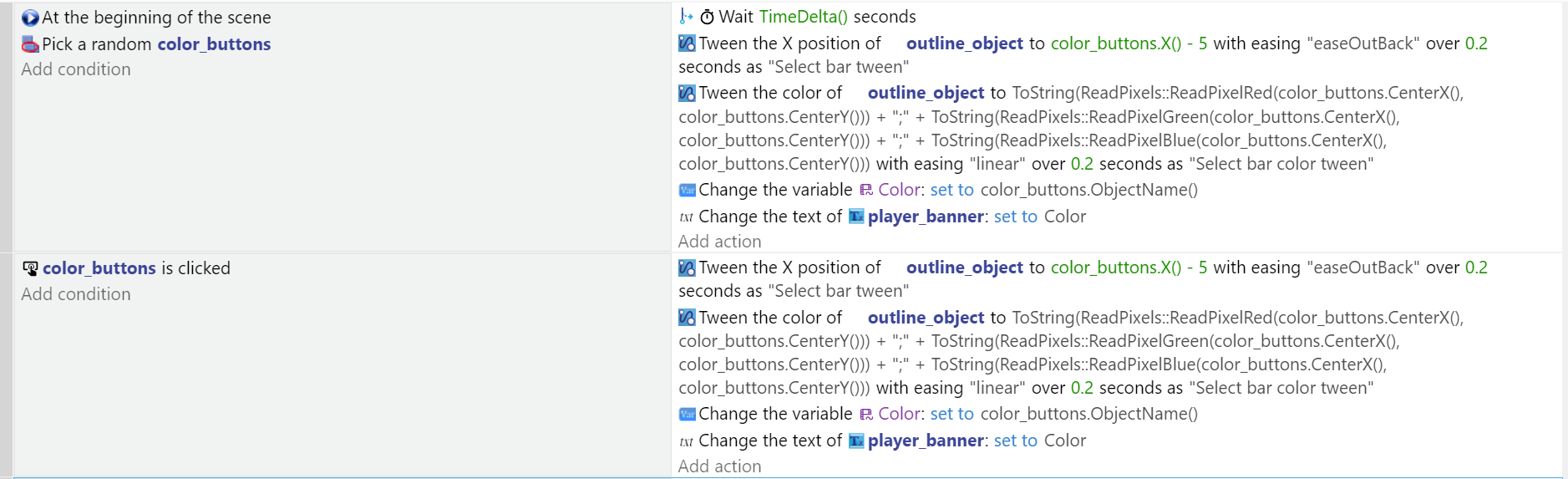
I found a fix to my problem but it seems very unprofesional.
I have It waiting one frame before setting the color and moving the object. Maybe the ReadPixels extension uses the last frame so It has nothing to choose from so without a delay It doesn’t work properly.
For example hide cursor action likes to not work when you try to hide with At beginning of the scene
And so better idea is to use compare two numbers condition
And check in it if TimeFromStart() is below 1
And hide button constantly for 1 secs (even less than 1 sec is enough but that’s just example)
And cursor will properly hide
Other method is to
INVERTED at beginning of scene
Trigger once
As for detecting color you have pretty good system for detecting colors
But i wonder if you really need it
You gonna have different buttons? (i mean now you have this this and that but later you gonna add more) if so then your system is perfect for auto detection
If not and you gonna have like 5 or 10 butts then i would simply give these buttons ID variables and put colors in array
And now set color to whatever is in array child
And based on ID of button you will pick different child vars
BUT i wonder why you don’t consider slider?
Press SYS button and then saturation to 50 and play around with HUE