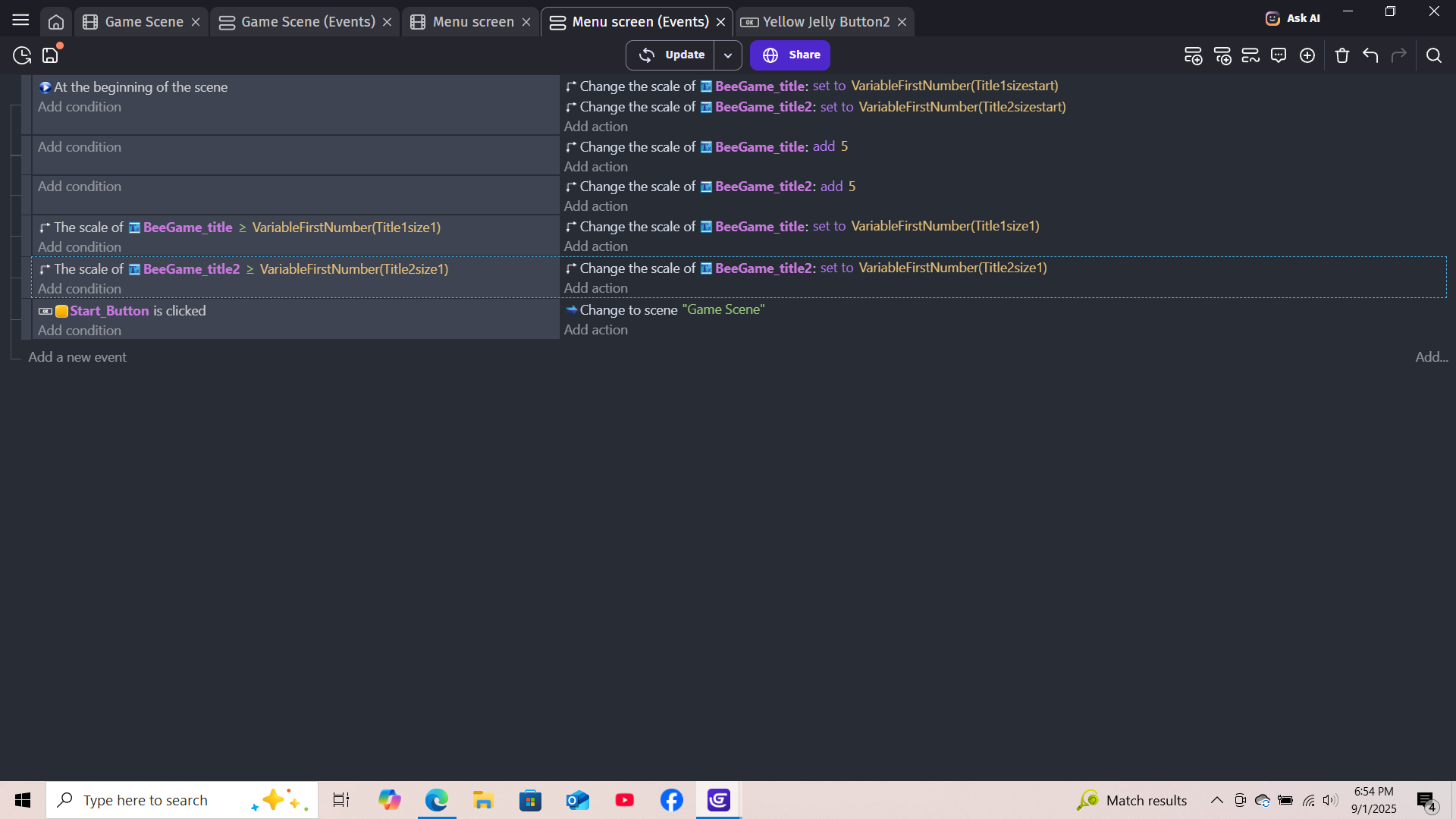
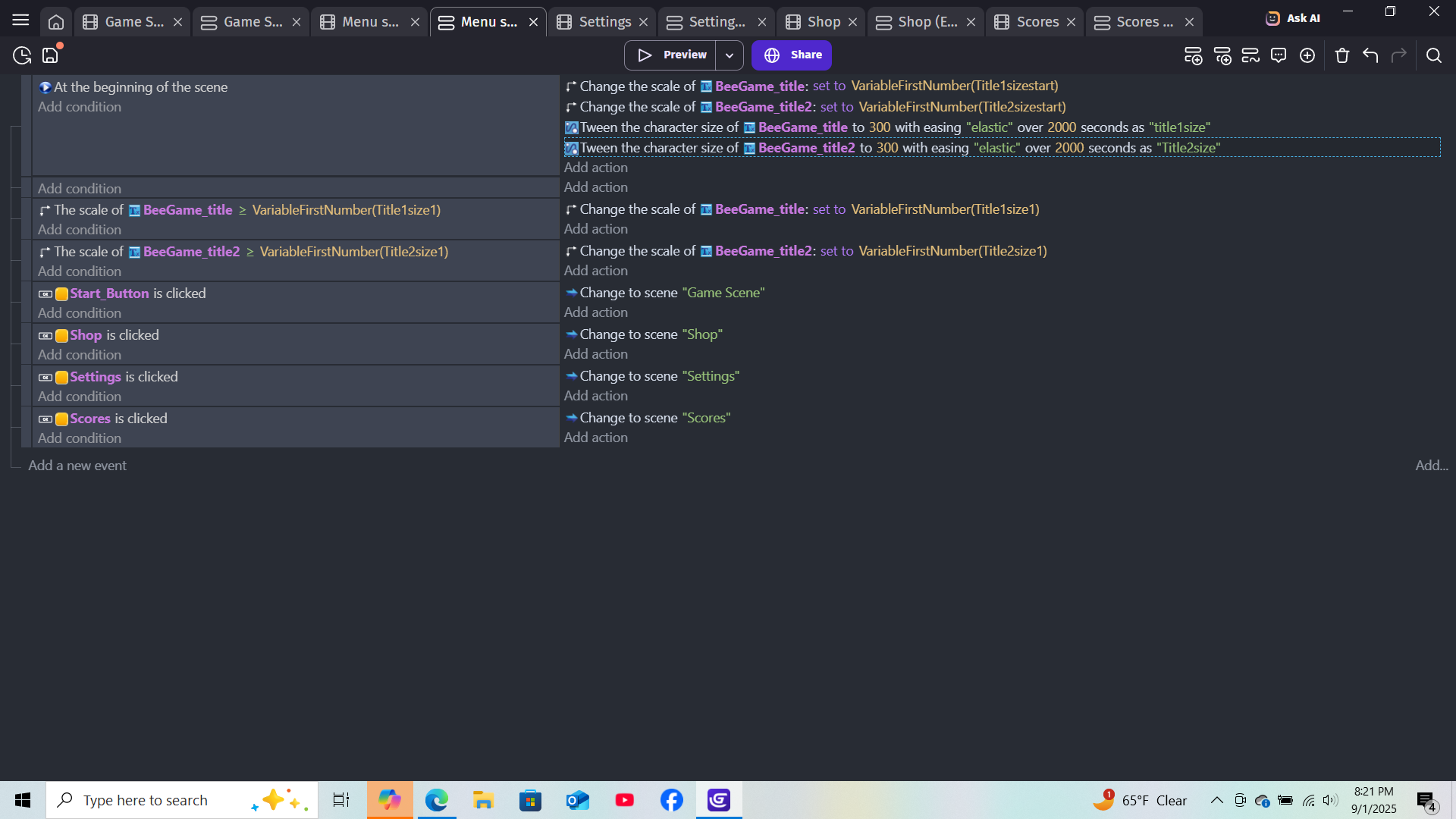
Each text item should start at a variable scale, 1. then without condition, they grow by 5 points until they hit a certain number, and stop. Ideally it would also shrink a bit and grow a bit to add a bounce effect, but I haven’t gotten that far.
What is the actual result
The text isn’t showing up at all, and my suspicion is that it’s just staying at scale 1.
You are tweening the title over 2000 seconds at the moment.
I would also get rid of the two scale events below and make everything with tweens.
There are two example projects that can get you in the right direction. Here is an example for a title screen with tween animations. A bouncy text is in the right corner “example”:
And here is an example for tweening character size:
Yes, the tutorial must be a bit older. Originally the tween duration was measured in milliseconds but later changed to seconds as this is more intuitive for most users.