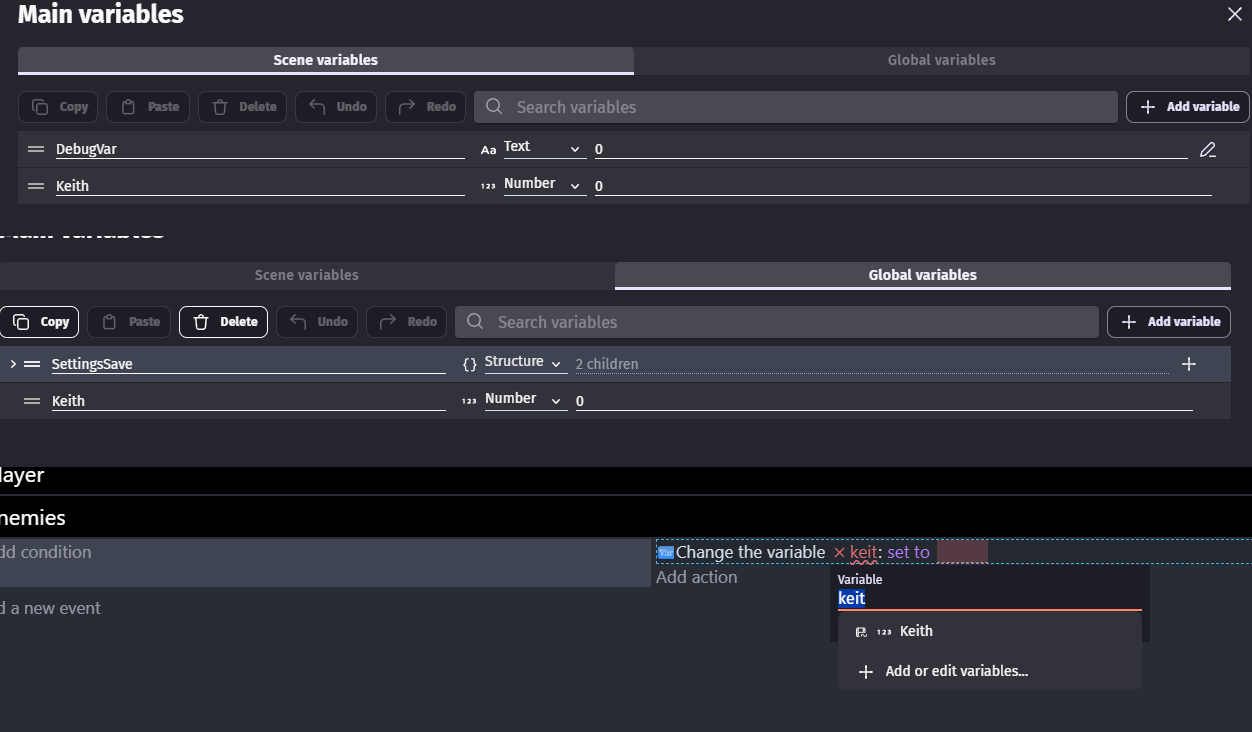
I would like to request an option to switch a variable from scene to a global variable. Most likely when you right click you could choose an option to switch it to a global variable. I feel like it would become handy for projects that were started small in one scene, but may need to switch multiple scene variables to global variables. It could be quite tedious to do so manually and I have wished for this to be a feature several times but haven’t decided to request until now.
I find it would be most useful for large structure or array variables that need to be global but may have many children variables making it complicated or annoying to do so manually.
But I may only need to make a variable global. And the extension will take up some space and add a lot of features that I don’t need. Therefore, it is better to use the built-in feature to make a scene variable global.
Nearly every event action or condition, and nearly every object behavior, are extensions. Some are just included by default in the installs.
The largest extension in the entire extension list is still less than a MB. For example, a collection of every extension available in both the main list and community lists (217 of them) is a total of 15mb.
If you really don’t want any of the other actions or conditions to show in the list, just edit the extension and disable or remove them.
Separately from that, you can also just copy a scene variable to a global variable by using the “Convert JSON to variable” action and just do ToJSON(YourSceneVariableHere) as the json, then The global variable as a variable.
The entire variable (And any children if it’s an array/structure) will be copied over.
Because of all of the above, it is extremely unlikely they’d ever add a dedicated action to copy variables between scopes. Since you can do it already via many existing single-action means.
Just to be clear
I think whole topic is about switching variables in variable window
Imagine
I made Save variable and make it scene variable
It would be cool if there would be option for me to change it from being scene to global variable
So now all my events use that global variable and not that scene variable
With converting variables i would need to create global variable call it XXX
Now convert Save to XXX
And then go to every single scene that would use it (if i made more than 1)
Ctrl + F and replace Save with XXX
And then afterwards delete Save then rename XXX to Save
I hope at this point for any1 here its clear that being able to change variables in variable window i mean they scope
Would be actually useful and right now workaround we have for doing so is like path of pain if you have more than few of such variables
Excuse me if I’m wrong, maybe I misunderstood but can’t you just select the structure variable → Copy → Delete (To avoid messing with the code) and then paste into the global variable table?
My god i totally forgot there are copy/paste buttons in variable windows
You are 100% right
I just coped scene var then deleted it pasted it to global variables and it was automatically updated in events sheet
And it was just number variable
Now i want to bigger project and i did the same in reverse
I copied global var (structure) then delete it and paste it to scene var
It was handling menu logic
And it totally works
Press E to open menu
Z to gain resources
And space to pick something (didn’t finish it so you can’t build some stuff)
Actually, I had some problems copying the structured variable (it might probably be my fault, I don’t know…since i havent digged enough into the extension).
So I believe the classic JSON method is preferable, as Silver said. I just wanted to point that out.
Copying/deleting/pasting a scene variable to/from the global variable screen might work but what if you had 10 scenes? I don’t know what happens if you have a scene and global variable with the same name. Would they conflict or would one have priority over the other? I’m assuming it’s the latter.
A built-in feature might work only with the current scene unless it showed a prompt asking if you want to modify all scenes or had a seperate function.
Currently, you could copy/paste a scene to global in 1 scene and then delete the scene variable in all the scenes, one at a time.
Changing a global to scene would require more work since you would need to copy and delete the global once but then paste the variable in each scene.
Unfortunately, some changes require a lot of tedious, repetitive changes.
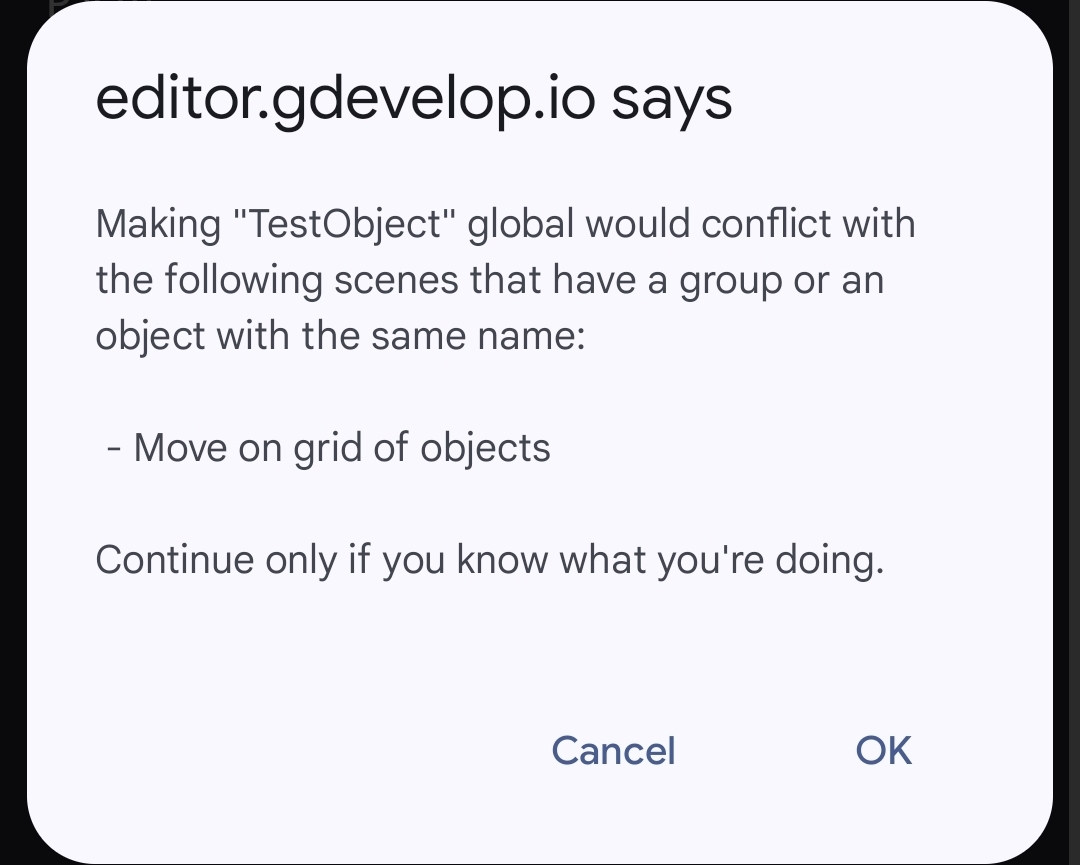
A good comparison might be global objects. If you have multiple scenes with the same object and try to convert one to global, GD gives you a warning.
It then gives the normal warning and then only deletes the scene version in the current scene. You’re left with both scene and global objects in the other scenes.
Where in expressions if you want to have both you would need Variable(varname) for scene and GlobalVariable(varname) for global ones
WHICH is stupid idk why it don’t let choose 2 different variables with same name from drop down list
However
I need to ask is it really stupid
Or am i stupid making 2 variables with same name?
Think about it
Making variable Score
And then another naming it also Score
Do not matter if one is scene var and other is global
Core idea of having them same name is just wrong on so many levels
Easy to lose track which function as which
That is why i repeat to ppl
Your variable name should explain to you its functionality
Not icon next to it