How do I…
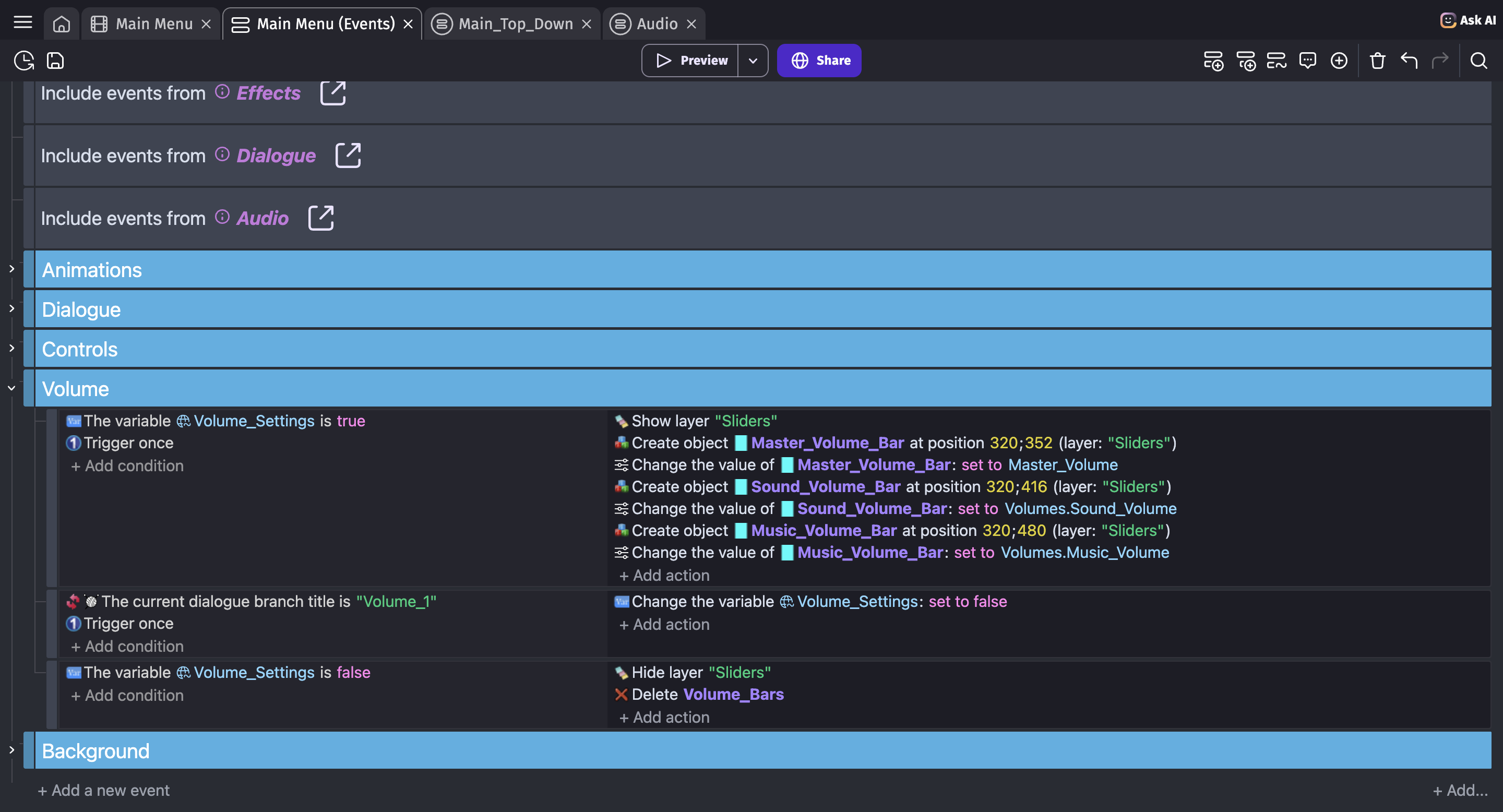
I’ve set up within my main menu sliders for my game so players can control the volume. These include sliders for Global volume as well as Sound Effects and Music. Each slider affects variables that then affect the volumes of certain sound channels. I play both music tracks and sound effects through sound channels, and I do not use any of the built-in music channels.
What is the expected result
The sounds associated with each volume should smoothly adjust accordingly.
What is the actual result
Music volume changes perfectly well, but all of my game’s general sound effects, regardless of the Sound volume variable’s value, always play at maximum volume for a split second at the very beginning of their lifetime. The sounds’ individual volumes only seem to adjust to the actual volume after that split second.
Related screenshots
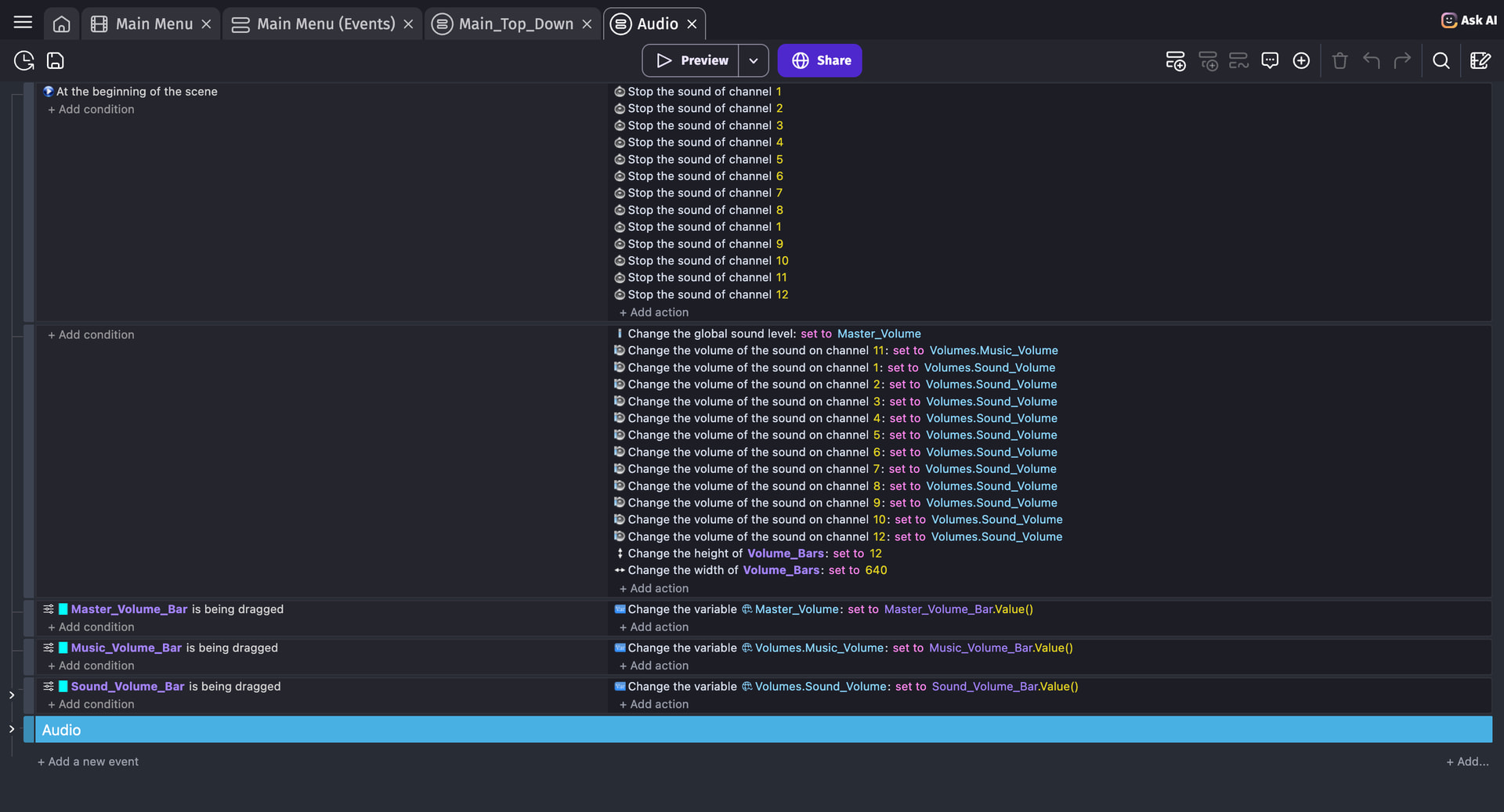
Above is an image of the external events that control all of my game’s audio. I tried using a solution that someone else used before (stopping the sounds at the beginning of the scene), but it didn’t fix the issue for me. I’m unsure whether this is an issue stemming from my end or from GDevelop’s end.
Above is an image of the volume sliders that are used in the main menu.