I’m using shape painter to draw shapes, more specifically lines for my character, but when the character moves at fast speeds the lines drawn by the shape painter seems to start falling behind. More specifically, the lines seem to be in the past position of the player. Though for some reason when I use shape painter to draw a circle on the character it doesn’t fall behind. I’m using points on sprites in order to get the positions for the lines if that helps.
Can you show the events that are handling this?
It depends on how the character is being moved and how/when points are being calculated. Generally you would want to draw from previous X/Y to current, then save the current X/Y as the new previous, then move the player
heres the events, this one is the one drawing the lines

And this is the one that is creating the fast movement
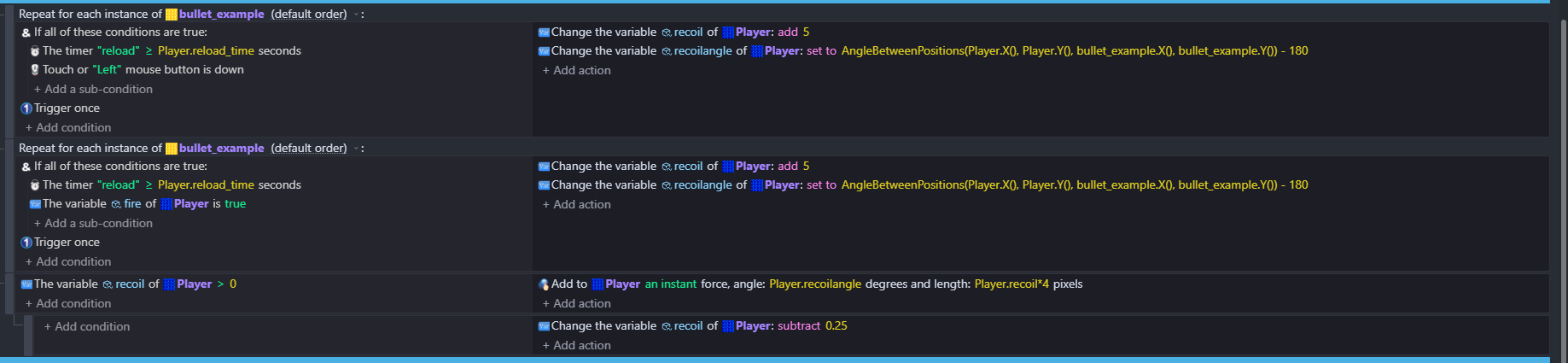
If you are using relative position from SP then change position action for SP should be ABOVE all that you showed in screenshots
im using absolute coordinates
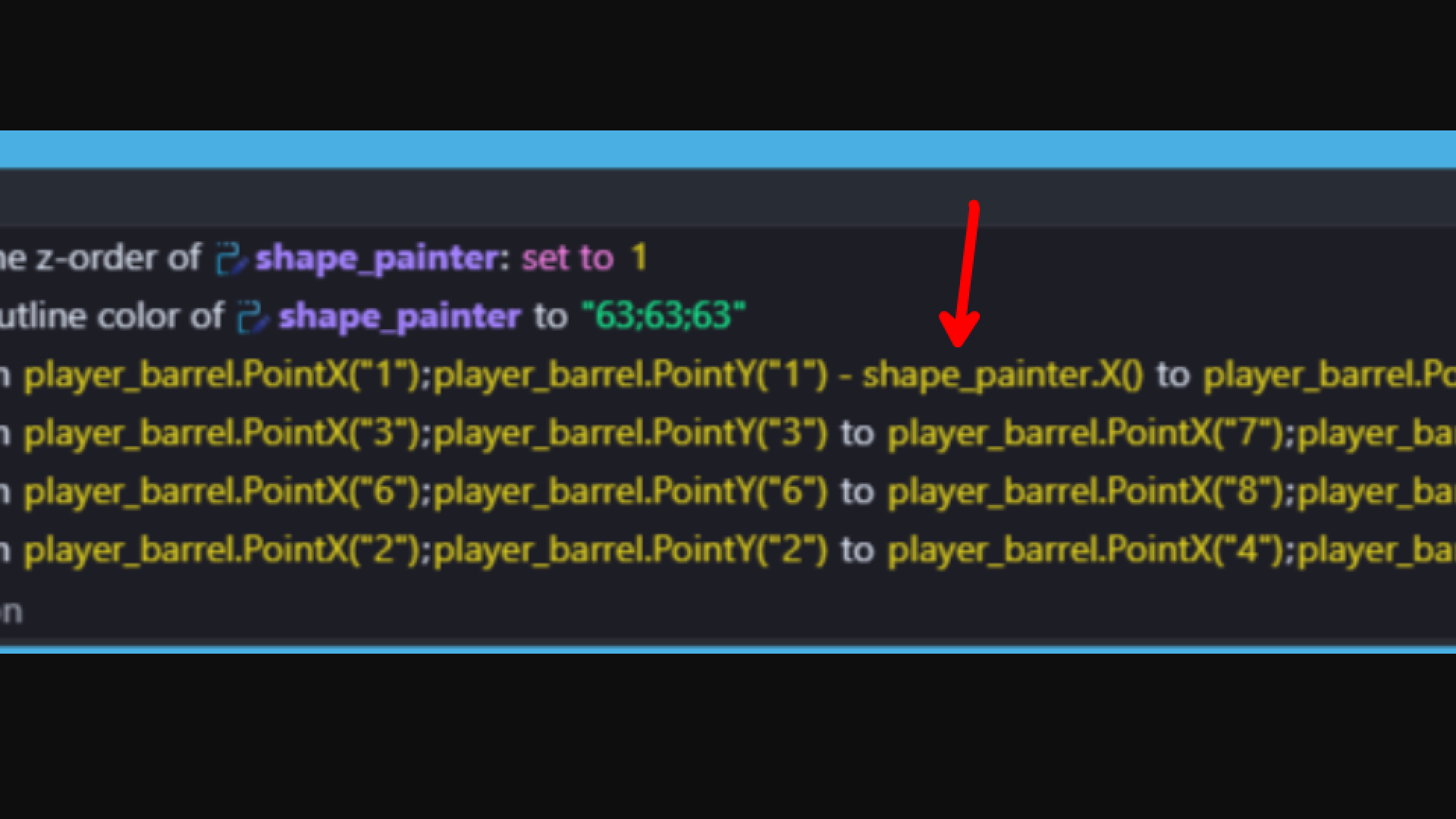
strange, I thought I deleted that already. I removed it however shape painter still seems to behave the same as before
Hi - so are the barrels moving with the player? - are they linked?
What’s the order of the events …are you drawing after the move player event?
the barrels are moving with the player, im drawing before the move player event
It is better to draw after so that the drawing would always use the player latest position.
Try swapping the order and see if that fixes it?
it still acts the same when I put it after
The only issue I see is that you’re subtracting shape_painter.X(). I don’t understand you’re events but that seems off.
Is the shape painter object moving with the player? You should only have to redraw the shape if the shape itself changes (like if you want to change the angle)
Is there any special reason why you’re even using shape painter… if all you need is a rotating gun, I think it would be much easier to use a sprite that changes angle instead.
I think movement from forces happens at the end of the events sheet, so putting the draw event at the very top could help, but it shouldn’t matter that much since its only 1 frame of difference.
I just want to also nitpick other stuff about your events… you’re using “repeat for each” incorrectly. Events normally act on all objects, until you filter them out with conditions. Always filter first, then use repeat for each ONLY if you need separate behavior for the remaining objects (like putting damage numbers over 3 different enemies that have met the conditions)
You’re also using a recoil timer, AND trigger once. Why? Resetting the timer should be enough.
The “& (if all conditions are true)” doesn’t do anything here. That can only be used within an OR condition.
These events seem to be duplicated so that you can have two different ways to fire (mouse and keyboard I would guess)? I would separate the controls from the actual logic. To put all the above together it might look something like this:
<empty>                        |  set variable Fire to false
------------------------------------------------------
OR (if one of these conditions is true)
    Touch or left mouse down   |  set variable Fire to true
    Key pressed                |
------------------------------------------------------
variable Fire of player is true |      change the variable recoil of player
timer "reload" > reloadtime secs|      etc
1 Like
The shape painter isn’t moving with the player. I’m also constantly redrawing it because I have the shape painter set to clear its drawings each frame. It’s also because it’s mostly for stuff that is constantly moving, like the player. I’m using shape painter because whenever I use a sprite it looks a lot less smooth, and I don’t wanna be making a bunch of sprites later in the future for other things in the game.
Also thanks for your feedback on my events
I see… I would recommend having the shape painter object move with the player (Sticker behavior would probably work), disable the “clear every frame” option and only redraw the barrel when the angle changes. There is an action to clear the drawing manually so just use that before drawing again
Just to call out here, a few basics:
- Ensure the painter events are after the object movement events. otherwise they occur before the movement does, which means they’ll always be behind.
- If your object is moving via forces, there is additional movement that happens between frames due to trajectory/velocity calculation. If you are redrawing your painter each frame, that means it is framerate limited and may not keep up for very high speeds. This is specifically due to the fact one is framerate locked and the other is not.
it works now, thanks!
Could you detail how you fixed it, for anyone with a similar issue coming across this thread?
I disabled clear drawing at each frame for the shape painter, and cleared the rendered image of shape painter before using shape painter again
2 Likes