Before proceeding, please use the forum search feature at the top of the page to check if your question has already been answered.
How do I…
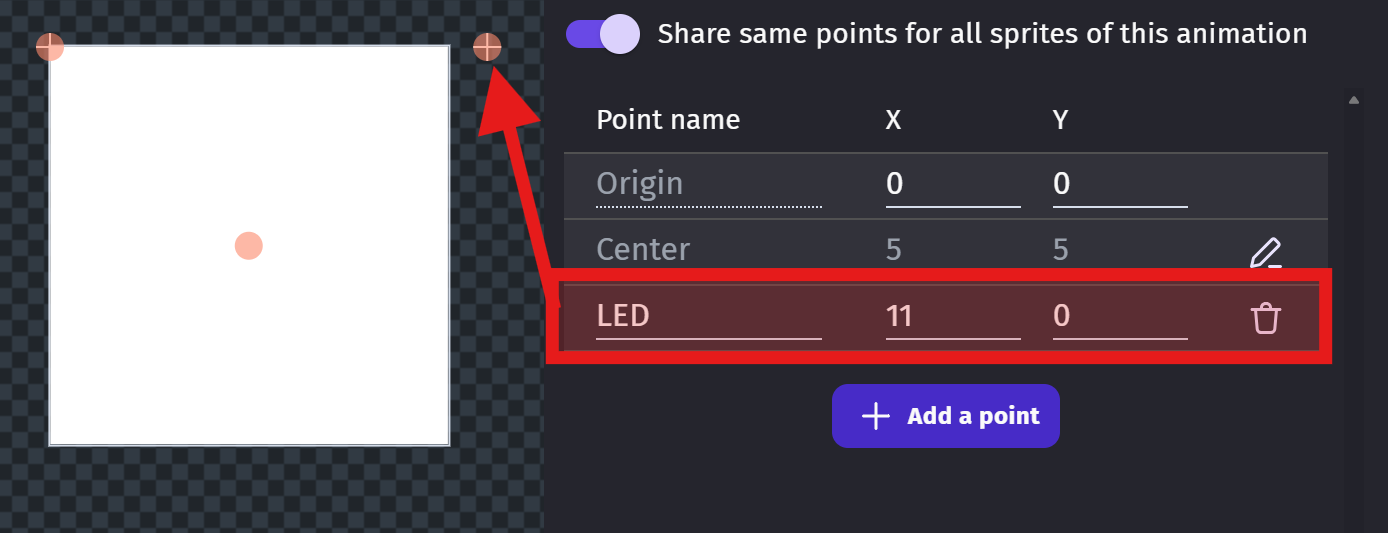
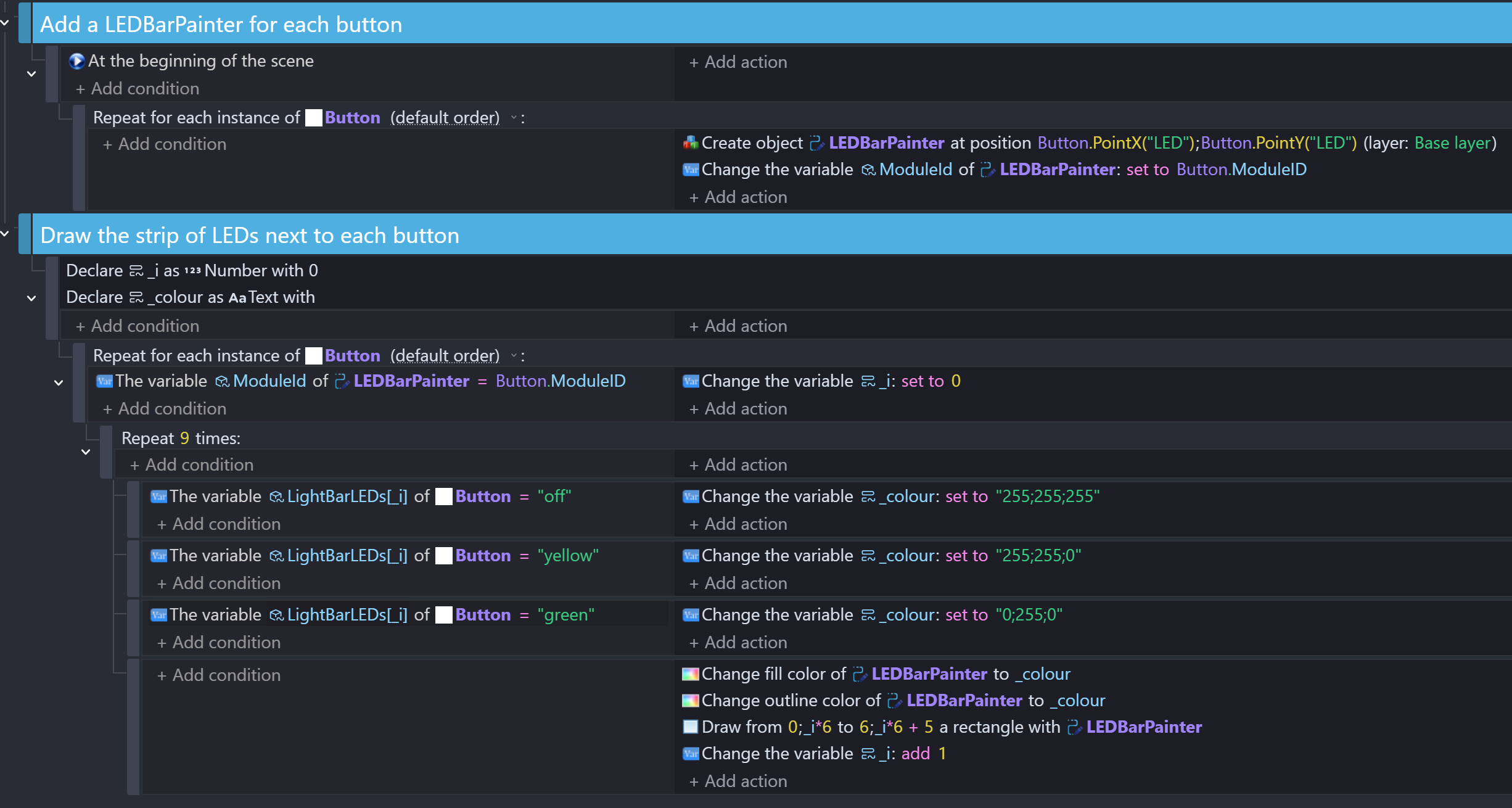
I’m trying to draw an array of 9 LEDs dynamically with the shape painter object. Each LED array is paired with a button module (sprite object) through object variables. Each object has an object variable called ModuleId, each created shape painter shares the same ModuleId as its partner button (because there are multiple buttons in the scene). I have tested this system, and each shape painter and button have the right IDs.
What is the expected result
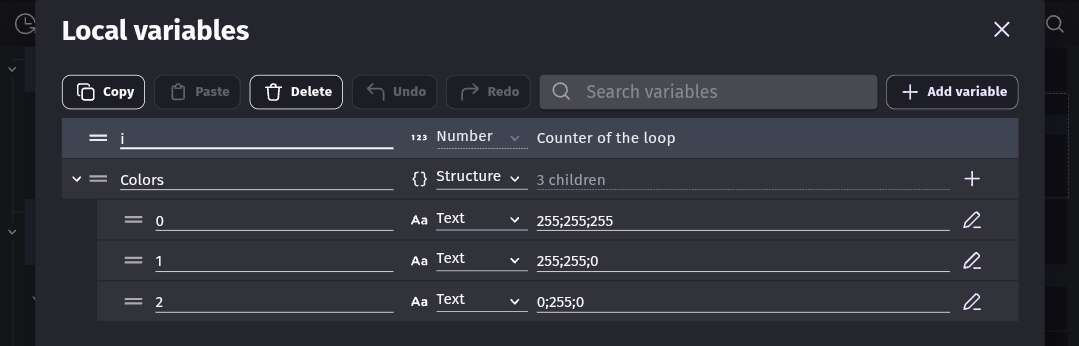
A repeat event loops 9 times and checks an object variable called LightBarLEDs, which is an array of 9 children, all of which are currently set to “yellow”. The events then should change the fill and outline to the required color and draw a square (which is one of the 9 LEDs). My shape painter is set to clear between each frame and to draw relative to the position of the shape painter (i have no issues with this).
What is the actual result
Its just not drawing. I think it might be a problem with object picking, but I can’t figure out how to fix it.
Related screenshots
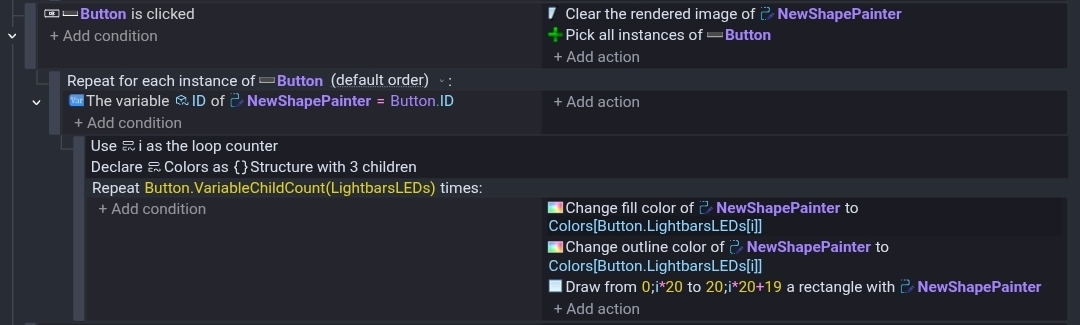
Please find attached screenshots (excuse the art lol)
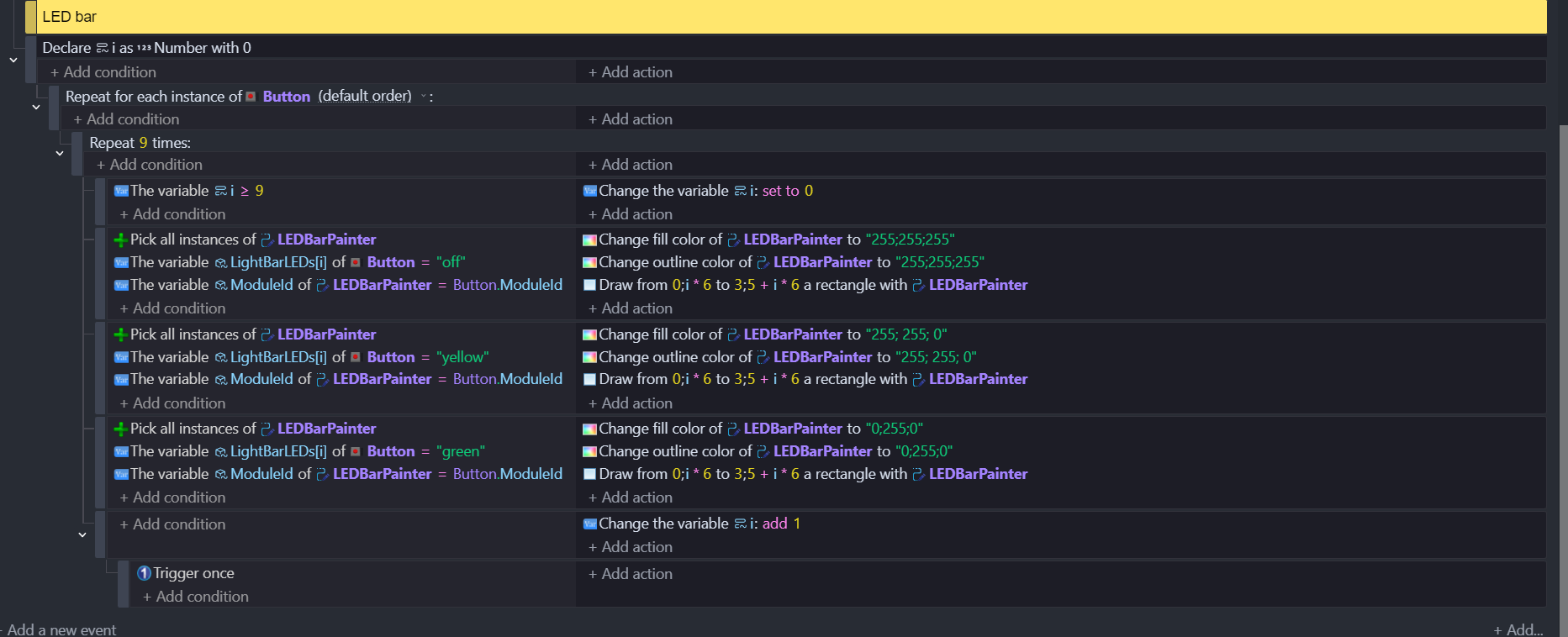
(There is more code elsewhere in this event sheet)
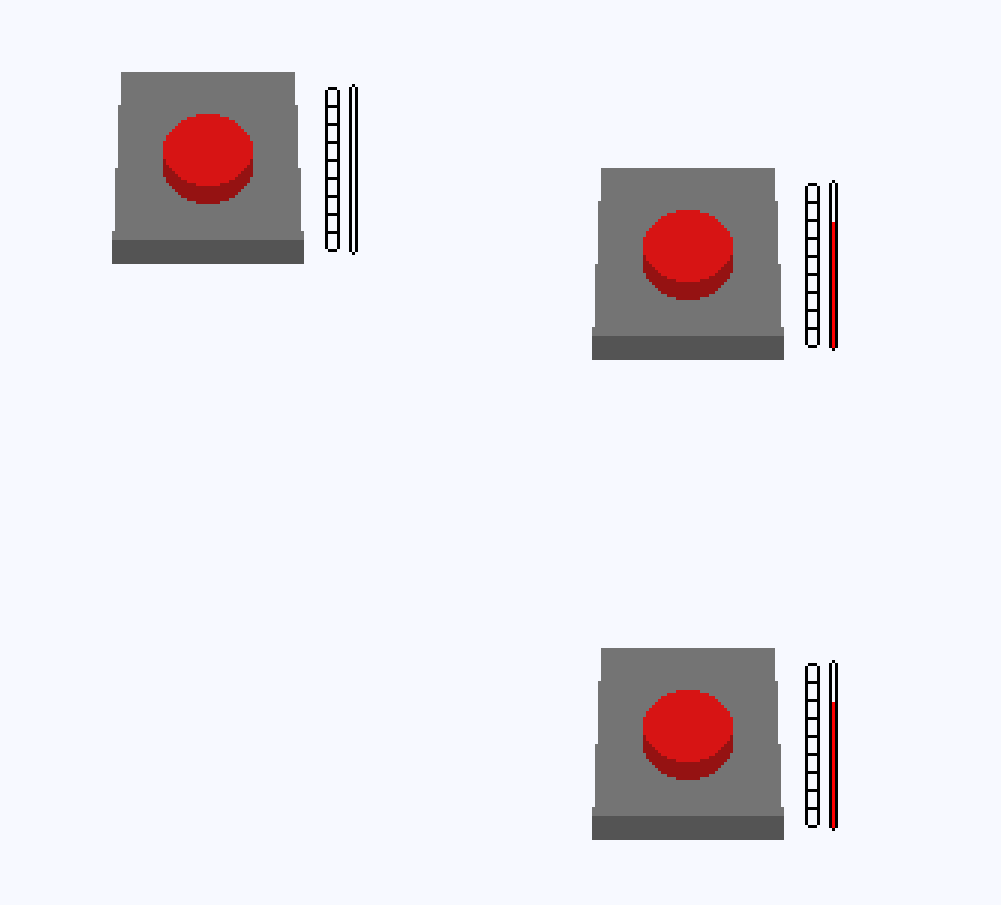
(Segmented bar to the left of red bar is the LED array)
Hope I explained this okay (: