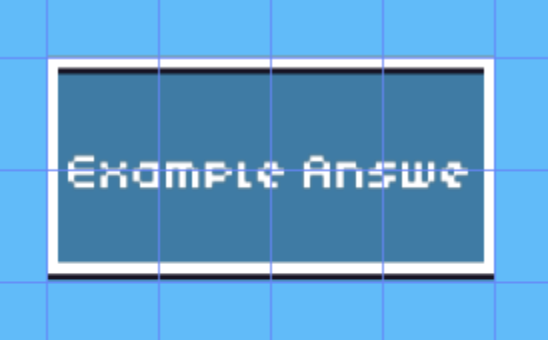
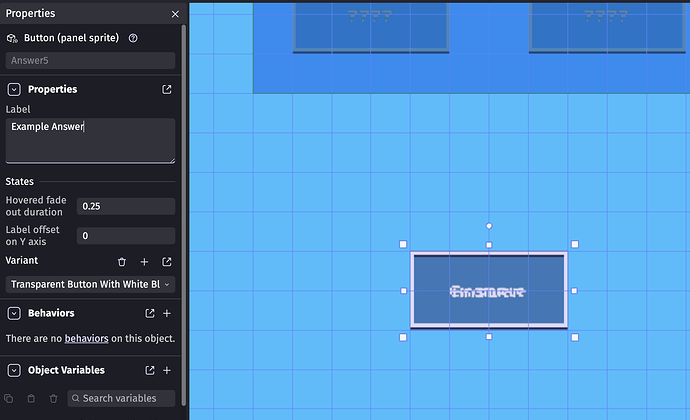
As you can see, when I change the text from Example Answe to Example Answer, it bugs out the text because the font size is too big. I would love to be able to change the size with an event, since you can do this for text labels already.
Thanks!
Edit: I edited the extension and it only took about 5 minutes to add a changing font size feature!
Open the extension in the editor and change the size inside the custom object. You can even create an action to set it with events and a condition/expression to read the value.
Note that when the extension will update, you’ll lose your changes.
Instead, you can change the font size by editing the variant which is not lost when updating the extension.
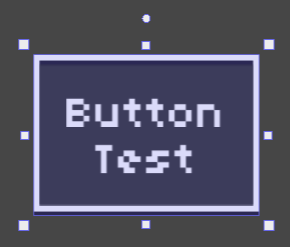
Also, you probably changed some setting on the label because using the variant straight from the asset store the lines don’t merge like on your screenshot:
or they can copy the extension with a diferent name, save the json in their local storage and forget about any changes the original creator decides to make, cause now it will be a new extension.