I’m wanting to make a game that involves color collision. Usually, I would just make a variable for each object saying what color it is, but that doesn’t work for objects that are multiple colors (such as a square that is half purple and half yellow).
Is there any way to check if 2 objects collide with the same color?
If I get you right you want to know the color at the location of collision and the colliding objects can have two or maybe more colors. In that case you could probably use the ‘Read pixels’-extension.
My method would be to make the animation with the color names and then compare the 2 animation names. There are infinite ways to do it.
You can’t really just compare the colors though because there’s always a chance that a word could be within another word or combined words. Meaning the word grape contains ape. So, you couldn’t just check if the word grape contains ape. My approach is to add a character like an asterisk before and after a word so it’s comparing ape to grape or red to redbluegreen
Then you could convert 1 animation name to an array with array tools and check if any of the items in that array are in the other animations name.
To split the animation name into array you could name the animations with the colors seperated by commas and then split the string into an array.
Or you could use a seperate array that contains all of the possible colors and then check if the animation contains each color and check if 2 objects are picked.
I don’t have time for any example events but someone else might be able to either expand on my concept or share one of their own techniques.
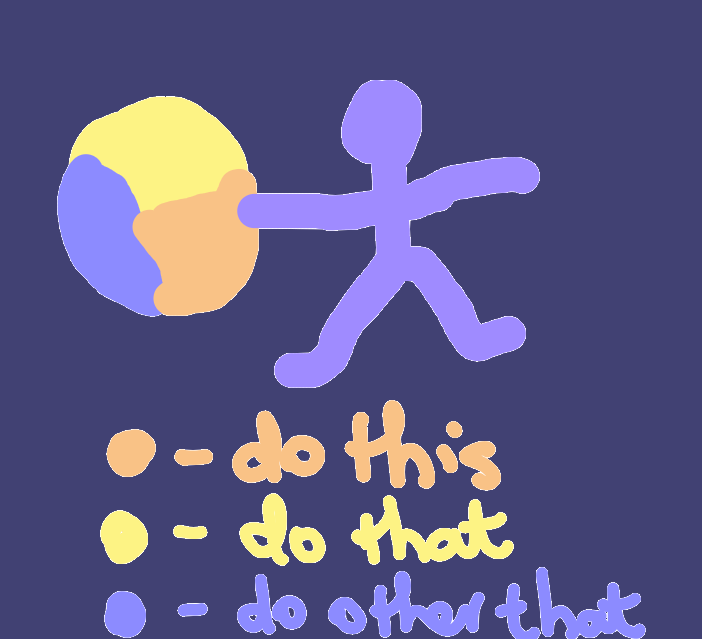
No solutions here, but is this pic what you want? You want to know which part of the target object the player sprite (not the player’s cursor) is in collision with and then get its color?
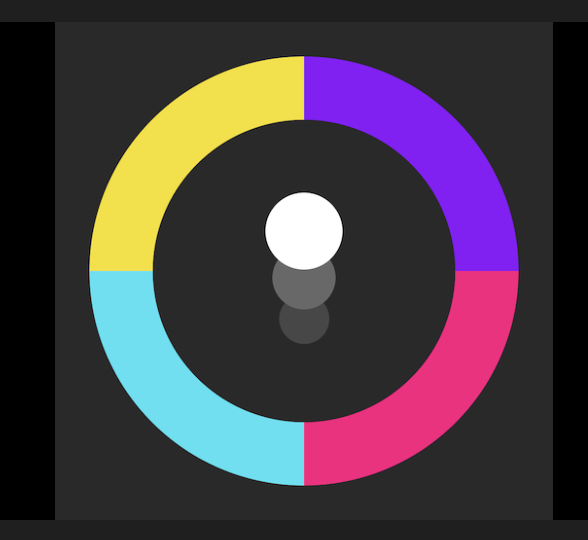
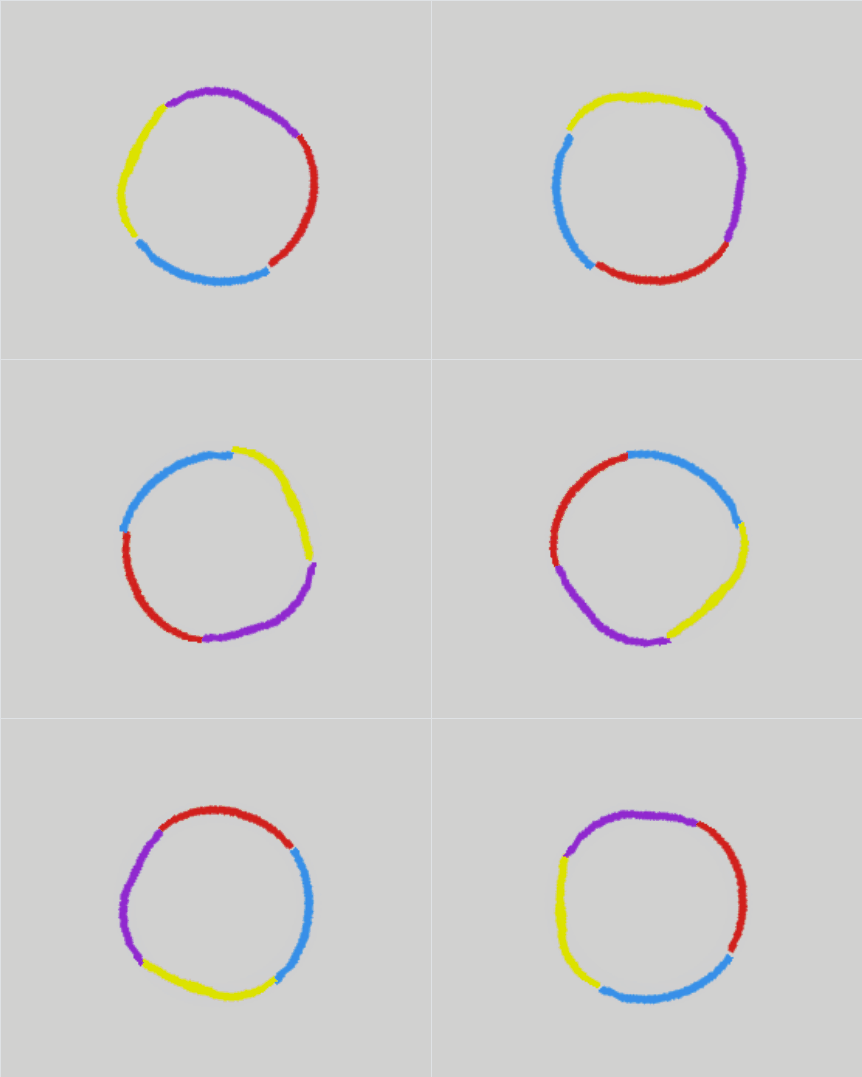
For more context, I am considering trying to remake “Color Switch” where you bounce a ball through these multi-colour circles, and if the ball touches a part that isn’t the same color as the ball, you lose.
Couldn’t you make four arc objects with different colors and check which one the ball is in collision with? You would just place the arcs to form a ring.
Yeah, that sounds much easier. Although, I still want to try the mechanics of what I originally thought was the concept.
So, yes, you could use different animations for each segment and check whether the colliding ring segment and ball animations are not equal to each other.
Thats most likely (im guessing) happening because they dont match in size, try messing about with each one, each sprite is duplicated correct so they have the same size?