Perhaps its just me - but i’ve never been able to copy and paste layer effects. This works for object effects - select copy all effects - go to new object and paste - all fine! Layers no - there’s the option to do it, but once i’ve copied it and gone to the other layer - no option to paste. This has always been the case for me - so am i missing something?
Actually, it might be better off as a bug report. You can access paste in layer effects with the three dots menu but you first have to add a dummy effect to see it.
Whereas the object effects paste button is very clear and is in fact relatively new? I’ve always used the three dots for object effects as I’ve not noticed the gigantic paste button.
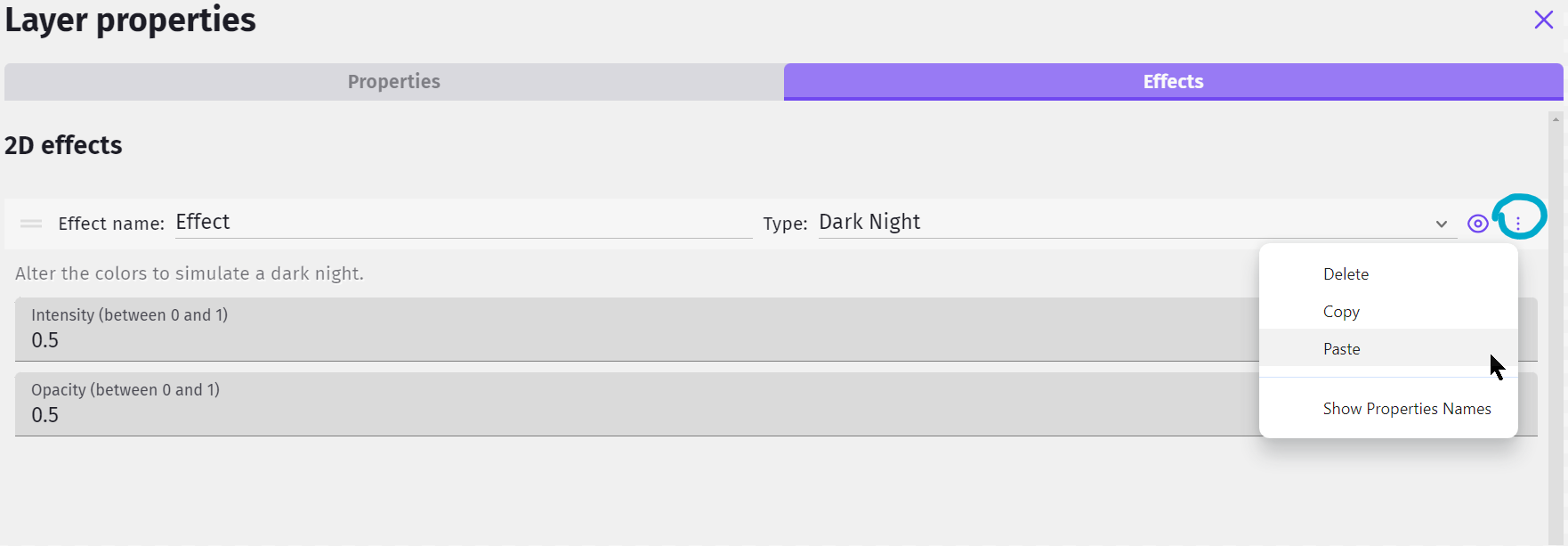
I never knew whether it was a bug - i forget that the three dots are there! There are honestly things - really simple things about gdevelop, that’s it taken me years to spot - i must get tunnel vision - I do things this way, and that’s the way I do them.
But this layer effects thing - there’s a button to paste - but it doesn’t work!
let’s see what the others reckon!
It works for me. It’s worked in the past and is working now for me, hmmmm.
Really? Darn it…it is just me then!
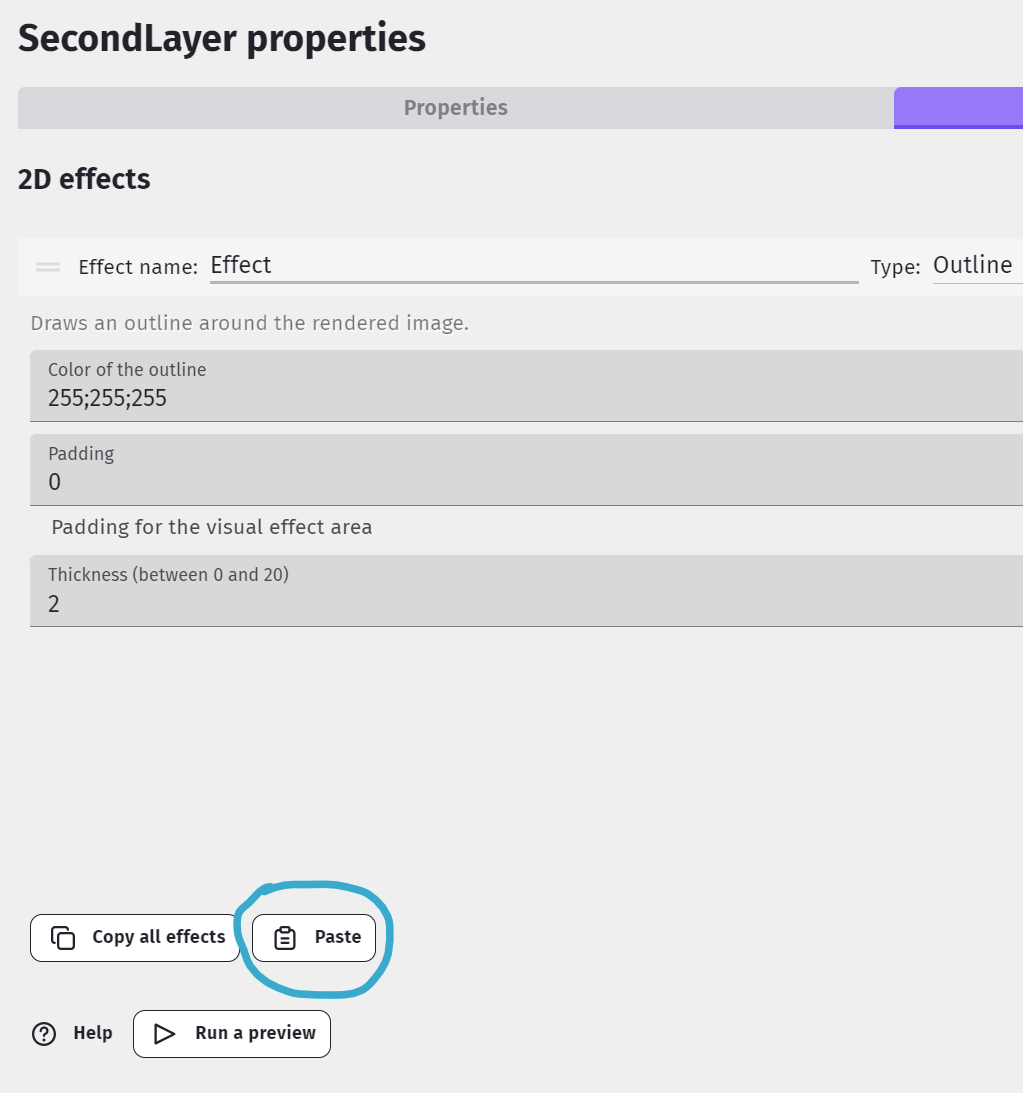
right - i just tried it again and it did work! This is the first time this has ever worked for me! right i’ll chalk it up as solved and get my coat. Thanks bubble - it seems to work now!