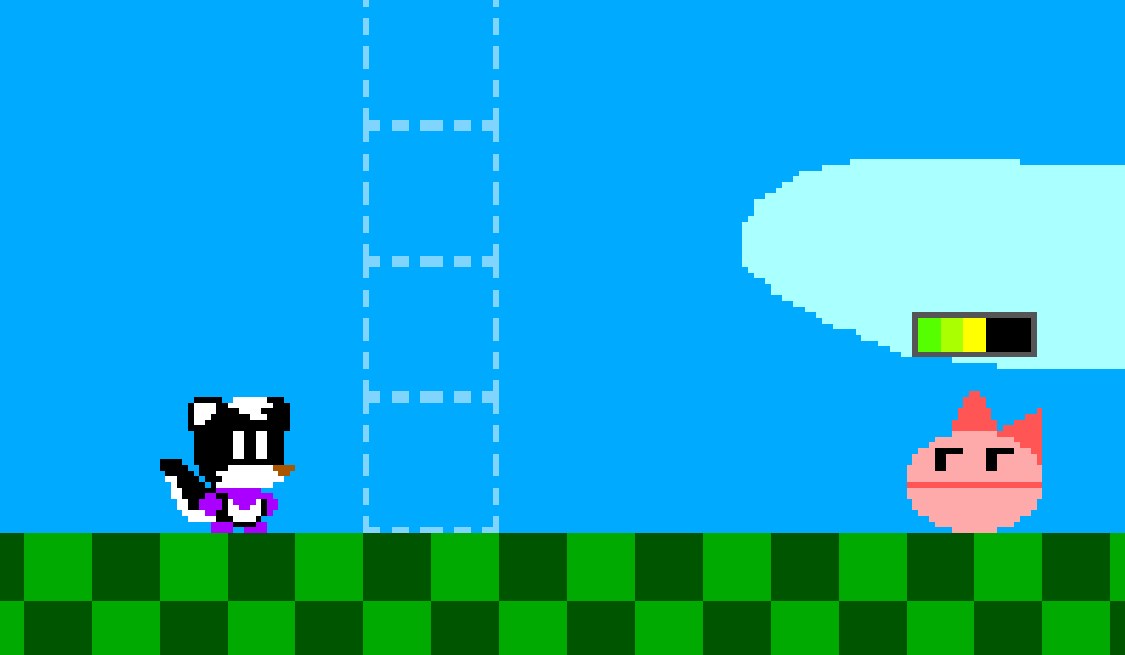
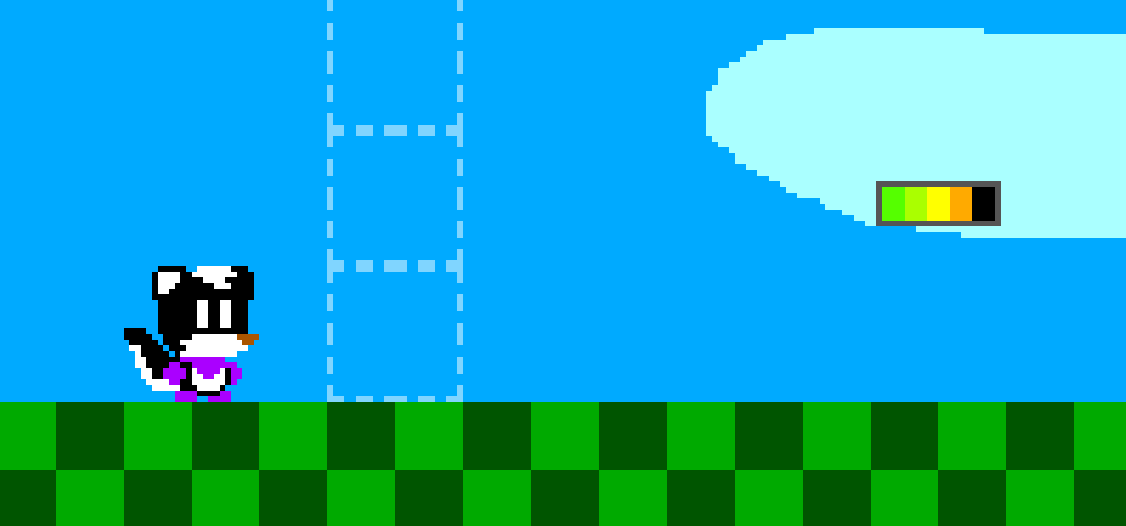
In my game, I have an enemy that charges up an attack before firing, signaled by a bar above it.
when the bar is filled up, the enemy switches to an attack animation.
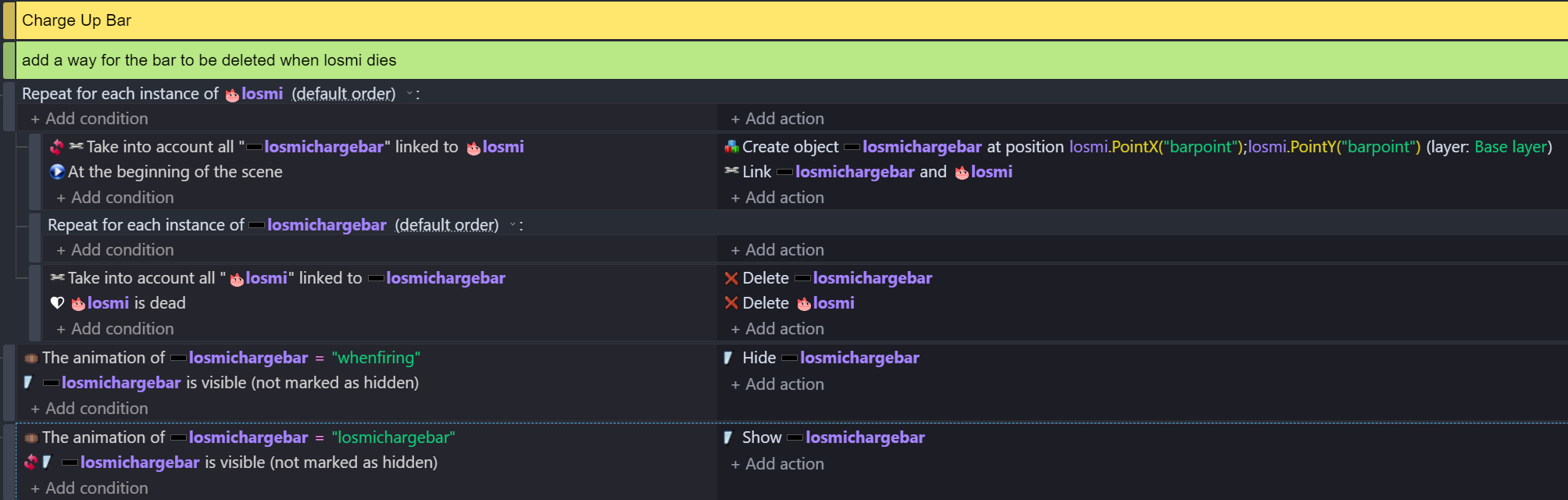
when you say repeat for each, do you mean duplicating these events but swapping the objects in the “Take into account” event? Bar linked to enemy → Enemy Linked to bar
I meant repeat for each object event type so what you did and what i had in screenshot
This still don’t delete both?
And if not do it at least delete one of them?
As a heads-up, it seems you don’t actually need either the enemy or the bar to be moving.Even so… If you only have one enemy at a time, I’d go for the easy way using the Sticker behavior: enabling “Delete when the object it’s stuck to is deleted.”…basically stick tyhe bar to the enemy..and then delete the enemy.
If there are multiple enemies, though, you’d need a repeat for each one anyway, as Zero mentioned.
Yeah, but that’s just a trick or workaround. ..and if it worked i dunno why it’ s not deleted when you do “delete lifebar”…(probably bcs that unnecessary at the beginning of the scene)..since there is basically 1 object on the screen…
btw…For the future, you should still try to understand what Zero posted above… there’s a 98% chance you’ll run into this later and won’t know how to handle it.




 I gave the sticker behaviour to the Charge up bar, and it fixed!