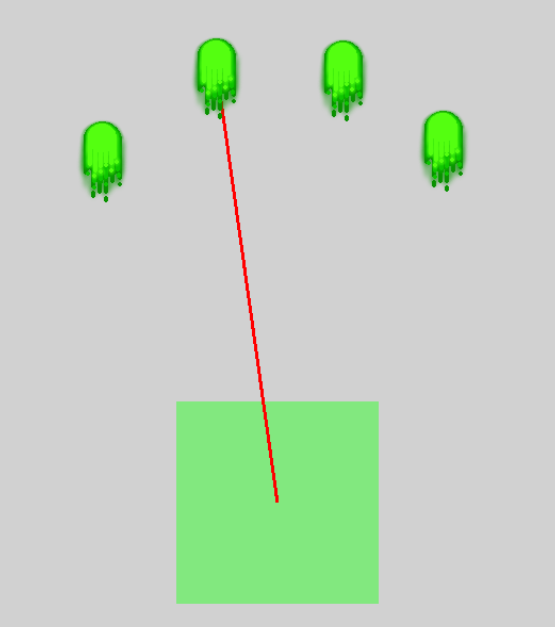
Hello everyone! I am trying to draw a line between two objects, kinda like connect the dots type. And, I want the object its connected to be draggable only when the lines are attached to the object.
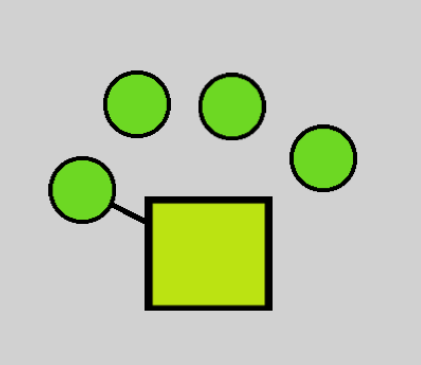
Here’s the visualization of what I’m trying to accomplish:
I’m having a hard time for days figuring out how these lines connect with the other object and then having draggable behavior activate when they’re connected. If anyone could lend their idea on how to execute this I would really appreciate it. Thank you so much.
How are the lines going to be connected? From the square to the other objects? Are they going to be interconnected? How do the smaller objects get placed?
I might use linking to link objects and draw lines between linked objects . Either check if there are any links or use a Boolean variable as a state. I prefer to use states. If they’re interlinked then you would need a second object for each object to handle linking between the same object.
Or you could use arrays of either x, y locations or object IDs.
It all depends on how the objects are added and whether they’re moveable after they’re placed or the after lines are added. And which objects can have lines and if they could have multiple lines.
It’s still vague. If you use a Boolean on the object then you can toggle the value or set it to true/false.
Try me: Left mouse drags, right mouse clicks toggle it on and off. I used the opposite mouse button so it didn’t interfere with the mouse drag. https://gd.games/keith_13579/base-and-gun
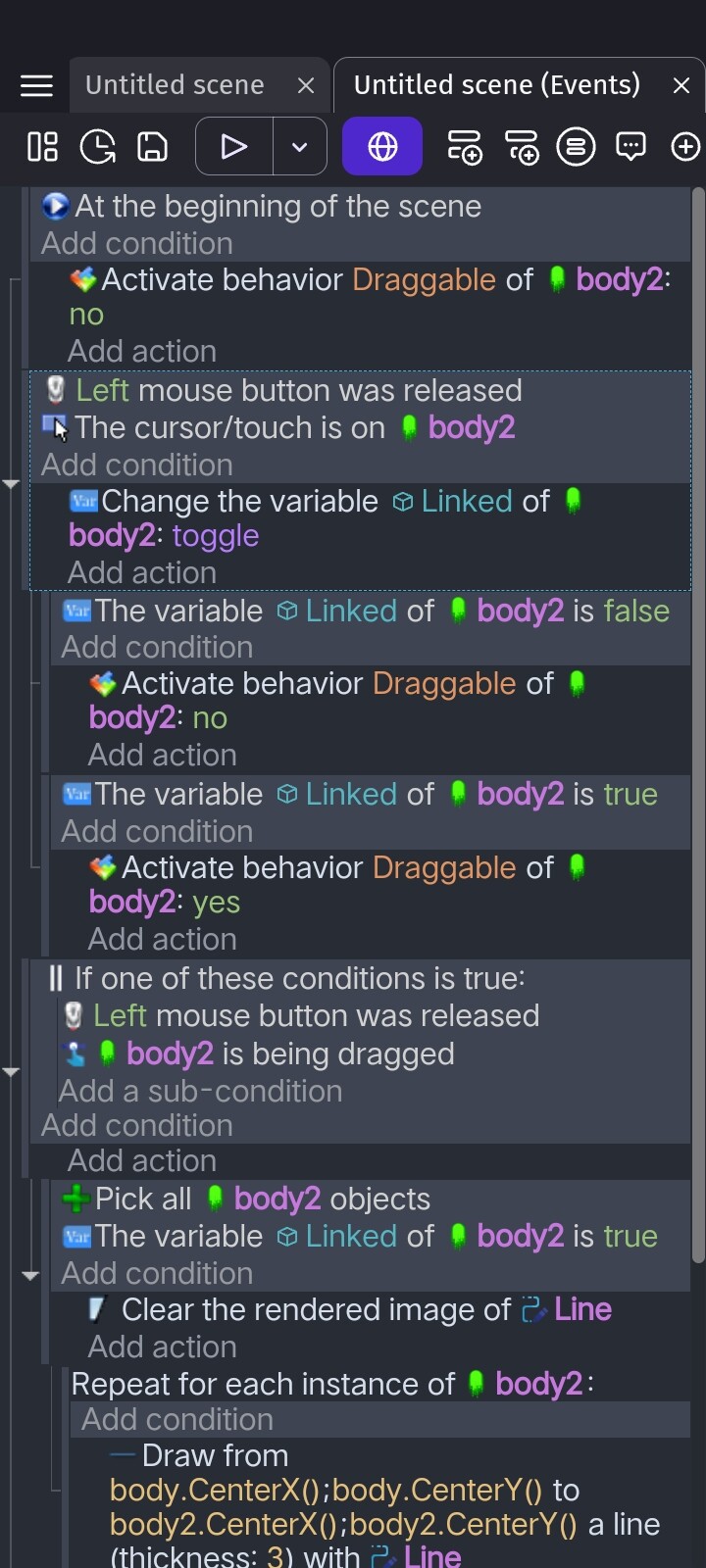
It uses one object variable for the gun called Linked a Boolean. Both options are unchecked in the shape painter.
What I was meant was that I wanted to draw a line from the box to the circle and make that line attach between them. I wish to do that to the other circles too. And, when the lines are attached the circles they then become draggable.
I wish to make a game like that on my phone. I can’t seem to play what you made on my phone, I’ll try it on my computer later, but thank you so much for showing me your solution. I really appreciate it.
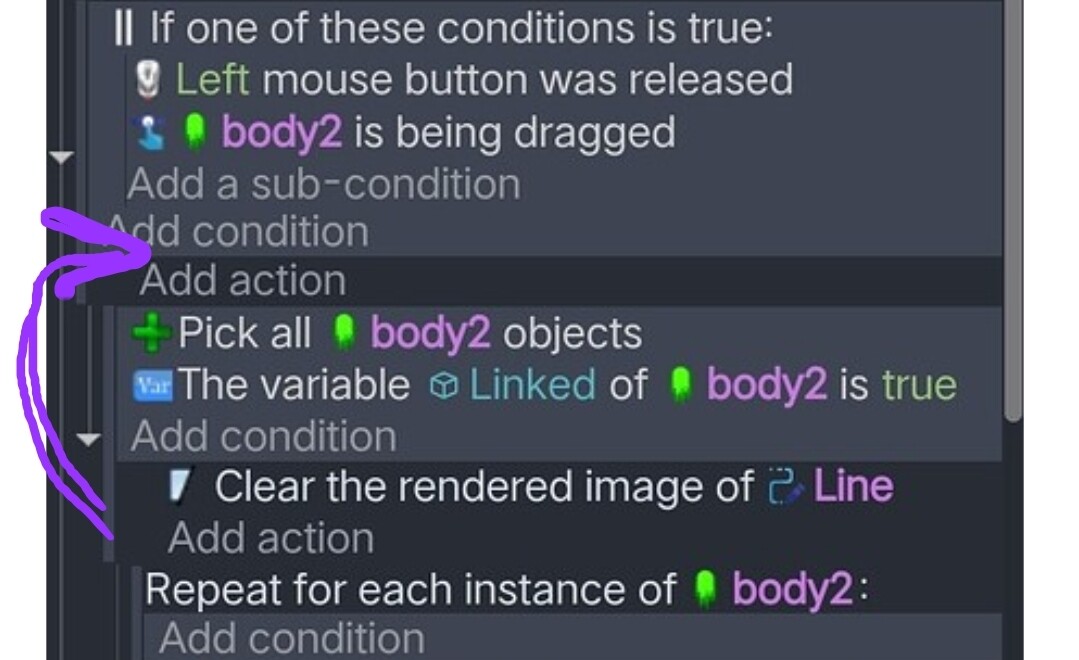
I don’t know why but even in my example, the clear shapes action is after the select all, linked is true. As is, at least 1 object would have to be set to true for it to clear rendered image. I think the clear action just needs to be moved up an event before that.
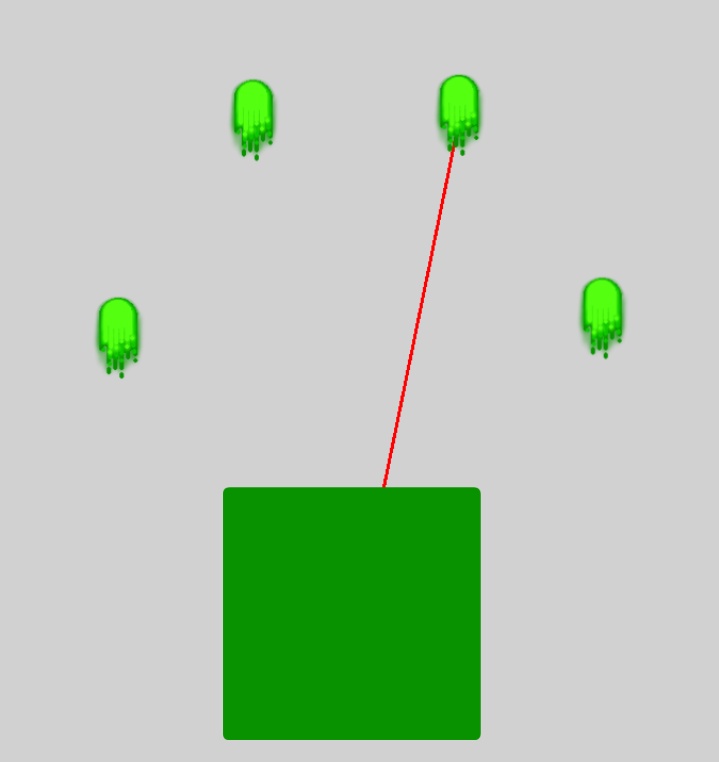


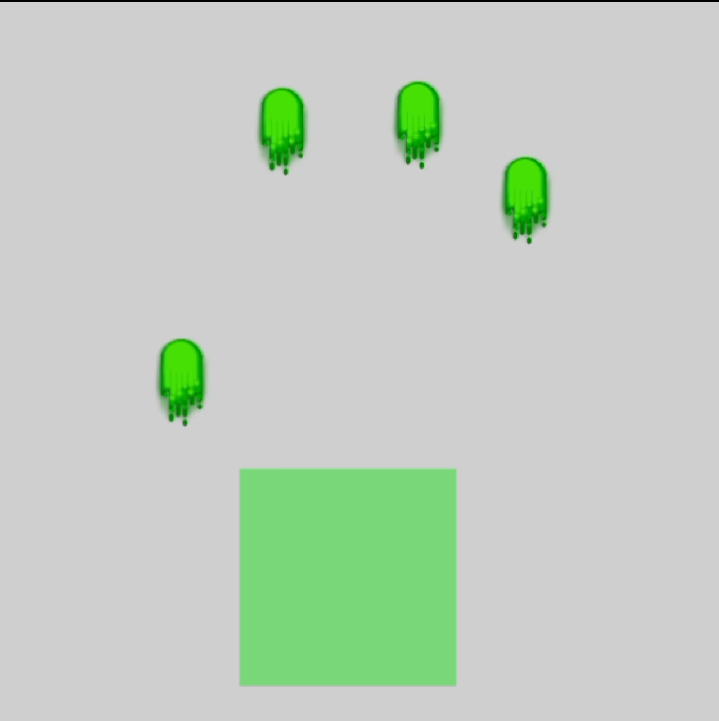

 You are the best! Thank you so much!