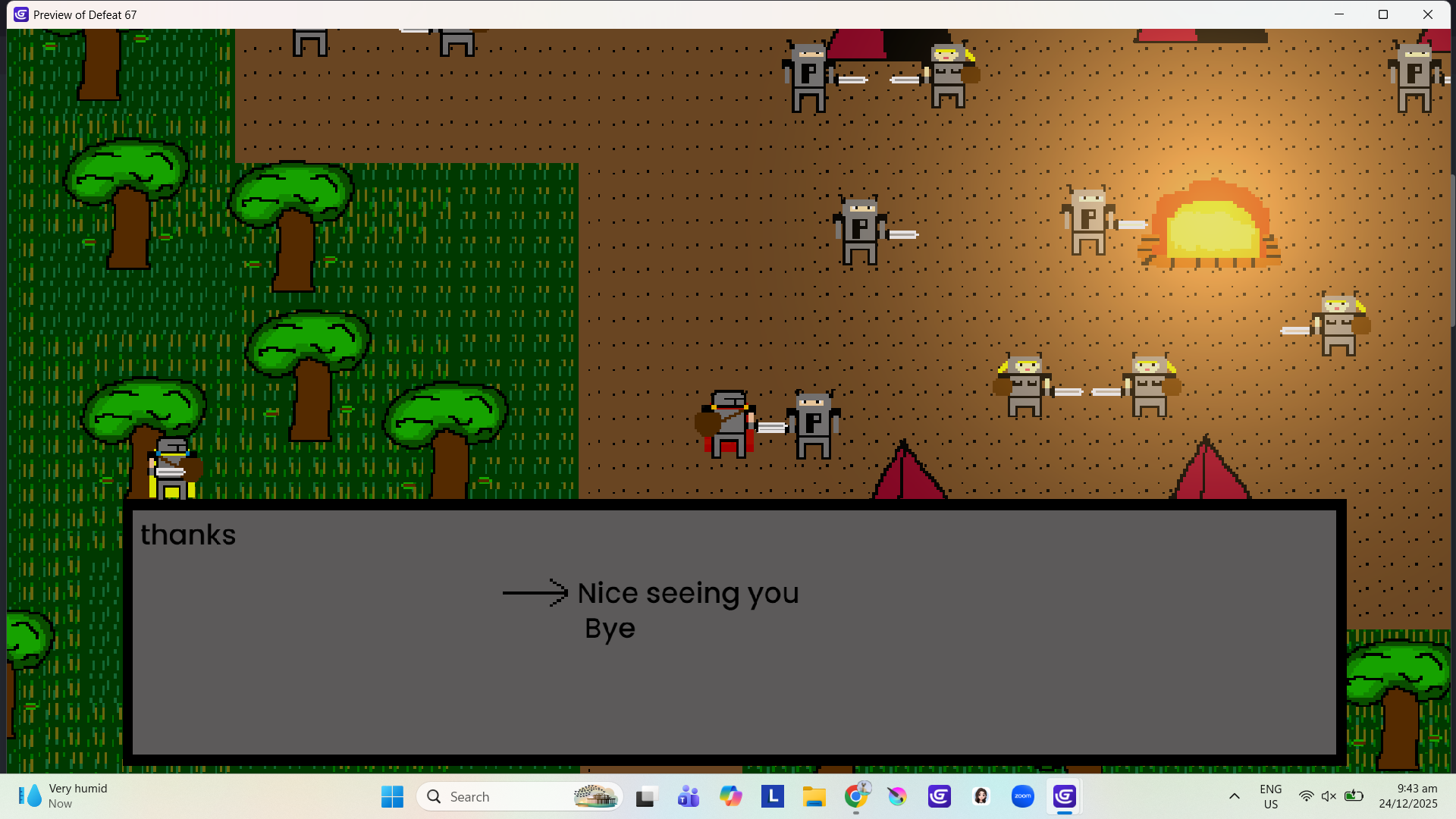
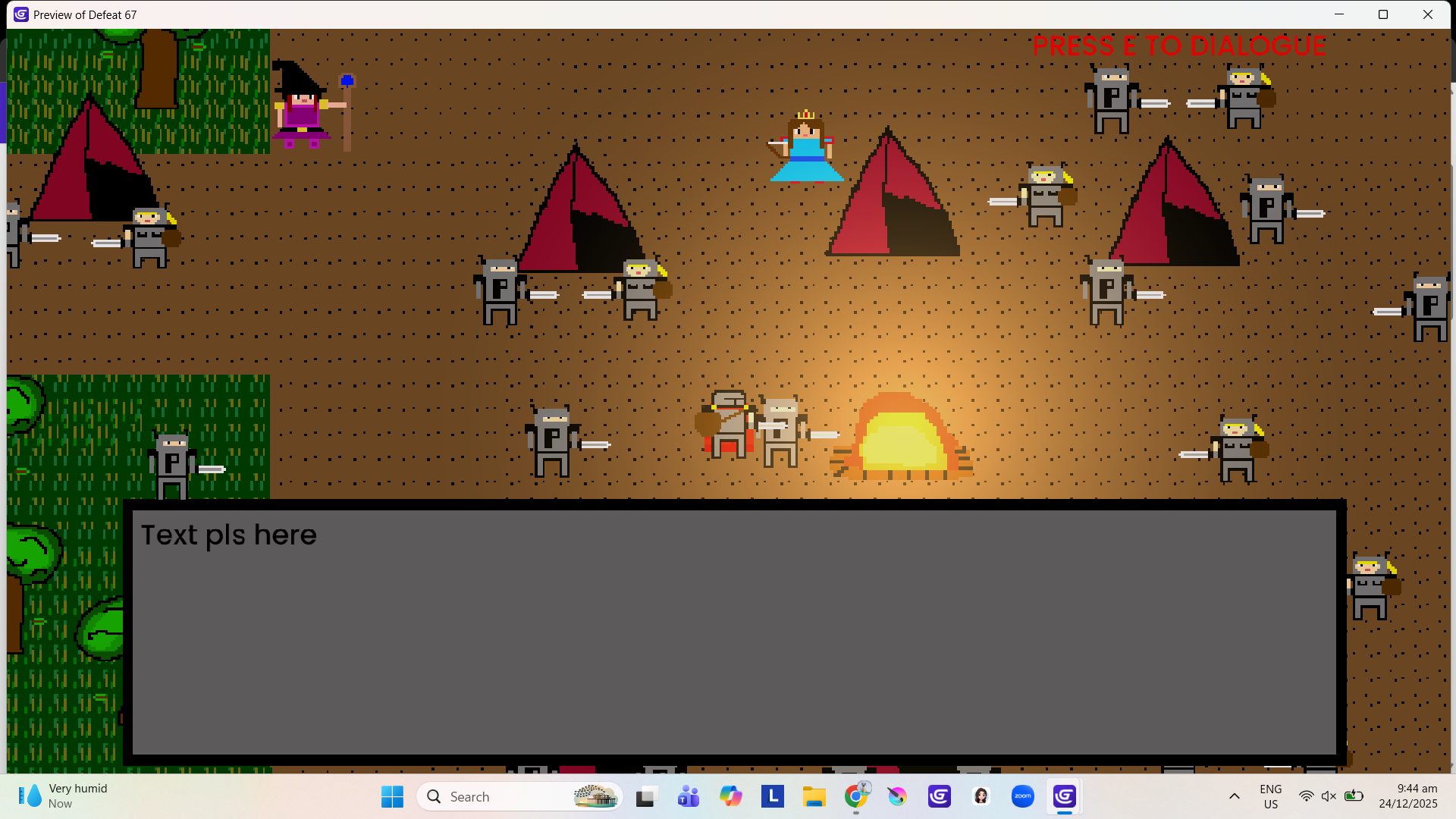
I used the same sprite, so put Npc_id_variable so they won’t have the same dialogue. The problem is the dialogue for the second npc doesn’t work, it doesn’t even load. I tried just using a different sprite and the dialogue still wouldn’t load.
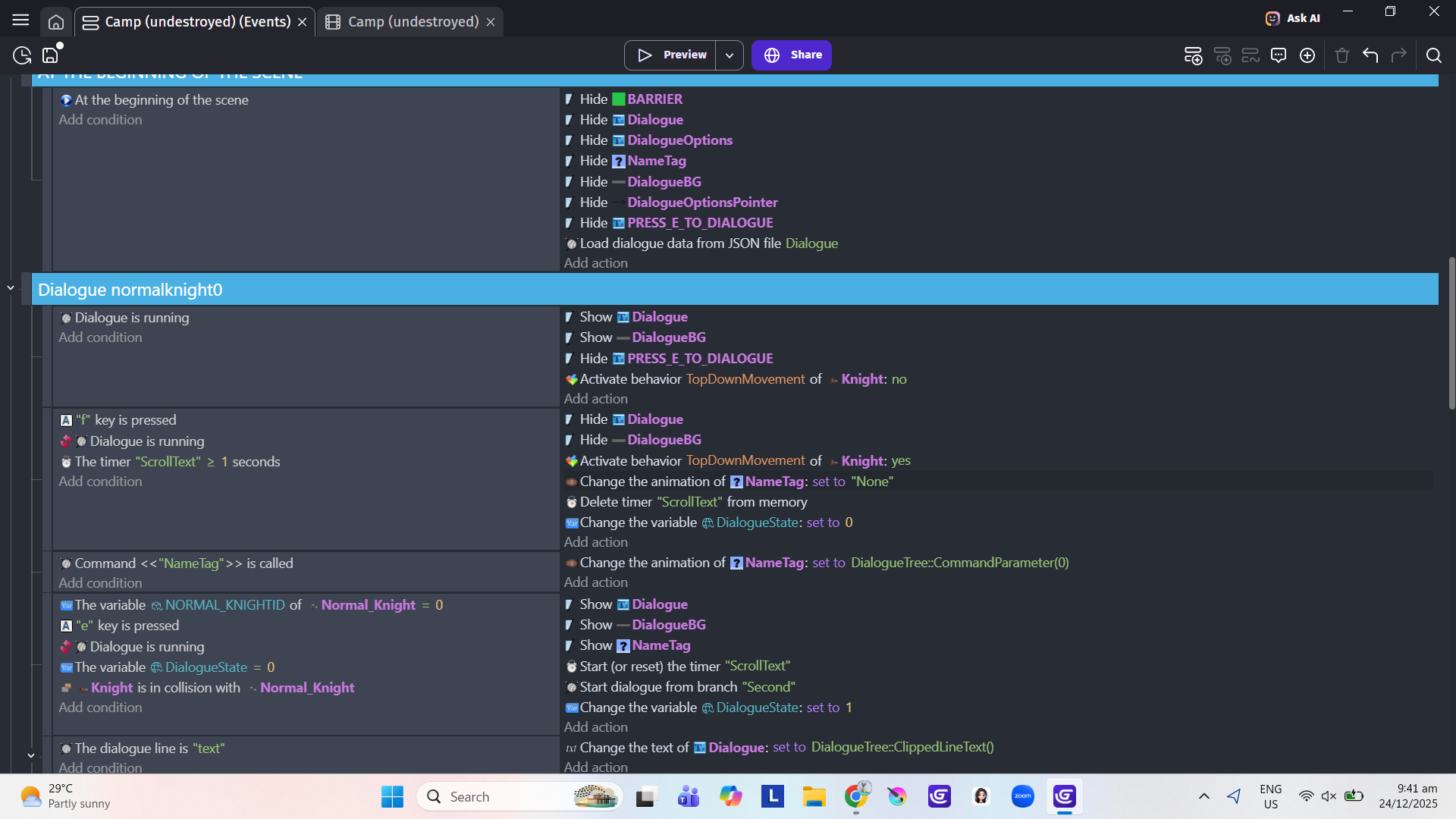
This is the first npc or What I call npc0: (as you can see the dialogue works fine)
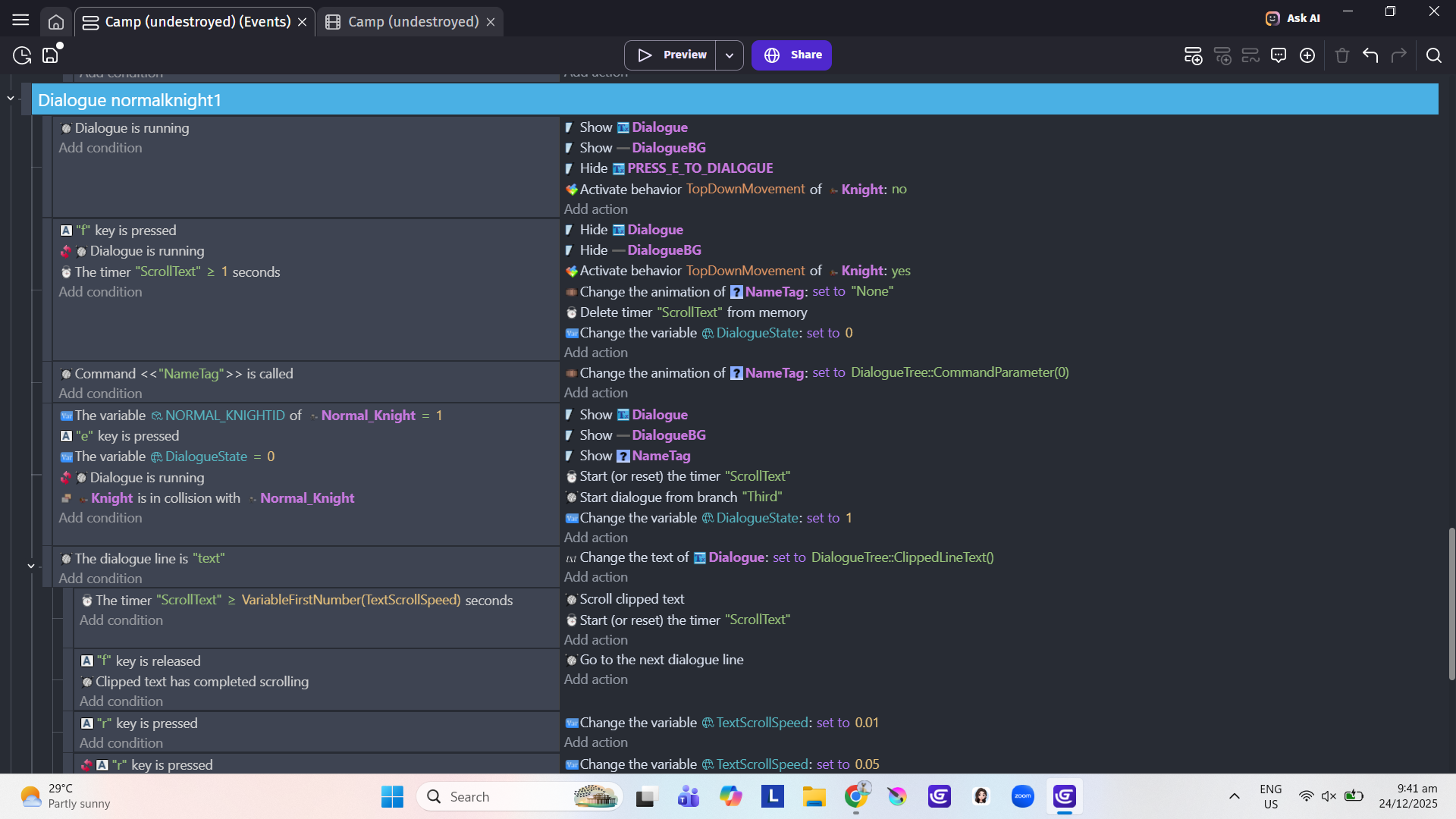
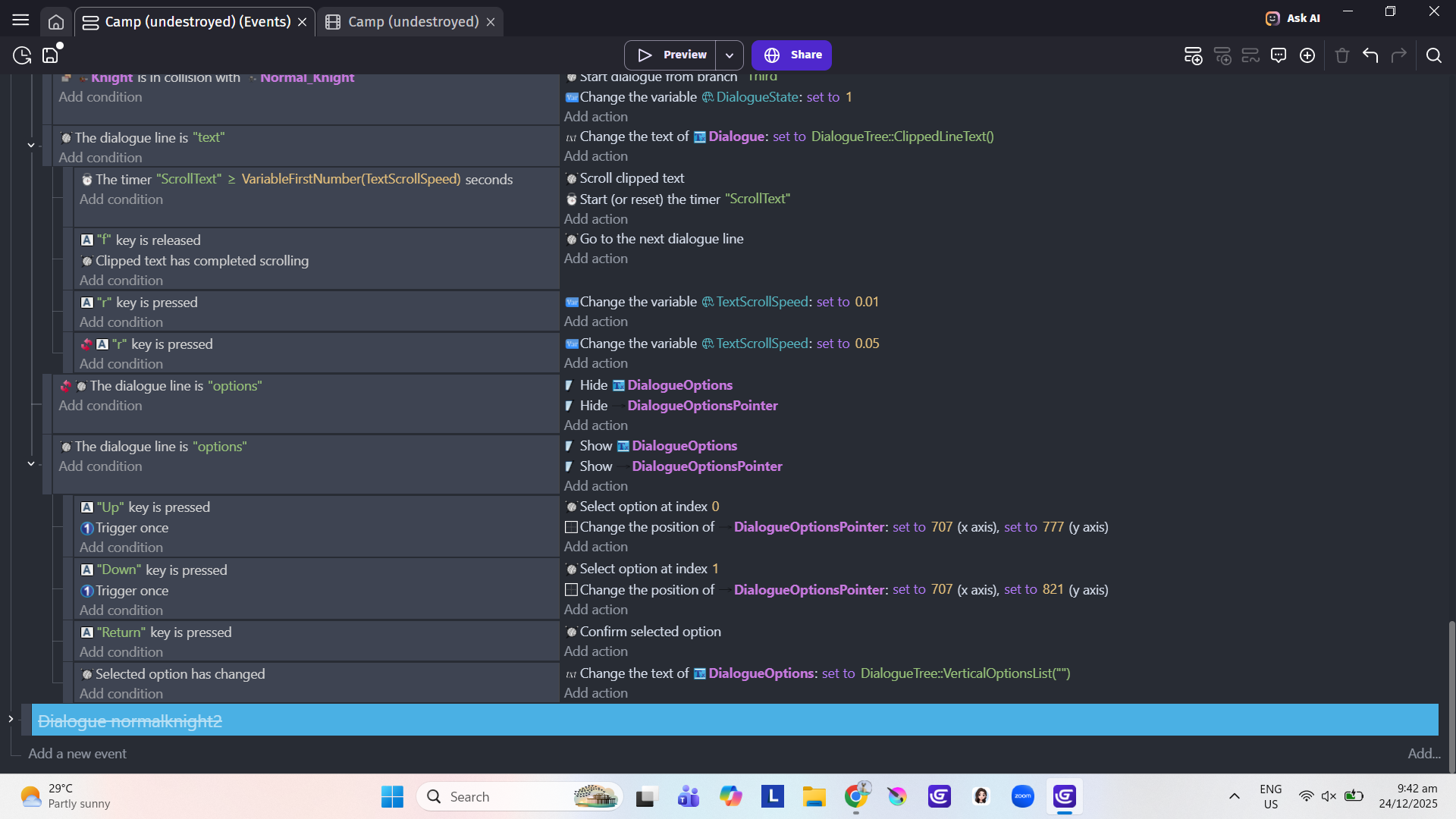
This is the second npc or what I call Npc1: (it doesn’t even load. It doesn’t work)
Nvm I found a way to solve it:
I just retype everything. No copy and paste just full typing, for some reason the font of google docs doesn’t latch on yarn. Sorry I feel so dumb
this post is [SOLVED]
1 Like
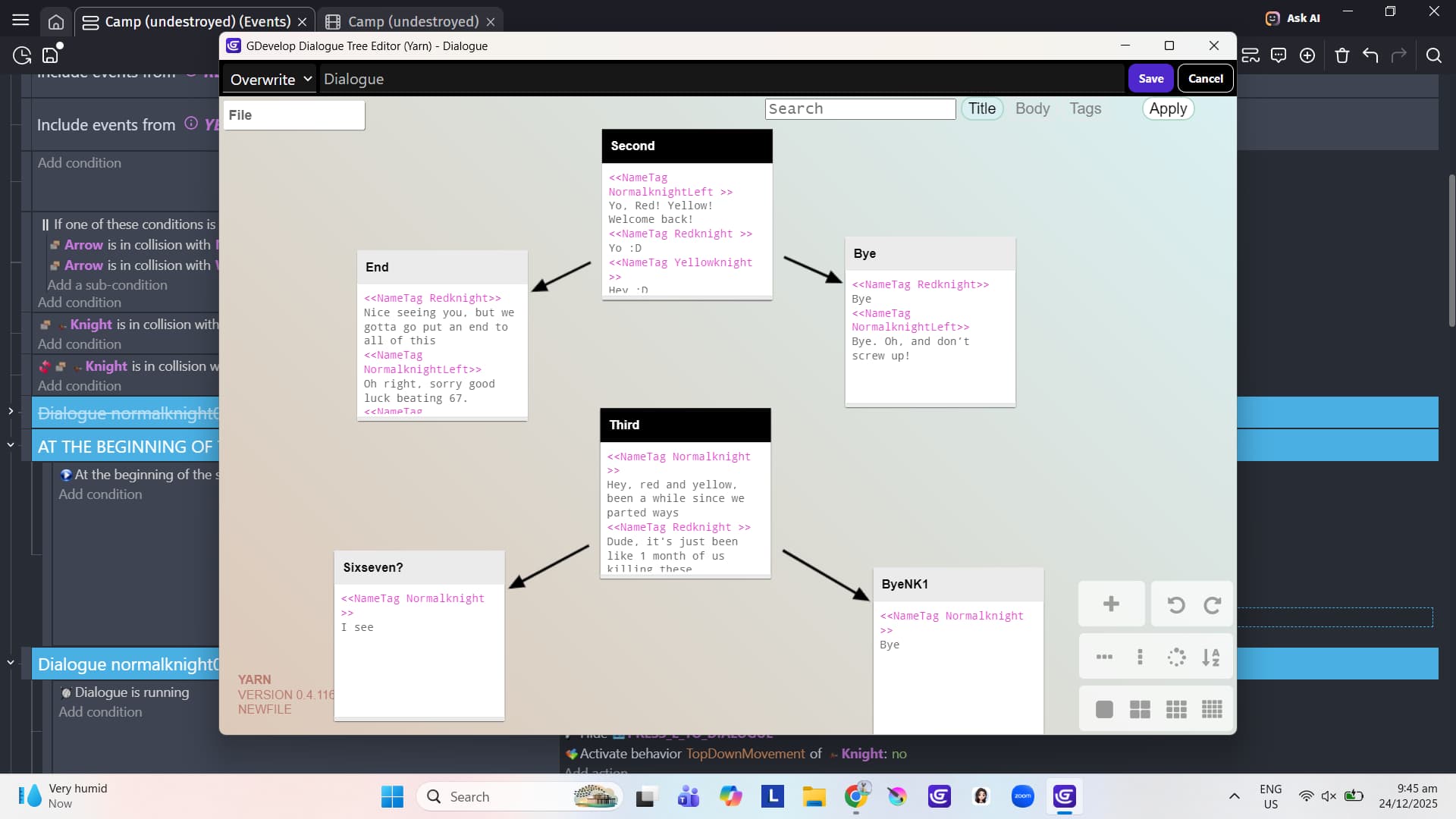
One other thing: avoid using ? in your node names. I did a little experiment to check, and changing a node name to include ? on the end broke my dialogue. It wouldn’t even start. Stick to letters and numbers for node names. Underscores _ seem to be okay too.
As you’ve discovered, plain text is best for pasting into Yarn. It’s fine to write your text in Google Docs or Word etc., but always paste your text into Notepad, or any plain text editor, and then paste into Yarn from there. I wouldn’t expect it to break Yarn if you pasted directly from GDocs, but you might end up with some odd characters/symbols appearing.
1 Like
Thank you sir, and merry christmas. 
1 Like