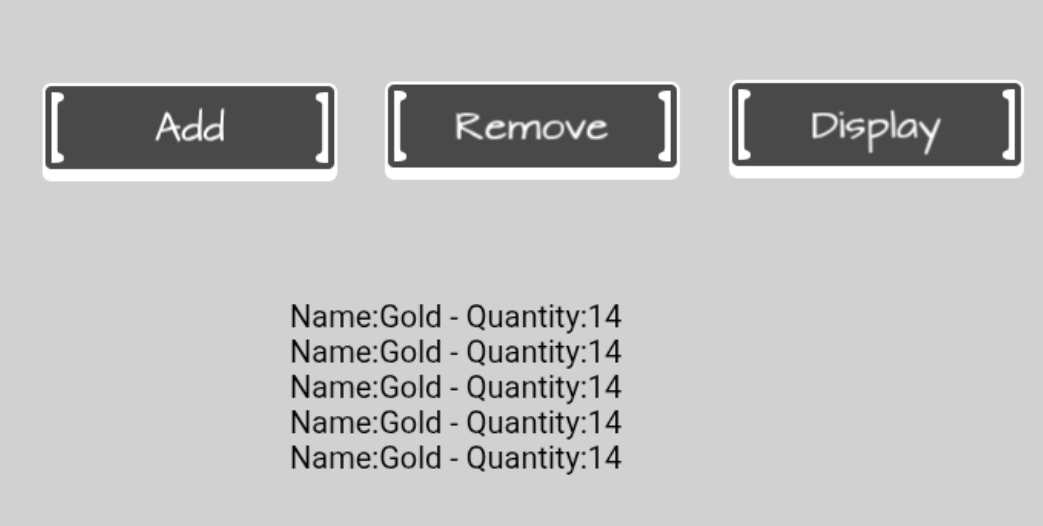
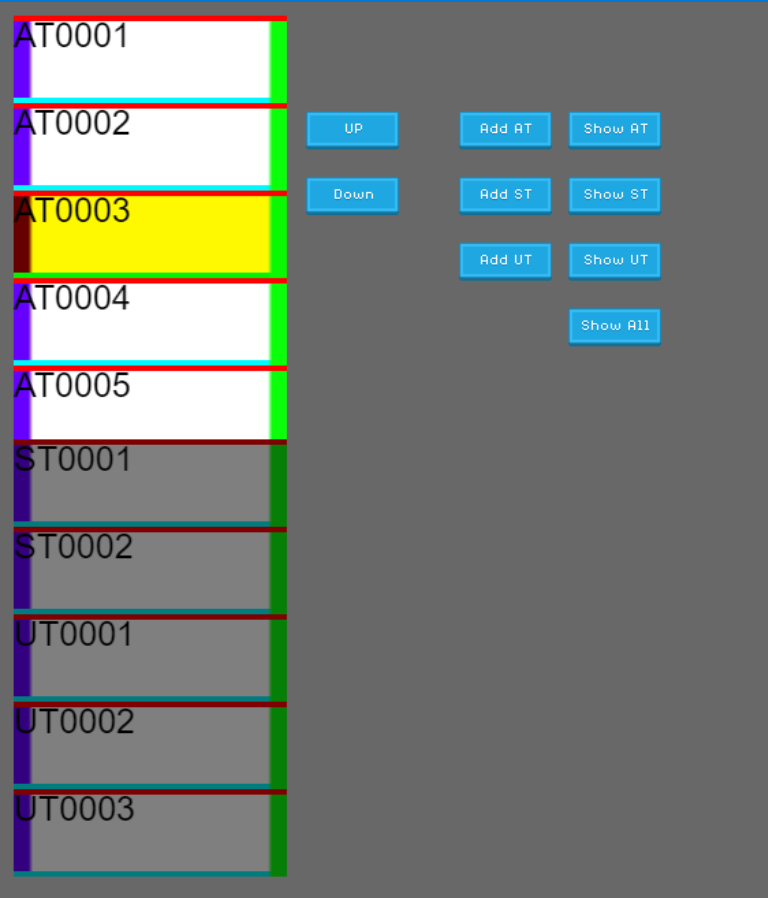
I’m currently trying to make an item list.
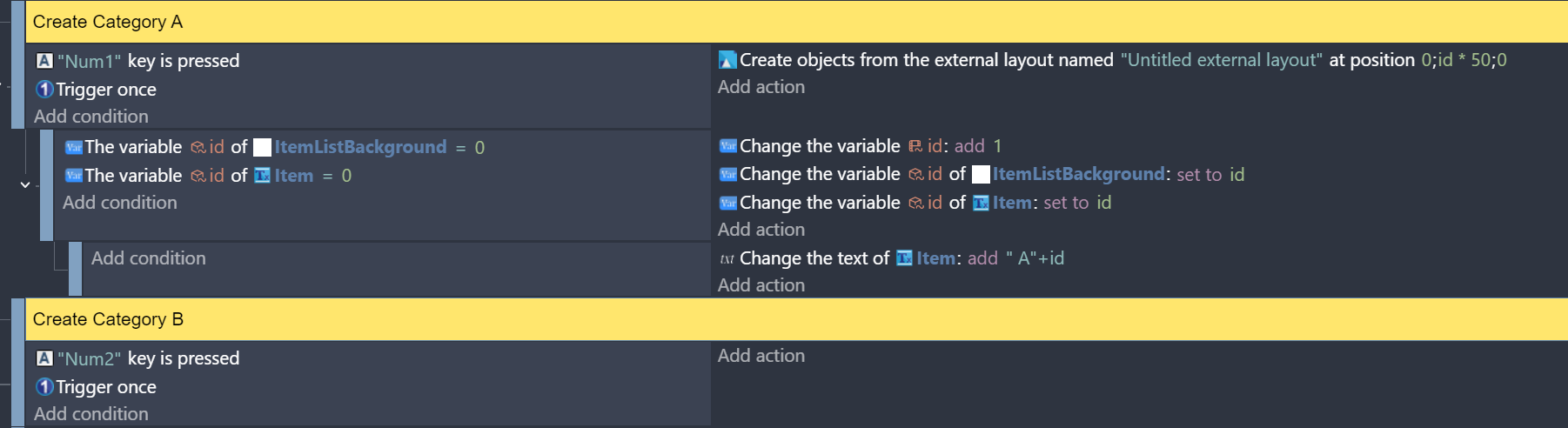
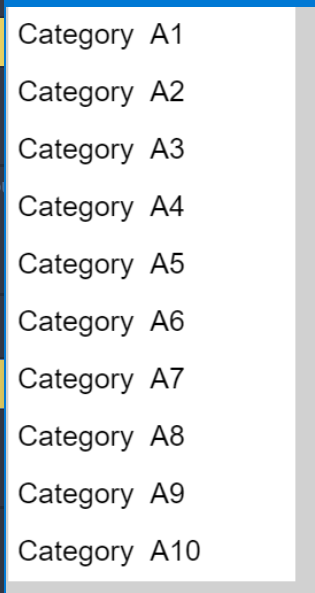
Each item in the list is generated dynamically — right now I’m simulating it by pressing the Num1 key to create a Category A item. It works: when a new item is created, it appears below the previous one.
However, I plan to have several views or displays where the player can choose what to show in the list, such as:
Category A only
Category B only
All (Category A first, then Category B)
I’m not sure how to set this up. Do I need to use arrays, or is there a better way to handle it in GDevelop?
Either have 1 group of list objects and change them with the selected array.
Or have multiple lists on seperate layers. Then show the layer with the selected list.
Now, for combined or custom lists, you could have a layer for a custom list.
Another option would be to have all the items created and then show/hide them based on the selected categories. You would then change their position.
I like the single list for it’s simplicity. Although, it would require the list to be recreated each time. I like the idea that what you have is what you get. You don’t have excess objects. You don’t need to check if the layers they’re on are visible.
The multiple layer concept is nice because it only requires the basic lists to be created once. I like the idea that they’re already setup.
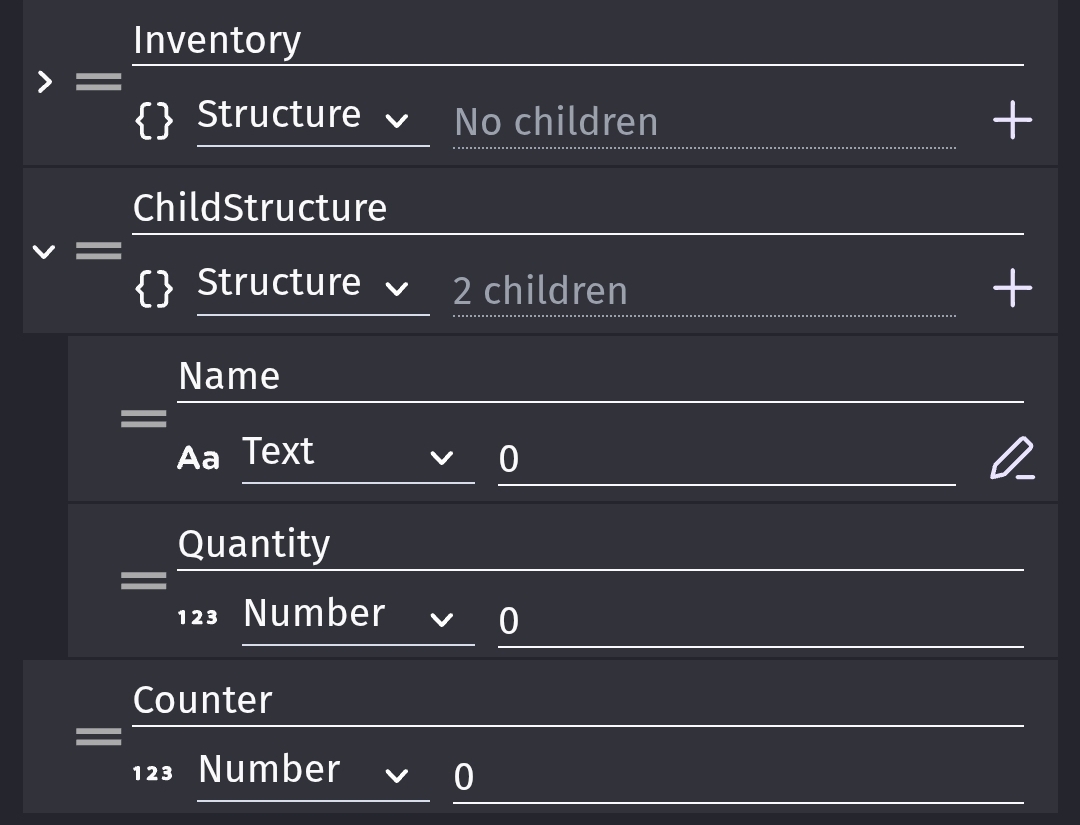
Any approach could use an array. Either an array of arrays or preferably a structure with an array as they’re child. Then you could name the children of the structure as the categories instead of using numbers.
Lists.Category1.Items
Lists.Category2.Items
Items would be the array.
Then you can choose the list with
Lists[CurrentList].Items
The actual events can be discussed if needed after a concept is chosen. If I had the time now, I’d discuss each method.
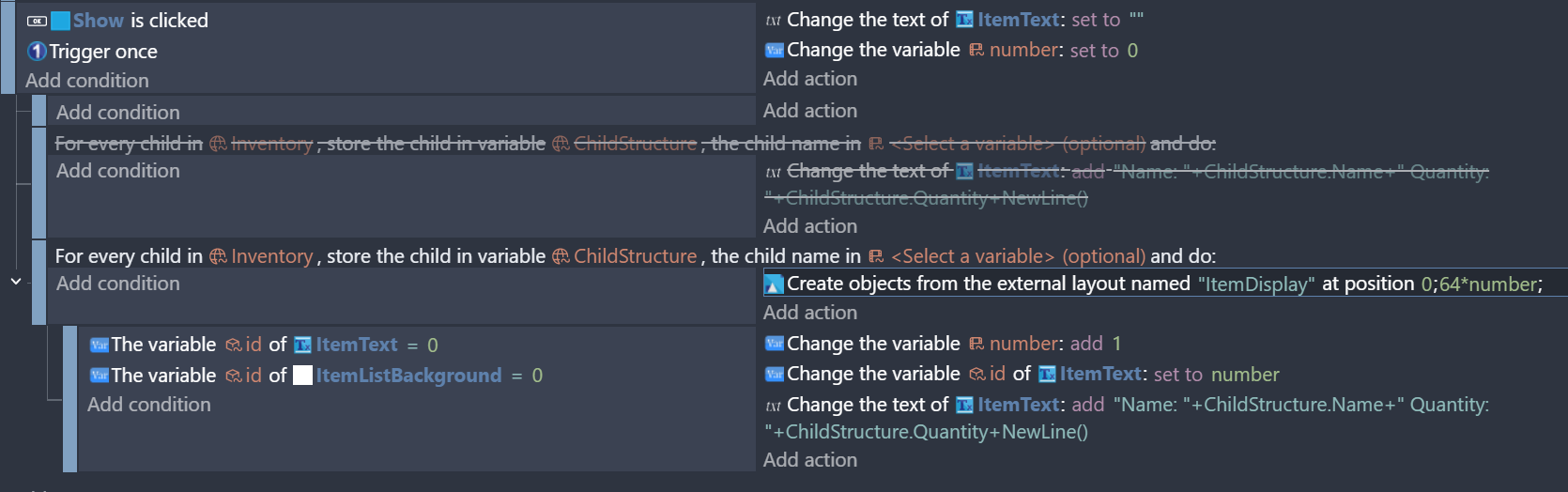
And to display the air targets, should I use “For each child variable” to add the item list background (sprite) and the text item from an external layout for each child variable?
Previously, I added them manually by pressing Num1.
Also, the displayed text should be: ID + IFF + Bearing + Speed.
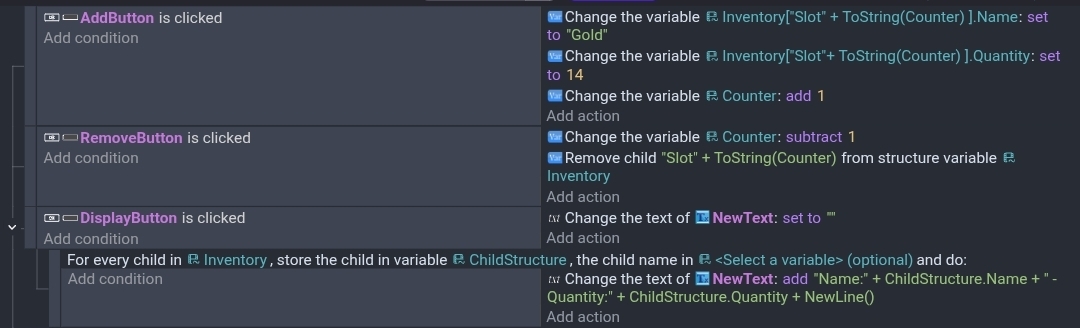
If your using a structure with a structure then you add a child structure by setting it’s variables. You can remove it by using the remove child action.
Hey @Keith_1357, thanks for the help. Now the structure variable is working.
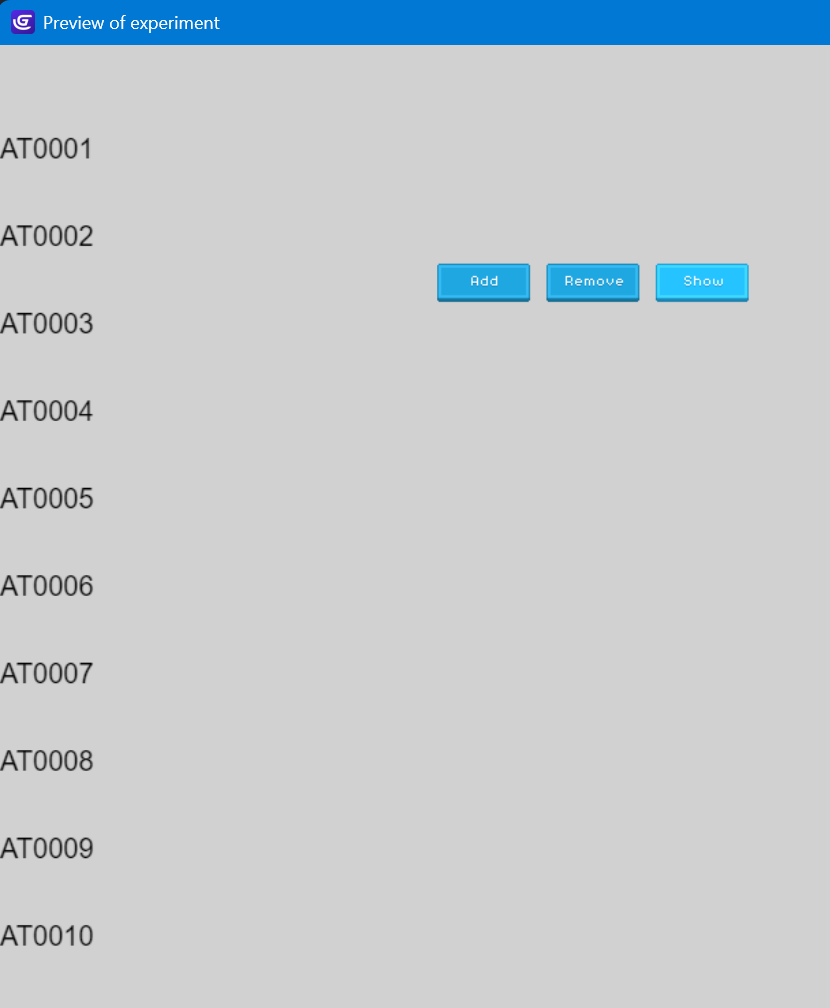
When I try to display the list using text objects, it works. It shows the list of items. If I click Add several times and then click Show, it displays the correct number of text items.
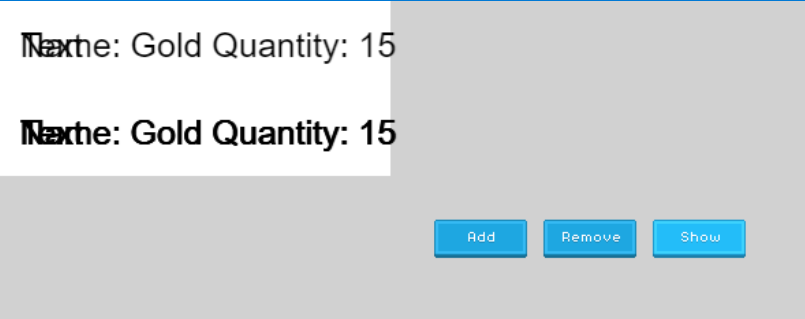
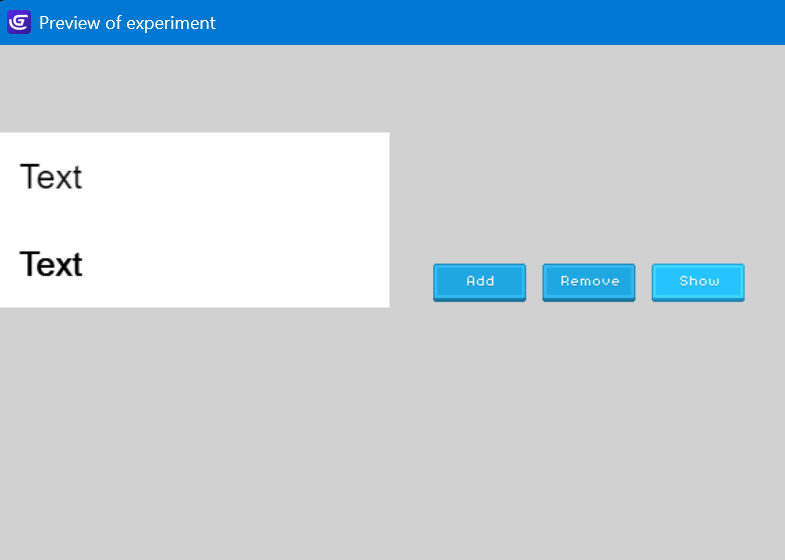
But when I try to display the list using an external layout, it doesn’t work. When I click Add once, it only shows one item. When I click Add many times, it still only shows one item at first, and when I keep clicking Show again, it only shows a maximum of two items. The second item’s text also looks very thick (overlapping?). And it also fails to show the item name.
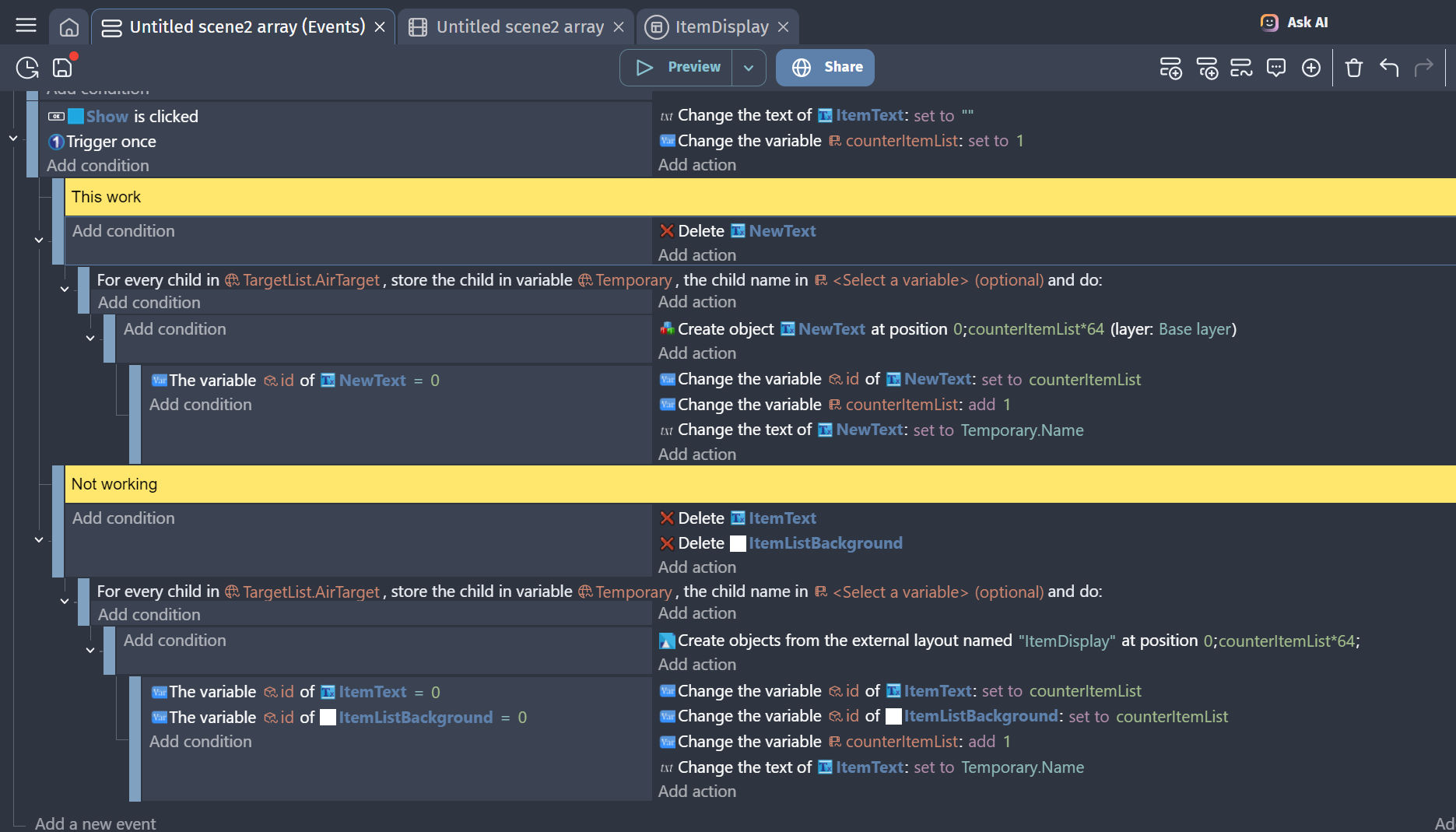
I don’t know why. The Y position is the same as the version that works, and the method to display the item name is also the same, but when I use the external layout, it doesn’t work.
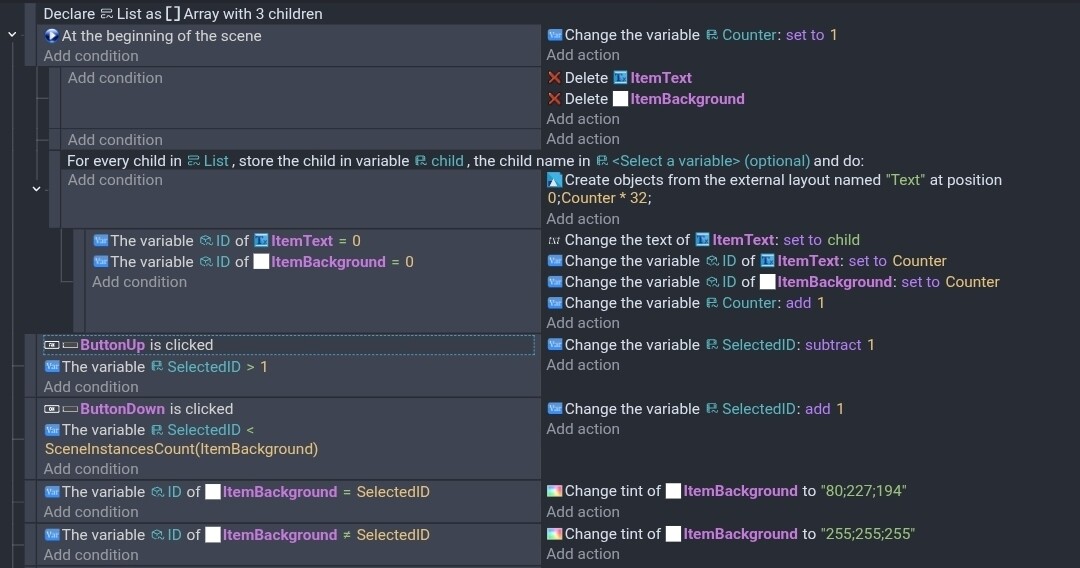
Your method seems good. Youre checking the IDs because unlike the create object action, when you add an external layout the objects aren’t automatically picked. Do both of the objects in the layout have an id of zero?
When deleting objects and then adding them, it’s best to have the events on seperate events that aren’t subevents. Sometimes, it causes a problem bc the old object isn’t actually deleted until a new event. So, actions and conditions use the older objects first. I think that’s the issue.
It seems the problem isn’t about events or sub-events, because I tried using events and it still doesn’t work.
Both objects in the layout have a default ID of 0.
I don’t know why, but the problem is the layout. When I use each object individually, it works, so I decided not to use the layout and instead add both objects using events.
Also, now I managed to display the list based on the category (AT/ST/UT/All), and I’m working on navigation. But I have a problem:
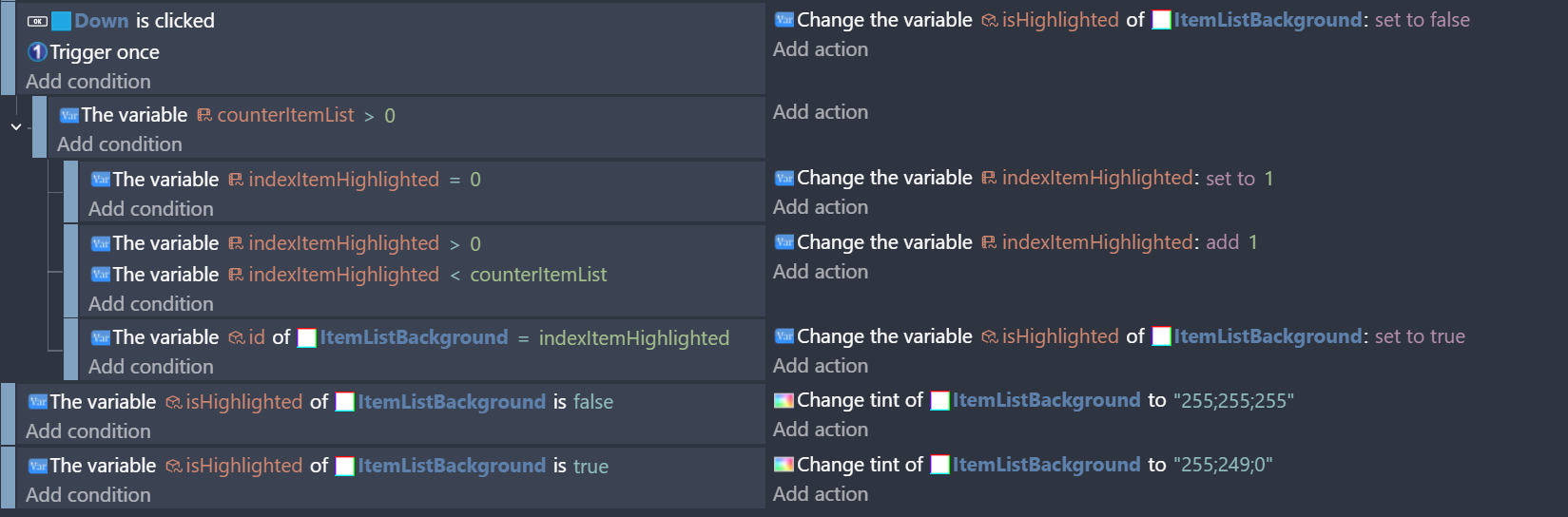
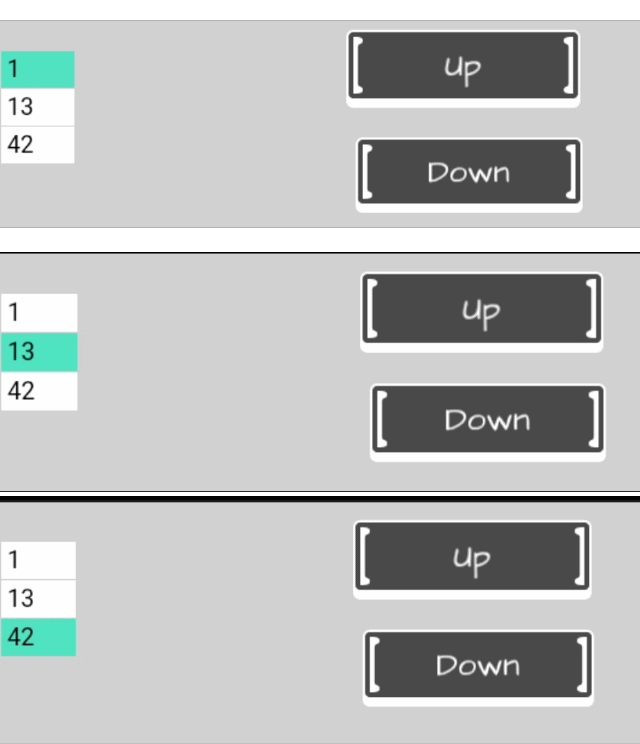
when the Down button is clicked, the highlighted item immediately jumps to item no. 3 instead of 1.
counterItemList is how many items are in the list. indexItemHighlighted is the item that is highlighted. Set the boolean value of the itemListBackground to true if it’s highlighted.
What is the lowest ID value? What is the default value of indexItemHighlighted?
In your first screenshot
if indexItemHighlighted=0 it becomes 1
In the next event it’s now greater than 0 so it would add 1 and become 2.
As to the layout issue. As I mentioned in the previous post. I believe the issue was adding a layout in a subevent of an event that deleted the objects. The same issue could happen with regular objects. It’s always safest to add objects in seperate events.
Event
… Delete object
… Create object or add layout
I would verify the object IDs. You could check the debugger but it’s not always clear which instance is which. It’s easier to add the ID to the object text maybe when the objects are created or the text is changed.
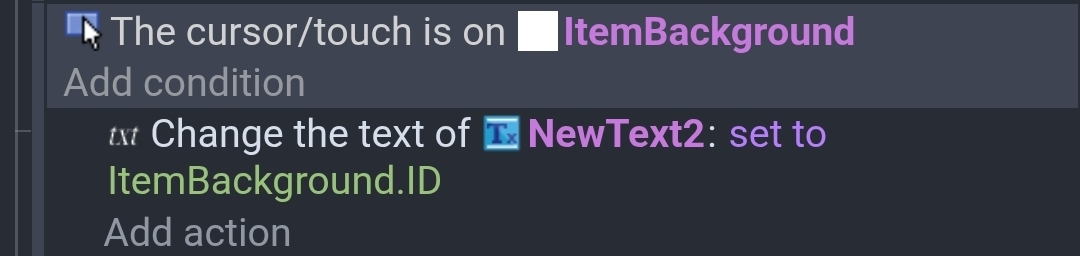
I’ll occasionally add another text object and then add event to change the text of the new object to the object ID of the object the cursor is over.
How do I delete the item that is currently highlighted?
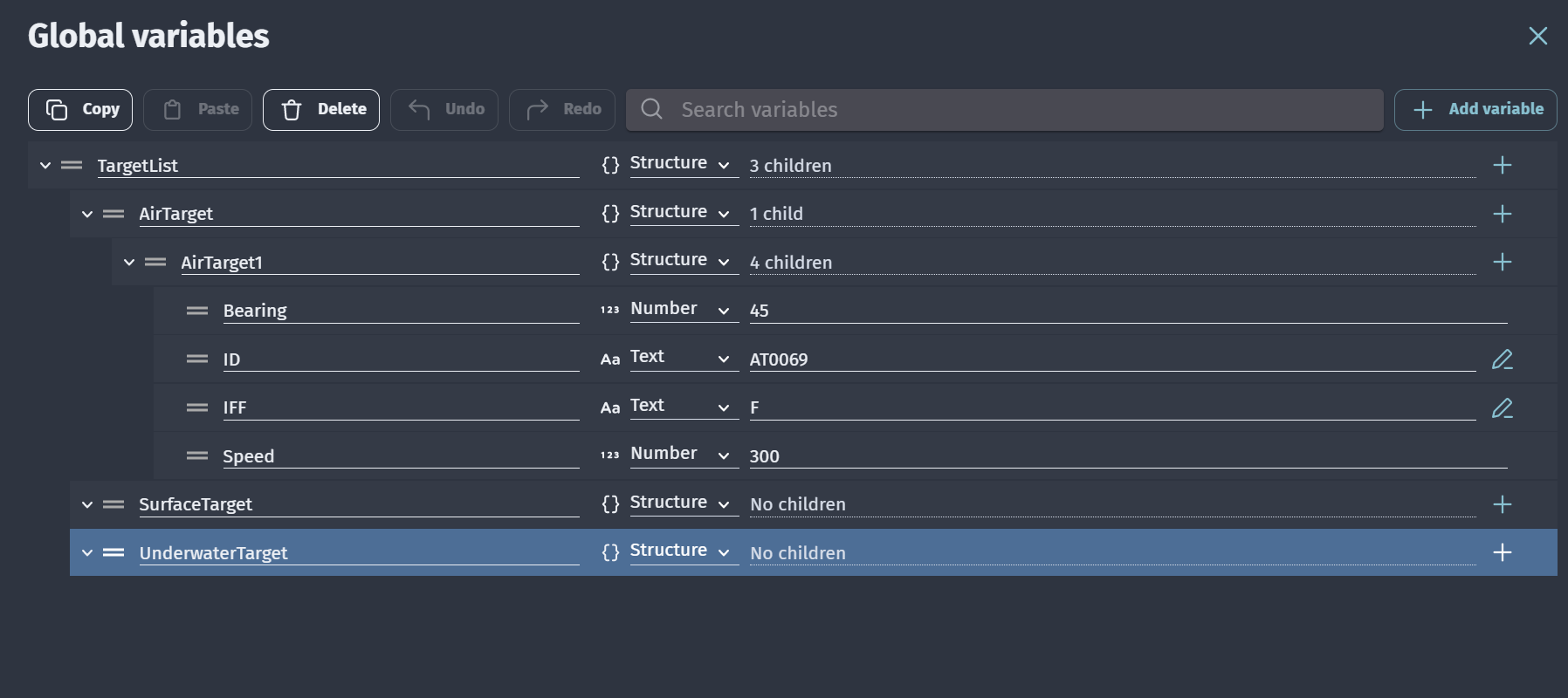
My structure variable is:
TargetList → AirTarget / SurfaceTarget / UnderwaterTarget
Each of those has children like AT / ST / UT with numbers.
What should I put in Remove child “???” for the event?
The deletion will depend on which list is shown (AT/ST/UT/All), but for now I’m only using the Air Target list.
Maybe later by getting the first two characters from the item list text. If it’s AT, then run the event to delete the child from AirTarget; if ST or UT, do the same accordingly.
That way, it will work regardless of which list display mode is active.