(change the categories if u think this should be in another one)
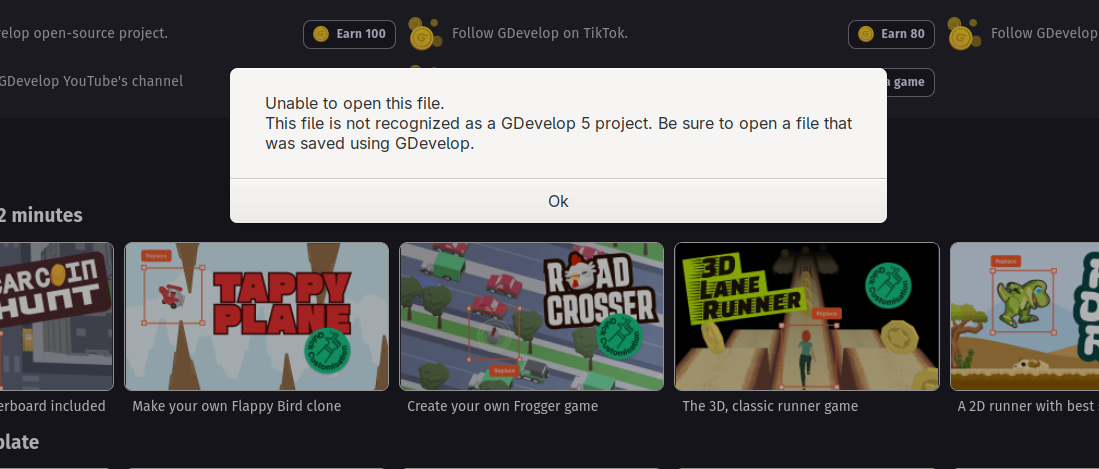
Hi guys sup? i tried to upload my first ever template to itch, it took me longer then my becoming a bee game, for some reason when i did that one, it came as a ZIP without me doin anytin, but when i export my template in a HTML browser it comes out with everything seperate. so i put it all in a folder, then i turned it into a ZIP, then uploaded it to itch, but if i try to download it, and open it on gdevelop it says this.
heres the link to the itch page.
https://zgamecreator.itch.io/template-multiplayer-knights-platformer
Hey!
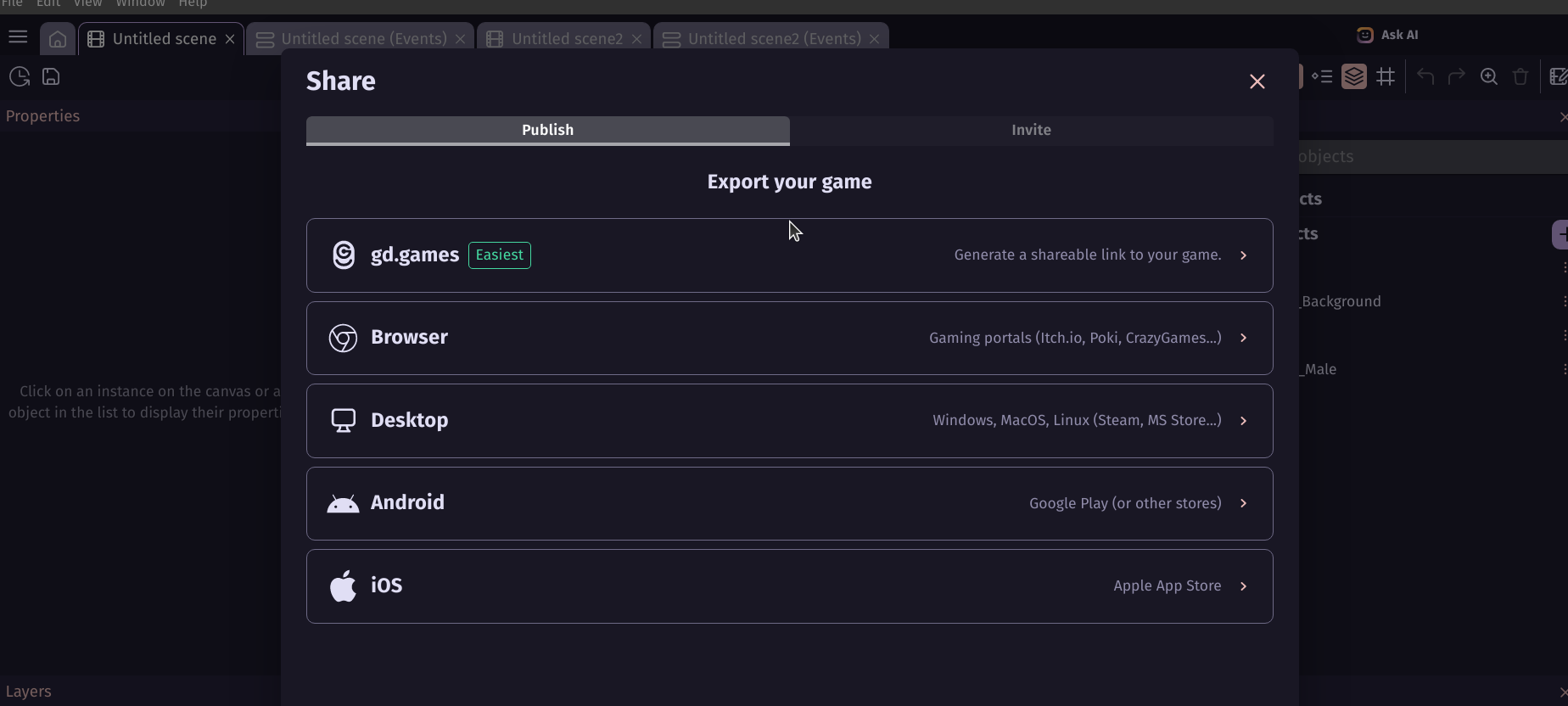
HTML only allows people to play the game in browser, NOT edit it in GDevelop.
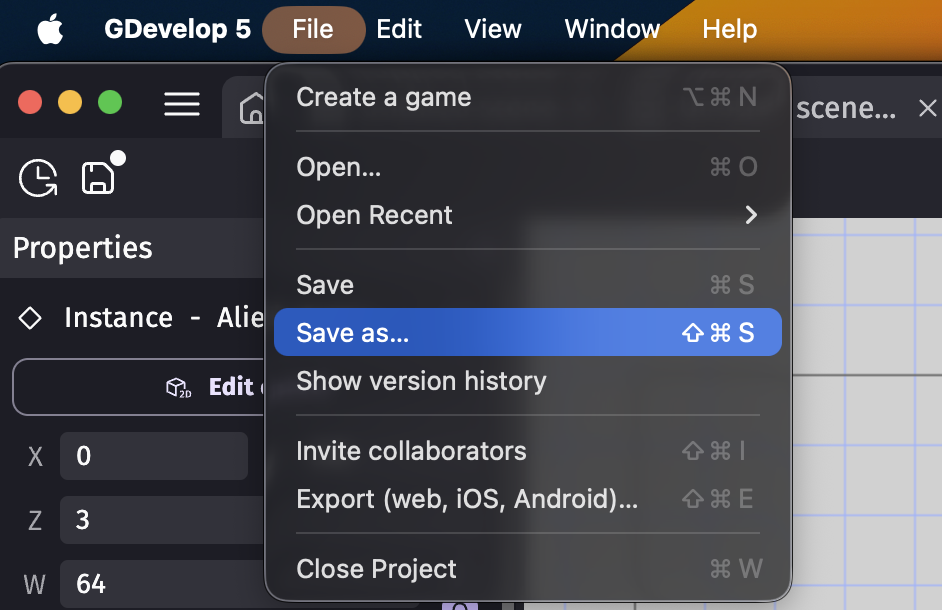
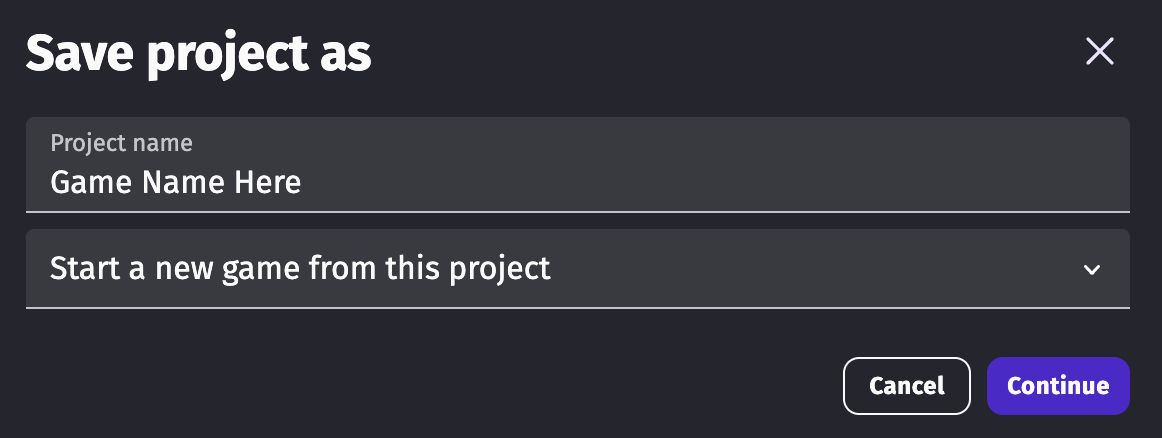
If you want people to be able to edit it, hit File, Save As, and save it as a new project. Then zip that new folder with the new project, and upload that to itch!
If you need more detail, I might make a separate tutorial on it.
(Psst! Making sure your template’s events and assets are organized is a big plus! Make sure to use event groups and comments wisely!)
1 Like
By file u mean one click packaging?
1 Like

I’m on Mac, so it says “File” at the top for me.
2 Likes
None of those options are it.
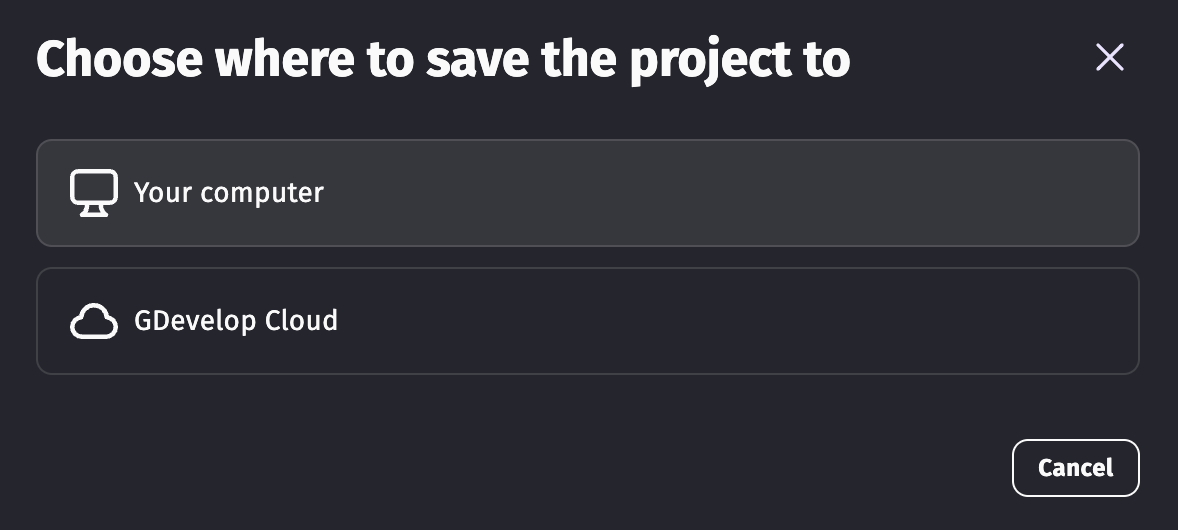
Click like I do:
Then hit “Create a New Folder”, name that folder, see into that folder, zip that new folder up and put that on itch

1 Like