I made a small 8-bit pack in Piskel, but as shown in the image, these extra bits keep appearing at the top.
Can anyone give me a tip on how to fix this?
Every tile I create using Piskel ends up like this — it doesn’t matter whether it’s a single sprite that I convert into a tiled sprite inside GDevelop 5, or if I create the tile directly in Piskel and import it into GDevelop 5.
How do I...?

Have you tried going into Resources and unchecking the “Smooth the image” Box?
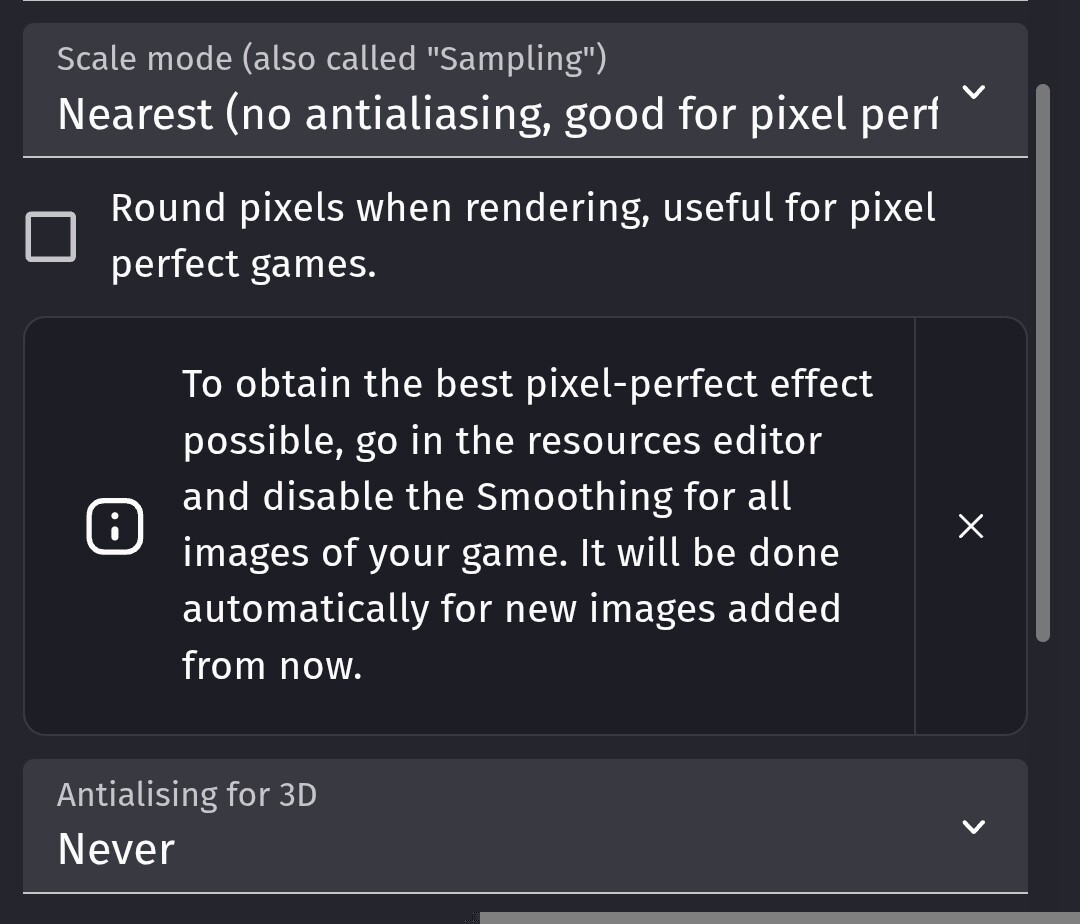
Good to hear. Yeah I was going to suggest to change the scale model if unchecking Smoothing the image worked 