I said it, didn’t I, that I’d find a way? I’ve found the solution to my problem, no functions, no behaviors, and done directly from the object.
And no, the solution wasn’t easy to find, it’s not straightforward, and honestly I think it’s some kind of trick to bypass the problems of custom objects… because I’m still testing, but at this point I think I might be able to pass something from the scene.
I’ll try to explain in detail how I solved it.
I just hope this doesn’t cause any issues or get considered harmful. …bcs i absolutely need this in my project…
That said, the trick lies exactly in the “Has animation” option.
When you check that box, the animation‑change actions become available, but for children, animations can’t be replaced unless you act directly inside the custom object.
So I created empty animations inside the parent, just to see if I could extract the text from them.
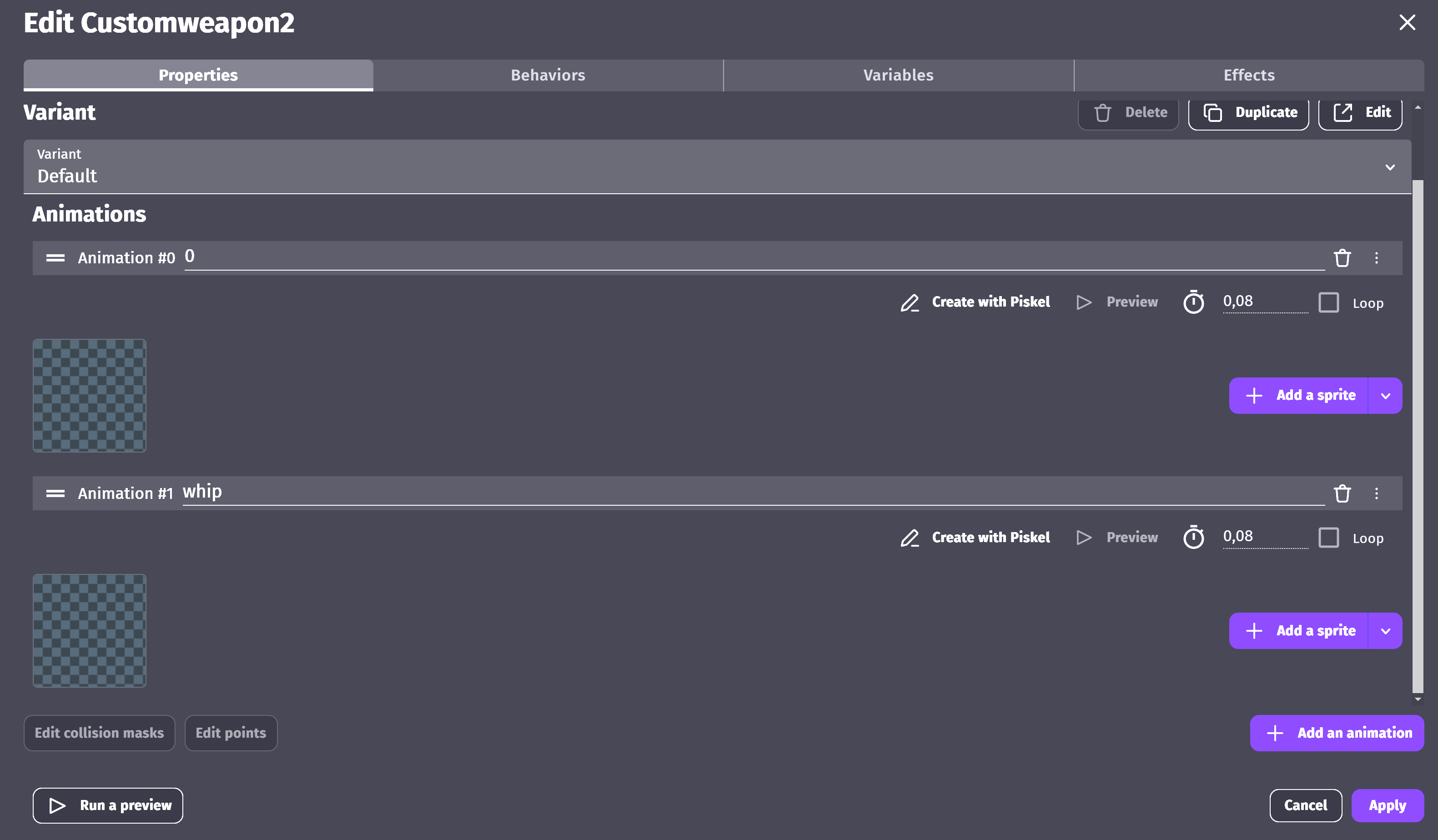
Then, in the behavior’s object section, I added in the DoStepPostEvents a change of the child’s animation to the parent’s (empty) animation.
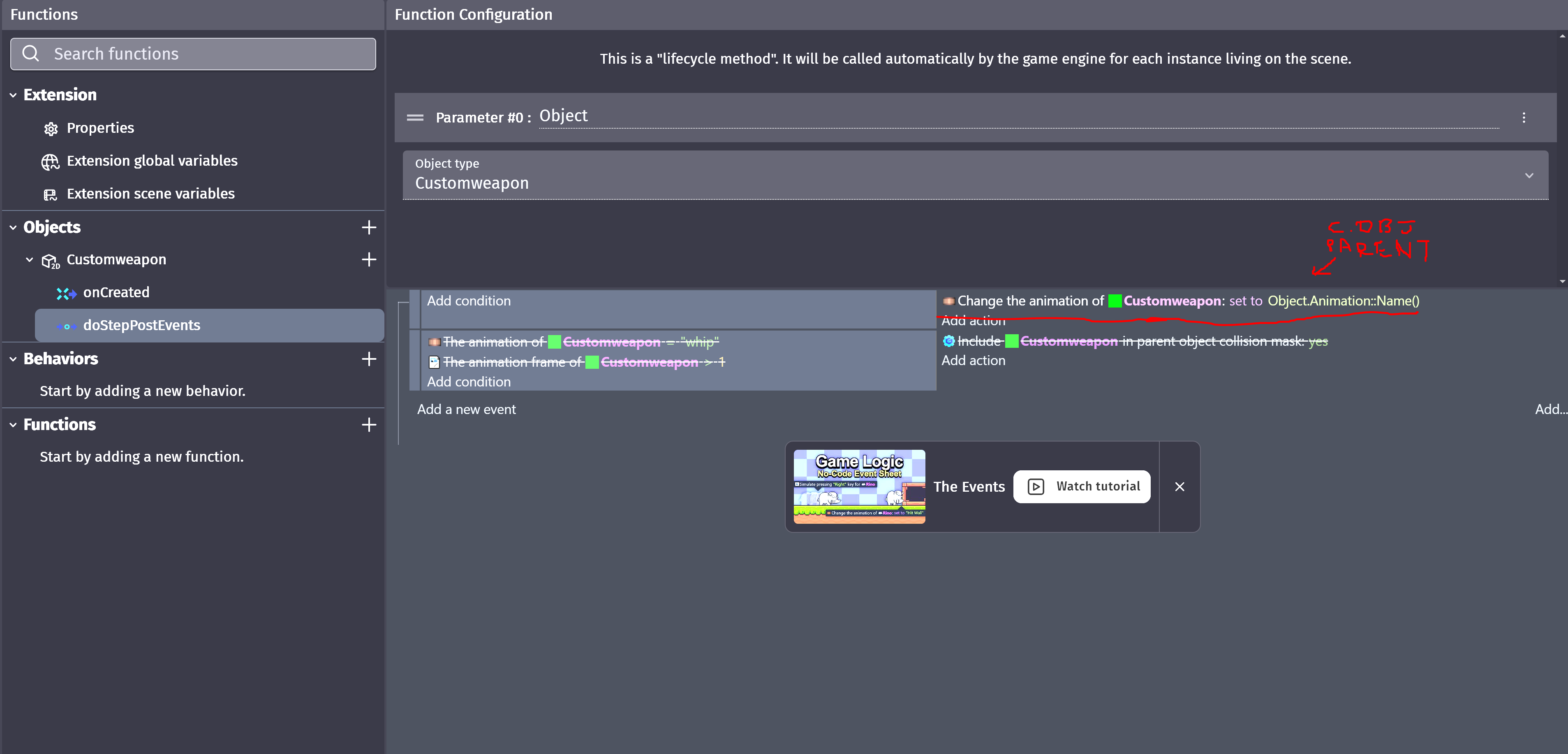
In the scene, since enabling “Has animation” at least allows animation actions to be inserted, I changed the (empty) animation to whatever variable or text I wanted… and as a result, the child switches to the animation with the same name.

The downside is that I think this only works for one child (in this case), but that’s more than enough for me. At least now I can use the custom object’s collisions as “remove from parent collision” and “add to parent collision” whenever I want.