Hi folks,
Need help with the following - The pathfinding works ok, but the Enemy Object goes through some walls…
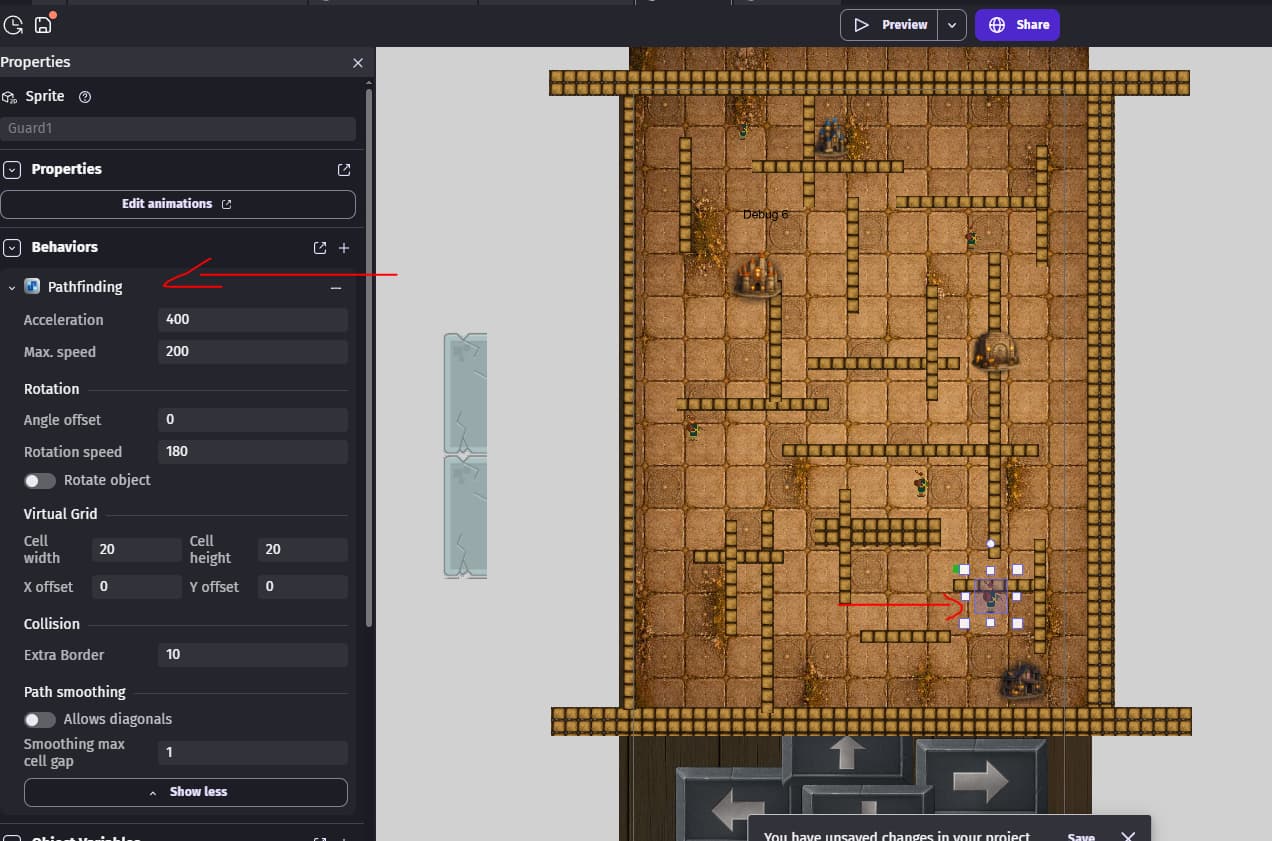
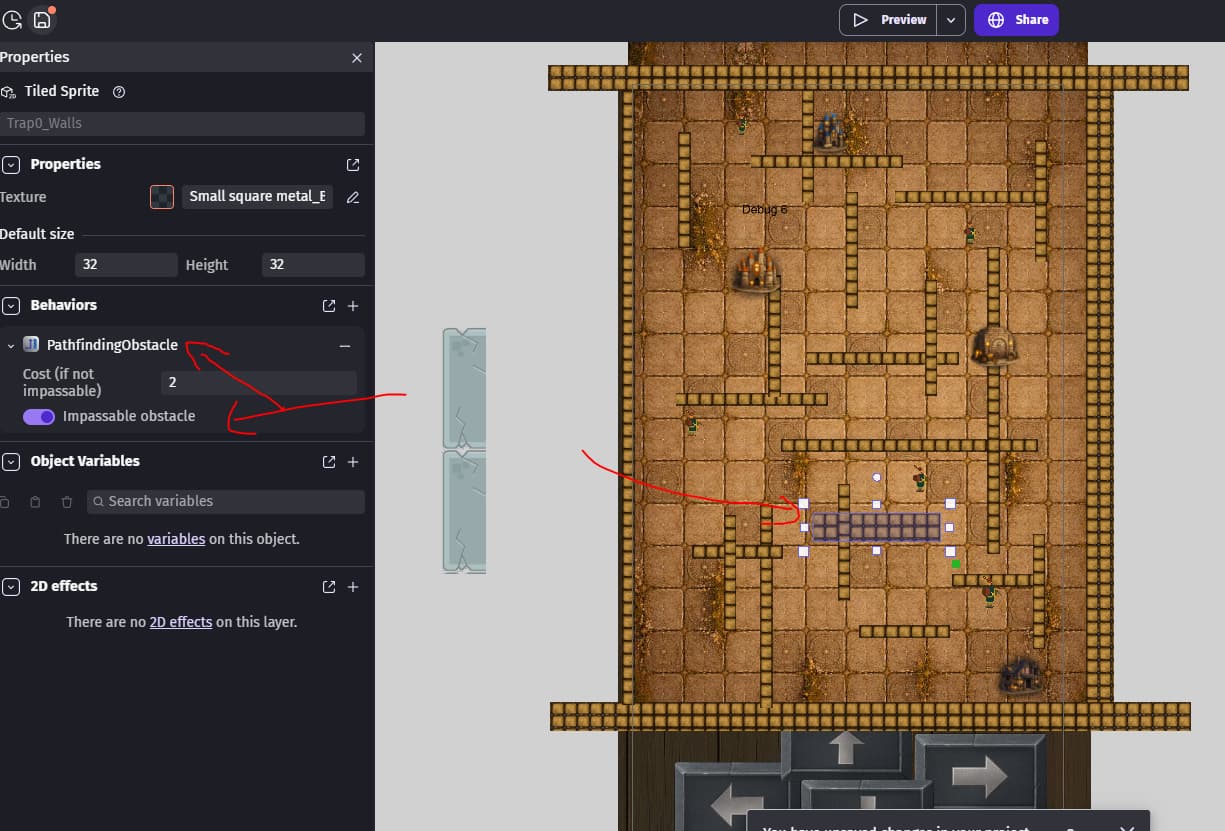
The Enemy Object has Pathfinding behaviour added, and the walls have Pathfinding Obstacle + Impassable option on. (see images below)
Yet the Enemy Object goes through the walls. Seems like it is going through all the horizontal ones but around the vertical ones. All the walls have Pathfinding Obstacle + Impassable added so not sure else I need to do so the Enemy Object respects all the walls?
Walls are Tiled Sprites if that matters?
The enemy object here:
Impassable wall here:
any idea how to fix this?
so I found the reason - apparently turning object around somehow makes the Impassable not work (or maybe it works only on the original square before the “stretching”, as its a tile object).
I added another Object and did the stretching in the horizontal direction and now it works. So need two Tile Objects - one for horizontal walls, the other for the vertical walls. For some reason when Objects are turned to another angle, think this kills the functionality… ?
Make sure that you don’t rotate objects instead have seperate objects for horizontal and vertical walls. The default pathfinder doesn’t calculate for any rotation. It doesn’t work correctly with rotated objects.
If the object is a tiled sprite then you might be able to just resize the object. Then you can copy the object with the correct orientation.
The nav mesh uses the object’s collision boxes but I’ve seen where it doesn’t always take the shortest path. Maybe that’s changed or was isolated. IDK. I prefer the official one except for the bugs.
5 Likes
cool thanks for confirming, good to know, otherwise I’d be guessing what fixed the problem.
1 Like