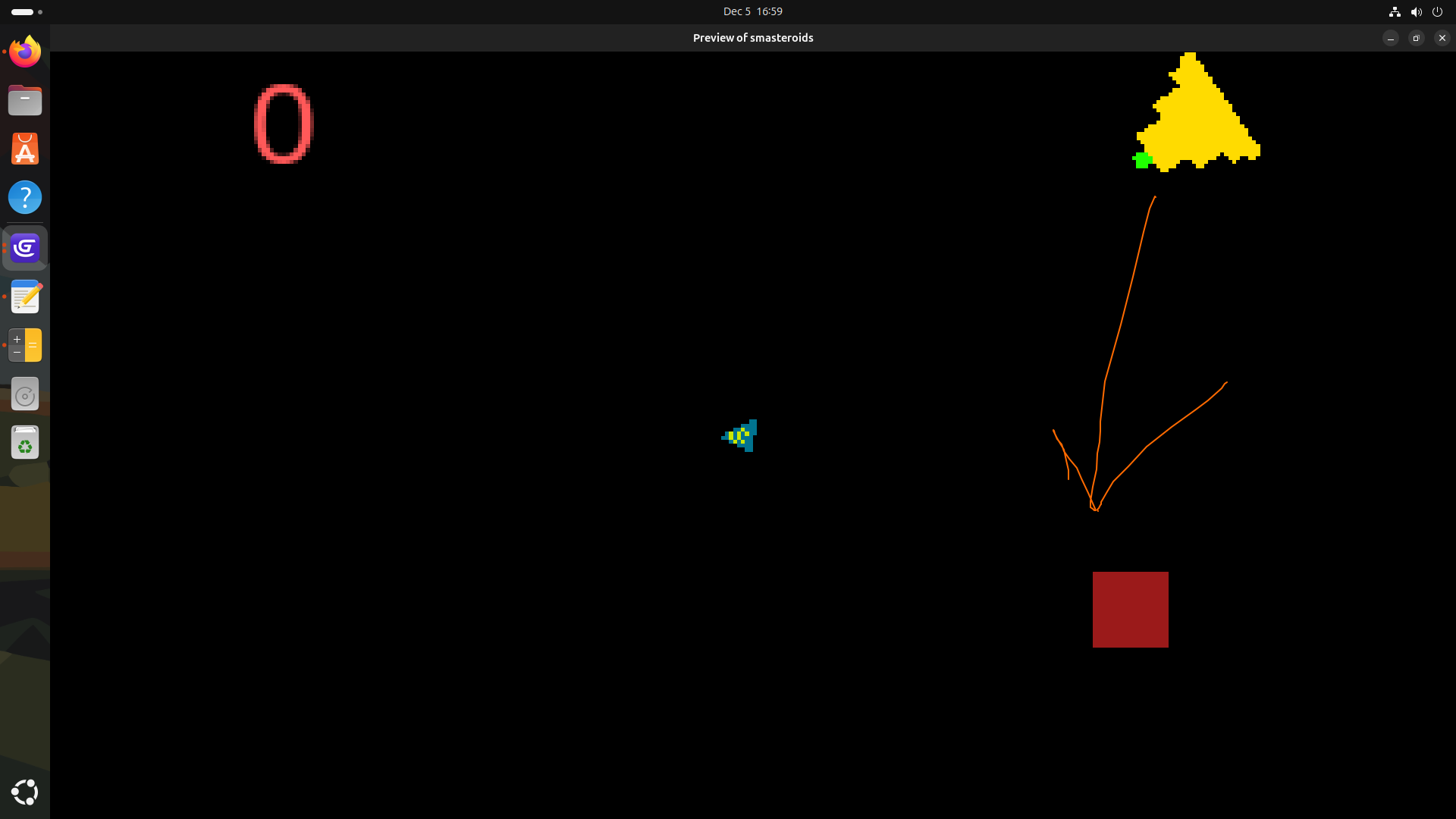
My issue is:
I have a square sprite = ‘port’, place in the center of a screen. The player is a ship (top down). Player moves around with Smooth-camera set and the port will vanish from player’s view.
UI Layer: Has an Arrow that points always to the port. So, if the boat sails too far, player can use the arrow to navigate back.
It’s not quite a minimap (which I looked into and found it way to complex.
Currently, I have in Delta:
Arrow | Rotate towards port.X();port.Y() at speed 0 deg/second
Having just stepped away from this for half an-hour… I thought about this some more. The arrow isn’t moving because the Port sprite isn’t moving. Only the Ship.
Your port and ship, I believe, are in a separate layer from the arrow?
You either transfer the arrow to the layer both ship and port are,
Or use Angle to Object between ship and port as the direction for your arrow.
okay, so i did experiment with AngleToObject() and lost that battle. I decided to put the arrow to Base layer (THANKS @Levio ) and modify the arrow sprite to a ring