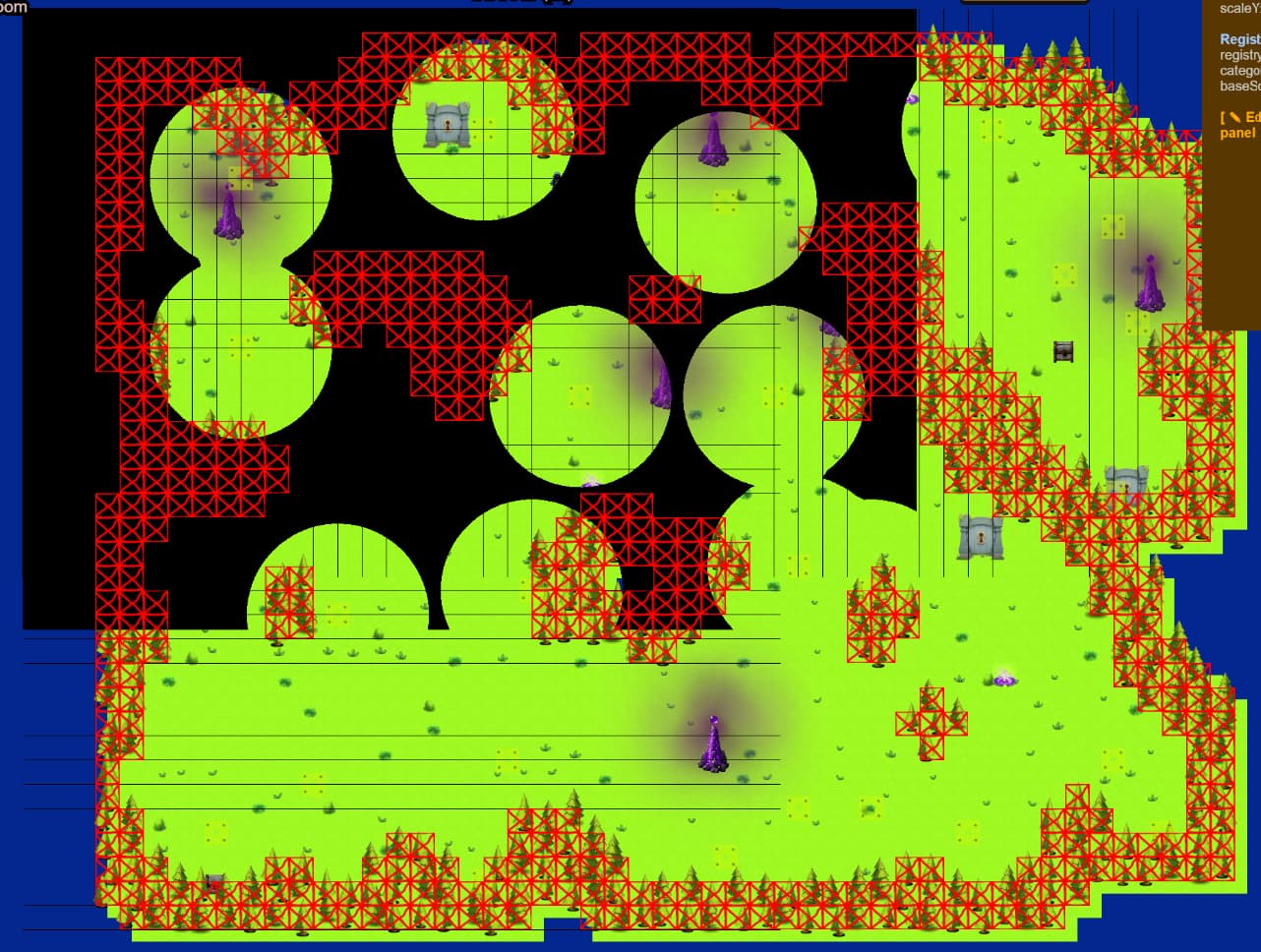
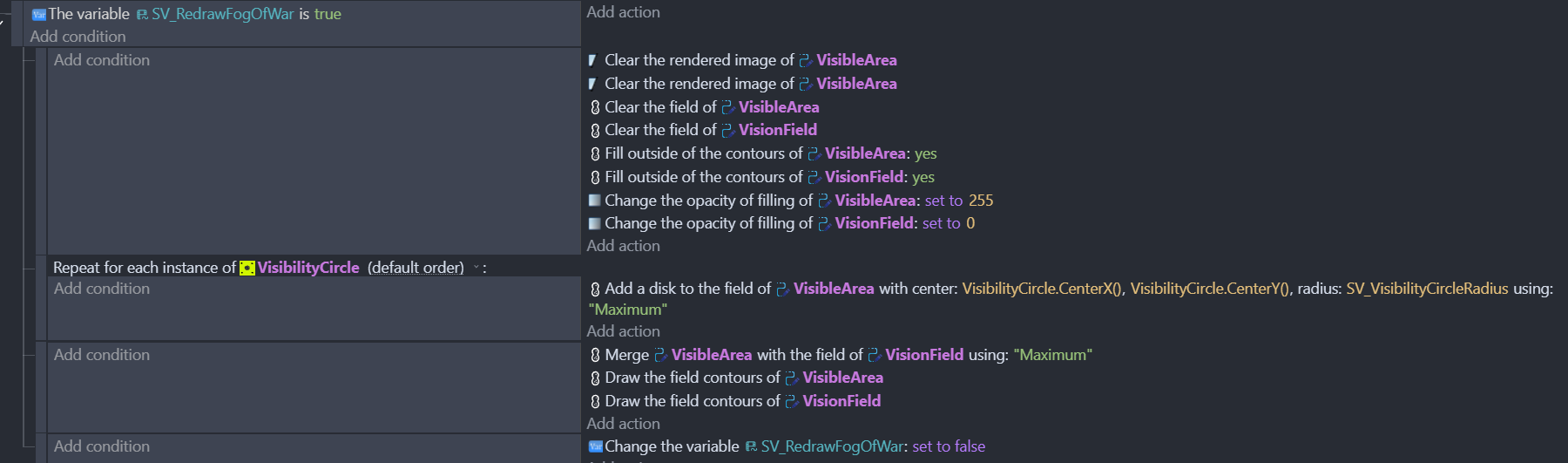
I am using the marchingsquares extension to create a kind of Fog of War (rather I am just limiting the visible playing area using this extension). So I am only rendering it at scene beginning.
However there seems to be something hardcoded in the extension in regard to how much is blacked out - which may take the initial camera or screen placement into account (or something) I can get something like this
.
When I zoom out from initial creation, I’ve also tried retriggering the Fog of War draw algo on zoom, but that did not help.
How do I change the extensions “drawing area” ?
My code is this:
hi @chucklebeast i think if you look at the behaviour settings in the shape painter object you can define the area there.
1 Like
@petlimpet nice catch never noticed those - in my project they are all 0, so they must default internally to some other value.
I’ll play around with those
1 Like
Most of marching squares remains a mystery to me - but i have had trouble defining an area and solved it with this!
1 Like
Yes those value are the ones to adjust.
And you can do it programmatically using:

1 Like
I’m pretty sure if they are set at 0, they default to the size of the shape painter object itself. I would guess that your shape painter instance on the map just needs to be extended to fit the needed area. In fact this might be necessary even if you manually set the bottom+right bounds, since you can’t draw anything past the borders of the shape painter? (unless it auto-extends?)
Side note, it looks like your Cell size is very small (1px?). This could end up using a LOT of processing time. You may want to consider using larger cells to mitigate this, especially if your maps will get any bigger,