(SOLVED) Using Global Variables in expressions

**SOLUTION:**(SOLVED) Using Global Variables in expressions - #2 by ZeroX4

So i’m making a volume adjustment system in my game.

I made two global variables. one for music, one for sound.

In the options menu, when you adjust the volume for music or sound, it increases or decreases the value of the global variable (MusicVolume or SoundVolume)
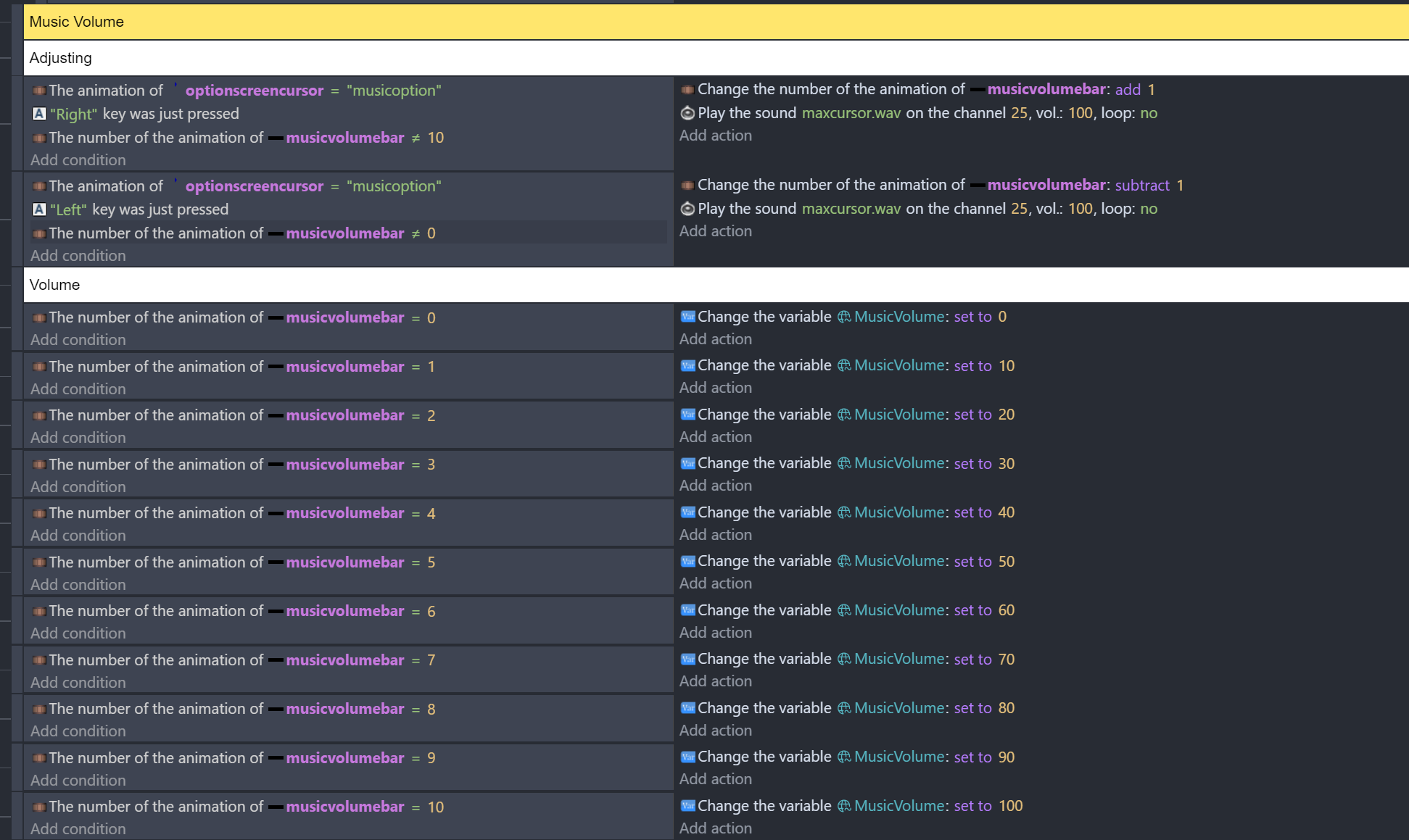
Now Each and every scene in my project has a link to external events called “Volume Logic”

image

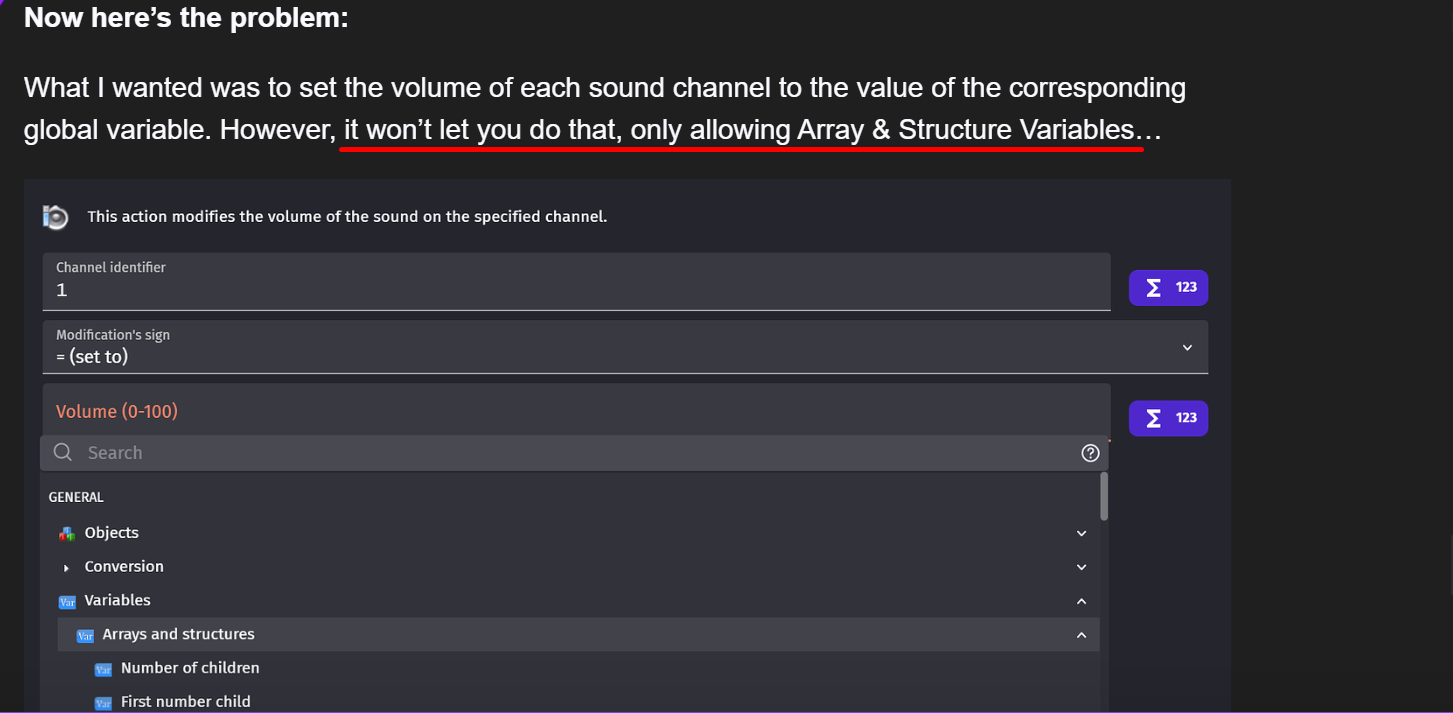
Now here’s the problem:

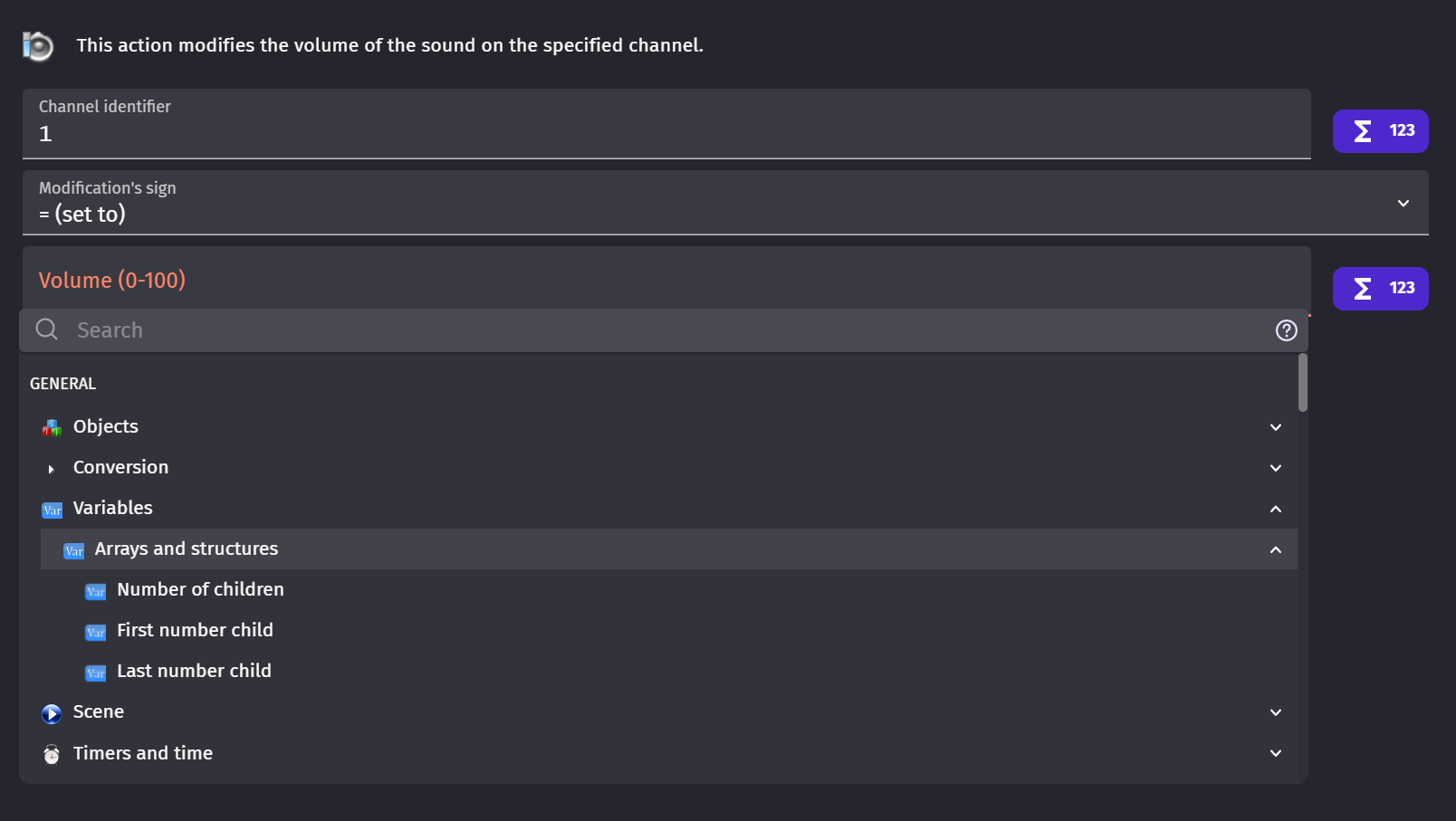
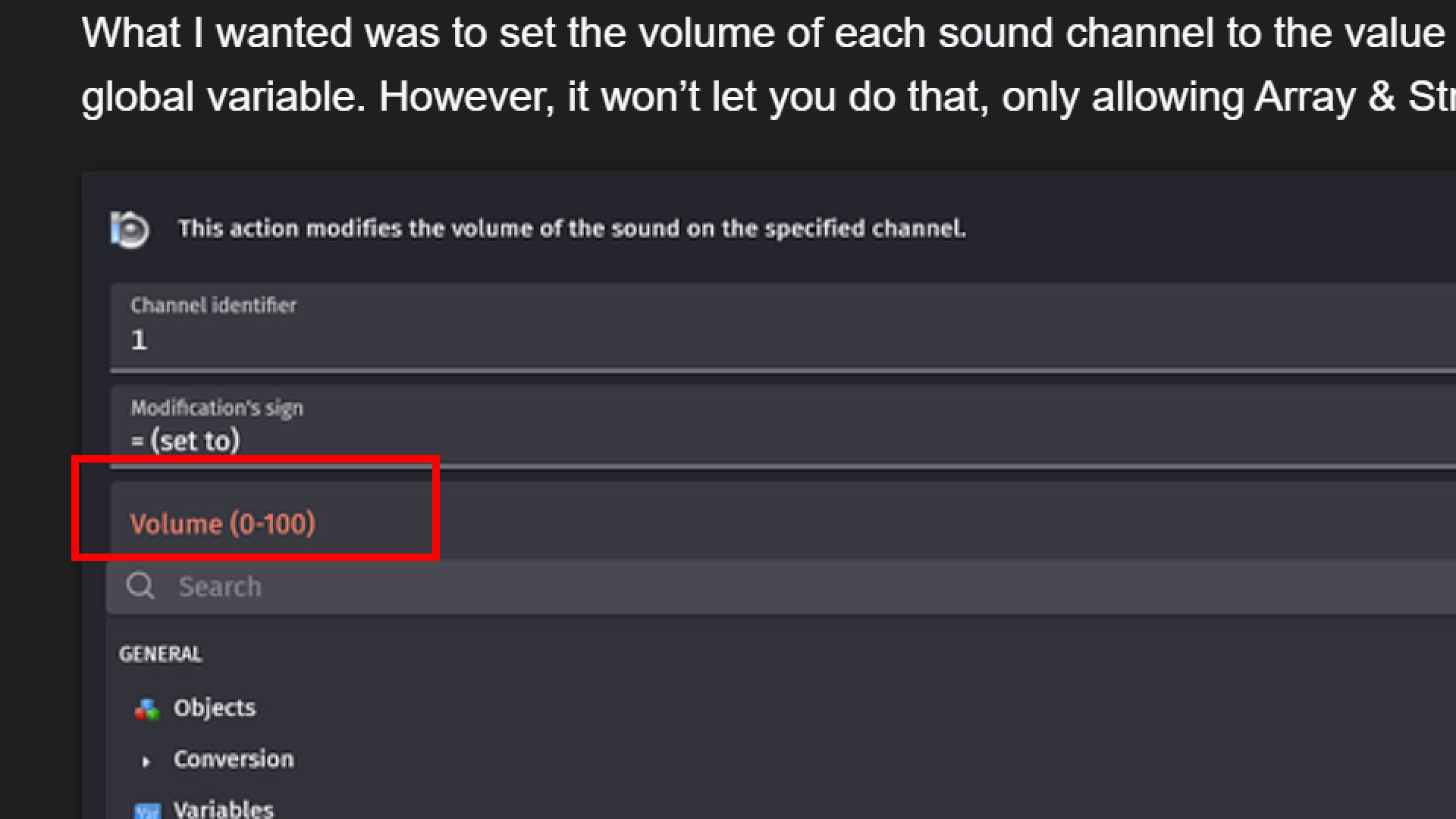
What I wanted was to set the volume of each sound channel to the value of the corresponding global variable. However, it won’t let you do that, only allowing Array & Structure Variables…
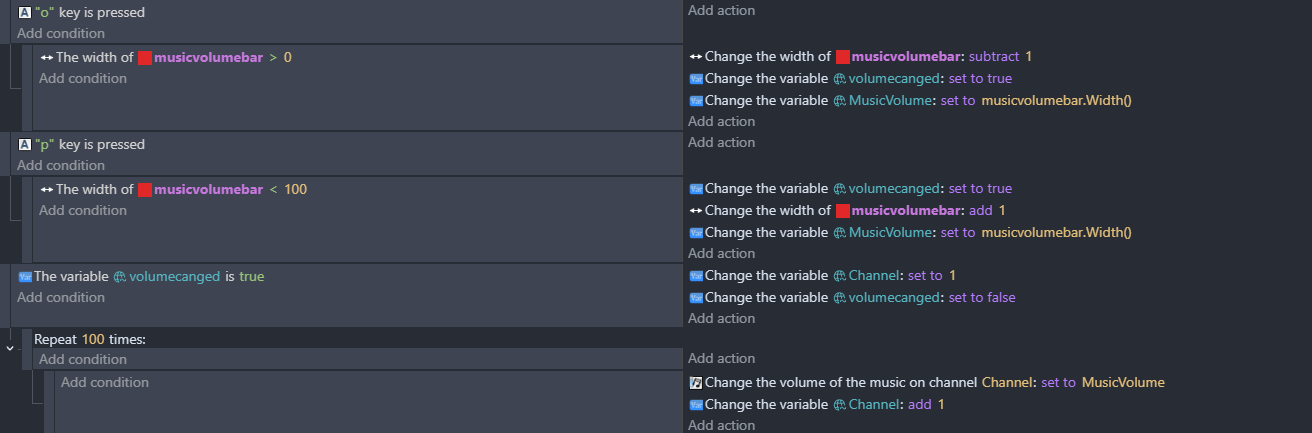
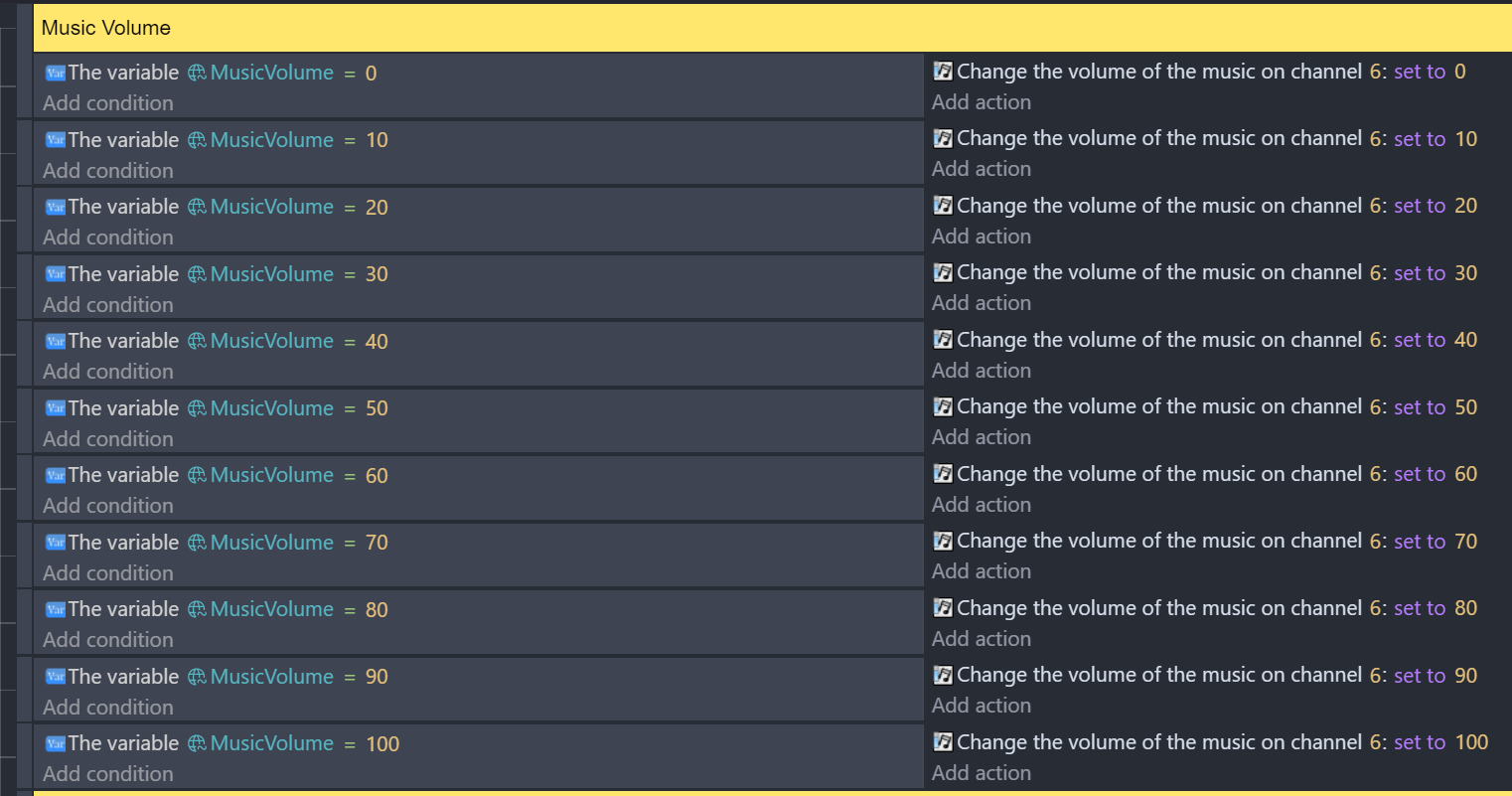
So what I had to do was this for Music Volume, which was fine, since music is only on one channel
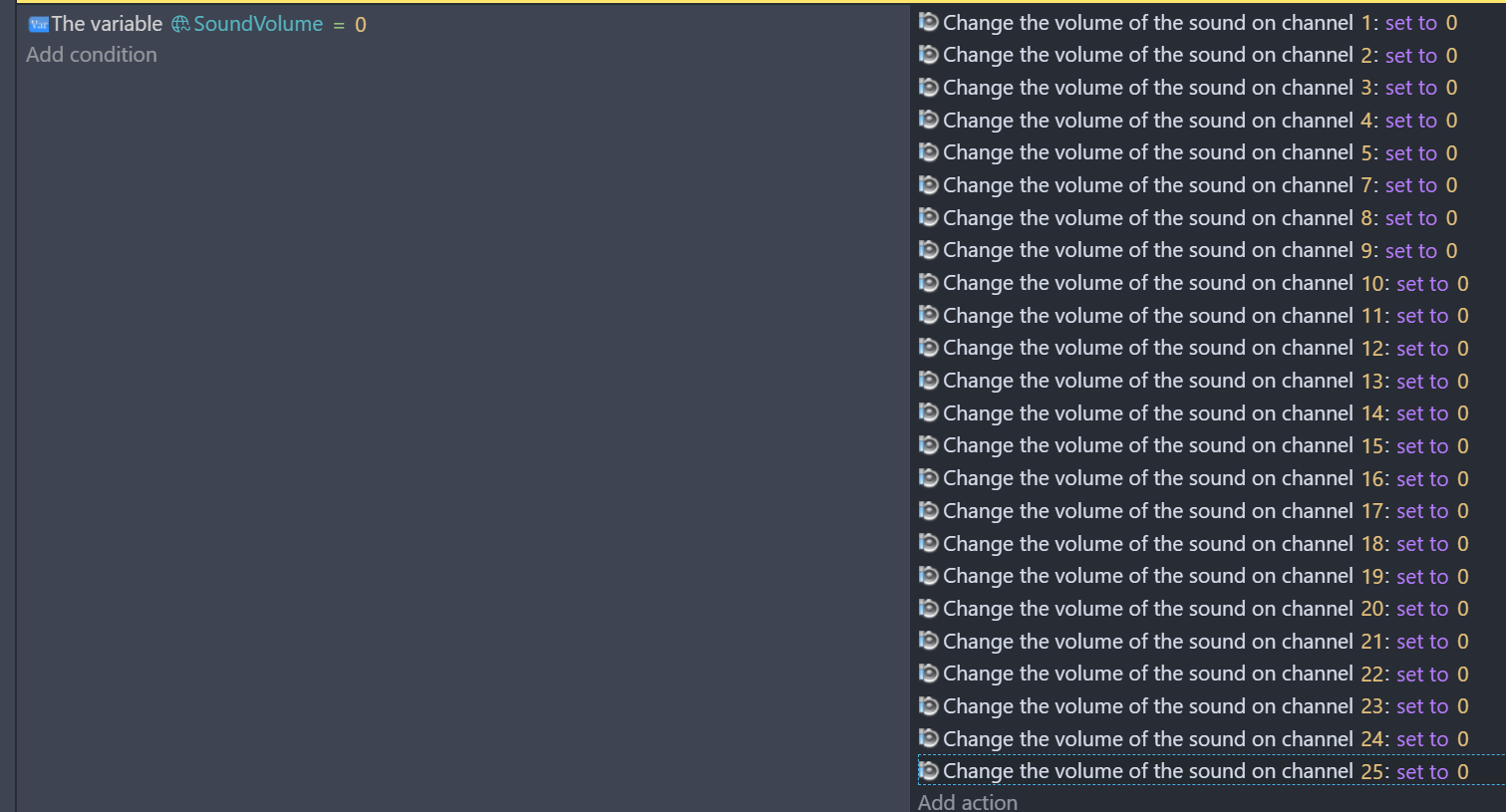
However, Sound Effects are stored on 24 DIFFRENT SOUND CHANNELS. I did this because most of these sounds come from enemies & hazards, like cannons, which there are alot of. I did this to have it check to see if their sound was already being played, so, per say, multiples units of the same enemy firing at once don’t all play the same sound overlapping, as that would probably blow the player’s eardrums out.

If I had to do what I did for the music, it would take a painstakenly long time to to add actions that adjust the volume for each sound channel, for EACH SOUND VOLUME VARIABLE VALUE.
It would look this this, but multiplied by 10 (For each volume). :man_facepalming:

Why can’t global variables be used in expressions?:confounded:
There’s gotta be an easier way to do this…
Holy mother of F
Chapeau bas for you goin to that extreme

Anyway
What will happen if you type here MusicVolume

1 Like

You can learn about variables here:
https://wiki.gdevelop.io/gdevelop5/all-features/variables/#using-a-variable-in-expressions

1 Like

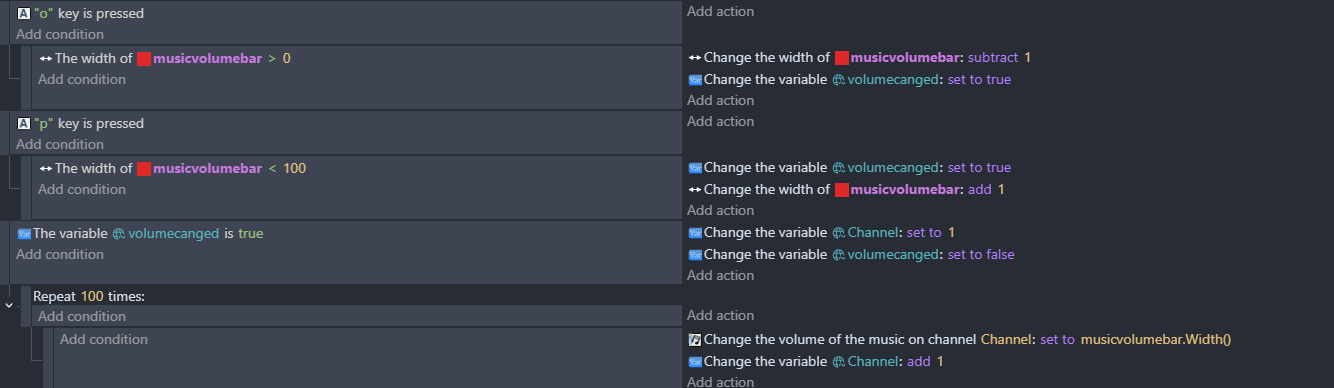
Looking at the events you’ve got …I think that we’re all jealous of the fun that you’ve had…but you could try something like this…

to get a repeat event right click where on the events and select add then repeat
or even simpler…

are you really playing 100 different sound files on 100 different channels?

@davy @petlimpet You guys are aware his only problem was that he could not find expression that returns value of variable

And all he needed is to type name of variable to get it there?

ok …it looked like he wanted to set the volume of a hundred different channels to a variable that’s linked to the width of the music volume object though

I hope im wrong cause it would be funny

Like he is expecting there experssion like

Variable(VariableName) on that list
He could not find it trough expression builder
And that is not how it works

Well of course expression builder cannot hold name of each of variables in that list cause well even i can’t make that long wall of text

But actually his assumption is right
When i would come here (as new user) and i would want to use variable in expression and i would use expression builder
I would expect to find something for variable trough expression builder
OR something that would point me out to just writing down name of variable itself

We know that is not how it works cause WE KNOW
But think about it
Isn’t that exactly what you would think as new user?
I mean maybe not new but one that never did it before?

1 Like

Right ok…I hadn’t thought about it that way. @takratzer … looking ng back at it Im still not sure whether you want 100 individual volume settings? You said…
‘what I wanted was to set the volume of each sound channel to the value of the corresponding global variable.’. …so use an array? MusicChannelVolumes[Channel]
Is that right? All independent?

I think that was his only idea how to have volume variable affect volume on any channels

If you think about it
Even with what he was doing he could not get it to work on one channel
So he needed to do it for 100 channels to work with each value of variable

Ahh …I guess so…imagine if we had to do everything that way … including screen position. So that you need an event for every x and y combination of every sprite …oh how much fun we’d have!

1 Like

Thank you. That did the trick!

I thought we were only able to use expressions from the list. Now I know. :blush: