Describe the bug
Preview Crashing when javascript is run.
The error says that “e.getDrawableX is not a function”
I’m pretty sure this is a bug because I didn’t use getDrawableX.
My Code that made this error
const player = runtimeScene.getObjects("obj_block");
let tailParts = runtimeScene.getInstancesOf("obj_block2")

//for each item in tailParts
for (let i = 0; i< tailParts.length; i++) {
    //if it has an ID
    if (!(tailParts[i]._variables._variables.items.ID._value == 0)) {
        if (tailParts[i]._variables._variables.items.ID._value == 1) {
            tailParts[i].addForceTowardObject(player, 50, 1)
        } else {
            tailParts[i + 1].addForceTowardObject(tailParts[i + 1], 50, 1)
        }
   } else { //if it doesn't have an ID
        tailParts[i]._variables._variables.items.ID._value = tailParts.length;
   }
}
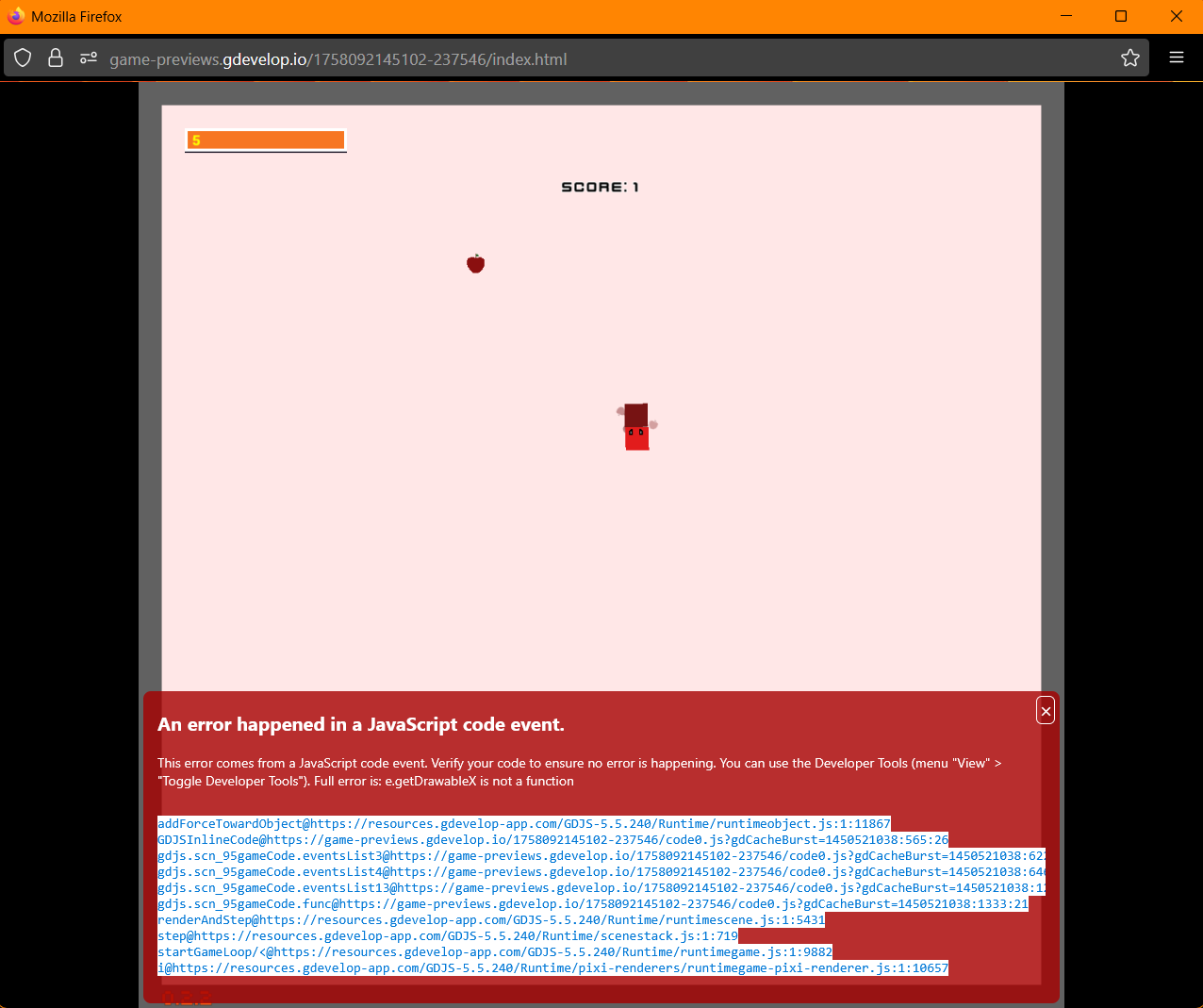
Steps to reproduce
Use “addForceTowardObject” method
(SpriteRuntimeObject | GDevelop JavaScript game engine)
Share a very simple GDevelop project showing the bug
This game has 2 objects, a black 64x64 sprite named “NewSprite” and a reddish sprite 64x64 named “Beans”. I pass these objects into a javascript event block using an object group, and this is the code I use to make the error.
const beans = runtimeScene.getObjects("Beans");
let newsprite = runtimeScene.getInstancesOf("NewSprite");
newsprite[0].addForceTowardObject(beans, 50, 1)
Very similar to how it is in my project, and gets the same error.
Check console