How do I check if player touching specific color
How do i make a goomba like enemy that i just jump on top of the enemy
How do I make a online game with players
How do I make a home menu
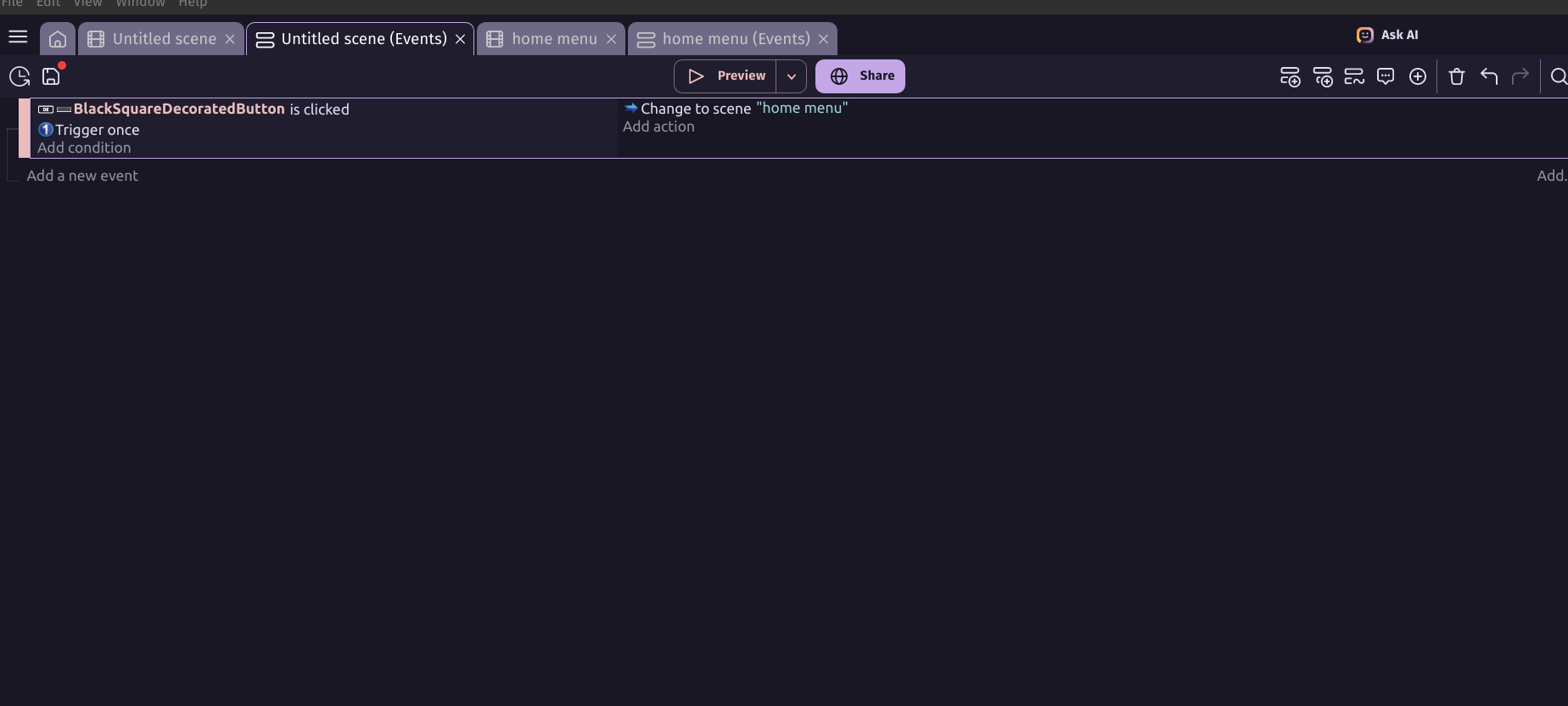
How do I make it so when I click a button it takes me back to the Home Menu
How Do I make cloud saving on a platformer that saves what level and weapons and stuff like that
How do I make NPCS
How do I make cutscenes
1 Like
Theres tons of tutorials on youtube and a gdevelop wiki.
Pls b4 making topics search for tutorials online, wikis, and other topics made by other ppl in the forum.
It depends on how u want it, go to the channel QueTheGameDev he made a vid on this.
3 Likes
That’s a lot to ask in 1 post. In the future, I would limit it to 1 main topic. It’s just easier to answer 1 question at a time. It’s also easier for people in the future to find answers to similar questions.
It depends on what you mean. The read pixels extension might help.
3 Likes
Hi,
Most of the questions you ask cannot be easily answered without further information or just with a few sentences. As zGameCreator mentioned there are also tutorials, templates and example projects you can check first. If you ask for help for every part of your game, you won’t learn anything.
You can check Game examples and Ready-made templates | GDevelop for a lot of examples and templates, the majority of them is free.
It also makes sense to make one or two tutorials first, just for getting the idea how Gdevelop works.
4 Likes
Yep definetly fits in the how do i section frfr
3 Likes
Have u got all your questions answered?
(search for tutorials,use templates, look at other topics?)
2 Likes
not yet im finding how to make cutscenes and
and
2 Likes
i gave u a link to a topic i made in past?
1 Like
yeah but it makes no sense
2 Likes
lol u could make ur own topic about just that question.
1 Like
You could have a “trigger” object on top of each goomba, and if you touch it, it would kill thhe goomba. you could do it by setting the position of the trigger, using the sticker extension to stick the trigger to the goomba, or make it all one object so you can just easily place as many goonbas as you want
2 Likes
btw does gdevelop have like folders for the event sheets(not for scene objects or global objects)
1 Like
cuz i have WAY TOO MANY EVENTS
2 Likes
Yep! They are called event groups and can be found in the + tab!
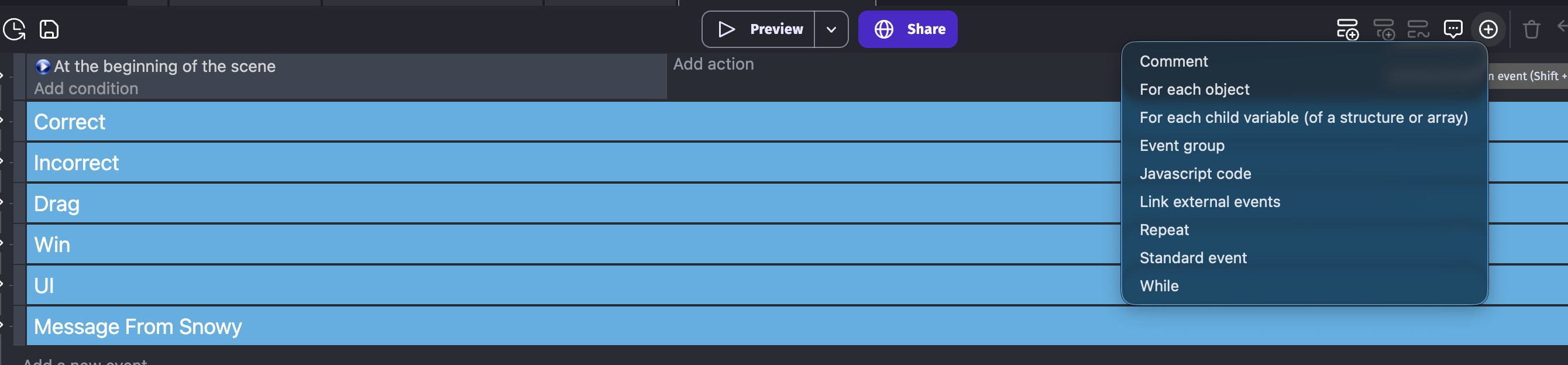
They are those blue things shown in the photo

2 Likes
you can use the ‘read pixel’ extension - use a custom point that’s very near the player and use it to read the colour of that point as an “r;g;b” 255;255;255 being white
1 Like