Resolution: Got some help and realized how EASY it was to change the extension myself to add the font size changer!
Original Post:
Hey! I am using buttons in my game that have text in them, and I’m wondering if there is any way to change the font size with an event. I know you can in the editor, but in a specific case I need to change the size it with an event. Anyone got any ideas?
If there aren’t any functions to change the font size then you could modify the button. Either add events to make it automatically resize the text or just add functions to get and set the text size.
Another option would be to create your own button or use a blank button and place a text object on top of it. You could then adjust the size of the text object.
It wouldn’t also hurt to submit a feature request.
Yeah, consistency is important. Botton text probably should be kept brief. Either let the text wrap or use a wider button within reason.
Another option would be using text below the object or maybe a tooltip or status bar. Although, tooltips only work well on devices with mice not so much on touch screens. It’s not as intuitive.
Hey @davy!
Every button having a different font size doesn’t actually change too much. What I am trying to do right now is make some sort of font resizer so if text is over a certain length, it changes the font size to fit the text still in the button. If this feature isn’t possible to add, maybe you could add an automatic font feature? It would be so helpful in games where we have text that constantly changes size but still has to fit in a certain boundry. Engines such as roblox studio have it and it would be so nice. If not, just a button text resized works!
True except in that case all my button would look weird being different sizes. I’m using the same few buttons for a multiple choice quiz, and the answers to questions are anywhere from 1 character to 20 characters long, meaning that it would be almost impossible to read the 1 character answers if I set the font small enough that 20 character answers could fit.
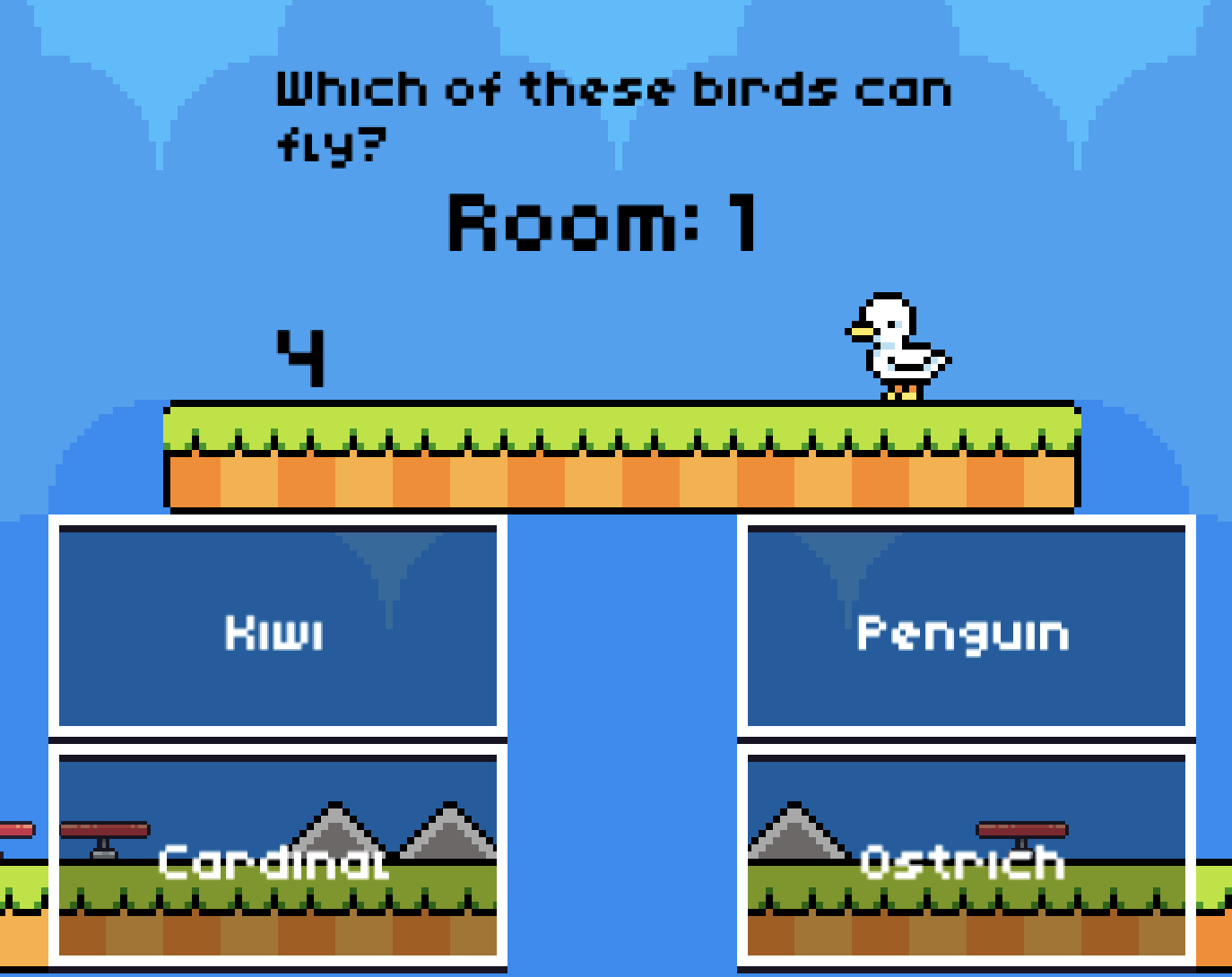
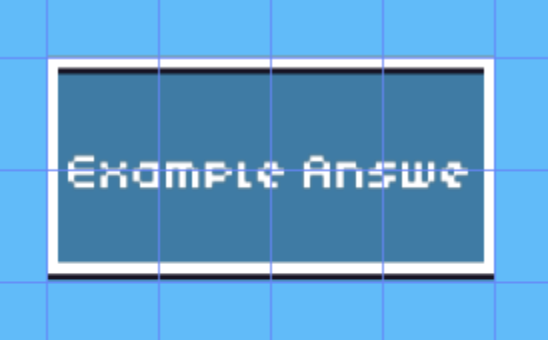
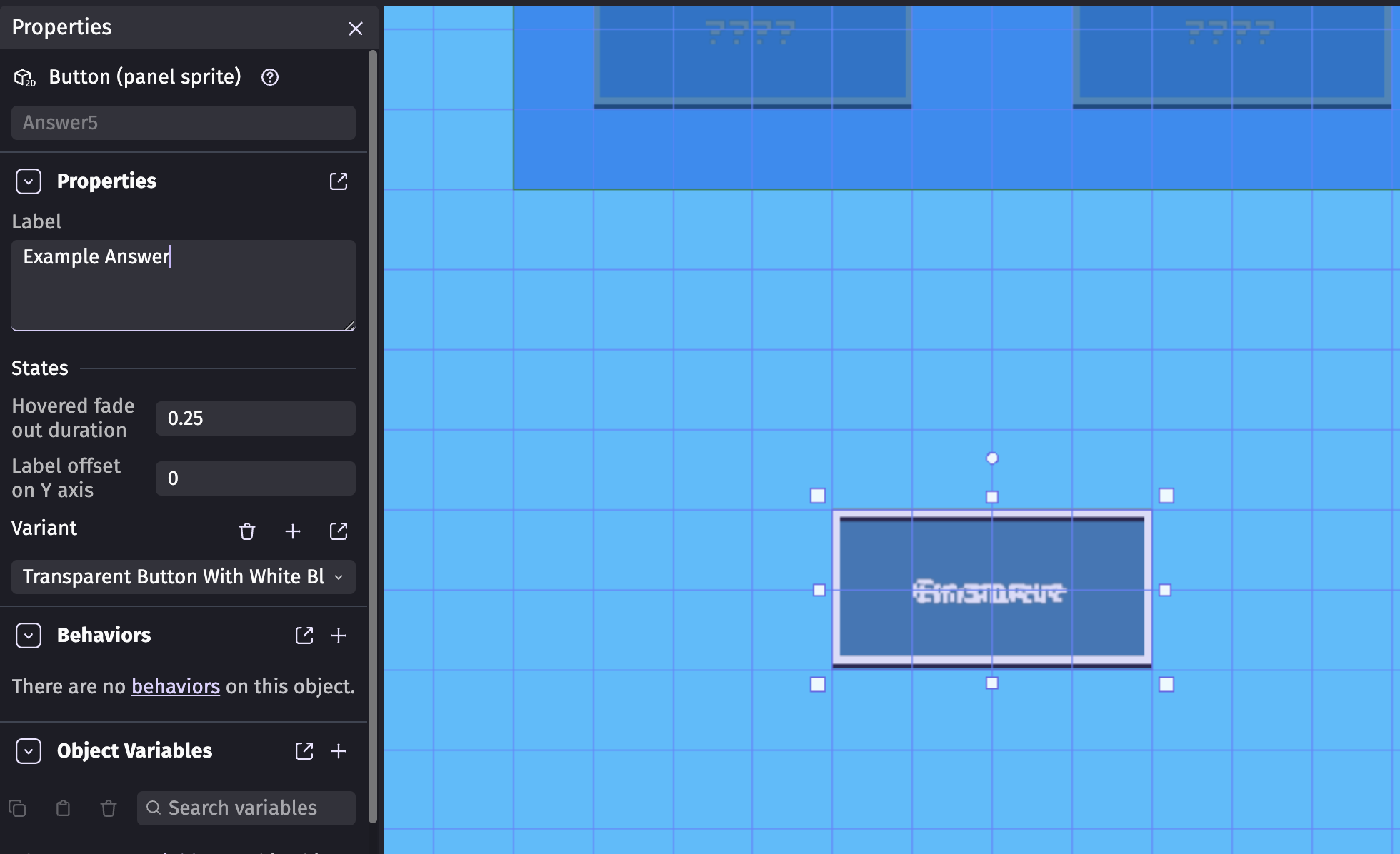
The second mark up explains it mostly! The problem is if I have an answer that is too long, it takes up a second row in the button. Here are some photos:
True. I just wish there was a way to resize it, especially if the answer has a really long word that is 14+ letters. I submitted a feature request just in case, we’ll see what happens!