Can someone explain to me where is, and how to use, that new condition to test if an object is on screen?
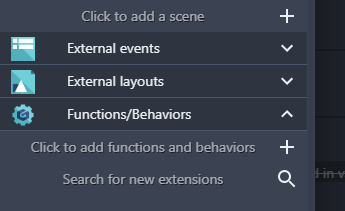
In Project panel, expand Functions/Behaviours, and click on “Search for new extension”:
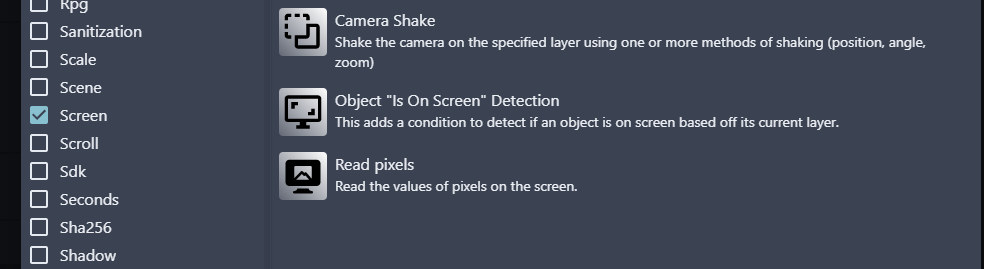
Scroll down the list of tags, and click on Screen. Select “Object ‘Is On Screen’ Detection”:
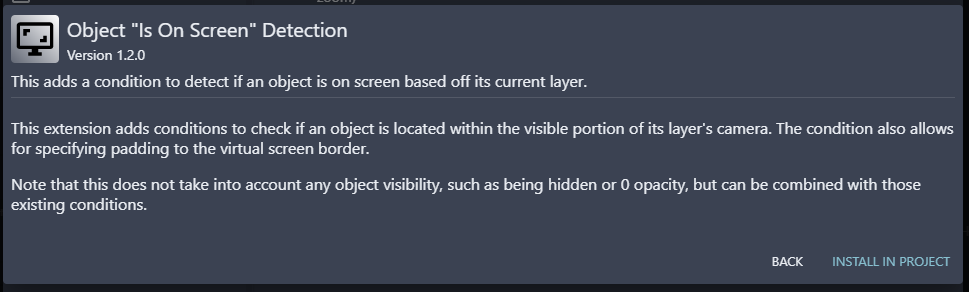
Install in project:
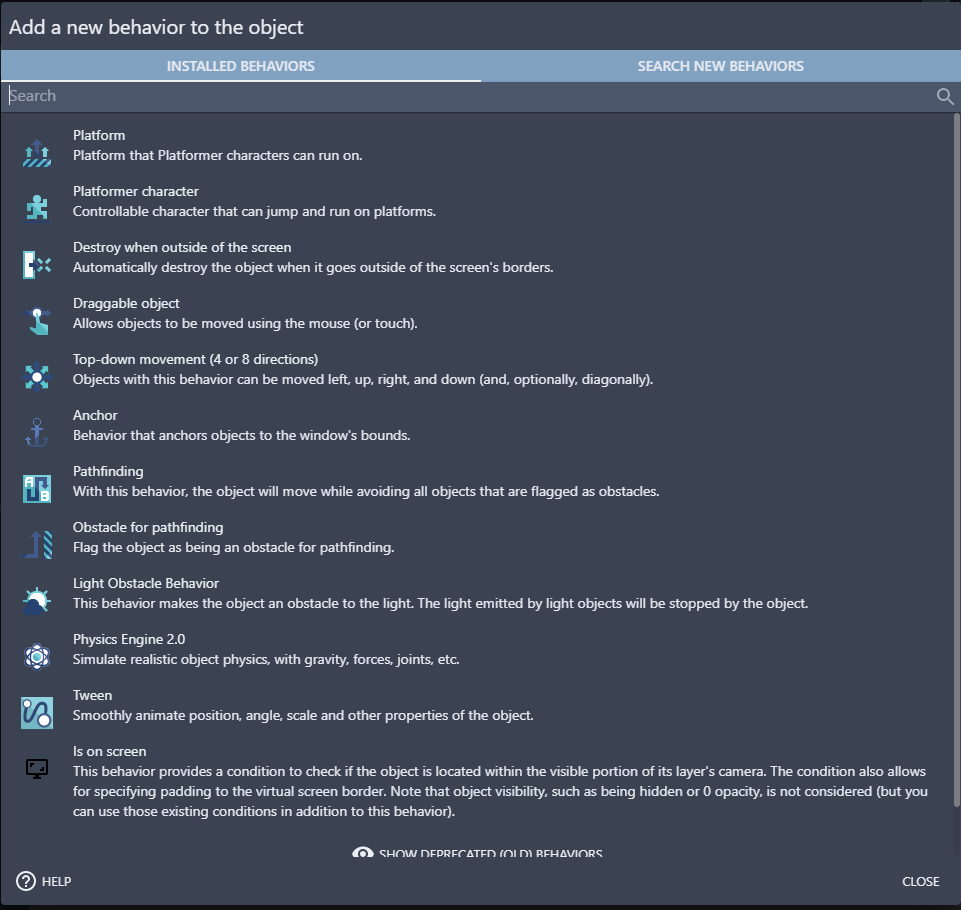
Add as behviour ato an object:
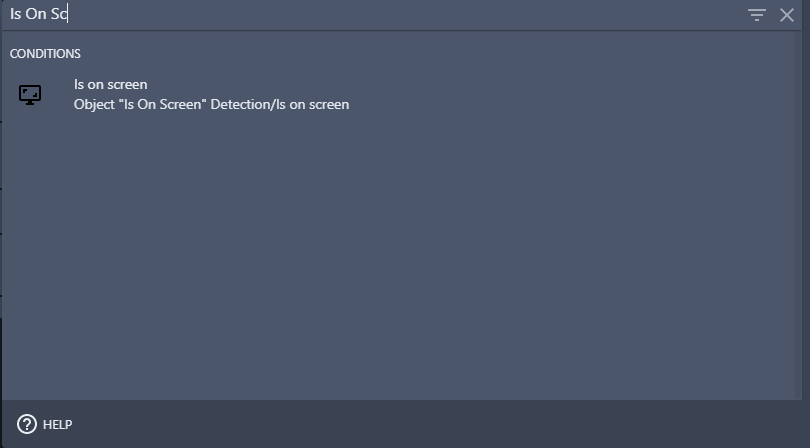
Click on “Add condition” in events editor, and search for “Is On Screen” (top left of the panel):
Select the Object that need to be checked:
