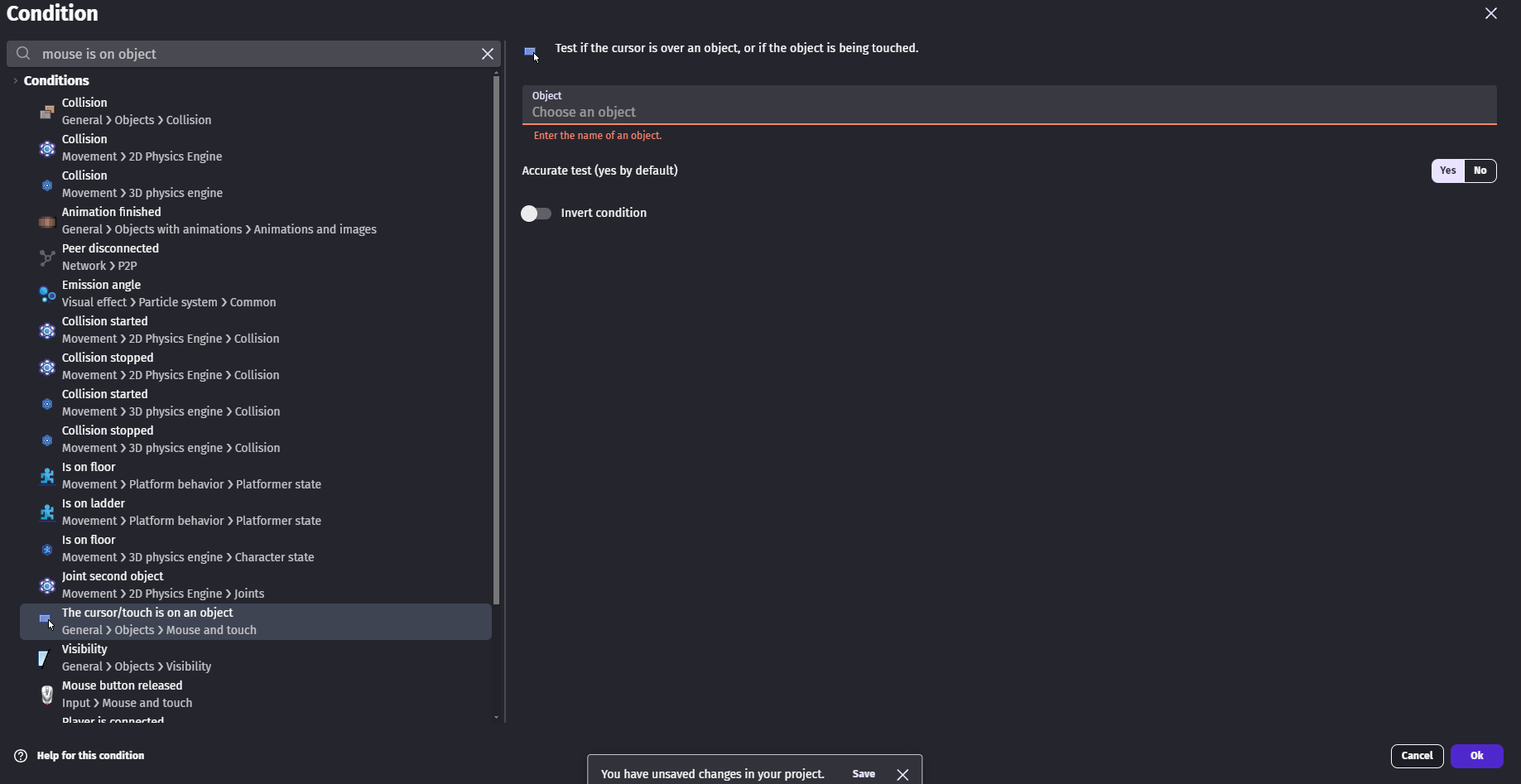
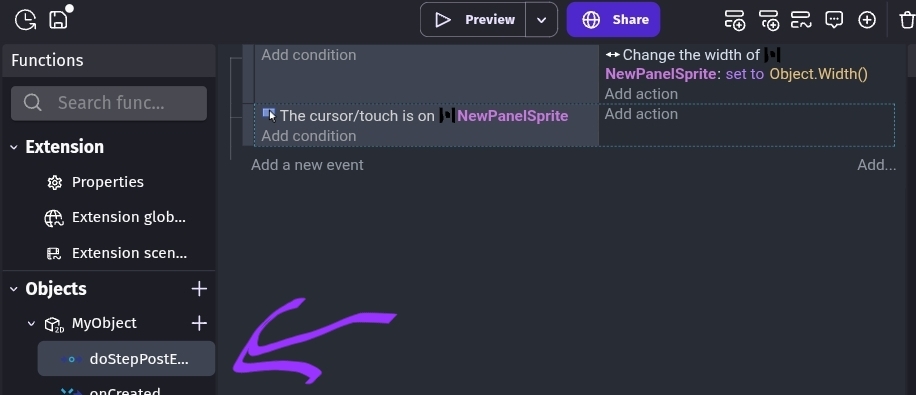
How do I create an event within a custom object that checks if the mouse or cursor is on an object but the objects/sprites within that custom object is not detected?
What is the expected result
Basically I am creating a pause menu and I grouped all the buttons and text for it to create a custom object and I want it to have its own event sheet so that I can reuse the component for each scene without writing the logic of the pause menu on each of my levels.
What is the actual result
The objects within my custom object is not detected by the condition and I can’t proceed on creating my custom pause menu. There are no list of objects available even after clicking the input box several times.
I’m not sure if you can pause a scene from within a custom object. I’ve never tried. From within a custom object, you could probably pause the custom object because they’re like a self-contained scene. I’m not seeing a way to select the target of the scene time scale. Unless you maybe used Javascript from inside the prefab with the scene name passed as a parameter. IDK. I’ve never tried pausing a scene from a custom object.
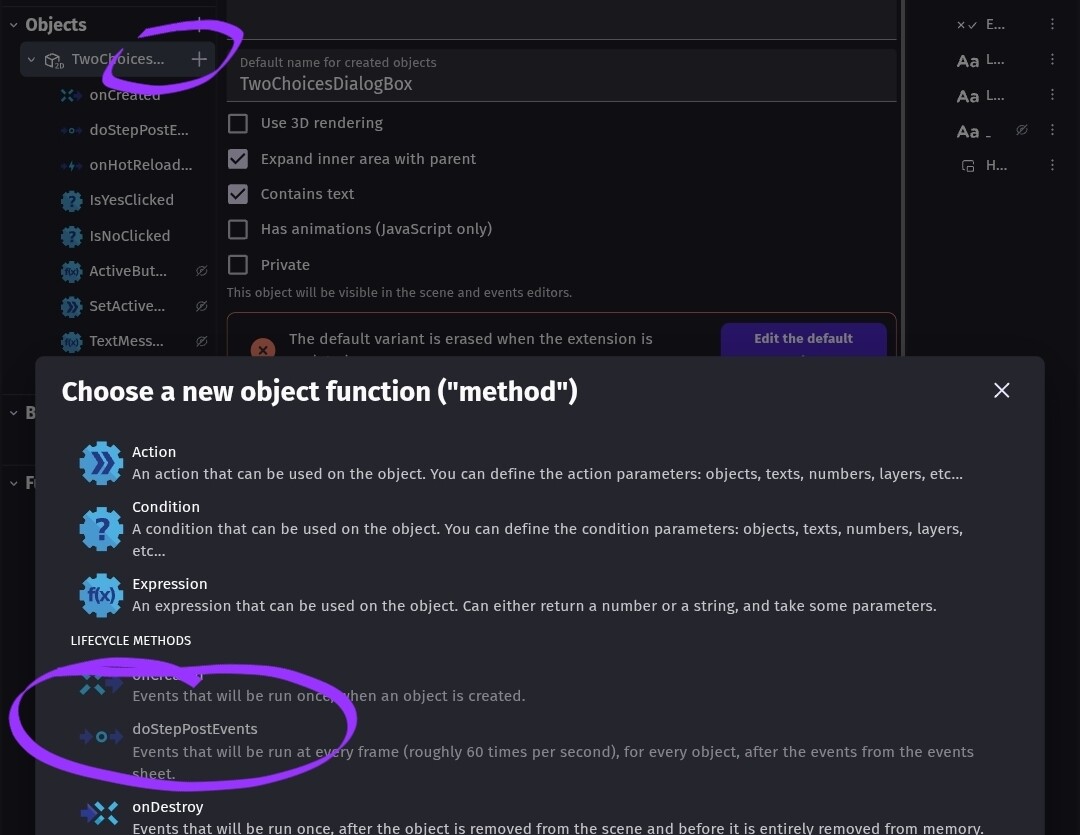
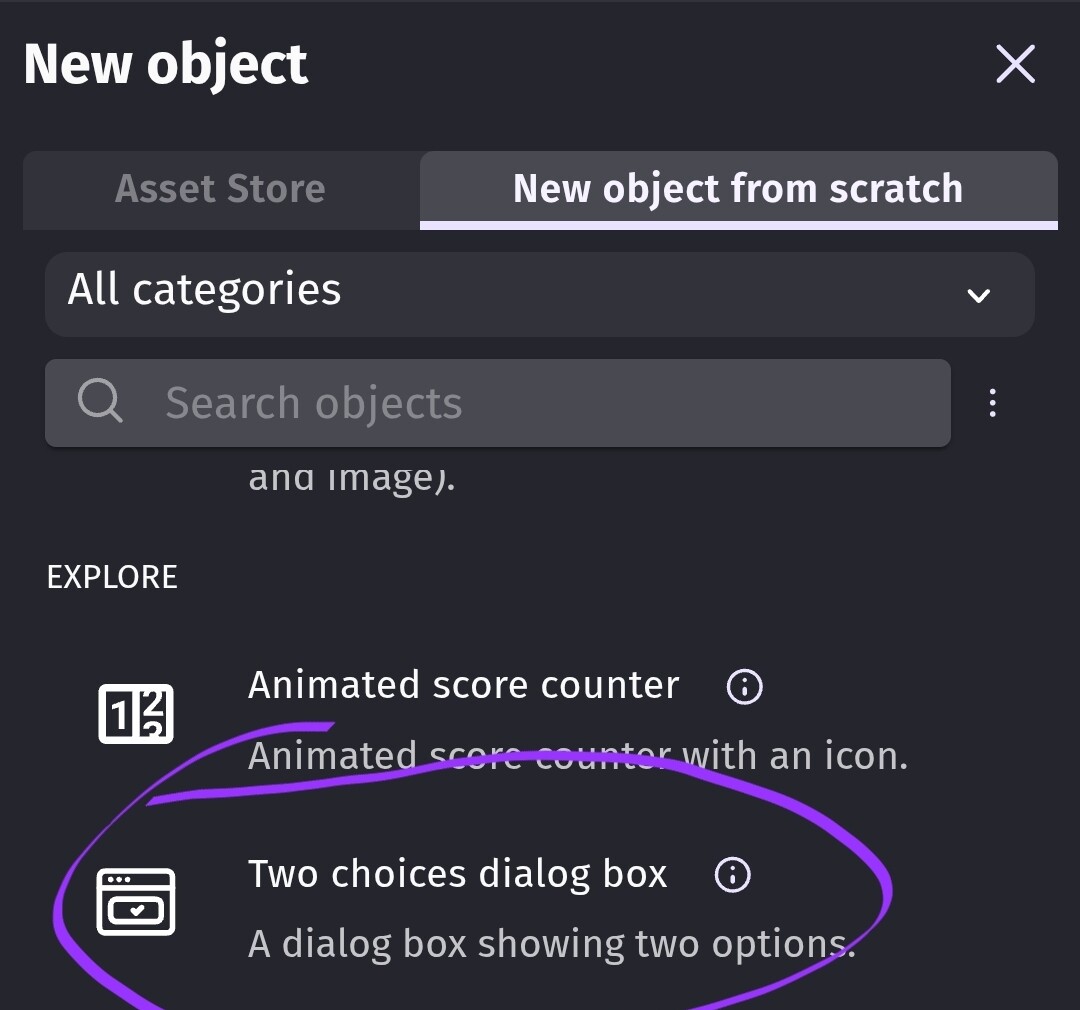
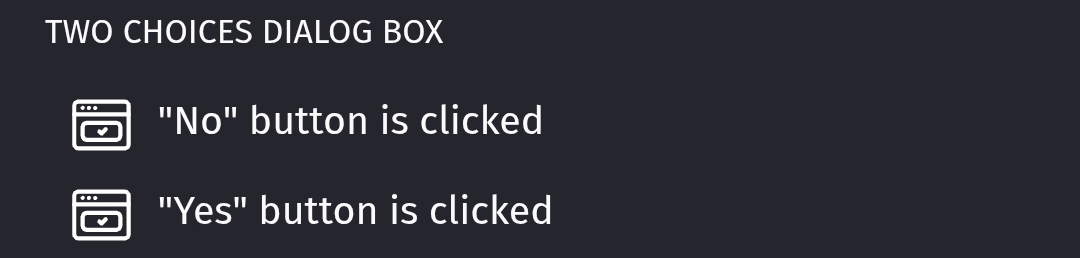
I guess you could use a custom object like the two choice control and use it’s condition from the scene to pause the scene.
I don’t know if you can use a standard function not within a custom object to pause a scene. You might be able to call the function from the scene or from the custom object. That would minimize the events.
It’s a new concept to me and maybe I’m missing something or over-thinking it. If you just use the prefab like it’s a two choice object than I don’t see an issue. You can detect the selection from a scene and handle it from the scene.
Although, it would be nice to be able to put all of the relevant events inside of a custom object, I just don’t see an easy way.
hmmm i see, I am quite new to the platform and game development so I think that is complicated to have the custom object to control the time scale of the scene. Do you have any easier suggestion on how should I approach the addition of the pause menu for each level? The only way that I can think of right now is brute forcing the creation of the pause menu elements on each scene and its logic by copy and pasting from one level to the other.
You can use a custom object as the UI but the events to pause a scene seem to need to be called from the scene otherwise it’s likely to use the custom object as the target.
I don’t know if you can trigger the events from an external event sheet or a regular function. I just don’t know. Try it and see what happens. You might need to make the custom object a global object so it doesn’t need to be added to each scene.