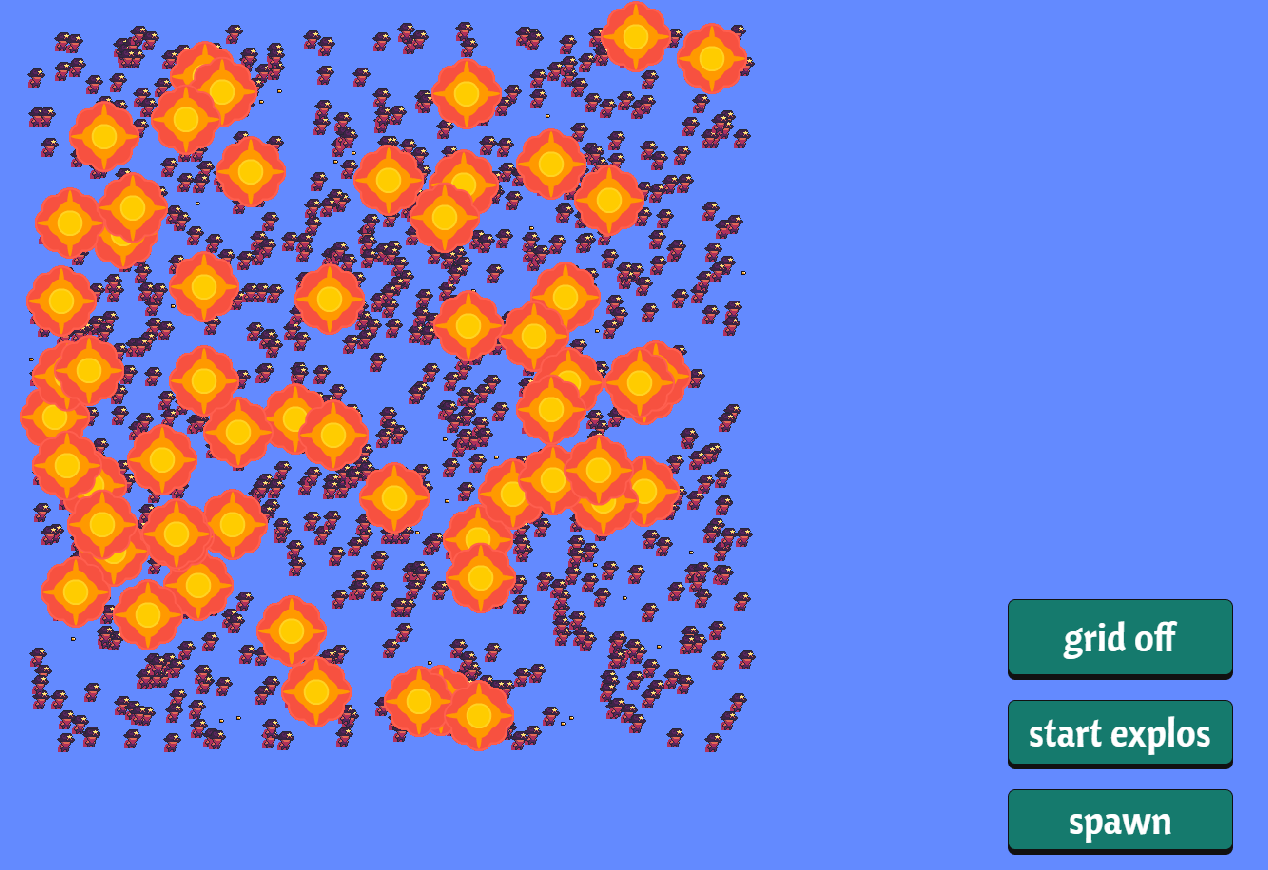
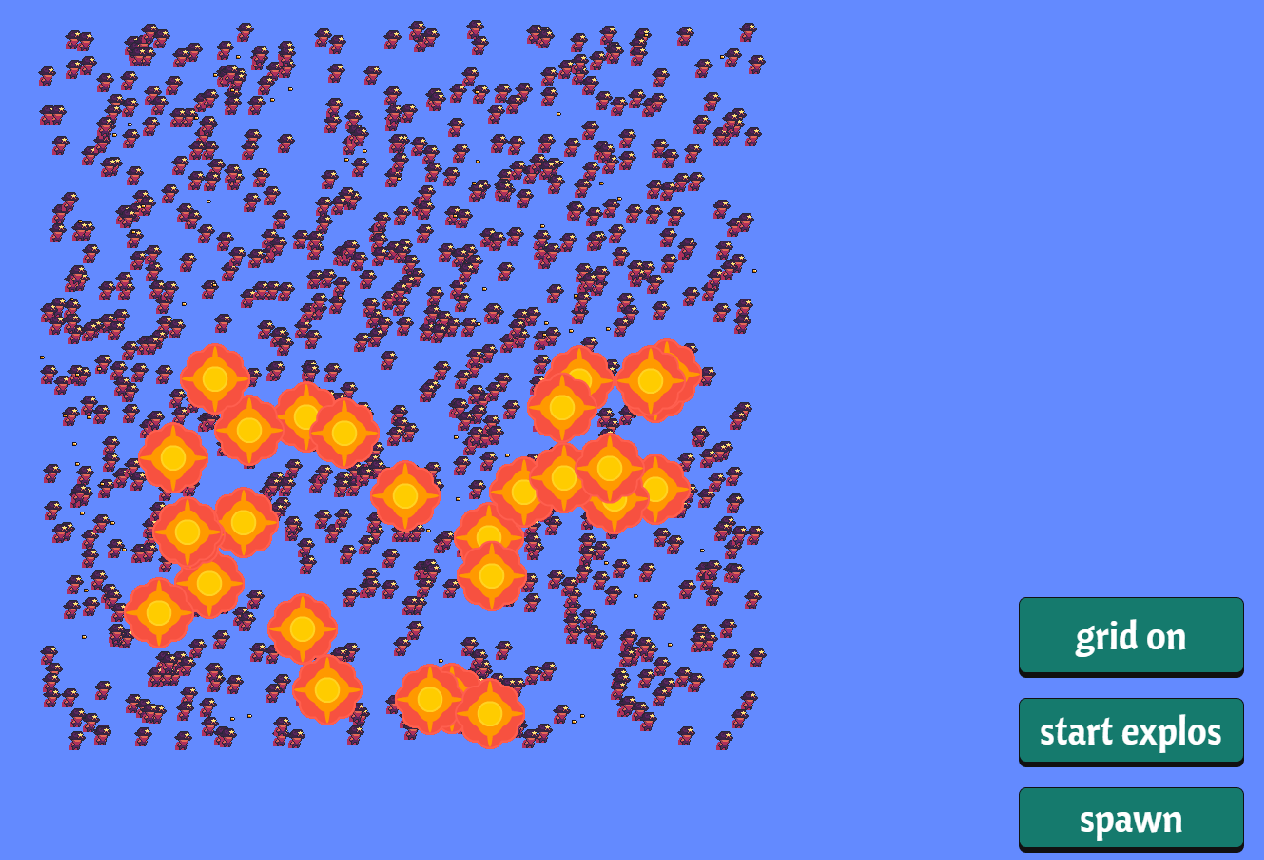
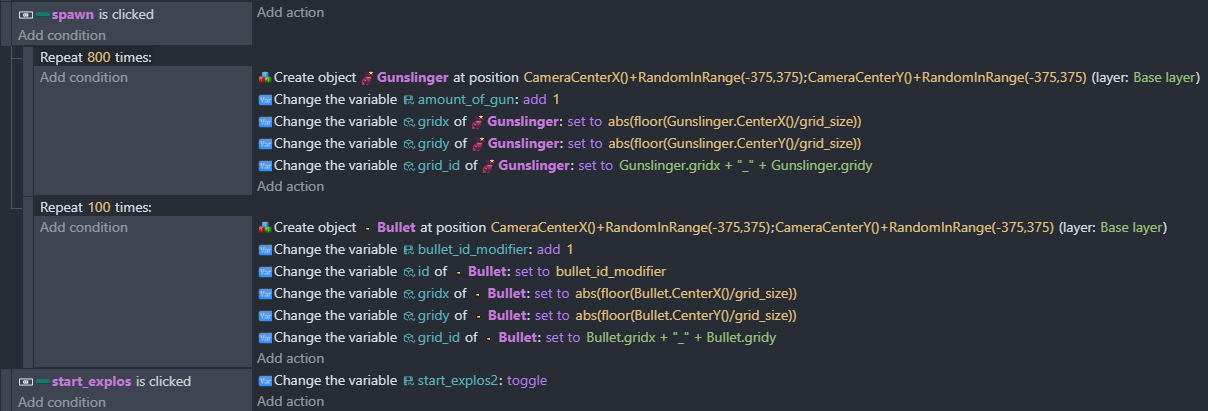
Repeats can become inefficient with large number of objects.
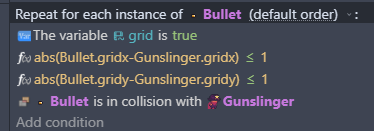
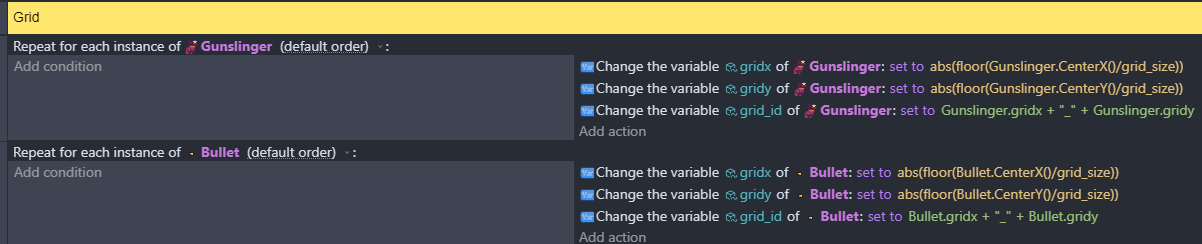
The repeats you have are unnecessary. The first 2 events do not need a repeat for each object. You can just use an unconditional event with the actions to calculate gridx and gridy. The values calculated for each object will be based on only that object’s position.
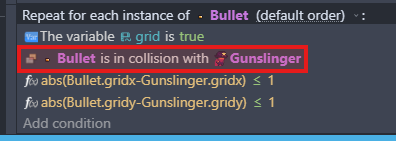
For the collisions, you also do not need to do a repeat for each object. So event with:
Variable Grid is false
Bullet is in collision with Gunslinger
will only select the bullets and gunslingers that collide with each other. There’s no need to repeat.
Just because you’re using a grid doesn’t make the problem you encounter an issue with spatial partitioning. If GDevelop is using spatial partitioning for collision detection, it’ll be doing it for each object it works with, not your grid.
Because spatial partitioning is a way of dividing up space into smaller regions so that objects only need to deal with nearby objects instead of everything at once.
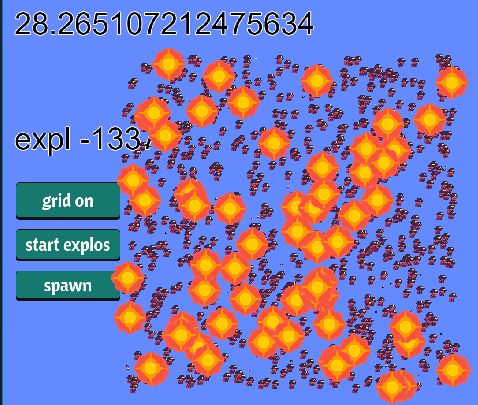
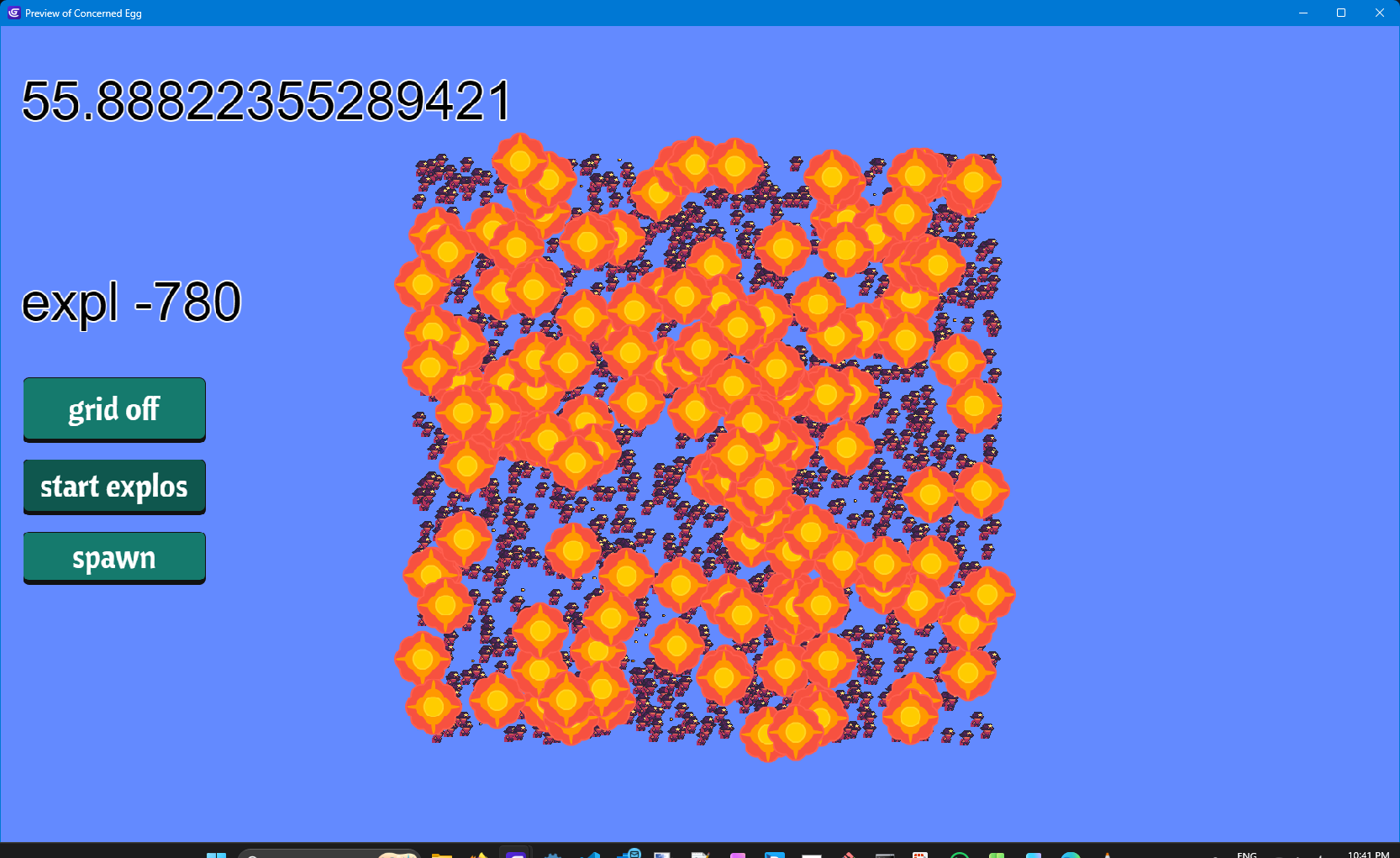
As for why only a block of bullets explode, realise floor returns an integer, and the difference between integers will be another integer. So the gridx and gridy values will be 0, 1, 2, 3… Checking whether it’s less than or equal to 1.1 is pointless. Those differences will only be 0, 1, 2, 3 etc.
So it could just be coincidental that the girdx & gridy differences do not meet the threshold.
For example, say the grid was 64x64, and Gunslinger.CenterX()=127 and Bullet.CenterX()=128 and the condition is Gunslinger.gridx-Bullet.gridx < 1.
They are right next to each other, but the gunslinger.gridx = 1 and bullet.gridx = 2, and the condition won’t be met.
Yet if Gunslinger.CenterX() = 64 and Bullet.CenterX()=127, then they both have a gridx value of 1, even though they’re nearly a whole grid size apart.
So for that last event,you may be better off using a standard event with the 2 conditions:
Bullet is in collision with Gunslinger
abs(Bullet.CenterX() - Gunslinger.CenterX()) < grid.size * 1.1
That may solve your problem.
And get rid of all those repeats.