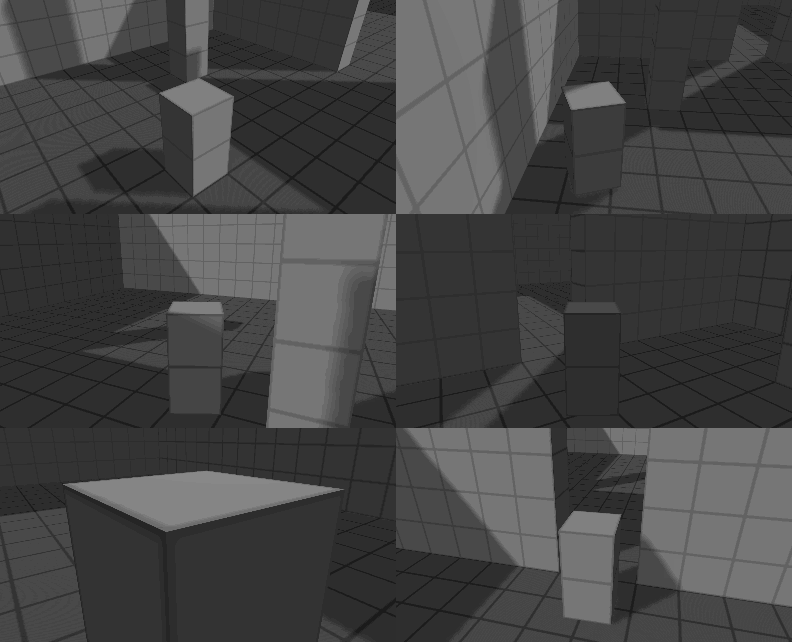
I know that in other engines this problem is solved by creating a sphere that does not pass through walls and the camera is placed inside it, which creates this safe distance and prevents the camera from passing through objects. Im not sure on how to make something similar in Gdevelop.
Do you have any ideas on how to avoid camera clipping through the walls? Thank you.
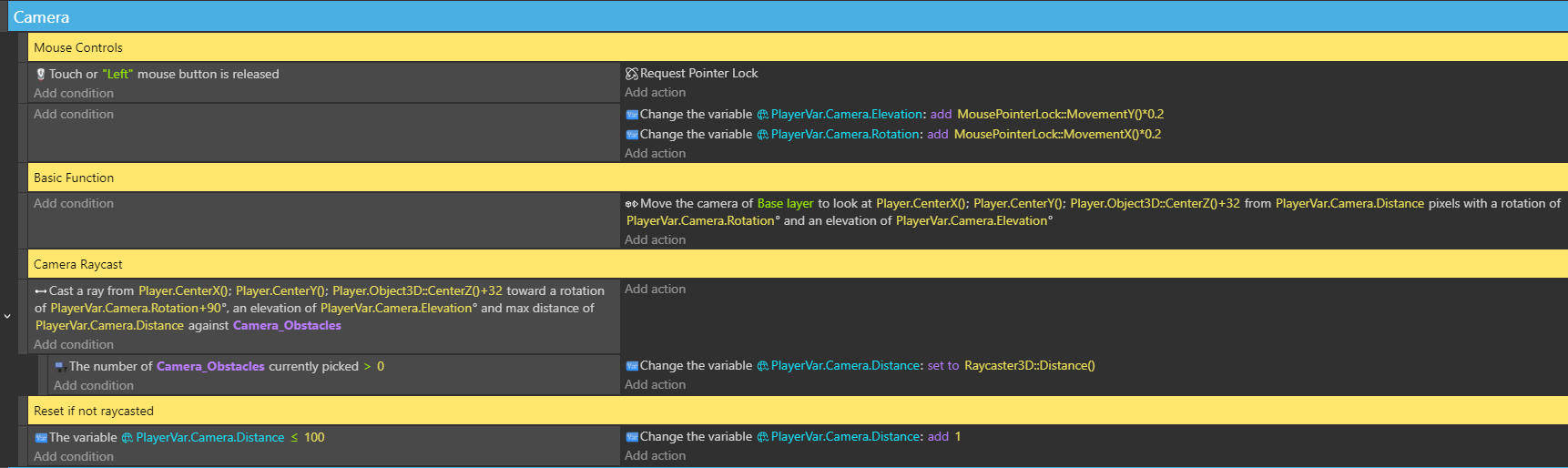
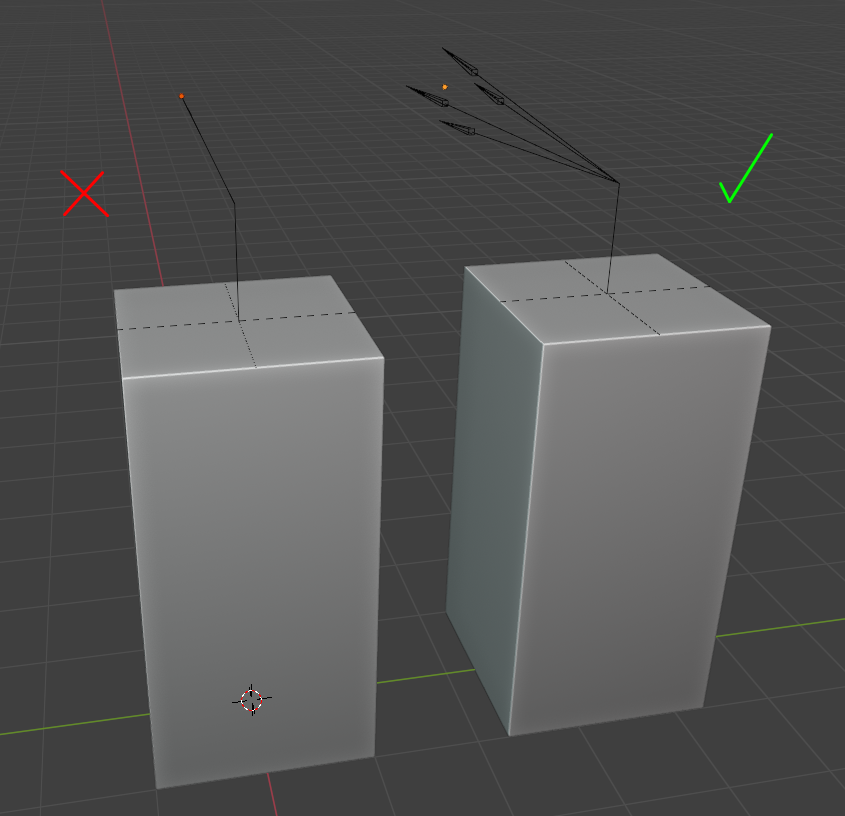
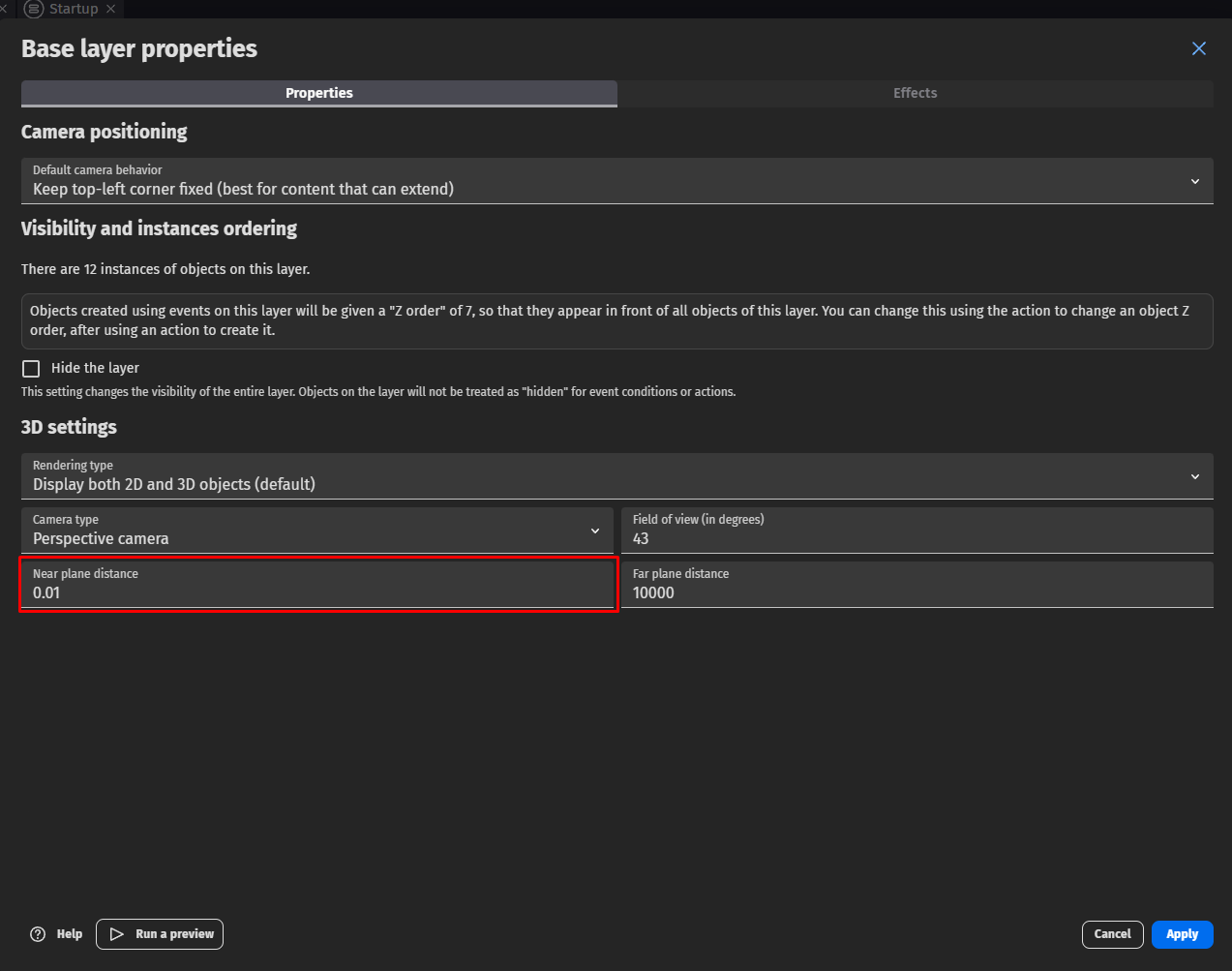
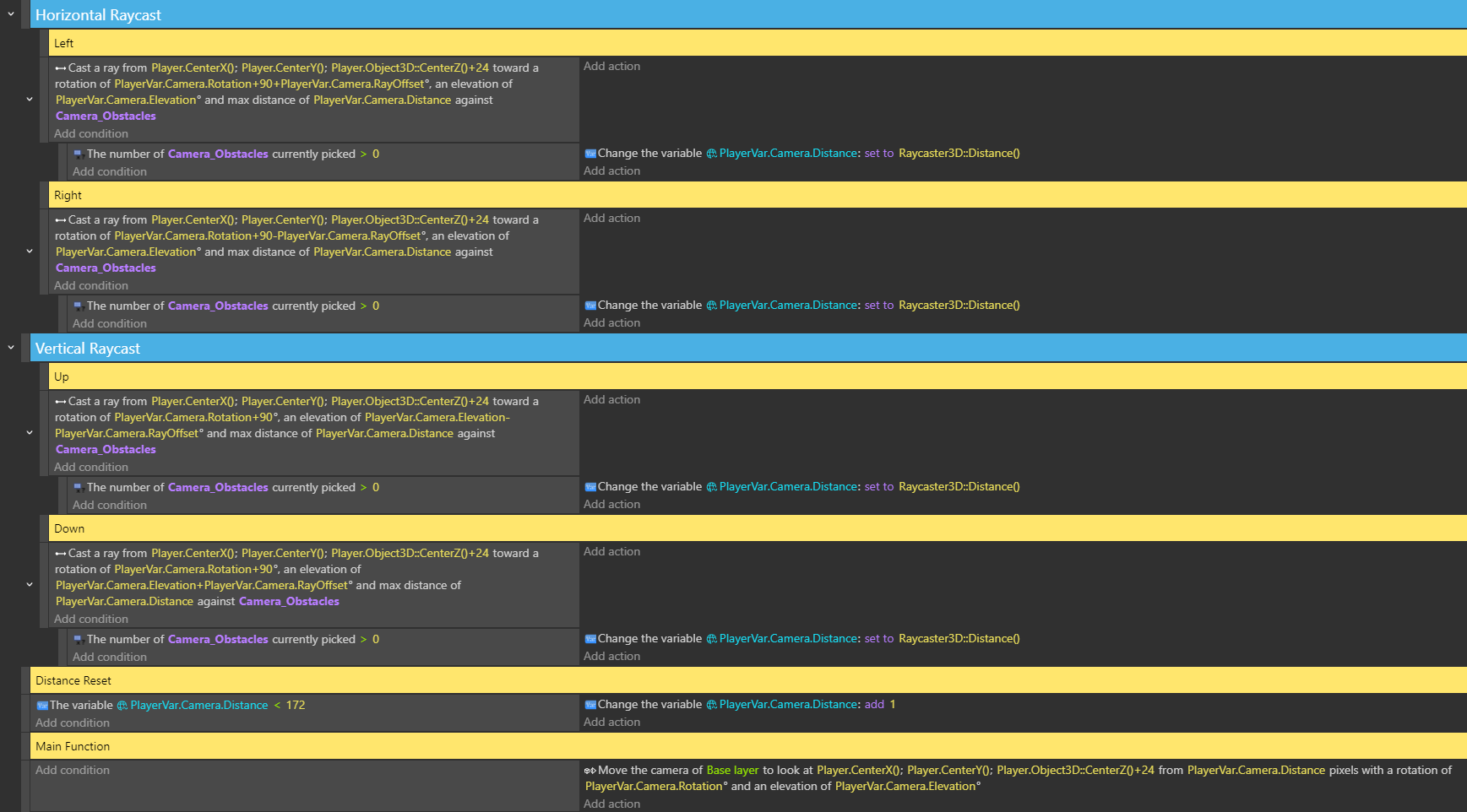
This way the raycast creates a safe radius around the camera and prevents clipping. In addition, it is better to set the “Near Plane Distance” layer parameter to some small value.
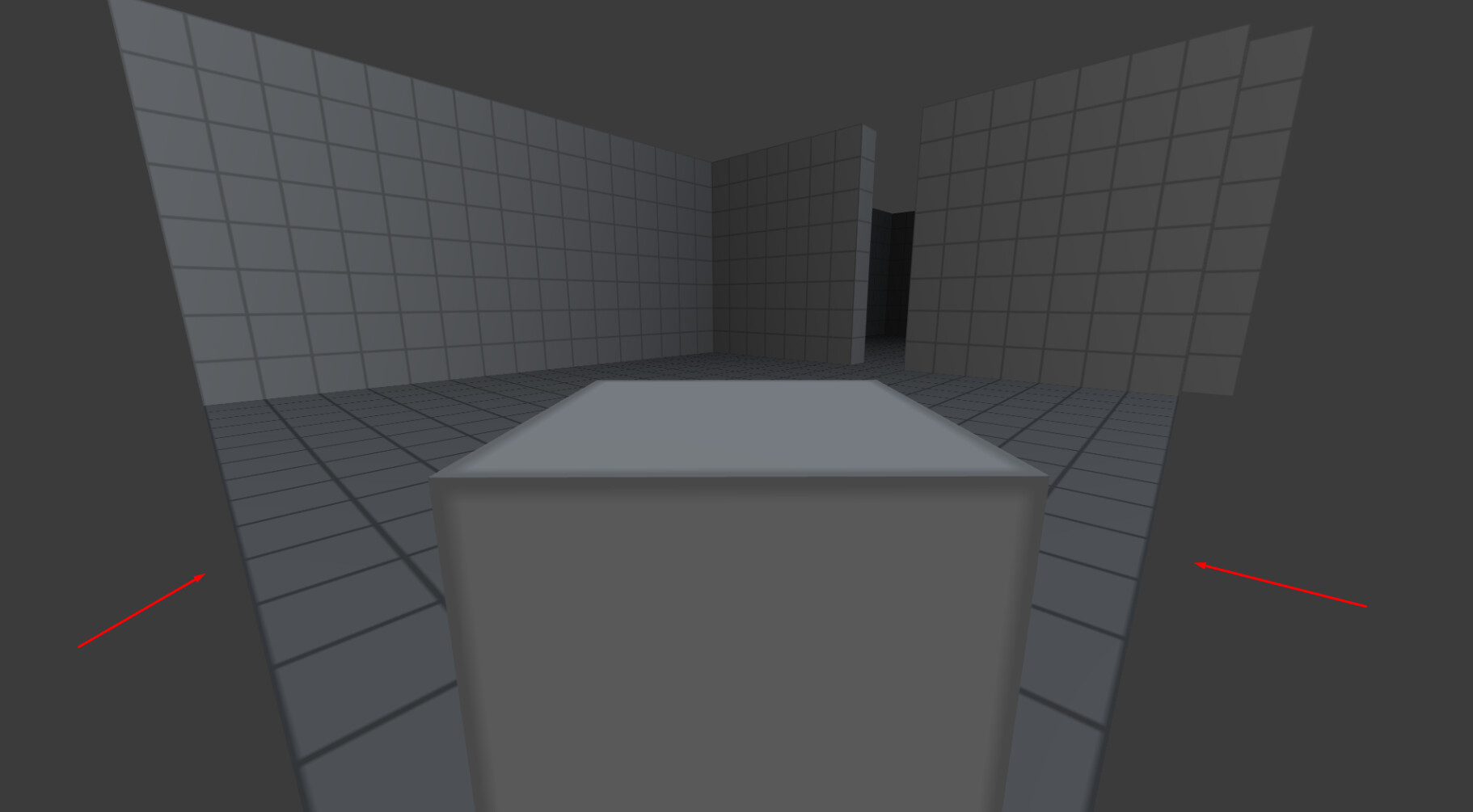
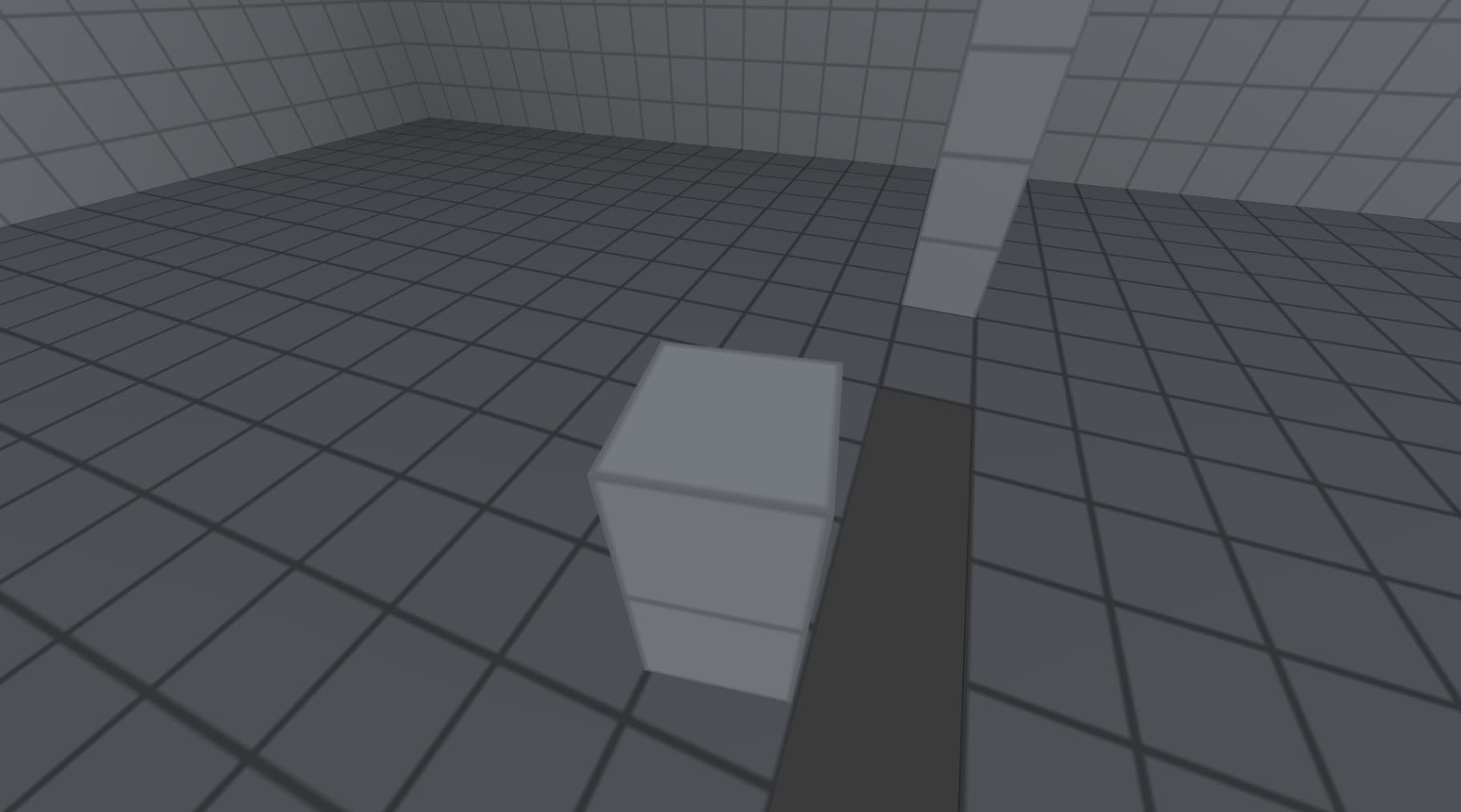
The solution is not perfect and im going to try to reduce the number of events + there are minor flaws and sometimes camera still catches a very little pieces of thin/small objects on the very sides, although its very subtle.
I launched Dark Souls 3 out of curiosity, and in the very first random location I found a huge number of places where the camera clips through objects and wall decor elements. Although I completed the game several times, this is the first time I’ve seen it, so apparently those minor flaws are not a problem even during dynamic gameplay and active camera movement.
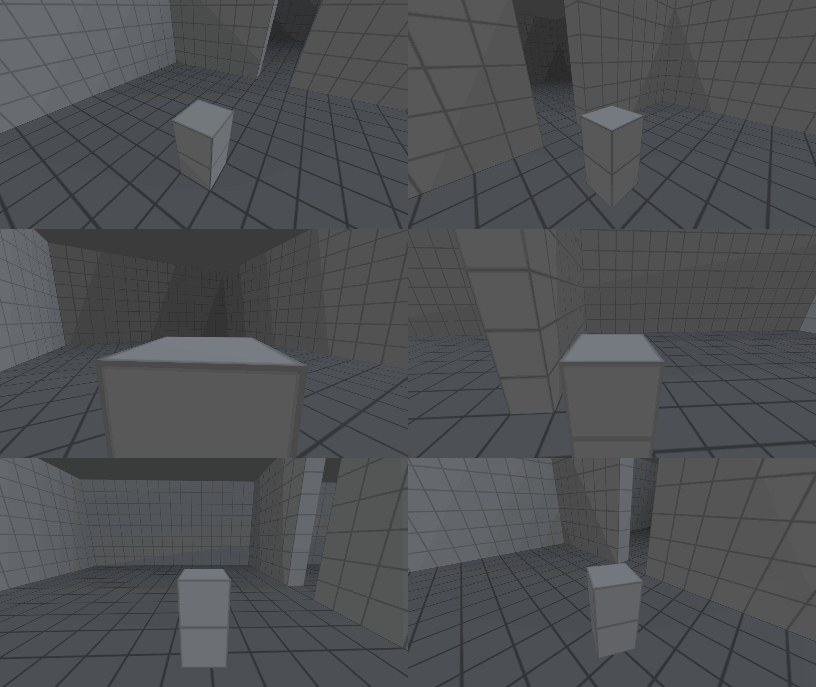
I tested this in different scenarios - small objects, thin objects, convex and concave surfaces etc. - it works perfectly, no issues, bugs or clipping what so ever so this solution is usable.
One small addition though - subtract a really small value like 1 or 2 from the resulting distance variable so that your camera is actually inside that safe zone described by 4 raycasts.
And dont set “Near plane distance” to a value less than 1 - it results is visual bugs and Z fighting.
Hey! I don’t suppose you have this as a template or a downloadable project? I’m having trouble with it and would love to sit and look through the events!
 . I suspect it’ll become a linked topic soon, once more GDevelop game creators encounter this problem.
