Hello.
So I’m making a horror game in 3d first-person perspective, I wanted the player to have some sort of tracking device in order to track the monster, however I’m not really sure how to go about it.
The plan I had was to add the tracker as a 2d sprite in a layer above the 3d layer, the plan was for the tracker to basically be an arrow that points to the direction the monster is relative to the direction being faced and position of the player, as well as having some sort of numerical measurement to display the distance between the player and monster.
I realize I may be asking for too much here but I would really apreacite the help if somebody is interested, also it doesn’t really have to be exactly described here, if you have a different idea that you think would be better or more simple to make please tell me.
Thank you in advance.
Hello @sdsadas
At first glance, I would see a frame displaying, for example, 2 points and their movement: red for the monster and yellow for the player.
This frame would be on a dedicated layer and could be displayed at the bottom of the game screen.
I’m going to try to find a graphic of an example of a game that I made a long time ago on MultiMedia Fusion.
This is:
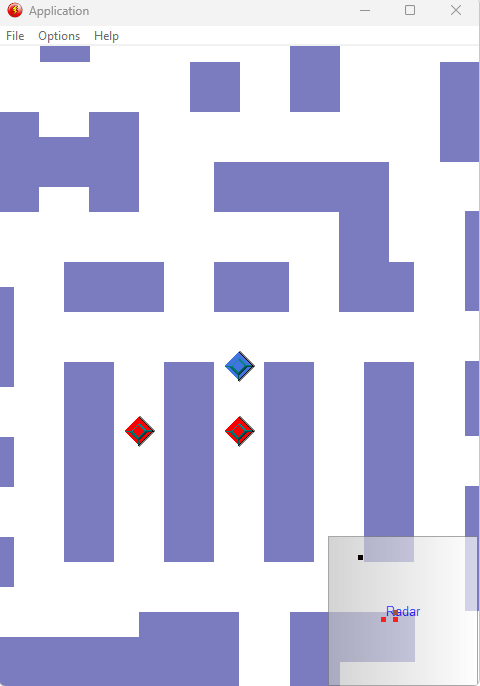
I added below a video file:
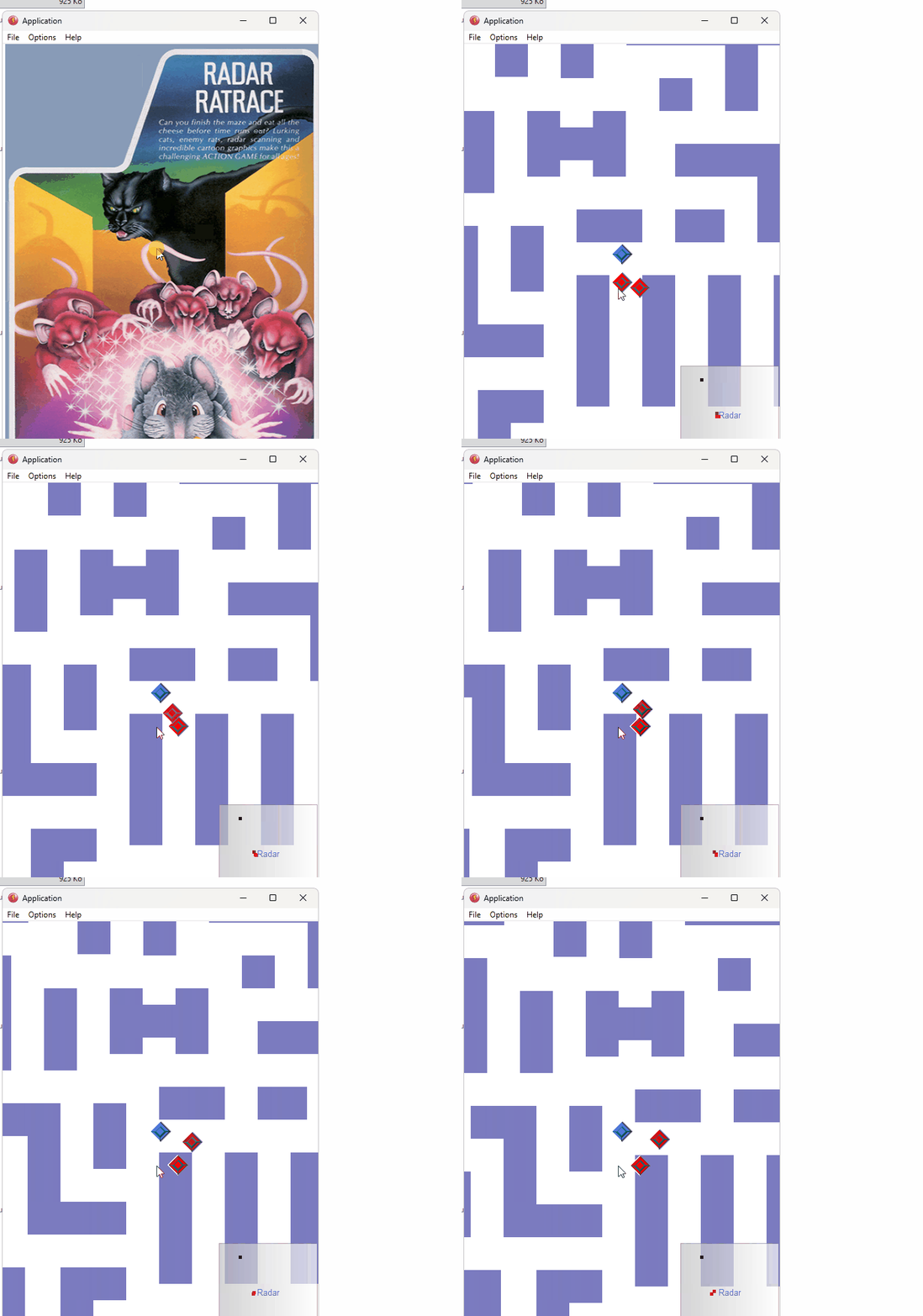
A+
Xierra
Thanks for responding!
Hi.
So I kinda figured it out, it was much simpler than I thought, turns out since my 3d objects are placed on the X & Y axis (exactly as 2d objects are) so I can just use the x & y values of the player and monster to determine the angle, so I created a new layer added an arrow and added an event to change the angle of the arrow to the angle between the player and monster minus the player angle (Player.AngleToObject(Monster)-Player.Angle()), with this the arrow points to the monster from the position of the player and it accounts for the direction the player is facing.
I still haven’t figured out how to transform the distance into a numerical value.
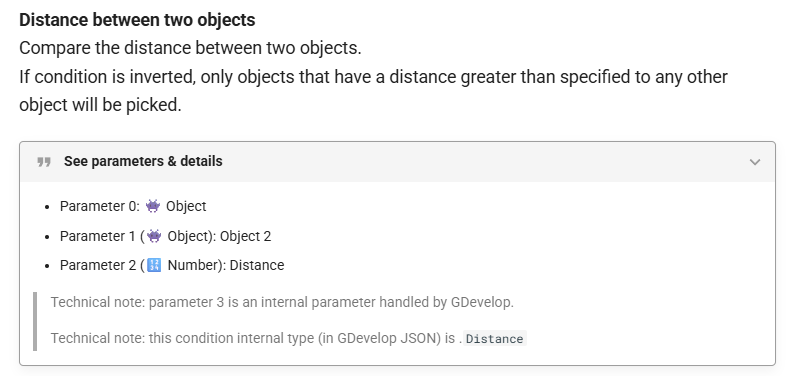
Thanks but it’s not really what I needed, I figured it out though, turns out that in mathematical tools there is a way to check the distance between two positions, so I simply needed to add a text object and set it to display
ToString(DistanceBetweenPositions(Player.X(), Player.Y(), Monster.X(), Monster.Y()))
Still thank you very much for taking the time to help me!
This is though the distance (in pixels) between 2 objects.
What I told you about above.
A+
Xierra